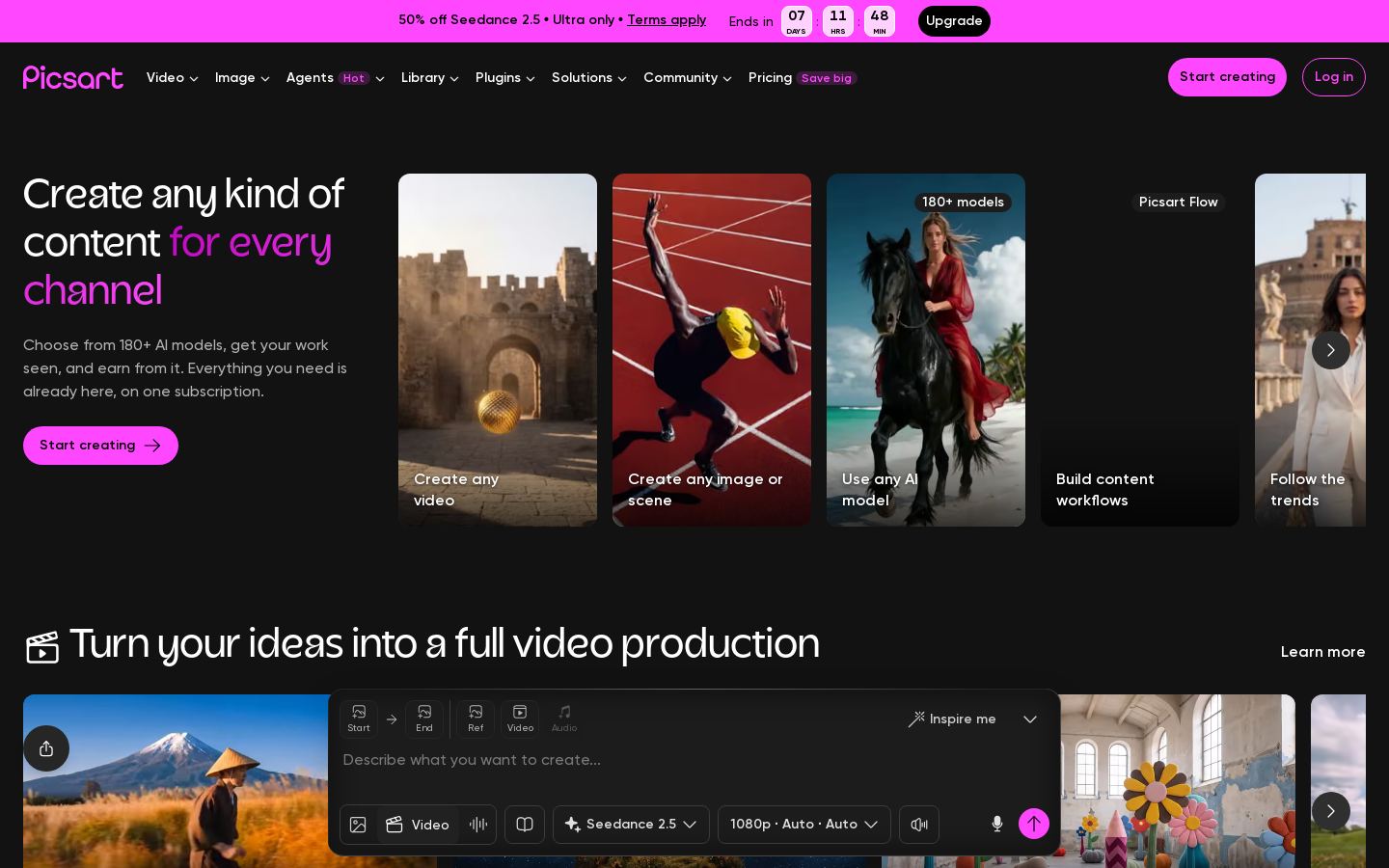



DCapCut vs Descript
Pricing, features, platforms and who each one suits — side by side.

Choose CapCut if…

- you work on Windows, macOS, iOS
- you're in its core audience: content creators, social media marketers
Choose Descript if…
- you need an API to build on
- you're in its core audience: podcasters, youtube creators
Side by side
Key features
C
CapCut
- Online, desktop, mobile and tablet video editor
- Auto captions and subtitles
- Text to speech and custom voices
- Image and video background removal
- AI image and video generators
- Noise reduction and voice enhancement
- Template library for social and business content
- Brand kit on Teams plan
D Descript
- Edit video and audio by editing the transcript
- Transcription in 25 languages with speaker detection
- Studio Sound noise removal and voice enhancement
- One-click filler word and retake removal
- Underlord AI co-editor driven by prompts
- Voice clones, stock AI voices and speech regeneration
- Automatic clips, captions and video translation
- API and MCP server for programmatic editing
Plans and prices
From each vendor's site. Prices change — confirm before buying.
CapCut
Descript
Strengths and limitations
CapCut
- Free plan with basic editing tools and templates
- Available on web, desktop, mobile and tablet
- Paid plans include 1 TB storage
- Supports 20 languages
- AI generation is limited by monthly credits
- The pricing page says its prices are for reference only and final pricing shows after sign-in
- No public API listed
Descript
- Free plan with no credit card required
- Text-based editing removes the need to scrub a timeline
- Recording, editing, captions and publishing in a single tool
- SOC 2 Type II, SAML SSO, SCIM and GDPR compliance for business use
- Free plan includes only 60 media minutes a month and 100 one-time AI credits
- 4K export requires the Creator plan or higher
- Translation and dubbing only on Business plan and above
- Paid plans are priced per person
More comparisons
Other options to consider
D

Editing, color, VFX, audio and photo post-production in one desktop app
Professional video editing with AI masking, text-based editing and color tools
V
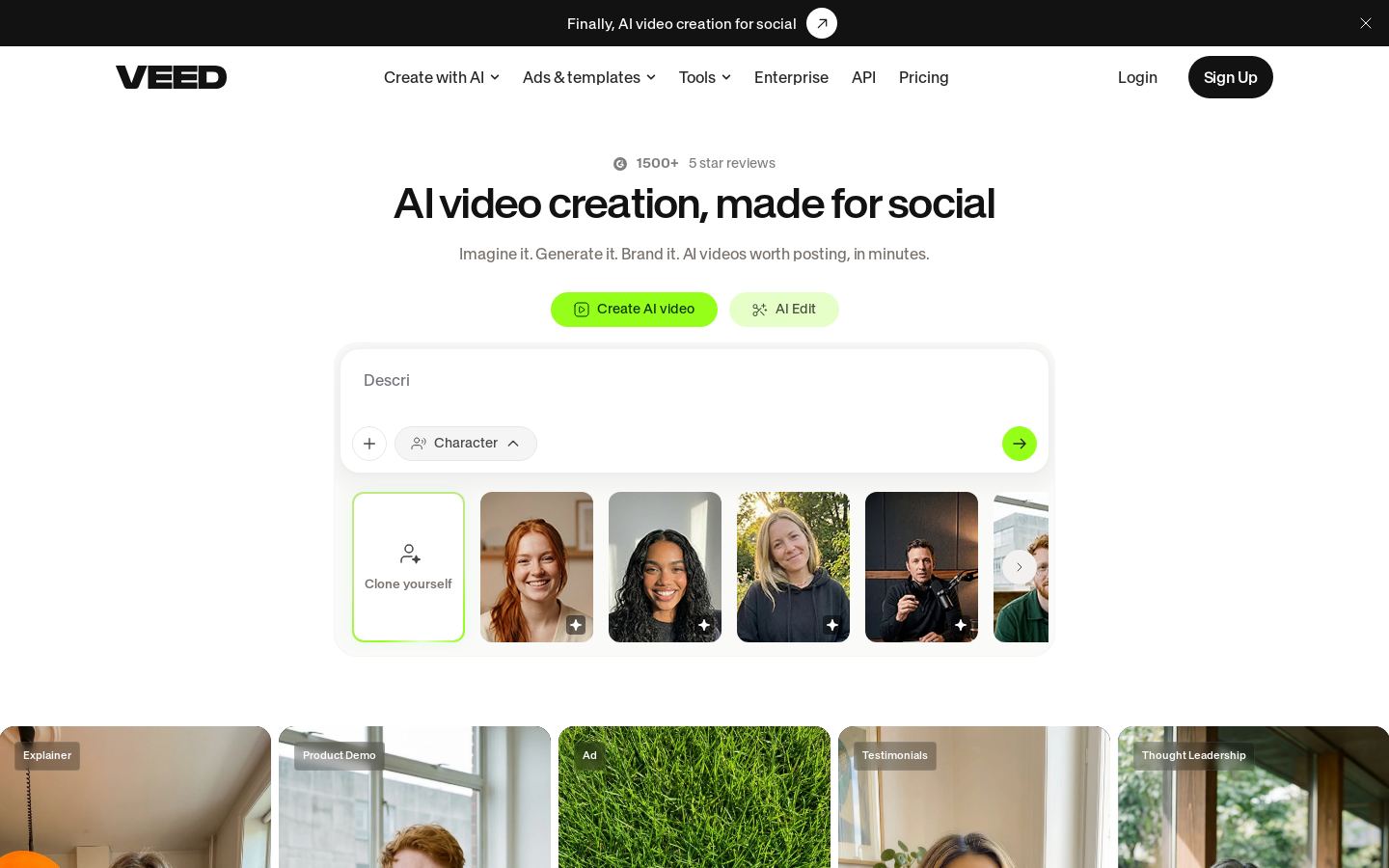
PAI photo, video and design editor with generation models for creators and teams

AI photo, video and design editor with generation models for creators and teams

P
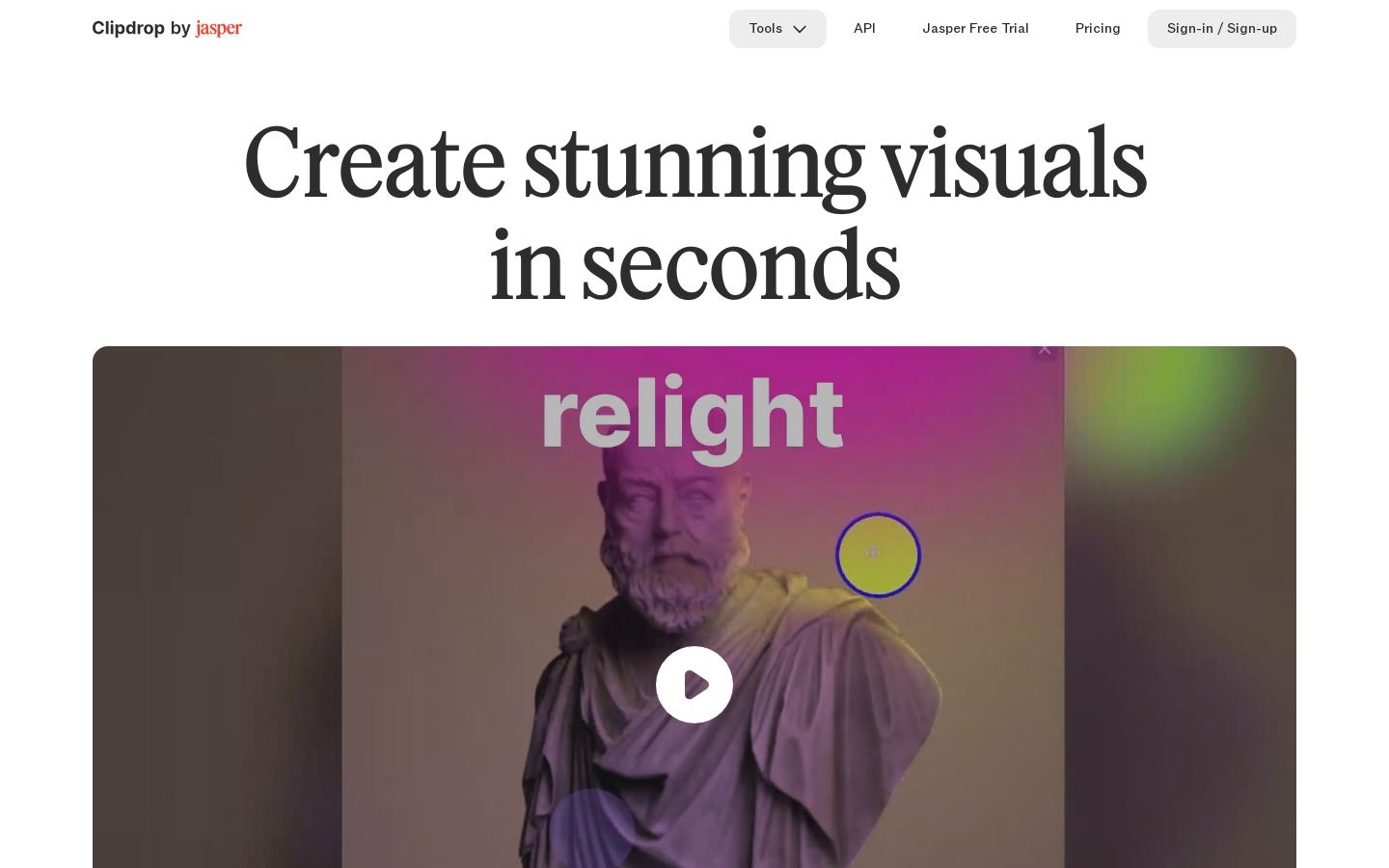
CBrowser-based AI image tools for removing backgrounds, cleanup, upscaling and generation

Browser-based AI image tools for removing backgrounds, cleanup, upscaling and generation
Built from each vendor's public website; we haven't tested them hands-on. Editorial policy