T
Composer vs Trade Ideas
Pricing, features, platforms and who each one suits — side by side.
C
Choose Composer if…
- you want a free plan to start with
- you want the lower entry price ($10/mo vs $89/mo)
- you need an API to build on
- you're in its core audience: self-directed retail investors, algorithmic trading hobbyists
T
Choose Trade Ideas if…
- you want to trial it before paying
- you work on Windows
- you're in its core audience: day traders, swing traders
Side by side
Feature Composer Trade Ideas
Pricing modelFreemiumPaid
Starting price$10/mo$89/mo
Free plan
Free trial
API
Open source
PlatformsWeb, APIWeb, Windows
CategoryAI Investing & Stock ResearchAI Investing & Stock Research
CompanyComposerTrade Ideas
Based in——
Founded2020—
Part of——
Key features
C Composer
- AI strategy creation from natural-language prompts
- Visual no-code strategy editor with conditional logic
- Backtesting against benchmarks, including fees and slippage
- Automated trade execution and rebalancing
- Pre-built strategy library
- Community publishing and remixing of strategies
- Traditional and Roth IRA support
- API for data, backtests and trading (Pro)
T Trade Ideas
- Streaming stock alerts that fire on each trade
- Top Lists screener refreshing every 15 seconds
- Holly AI signals with entry, stop and re-entry points
- OddsMaker strategy backtesting
- Automated trading through partner brokers
- Paper trading
- AI Assistant and AI Strategy Lab
- 308+ alerts and 249 screener filters
Plans and prices
From each vendor's site. Prices change — confirm before buying.
Composer
Starter$0
Advanced$10/mo
Pro$32/mo billed yearly ($384/year)
BusinessCustom
Trade Ideas
TI Standard$127/mo, or $89/mo billed yearly ($1,068/yr)
TI Premium$254/mo, or $178/mo billed yearly ($2,136/yr)
Strengths and limitations
Composer
- Free Starter plan includes unlimited building and backtesting
- No commissions or management fees advertised
- Pro plan includes API access
- IRA accounts supported
- Free plan automates only one strategy
- API access requires the Pro or Business plan
- Regulatory fees from FINRA and the SEC still apply
- Business pricing requires a sales call
Trade Ideas
- Alerts fire on every trade, not only at candle close
- Integrates with brokers including Interactive Brokers, TradeStation and E*TRADE
- A free account gives limited-time access to the Web Dashboard without a card
- Annual billing cuts the price from $127/mo to $89/mo
- Holly AI signals and backtesting require the $178–$254/mo Premium plan
- The desktop app is Windows-only; Mac users need Parallels
- No public API is listed
More comparisons
Other options to consider
T
Free trial
T
Charting, backtesting, scanners and trading bots for active traders
AI Investing & Stock Research
T
 T
T
Freemium
T
Charting, screening and market data platform for traders and investors
AI Investing & Stock ResearchFree plan
S
S
Freemium
S
Stock research, analyst articles, quant ratings and market news for investors
AI Investing & Stock ResearchFree plan
A
 A
A
Contact
A
AI market intelligence across filings, broker research and expert calls
AI Investing & Stock Research
K
 K
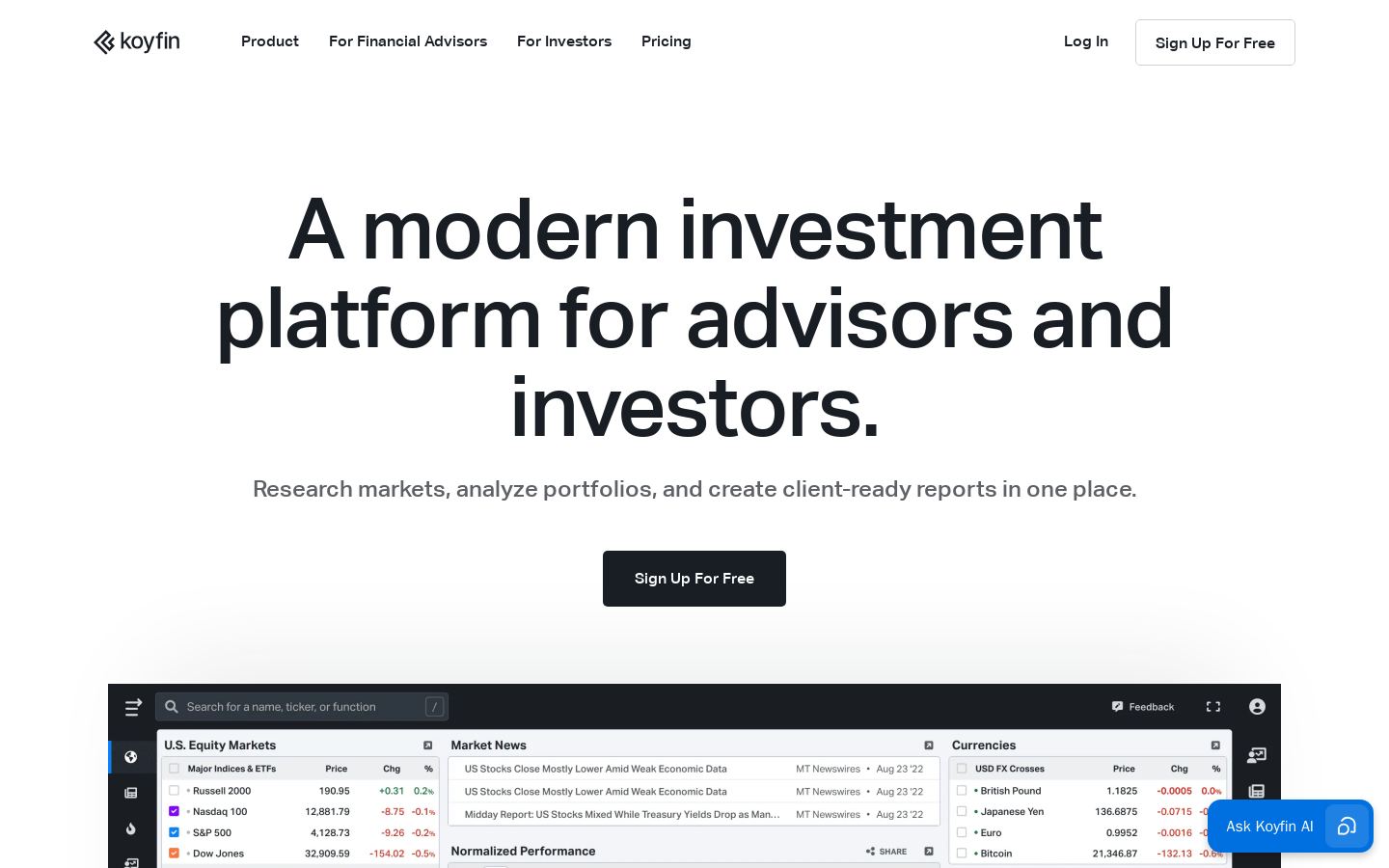
Market research, portfolio analytics and client reports for investors and advisors
Free, from $39/mo
K
Free, from $39/mo
K
Market research, portfolio analytics and client reports for investors and advisors
AI Investing & Stock ResearchFree plan
S
S
Freemium
S
Visual stock research, screeners and portfolio tracking for retail investors
AI Investing & Stock ResearchFree plan
Built from each vendor's public website; we haven't tested them hands-on. Editorial policy