Fotor
Online photo editor with AI image, video and design tools for creators
Own Fotor? Claim it, free to correct the facts and get the verified badge.
Pricing
Freemium
API
Yes
Company
HONG KONG EVERIMAGING SCIENCE AND TECHNOLOGY CO., LIMITEDHong Kong
Platforms
Fotor pairs a capable browser editor with AI Replace, AI Expand and a long catalog of third-party image and video models, which beats juggling several subscriptions for photo-led work. The plan cards show no prices or monthly credit counts, and premium video models burn credits fast, so check the live page before buying. Good for image-heavy creators, a poor fit for daily video use.
Best for: Marketers and small businesses that edit existing photos and generate occasional AI images or clips in one tool
Read the full reviewWhat is Fotor?
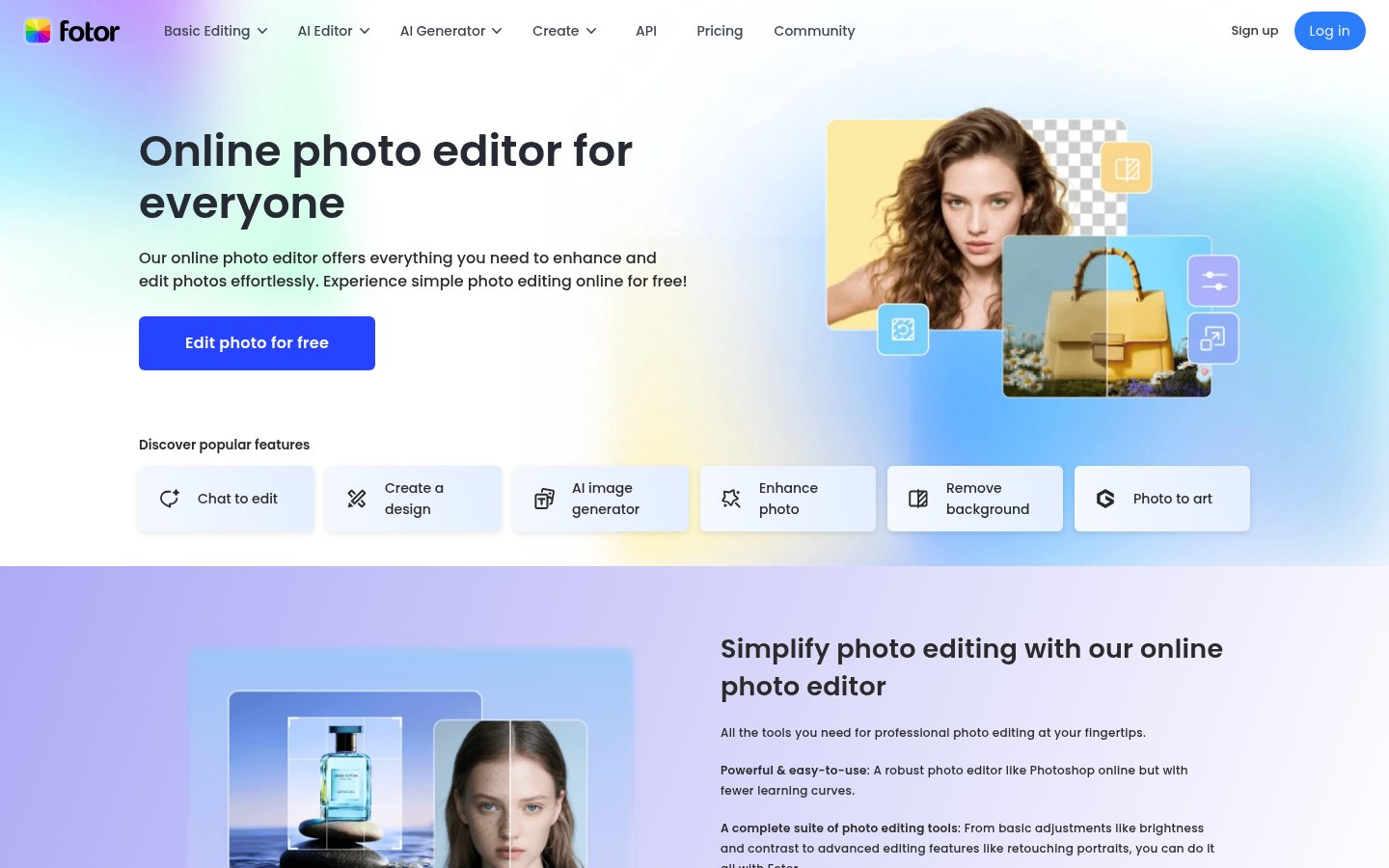
Fotor is an online photo editor that combines standard editing with AI tools for enhancing, generating and redesigning images. Users can upscale, unblur, restore and colorize photos, and remove backgrounds, objects, people, watermarks or text.
It also includes AI image and video generation, AI avatars and headshots, and style conversions such as photo to anime, sketch or watercolor. A collage maker, design templates and batch editing cover marketing work like product photos, posters and ad videos. An AI Agent handles chat-based tasks.
Fotor runs on the web, iOS, Android, Windows and Mac. A developer API and SDK are available. There is a free Basic plan, and the paid Pro, Pro+ and Max tiers add more credits, concurrent generations, cloud storage and HD exports. It fits beginners, social media creators and small businesses that need quick visuals.
Key features
- AI image enhancement, upscaling, unblurring and restoration
- Background, object, watermark and text removal
- AI image and video generation
- AI avatars and headshots
- Photo-to-anime, sketch and painting style conversion
- Collage maker and design templates
- Batch photo editing
- Developer API and SDK
Use cases
Who it's for
Product photos
Online sellers can remove or replace backgrounds and batch edit product images.
Restoring old photos
Users can sharpen, restore and colorize old or blurry photos.
Social media visuals
Creators can build posters and collages from templates or generate images with AI.
Profile headshots
The AI headshot and avatar tools turn ordinary photos into profile pictures.
Fotor pricing
From the vendor's site, checked Oct 26, 2026; we re-check prices monthly. Prices change — confirm on their pricing page.
Basic
forever
Free
- Limited free credits
- 1 concurrent generation
- 50 AI Agent chats
- 512MB cloud storage
- Normal JPG/PNG/PDF export
Pro
monthly or yearly
See pricing page
- 10 concurrent generations
- 2,000 AI Agent chats
- 2GB cloud storage
- HD and transparent PNG export
- AI batch edit
Pro+
monthly or yearly
See pricing page
- 30 concurrent generations
- 4,000 AI Agent chats
- 100GB cloud storage
Max
monthly or yearly
See pricing page
- 50 concurrent generations
- 10,000 AI Agent chats
- 500GB cloud storage
How Fotor compares
- Fotor has a free plan, like 2 of the 4 alternatives below.
| Tool | Starts at | Free plan | Free trial | API | Open source | |
|---|---|---|---|---|---|---|
| F | — | — | — | |||
P Picsart | $15/mo | — | — | Fotor vs Picsart | ||
P Photoroom | — | — | — | Fotor vs Photoroom | ||
| C | — | — | Fotor vs Clipdrop | |||
L Luminar Neo | — | — | — | — | — | Fotor vs Luminar Neo |
Compare 7 capabilities
| Capability | Fotor | Picsart | Photoroom | Clipdrop | Luminar Neo |
|---|---|---|---|---|---|
| Background removal | |||||
| AI upscaling | — | ||||
| Generative fill/erase | |||||
| Relighting | |||||
| Batch processing | — | ||||
| RAW file support | — | — | — | — | |
| Photoshop/Lightroom plugin | — | — | — |
Capabilities as stated on each vendor's own site; — means the site doesn't say. The closest alternatives in our directory by category. “Starts at” is the cheapest paid plan per month, as each vendor lists it.
Fotor data and privacy
Trains AI on your content
Not stated
Data retention
Kept while account exists; user can delete anytime; face data deleted after avatar generation
“Generally, the retention time of your input equals to the term of your account existence. You can delete your input by yourself in Service at any time”
Where data is stored
US
“your input will be stored on our servers (provided by Amazon Web Services located in the USA)”
Security and compliance
None stated
From Fotor's own privacy and security pages , checked Oct 28, 2026. We only show what the vendor states in writing; “not stated” means the pages don't say.
Pros and cons
Strengths
- Free-forever Basic plan
- Available on web, mobile and desktop
- Unused credits on paid plans roll over for up to 5 months
- Developer API and SDK available
Limitations
- Free plan exports at normal resolution only, not HD
- Free plan has 512MB of cloud storage and 1 concurrent generation
- Paid plan prices are not shown in the static pricing page
Fotor review
 Stanislav VovchykUpdated Oct 31, 20269 min read
Updated October 2026
Fotor sells one subscription that covers a browser photo editor and dozens of third-party image and video generators. The catch is that the plan cards show a dash where the price and monthly credit count should be, so you can't size a plan until you load the live page and sign in. Plan on checking that before you pay.
How it works in practice
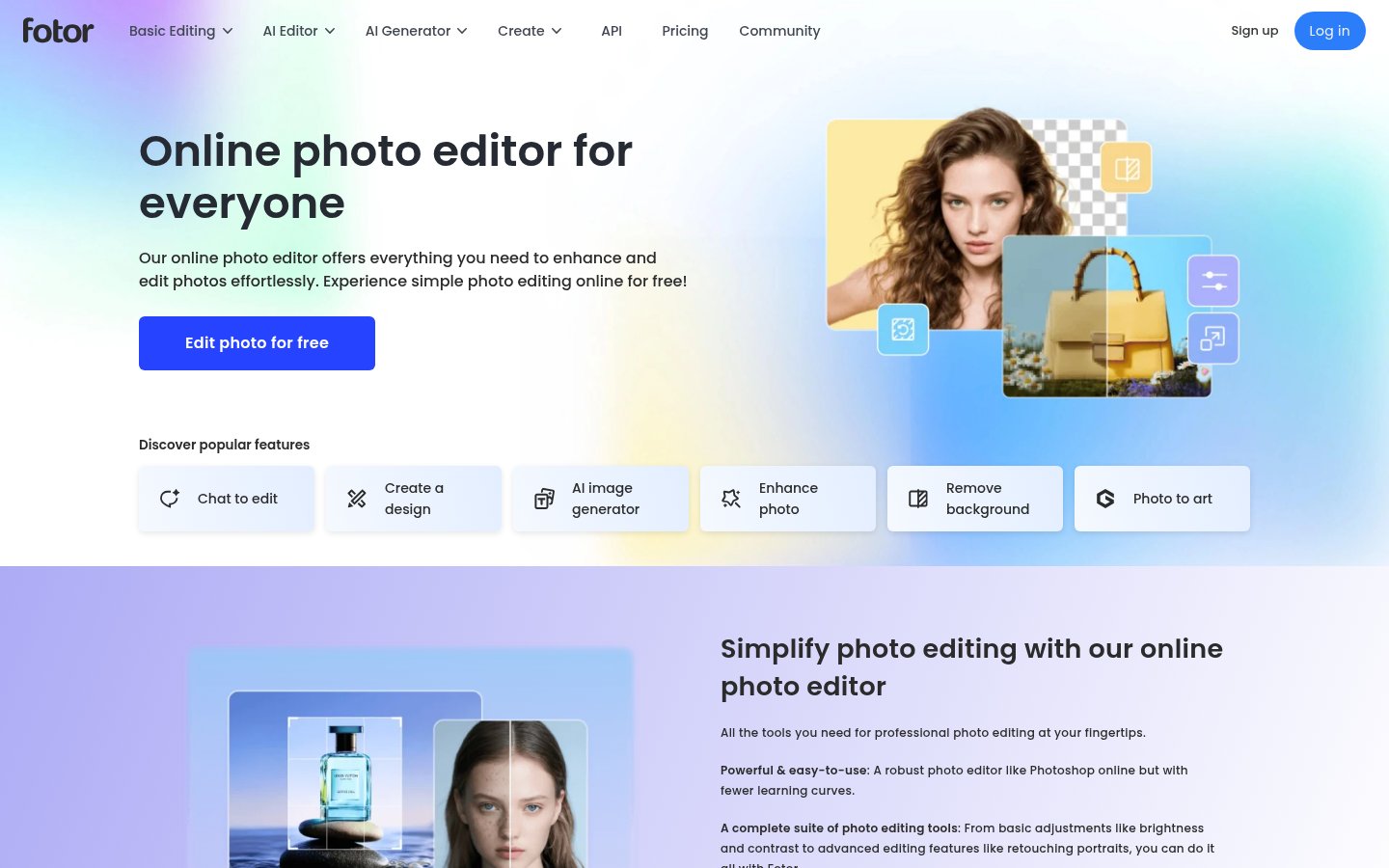
The flow is upload, edit, download. Drag a photo into the browser editor, adjust lighting, color and exposure, add text, stickers or frames, then export as JPG, PNG or PDF. Fotor also ships mobile and desktop apps, so you're not tied to a tab. The classic tools cover crop and resize to preset aspect ratios, brightness and contrast, portrait retouching, filters, collage layouts, and a library with 100+ fonts and millions of stickers and icons.
The AI tools sit on top of that. One-click enhancement handles lighting, unblurring and detail. The background remover is advertised at 3 seconds per image. The object remover targets photobombers, text and stamps. Generation lives in separate modules: text to image, AI Replace, AI Expand, and avatars. A chat-based Fotor Agent takes plain-language editing requests, though the plan cards cap it by "tasks" as well as chats, which matters (more below).
Every AI operation spends credits. Paid plans roll unused credits over for up to 5 months, but only while you stay subscribed. Cancel and the stockpile goes with you. Concurrency is the other dial: 1 generation at a time on the free Basic plan, 10 on Pro, 30 on Pro+, 50 on Max. If you queue batches of video clips, that ceiling matters as much as the credit count.
What stands out
The model catalog, priced in credits. Fotor resells access to other companies' models instead of leaning on one house model. The image list includes GPT Image 2, Seedream 5.0 Pro, Seedream 4.5, several Nano Banana variants and Ideogram v4. Video runs from Seedance 2.5 and Kling 4.0 to Veo 3 and Veo 3.1, with a "View More" link past the visible list. The useful part is that the pricing page prints per-generation costs. A Seedream 5.0 Pro or GPT Image 2 image is 5 credits. Nano Banana Pro is 15. Veo 3.1 is listed at roughly 250 credits for an 8-second clip, which is 50 standard images' worth of credits for one short video. Veo 3 Fast and the cheaper Hailuo and PixVerse models sit far lower, so picking the model decides how long your allowance lasts. For comparing outputs from different generators without opening five accounts, this is the strongest reason to pick Fotor. For a deeper look at AI video as a small-business tool, see No Camera, No Crew: A Small Business Owner's Guide to AI Video in 2026.
AI Replace and AI Expand on real photos. Pure generators start from a blank prompt. Fotor lets you brush over part of an existing image and describe what belongs there: a blue sky in a real estate shot, a different hair color, a swapped product backdrop. AI Expand runs outpainting to push borders outward, which fixes the common problem of turning a square photo into a 16:9 banner without cropping out the subject. These two tools are why Fotor suits marketers working from supplied photos better than a text-to-image-only service.
Batch background removal. The pricing page lists AI Batch Edit (background remover and replacement) on Pro, Pro+ and Max alike, so you don't need the upper tiers for it. For anyone processing a product catalog, that's the feature that can pay for the subscription by itself. Headshots are a separate matter: they're a one-time purchase in individual and team packages, each with one free redo and HD output, and no subscription attached.
Where it falls short
The pricing page is the biggest friction point. Price and credits per month both render as a dash on all three paid cards, and the headshot package prices are blank too. You can't compare a plan against your expected usage without signing in. A page that sells on "Fixed amount of credits" should state the amount.
Credits also work against heavy video use. At the costs listed, a Pro allowance that comfortably covers hundreds of 5-credit images could vanish in a handful of Veo 3.1 clips. The generous model list is only as useful as the allowance behind it, and that's the number Fotor doesn't show up front.
Fotor Agent caps are tight. Pro includes 2 agent tasks, Pro+ 5, Max 10. The chat counts (2,000, 4,000, 10,000) look big, but if tasks are the unit that does real multi-step editing, those numbers are small. Treat the agent as an add-on, not the way you'll work. The free Basic plan gives you 50 agent chats, enough to judge whether the style suits you.
The product reads as modules: the top navigation splits Photo Editor, AI Image, AI Video, Design, Vibe Marketing, Apps and MCP into separate areas. Moving a photo from editing to generation to a design template means changing sections. Fine if you live in one of them, clumsy if you want a single flow.
The free plan exports at normal resolution only. HD and transparent PNG export sit behind a paid plan, so Basic is for evaluation, not for client work. Video here means access to third-party generators, not a timeline editor. If you cut footage, Descript Alternatives by Job: Podcasts, Video, Meetings, Free covers tools built for it.
Value for money
The tiers differ mainly in concurrency, storage and agent allowance, not in the core toolset. Pro gives 10 concurrent generations and 2GB storage. Pro+ jumps to 30 concurrent and 100GB, a 50-fold storage increase that only matters if you keep large asset libraries. Max, flagged with a Special Offer badge, reaches 50 concurrent and 500GB. Because batch edit is on every paid tier, Pro is the sensible entry point for most solo creators, and the climb to Pro+ only pays off if you run parallel generations or need the extra agent tasks.
Compared with subscribing separately to an image generator and a video generator, one plan covering both is a real saving if your mix stays on mid-priced models. It stops being a saving if you favor premium video. Pick a monthly billing cycle first: rollover only works while you're subscribed, and you won't know your burn rate until you've watched a month of credits go. Move to yearly after that, once you know whether the credit count fits. I'd rate it a good deal for image-heavy work and a poor one for anyone planning daily video.
Who should pick it, who should skip it
Pick Fotor if you're a marketer, small-business owner or content creator who edits supplied photos and generates the odd image or clip: product shots, social graphics, real estate listings, profile photos. The mix of background removal, Replace, Expand and multi-model generation covers that job in one place, and the free Basic plan lets you try the editor before you spend anything. Developers get an API and SDK as well, which is rare in this price tier.
Skip it if you need transparent pricing before committing, if you generate video every day, or if you retouch professionally. Retouching pros will outgrow the portrait tools, and daily video users will exhaust credits faster than the plan cards suggest. Anyone who wants a timeline video editor should look elsewhere entirely.
Setup notes
Before uploading personal photos, check how Fotor handles data. Files are kept while your account exists and you can delete them at any time. Face data used for avatar generation is deleted once the avatars are made. The service is operated by Hong Kong Everimaging Science and Technology Co., Limited, which may matter if your company restricts where staff upload images. Run one test generation per model you plan to use and read the credit cost before queuing a batch.
Fotor FAQ
Is Fotor free?
Yes. The Basic plan is free forever and includes limited credits and normal-quality exports.
What paid plans are there?
Pro, Pro+ and Max, billed monthly or yearly. They differ in concurrent generations, AI Agent usage and cloud storage.
Which platforms does Fotor support?
Web, iOS, Android, Windows and Mac.
Does Fotor have an API?
Yes. A developer API and SDK are offered at developers.fotor.com.
Do credits roll over?
On paid plans, credits roll over for up to 5 months while you stay subscribed.
User reviews
No reviews yet. Used Fotor? Be the first.
Sign in to rate this tool and share how you use it.
Fotor
Freemium