
LanguageTool
Grammar, spelling and style checker for 30+ languages, with AI rephrasing
Own LanguageTool? Claim it, free to correct the facts and get the verified badge.
Pricing
Freemium
API
Yes
Open source
Yes
Platforms
What is LanguageTool?
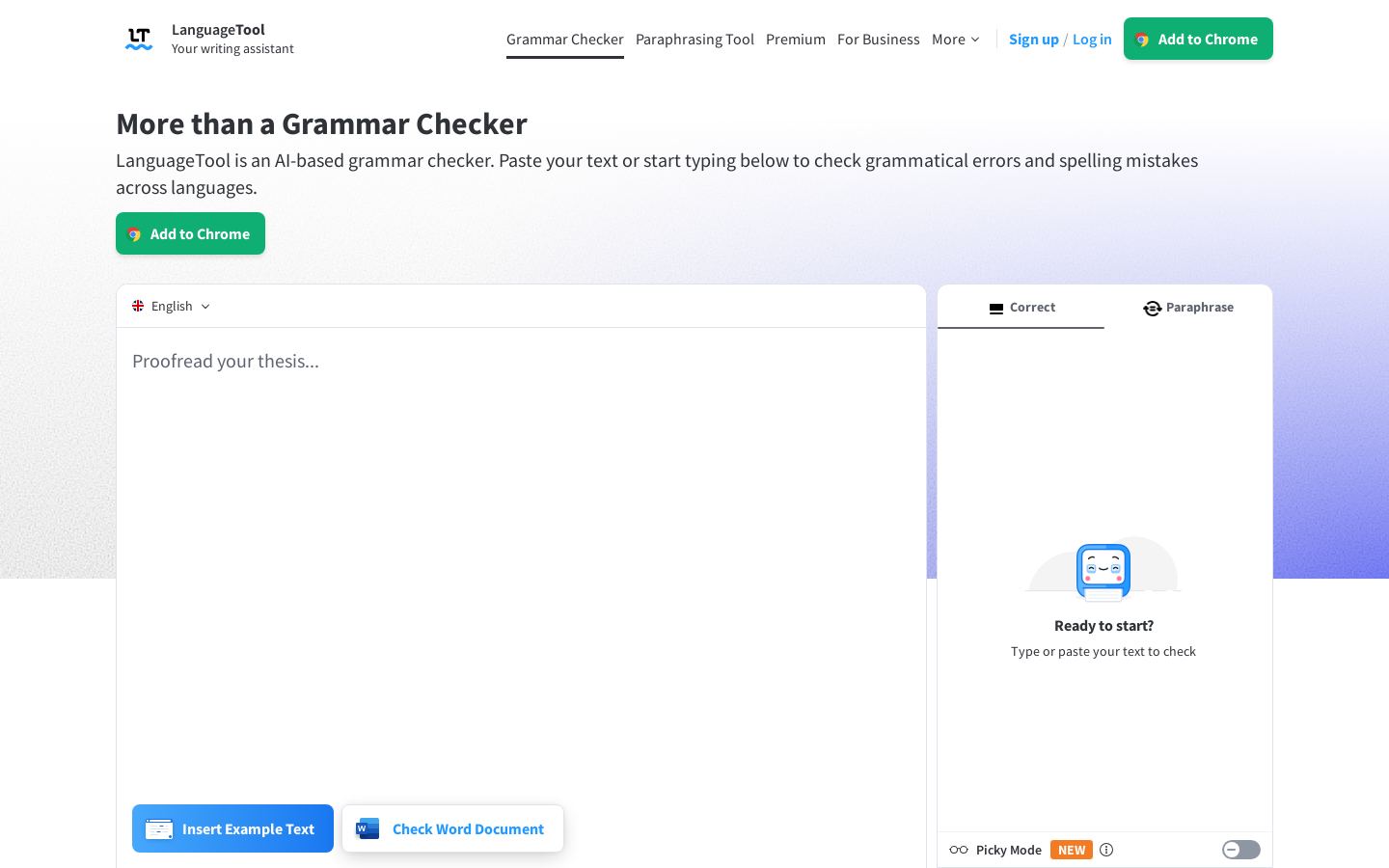
LanguageTool is a grammar and style checker that flags spelling, grammar, punctuation, casing and style issues as you type. It also includes an AI paraphrasing tool that can rewrite sentences to sound more formal, fluent, simple or concise.
It supports more than 30 languages and dialects. The main ones are English (six regional variants), Spanish, German, French, Dutch and Portuguese. LanguageTool runs as browser add-ons for Chrome, Edge, Firefox, Opera and Safari, as plugins for Google Docs, Microsoft Word, Apple Pages and LibreOffice, inside email clients such as Gmail and Thunderbird, and as desktop apps for Windows and macOS. There is also an iOS app.
The free Basic plan suits occasional writers. Premium adds longer texts, extra checks and unlimited rephrasing for professionals. Teams and Business plans add shared dictionaries, style guides and GDPR-compliant options for organizations. Developers can use the Proofreading API.
Key features
- Grammar, spelling, punctuation and style checking
- AI sentence paraphrasing in several tones
- Support for 30+ languages and dialects
- Browser add-ons for Chrome, Edge, Firefox, Opera, Safari
- Plugins for Google Docs, Word, Pages, LibreOffice
- Personal dictionary and Picky Mode
- Team style guides and shared dictionaries
- Proofreading API with daily call-limit plans
Use cases
Who it's for
Multilingual writing
Check texts in German, French, Spanish, Dutch, Portuguese and other languages with a single tool.
Proofreading emails
Catch errors in Gmail, Apple Mail, Thunderbird or Outlook (beta) before you send.
Consistent team writing
Teams share a style guide and dictionary so company terms are used the same way everywhere.
Adding checks to apps
Developers can use the Proofreading API to add grammar checking to their own software.
LanguageTool pricing
From the vendor's site, checked Oct 26, 2026; we re-check prices monthly. Prices change — confirm on their pricing page.
Basic
Free
- Up to 2,000 characters per text field
- 3 AI sentence rephrasings per day
- Limited Picky Mode
Premium
monthly, quarterly, annual or 2 years
Price not shown on page
- Up to 150,000 characters per text field
- 20,000+ additional checks
- Unlimited AI paraphrasing
- Style Guide, Personal Dictionary, Text Statistics
- 14-day money-back guarantee
Teams
per user
Price not shown on page
- All Premium features
- User management by email
- Team style guide and dictionary
- 2 to 1,000 users
Business
Custom
- GDPR-compliant solutions for organizations
How LanguageTool compares
- LanguageTool has a free plan, like 3 of the 4 alternatives below.
- It offers an API, which only 1 of the others does.
- It is open source, the only one here.
| Tool | Starts at | Free plan | Free trial | API | Open source | |
|---|---|---|---|---|---|---|
| LLanguageTool | — | — | ||||
H Hemingway Editor | $8.33/mo | — | — | — | LanguageTool vs Hemingway Editor | |
P ProWritingAid | — | — | — | — | LanguageTool vs ProWritingAid | |
| G | — | — | — | LanguageTool vs Grammarly | ||
G Ginger | — | — | — | LanguageTool vs Ginger |
Compare 8 capabilities
| Capability | LanguageTool | Hemingway Editor | ProWritingAid | Grammarly | Ginger |
|---|---|---|---|---|---|
| AI rewrites | — | ||||
| Tone adjustment | — | — | |||
| Plagiarism checker | — | — | — | ||
| AI text detection | — | — | — | — | |
| Non-English checking | — | — | — | ||
| Word/Google Docs add-in | — | ||||
| Browser extension | — | — | |||
| Custom style guide | — |
Capabilities as stated on each vendor's own site; — means the site doesn't say. The closest alternatives in our directory by category. “Starts at” is the cheapest paid plan per month, as each vendor lists it.
LanguageTool data and privacy
Trains AI on your content
No
“Learneo does not use inputs from any LanguageTool user (Individual or Team Plan) to train its language algorithms or models. This is a default setting in LanguageTool that does not require an opt-out or any action by the user.”
Data retention
Not stated
Where data is stored
Not stated
Security and compliance
From LanguageTool's own privacy and security pages , checked Oct 28, 2026. We only show what the vendor states in writing; “not stated” means the pages don't say.
Who's behind LanguageTool
- Company
- Learneo, Inc.
- Based in
- San Francisco, United States
- Founded
- 2003
“2003 The year LanguageTool started as an open-source project”
From LanguageTool's own about, terms and privacy pages, checked Oct 28, 2026.
Pros and cons
Strengths
- Free Basic plan is available
- Supports 30+ languages and dialects
- Many integrations, including browsers, office suites and email clients
- Source code is published on GitHub
Limitations
- Free plan is limited to 2,000 characters per text field
- Free plan allows only 3 AI rephrasings per day
- Prices did not display on the pricing pages
- Outlook add-on is still in beta
LanguageTool FAQ
Is LanguageTool free?
Yes. The Basic plan is free, with a limit of 2,000 characters per text field and 3 AI rephrasings per day. Premium removes these limits.
Which billing periods does Premium offer?
Monthly, quarterly, annual or 2-year billing. Subscriptions renew automatically and can be canceled at any time. There is a 14-day money-back guarantee.
Where can I use it?
In browser add-ons, in Google Docs, Word, Pages and LibreOffice, in email clients, in desktop apps for Windows and macOS, and in an iOS app.
Is there an API?
Yes. The Proofreading API has monthly plans ranging from 100 to 10,000 calls per day.
How do I pay?
PayPal and credit card are accepted.
User reviews
No reviews yet. Used LanguageTool? Be the first.
Sign in to rate this tool and share how you use it.
LanguageTool
Freemium
Tools similar to LanguageTool
Readability editor that flags wordy, unclear writing and offers AI fixes
Grammar checking, line editing and story critique for fiction writers
AI writing assistant for grammar, tone, rewrites and AI-text detection