Best of
Top 9 AI Writing Tools for Professionals in 2026: Ranked by Output That Actually Works
Jun 14, 2026 · 14 min read

AI writing assistant for grammar, tone and rewrites across apps and browsers
Own Grammarly? Claim it, free to correct the facts and get the verified badge.
Pricing
Freemium
Free trial
Yes
Platforms
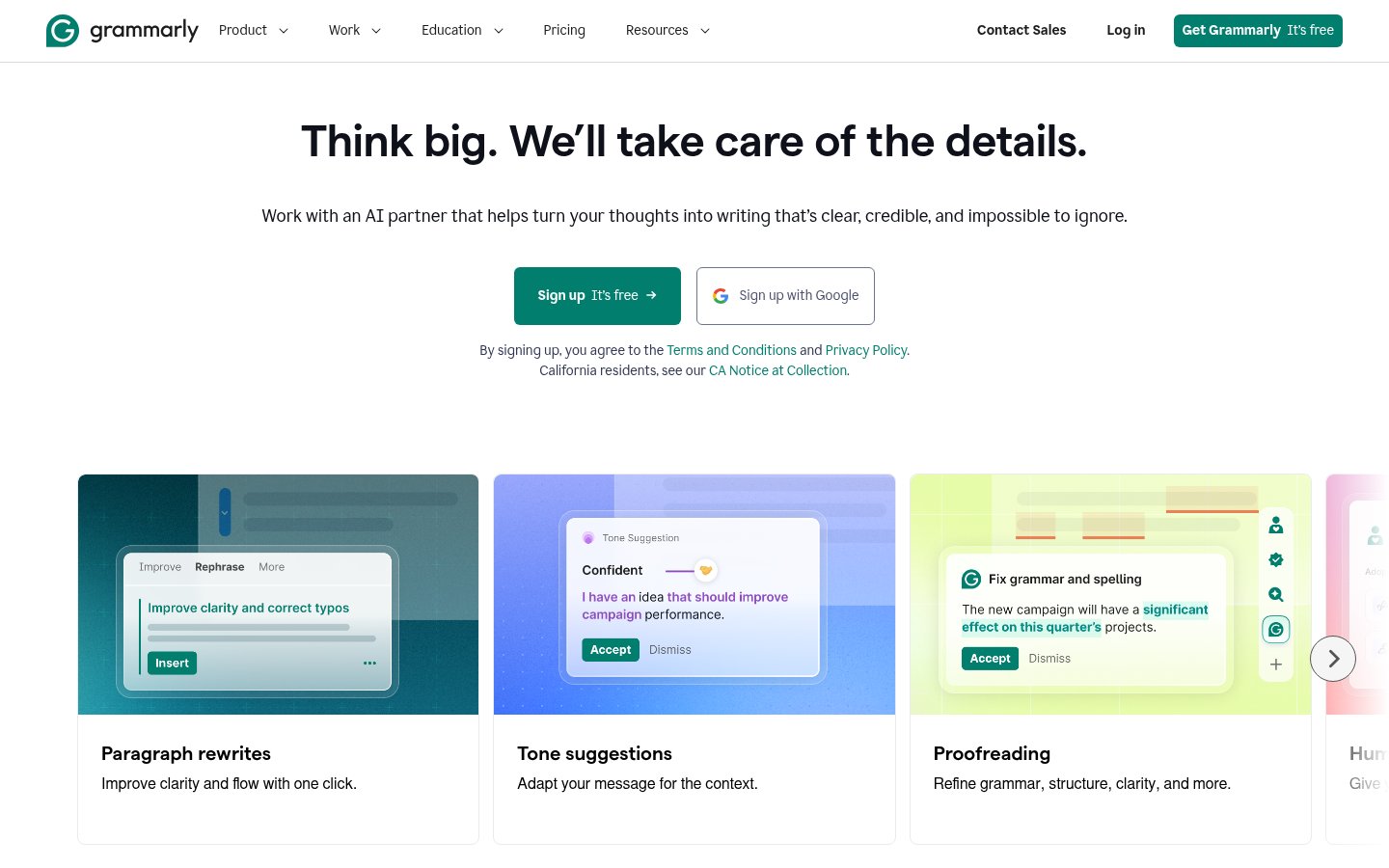
Grammarly is an AI writing assistant that checks grammar, spelling, clarity and tone as you write, and can rewrite sentences and paragraphs. It is now part of Superhuman.
It works inside the tools people already write in. There are browser extensions for Chrome, Safari, Firefox and Edge, desktop apps for Windows and Mac, Microsoft Office and Google Docs integrations, and mobile apps for iPhone, iPad and Android. Besides proofreading, it offers tone suggestions, Reader Reactions feedback, a Humanizer agent, an AI Detector agent, a plagiarism checker, a citation generator and AI prompts.
The free plan covers basic checks and 100 AI prompts a month. Pro adds full-sentence rewrites, tone adjustment and 2,000 prompts per member. Enterprise adds SSO, SCIM, data loss prevention and audit logs. Grammarly says it serves about 50,000 organizations and 40 million people.
Who it's for
Catch errors and adjust tone in emails and messages through the browser extension or desktop app.
Check for plagiarism, keep citations consistent and generate citations for papers.
Apply brand tone and style guides across a company's writing, with snippets and analytics.
Use the AI Detector to flag AI-like passages and the Humanizer to revise them.
From the vendor's site, checked Nov 5, 2026; we re-check prices monthly. Prices change — confirm on their pricing page.
| Plan | Free | Pro | Enterprise |
|---|---|---|---|
| Price | Free | —per member | Custom quote |
| AI prompts a month | 100 | 2,000 per member | Unlimited |
| Also |
|
|
|
What the free plan gets you
Price history
Get an email when Grammarly changes its prices
One mail per change, a stop link in each. Nothing else.
| Tool | Starts at | Free plan | Free trial | API | Open source | |
|---|---|---|---|---|---|---|
| GGrammarly | — | — | — | |||
L LanguageTool | $5.83/mo | — | Grammarly vs LanguageTool | |||
P ProWritingAid | $10/mo | — | — | — | Grammarly vs ProWritingAid | |
G Ginger | — | — | — | Grammarly vs Ginger | ||
W Wordtune | $4.89/mo | — | — | Grammarly vs Wordtune |
| Capability | Grammarly | LanguageTool | ProWritingAid | Ginger |
|---|---|---|---|---|
| AI rewrites | — | |||
| Tone adjustment | — | — | ||
| Plagiarism checker | — | — | ||
| AI text detection | — | — | — | |
| Non-English checking | — | — | ||
| Word/Google Docs add-in | ||||
| Browser extension | — | |||
| Custom style guide |
Capabilities as stated on each vendor's own site; — means the site doesn't say. The closest alternatives in our directory by category. “Starts at” is the cheapest paid plan per month, as each vendor lists it.
Trains AI on your content
Yes, unless you opt out
“You can opt out of allowing Grammarly to use your content to train its models and improve its product for everyone. To do so, turn off Product Improvement and Training in your account settings.”
Data retention
Saved documents kept until you delete them or your account
“if you save a document in the Grammarly Editor, we’ll store it until you delete the document or your Grammarly account.”
Where data is stored
Not stated
Security and compliance
How Grammarly compares on data training. From Grammarly's own privacy and security pages , checked Oct 28, 2026. We only show what the vendor states in writing; “not stated” means the pages don't say.
“In 2009, Max Lytvyn, Alex Shevchenko, and Dmytro Lider founded Grammarly with a simple goal”
“In 2009, Max Lytvyn, Alex Shevchenko, and Dmytro Lider founded Grammarly”
“Grammarly is now a part of the Superhuman Suite .”
From Grammarly's own about, terms and privacy pages and Wikidata, checked Oct 28, 2026.
Strengths
Limitations
Yes. The free plan includes spelling and grammar checks, tone visibility and 100 AI prompts per month.
Full-sentence rewrites, tone adjustment, AI-text and plagiarism detection, 2,000 AI prompts per member per month, snippets and priority support.
Yes, Pro offers a free trial, and Grammarly sends an email reminder two days before it ends.
Windows and Mac desktop apps; Chrome, Safari, Firefox and Edge extensions; Microsoft Office and Google Docs; and iPhone, iPad and Android apps.
Custom pricing through sales, unlimited AI prompts, SAML SSO, SCIM, data loss prevention, customer-managed encryption keys, audit logs and dedicated support.
Sign in to rate this tool and share how you use it.
Best of
Jun 14, 2026 · 14 min read
Grammarly
Freemium

AI email, writing assistant and docs suite for professionals and teams

Readability editor that flags wordy, unclear writing and offers AI fixes