
Submagic
AI captions, clipping and auto-editing for short-form social videos
Own Submagic? Claim it, free to correct the facts and get the verified badge.
Pricing
From $12/mo
API
Yes
Company
TURBO STUDIO S.A.S.France
Platforms
What is Submagic?
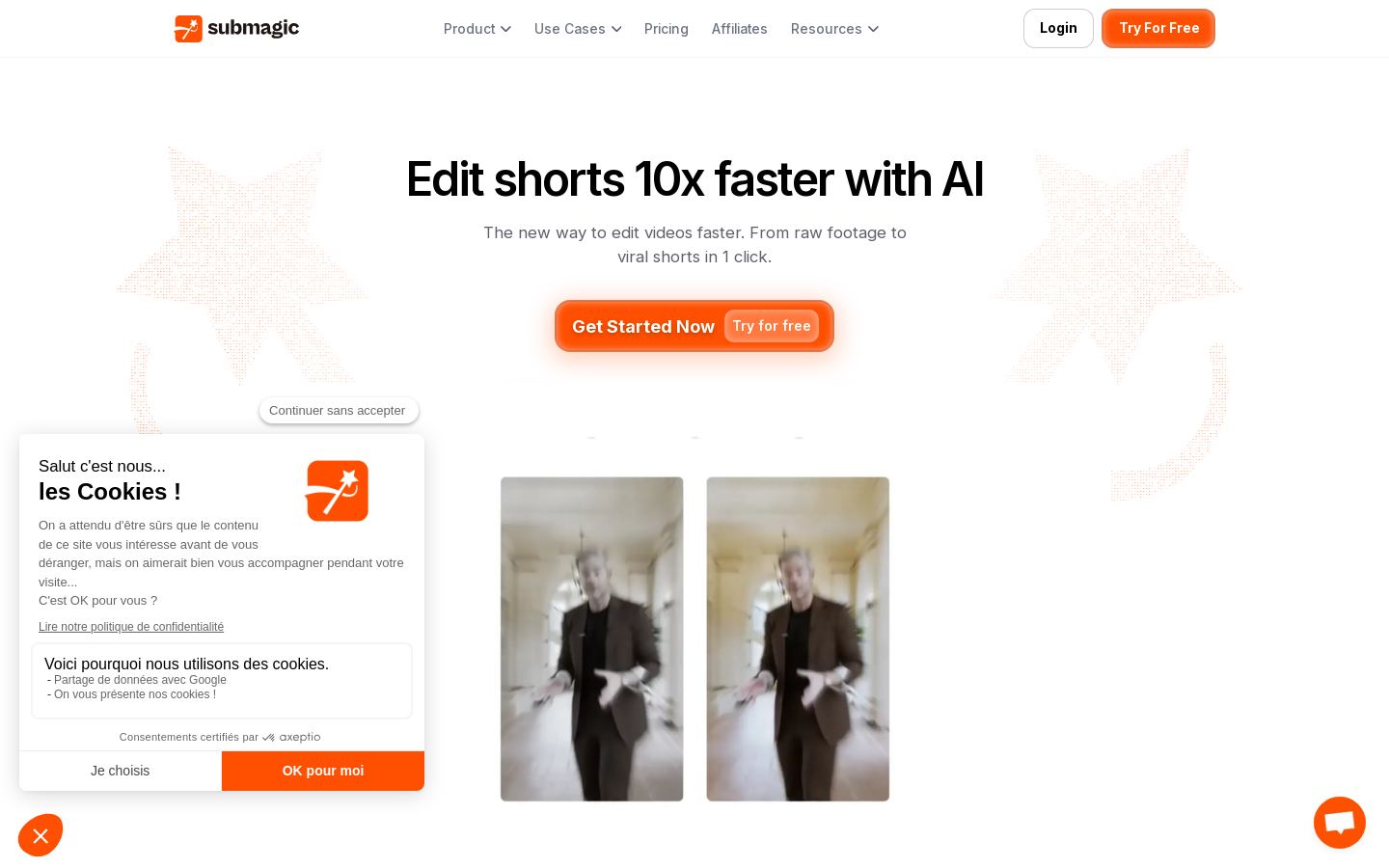
Submagic is an AI video editor that turns raw footage into short-form videos for TikTok, Instagram Reels, YouTube Shorts, Facebook Reels and LinkedIn. It adds AI captions in 123 languages, and you cut and trim a video by editing its transcript.
Its Magic Clips feature pulls key moments from a long video and turns them into several shorts. AI auto edit removes silences and adds B-roll, sound effects, transitions and zooms. The editor also covers AI avatar videos, post scheduling and publishing, and a shared team workspace. Exports go up to 4K at 60fps on the Business plan.
Submagic suits creators, social media teams and businesses that publish short videos often. A Video Editing API lets developers automate editing workflows. Paid plans start at $12/month billed yearly.
Key features
- AI captions in 123 languages
- Text-based editing through the transcript
- Magic Clips turns long videos into multiple shorts
- Auto silence removal, B-roll, transitions and zooms
- AI avatar videos without filming
- Schedule and publish posts to social platforms
- Shared team workspace with brand kit
- Export up to 4K at 60fps
Use cases
Who it's for
Repurposing podcasts and long videos
Magic Clips pulls key moments from a long recording and turns them into several shorts.
Captioning social videos
Add styled captions in 123 languages to Reels, TikToks and Shorts.
Faster editing for talking-head clips
Auto edit removes silences and adds B-roll, zooms and sound effects.
Automated video pipelines
Developers can use the Video Editing API to automate editing at scale.
Submagic pricing
From the vendor's site, checked Oct 26, 2026; we re-check prices monthly. Prices change — confirm on their pricing page.
Starter
month
$19/mo, or $12/mo billed yearly
- 45 credits (~15 videos)
- Up to 2 min per video
- 1080p at 30 FPS
- No watermark
Pro
month
$39/mo, or $23/mo billed yearly
- 120 credits (~40 videos)
- Up to 5 min per video
- Storyblocks b-rolls and audio
- AI auto zooms and Brand Kit
Business
month
$69/mo, or $41/mo billed yearly
- 300 credits (~100 videos)
- Up to 30 min per video
- 4K at 60 FPS
- Priority support and rendering
Custom
contact sales
Custom
- Custom limits
- SSO
- Dedicated customer success
- Custom API limits
How Submagic compares
- Submagic has no free plan, while all 4 alternatives below have one.
| Tool | Starts at | Cost per minute of input video | Free plan | Free trial | API | Open source | |
|---|---|---|---|---|---|---|---|
| SSubmagic | $12/mo | — | — | — | — | ||
O Opus Clip | $14.5/mo | $0.10 | — | Submagic vs Opus Clip | |||
| K | $14/mo | $0.14 | — | Submagic vs Klap | |||
| V | — | — | — | — | Submagic vs Vizard.ai | ||
C CapCut | — | — | — | — | Submagic vs CapCut |
Compare 8 capabilities
| Capability | Submagic | Opus Clip | Klap | Vizard.ai |
|---|---|---|---|---|
| Virality score | — | — | ||
| AI reframe | — | |||
| Animated captions | — | |||
| AI B-roll | — | |||
| Auto-post & schedule | ||||
| Premiere/Resolve export | — | — | — | |
| 4K export | — | |||
| Brand kit |
Capabilities as stated on each vendor's own site; — means the site doesn't say. The closest alternatives in our directory by category. “Starts at” is the cheapest paid plan per month, as each vendor lists it.
Submagic data and privacy
Trains AI on your content
Not stated
Data retention
Customer data kept no longer than 2 years after contract ends
“We retain customer data for no longer than 2 years following the end of our contractual relationship.”
Where data is stored
US
“our servers are located in the United States, and our third-party service providers operate in the EU and the United States.”
Security and compliance
None stated
From Submagic's own privacy and security pages , checked Oct 28, 2026. We only show what the vendor states in writing; “not stated” means the pages don't say.
Pros and cons
Strengths
- Yearly billing lowers Starter to $12/mo
- Captions support 123 languages
- API available with minute-based packs
- Business plan exports in 4K at 60 FPS
Limitations
- No free plan listed on the pricing page
- Starter limits videos to 2 minutes at 1080p/30 FPS
- API minute packs are extra and require a paid plan
Submagic FAQ
How much does Submagic cost?
Starter is $19/mo or $12/mo billed yearly. Pro is $39/mo or $23/mo billed yearly. Business is $69/mo or $41/mo billed yearly. Custom pricing is available through sales.
Is there a free plan?
The pricing page lists no free plan. It does say sign-up needs no credit card.
Does Submagic have an API?
Yes. It has a Video Editing API, and extra minute packs start at $57/mo for 250 minutes.
Which platforms can I publish to?
TikTok, Instagram Reels, YouTube Shorts, Facebook Reels and LinkedIn video.
Can I cancel anytime?
Yes. The pricing page says both monthly and yearly plans can be cancelled anytime.
User reviews
No reviews yet. Used Submagic? Be the first.
Sign in to rate this tool and share how you use it.
Submagic
From $12/mo