Best of
Top 9 AI Tools for Marketing Teams in 2026: Ranked by Real Output Quality
May 31, 2026 · 14 min read

Turns long videos into short clips with captions and posts them to social
Own Opus Clip? Claim it, free to correct the facts and get the verified badge.
Pricing
Free · from $14.50/mo
Free trial
Yes
API
Yes
Company
Opusclip Inc.United States
Platforms
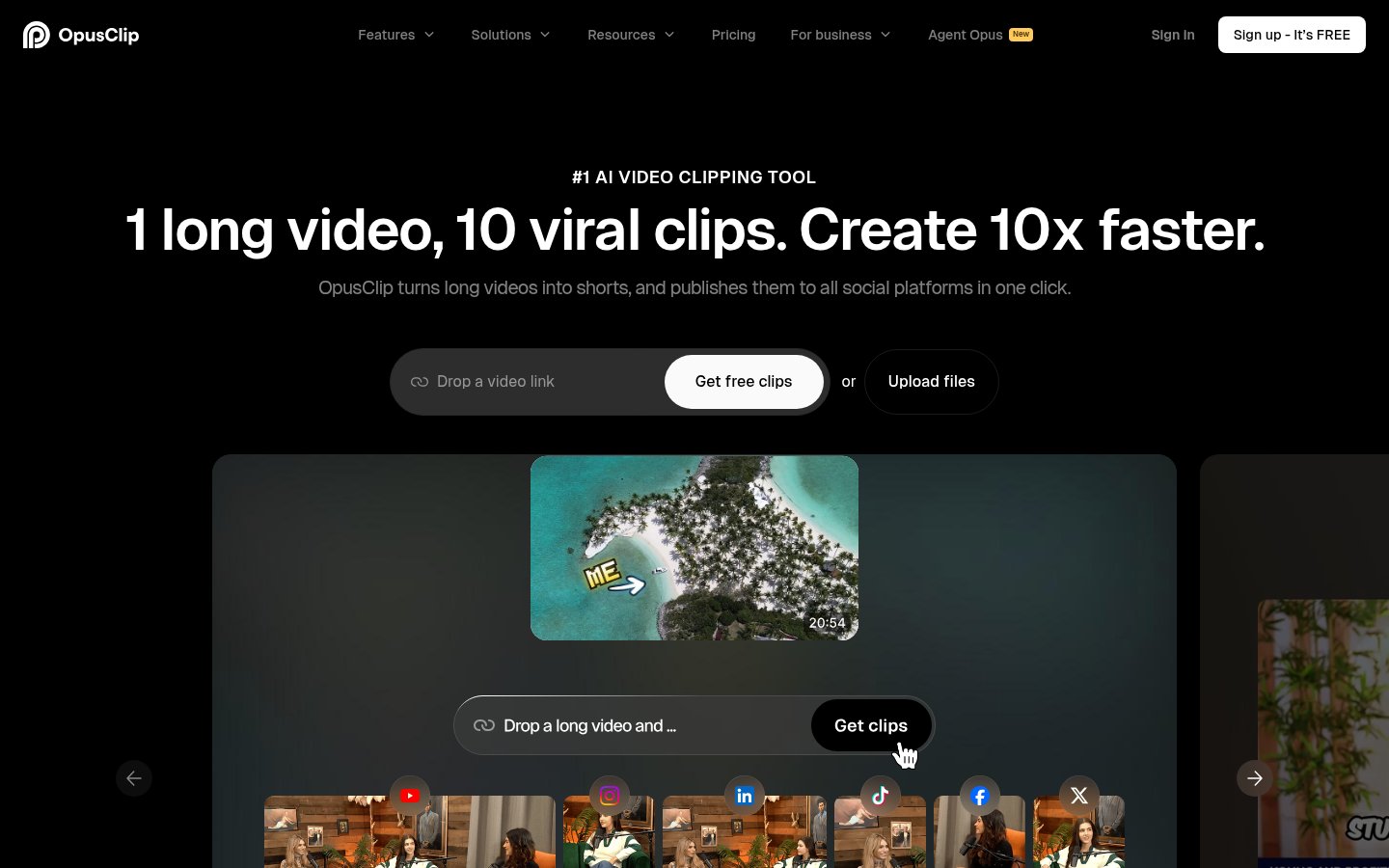
OpusClip is an AI video tool that cuts long videos into short clips for YouTube Shorts, TikTok and Instagram Reels. You paste a link (YouTube, Google Drive, Vimeo, Zoom, Twitch and others) or upload a file. Its ClipAnything model then picks highlight moments from podcasts, vlogs, sports, gaming or interviews, and you can use natural-language prompts to target specific moments.
Each clip gets animated captions in 20+ languages, AI reframing with object tracking for different aspect ratios, a virality score and optional AI B-roll. A text and timeline editor, filler and silence removal, speech enhancement, video dubbing and a thumbnail generator cover the rest of the editing. Finished clips can be scheduled to social accounts or exported to Premiere Pro and DaVinci Resolve.
OpusClip is aimed at creators, podcasters, marketers and agencies. Teams get workspaces and brand templates, and developers can use an API and an MCP connector.
Who it's for
Turn full podcast episodes into captioned vertical clips that send viewers back to the long-form show.
Use brand templates and team workspaces to produce and schedule clips for multiple clients.
Clip Twitch or other stream recordings into shorts to drive traffic to future streams.
Use the API or MCP connector to connect clipping to a CMS or AI agent workflows.
From the vendor's site, checked Oct 26, 2026; we re-check prices monthly. Prices change — confirm on their pricing page.
Free
month
$0/mo
Starter
month
$15/mo
Pro
month
$29/mo monthly or $14.5/mo billed yearly ($174/yr)
Business
custom
Custom
What the free plan gets you
$0.10 per minute of input video on the Starter plan ($15/mo ÷ 150 minutes).
| Cost for a team, per month | 1 person | 5 people | 20 people |
|---|---|---|---|
| Starterflat | $15 | $15 | $15 |
| Proflat, up to 2 | $14.50 | — | — |
Billed yearly where the plan offers it. — means the plan doesn't allow that many people.
| Tool | Starts at | Cost per minute of input video | Free plan | Free trial | API | Open source | |
|---|---|---|---|---|---|---|---|
| OOpus Clip | $14.5/mo | $0.10 | — | ||||
| K | $14/mo | $0.14 | — | Opus Clip vs Klap | |||
| V | — | — | — | — | Opus Clip vs Vizard.ai | ||
S Submagic | $12/mo | — | — | — | — | Opus Clip vs Submagic | |
D Descript | $16/mo | — | — | — | Opus Clip vs Descript |
| Capability | Opus Clip | Klap | Vizard.ai | Submagic | Descript |
|---|---|---|---|---|---|
| Virality score | — | — | — | ||
| AI reframe | — | — | |||
| Animated captions | — | — | |||
| AI B-roll | — | — | |||
| Auto-post & schedule | — | ||||
| Premiere/Resolve export | — | — | — | — | |
| 4K export | — | ||||
| Brand kit | — |
Capabilities as stated on each vendor's own site; — means the site doesn't say. The closest alternatives in our directory by category. “Starts at” is the cheapest paid plan per month, as each vendor lists it.
Trains AI on your content
Not stated
Data retention
Kept as long as necessary; free plan clips expire after 3 days
“We retain Personal Data about you for as long as necessary to provide you with our Services or to perform our business or commercial purposes for collecting your Personal Data.”
Where data is stored
Not stated
Security and compliance
From Opus Clip's own privacy and security pages , checked Oct 28, 2026. We only show what the vendor states in writing; “not stated” means the pages don't say.
Strengths
Limitations
Yes. There is a free-forever plan with 60 credits a month. Clips include a watermark and can only be exported for 3 days.
Starter is $15/mo. Pro is $29/mo, or $14.5/mo billed yearly. Business pricing is custom.
New users get a 7-day free trial of the Pro plan with 90 minutes of processing time, and no credit card is required.
More than 20, including English, Spanish, German, French, Portuguese, Japanese and Korean.
Yes. Pro includes limited API access, and Business includes full API, custom integrations and an MCP connector.
No reviews yet. Used Opus Clip? Be the first.
Sign in to rate this tool and share how you use it.
Best of
May 31, 2026 · 14 min read
Best of
May 4, 2026 · 17 min read
Best of
May 4, 2026 · 16 min read
Guide
May 18, 2026 · 9 min read
Guide
May 16, 2026 · 10 min read
Guide
May 12, 2026 · 10 min read
Opus Clip
Free · from $14.50/mo