S
 SS
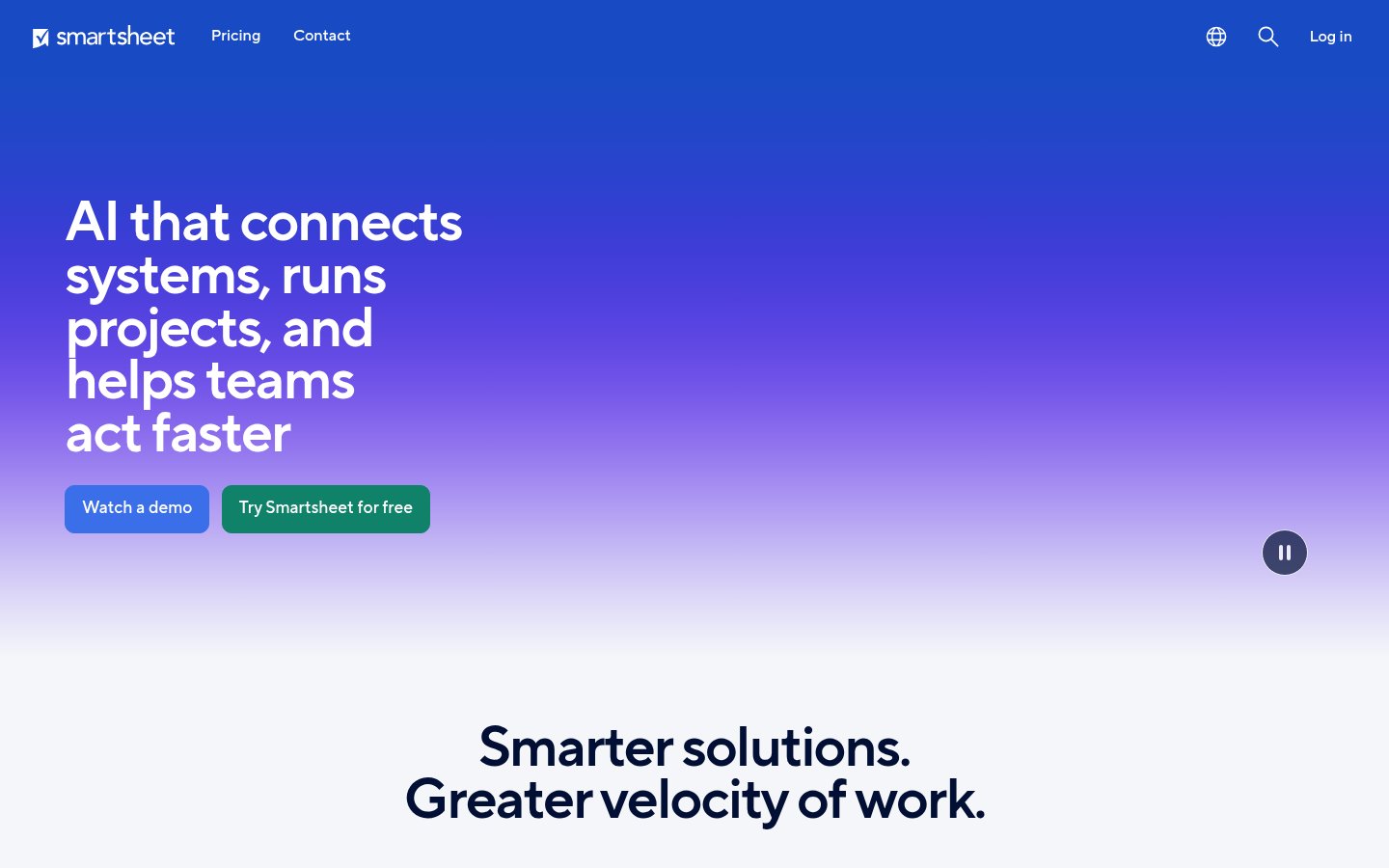
Work management platform with AI for projects, portfolios and workflows

 N

 R
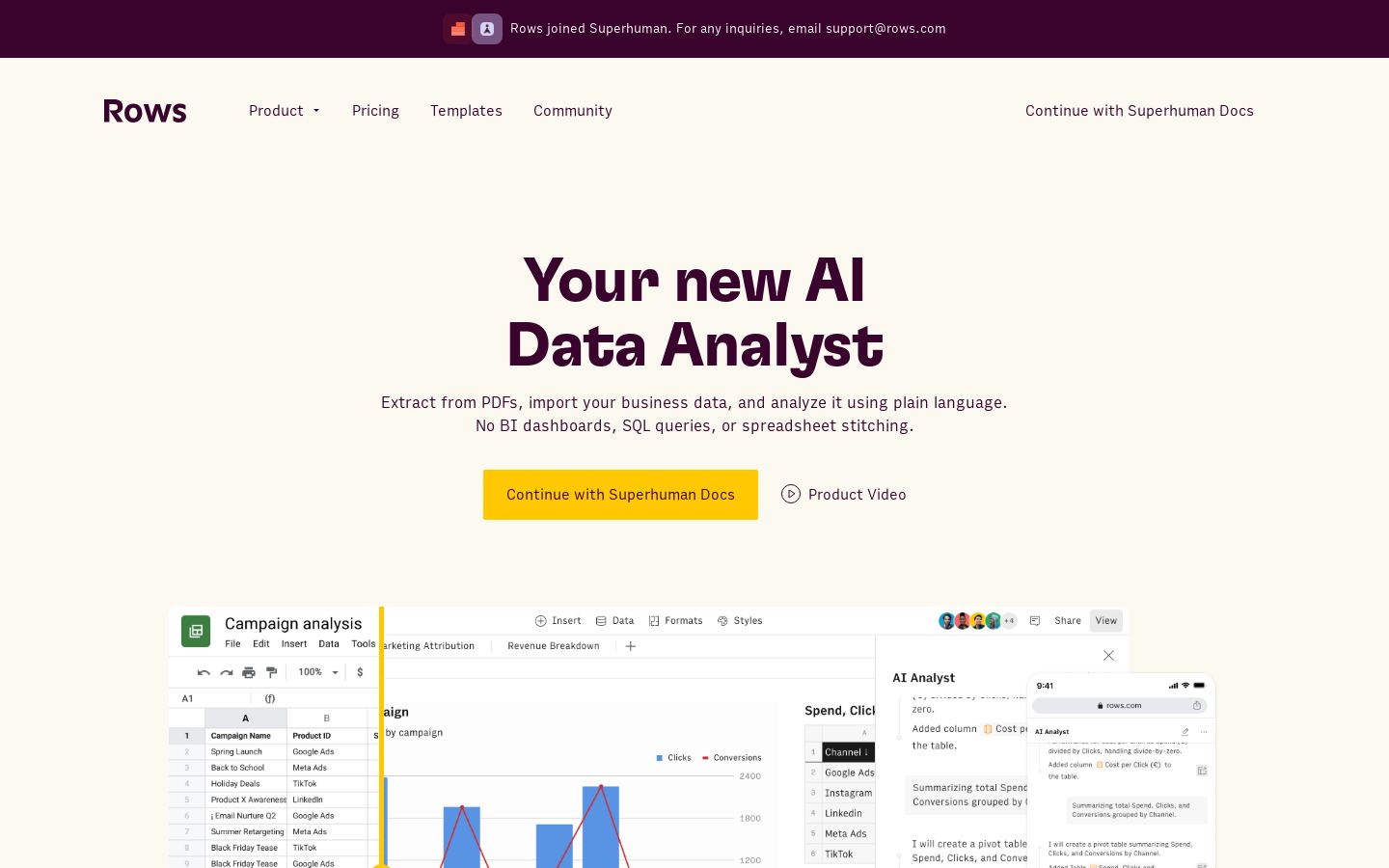
Spreadsheet with an AI data analyst for importing, analyzing and sharing team data
Spreadsheet with an AI data analyst for importing, analyzing and sharing team data

 S
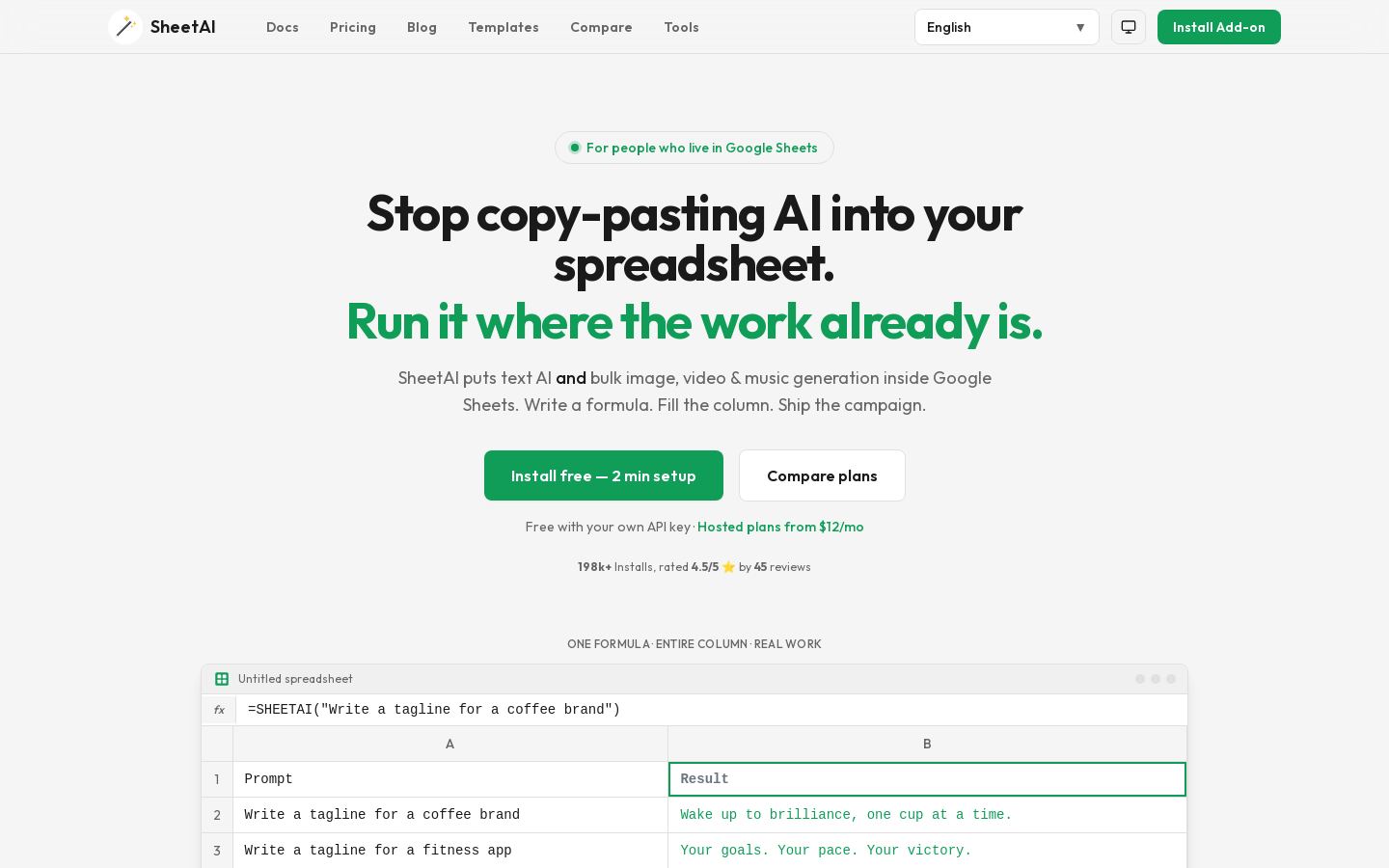
Google Sheets add-on for AI formulas and bulk image, video and music generation
Google Sheets add-on for AI formulas and bulk image, video and music generation
 E
From each vendor's own pages, re-checked every two months. Of 5 tools we checked, none state whether they train AI on your content, and 1 hold SOC 2 or ISO 27001.
| Tool | Google Sheets add-on | AI cell formula | Formula generation | Bring your own key | Live data connectors | Shareable dashboards |
|---|---|---|---|---|---|---|
| RRows | — | — | — | — | ||
| NNumerous.ai | — | — | — | |||
| SSheetAI | — | — | ||||
| E | — | — | — |
— means the vendor's site doesn't say.
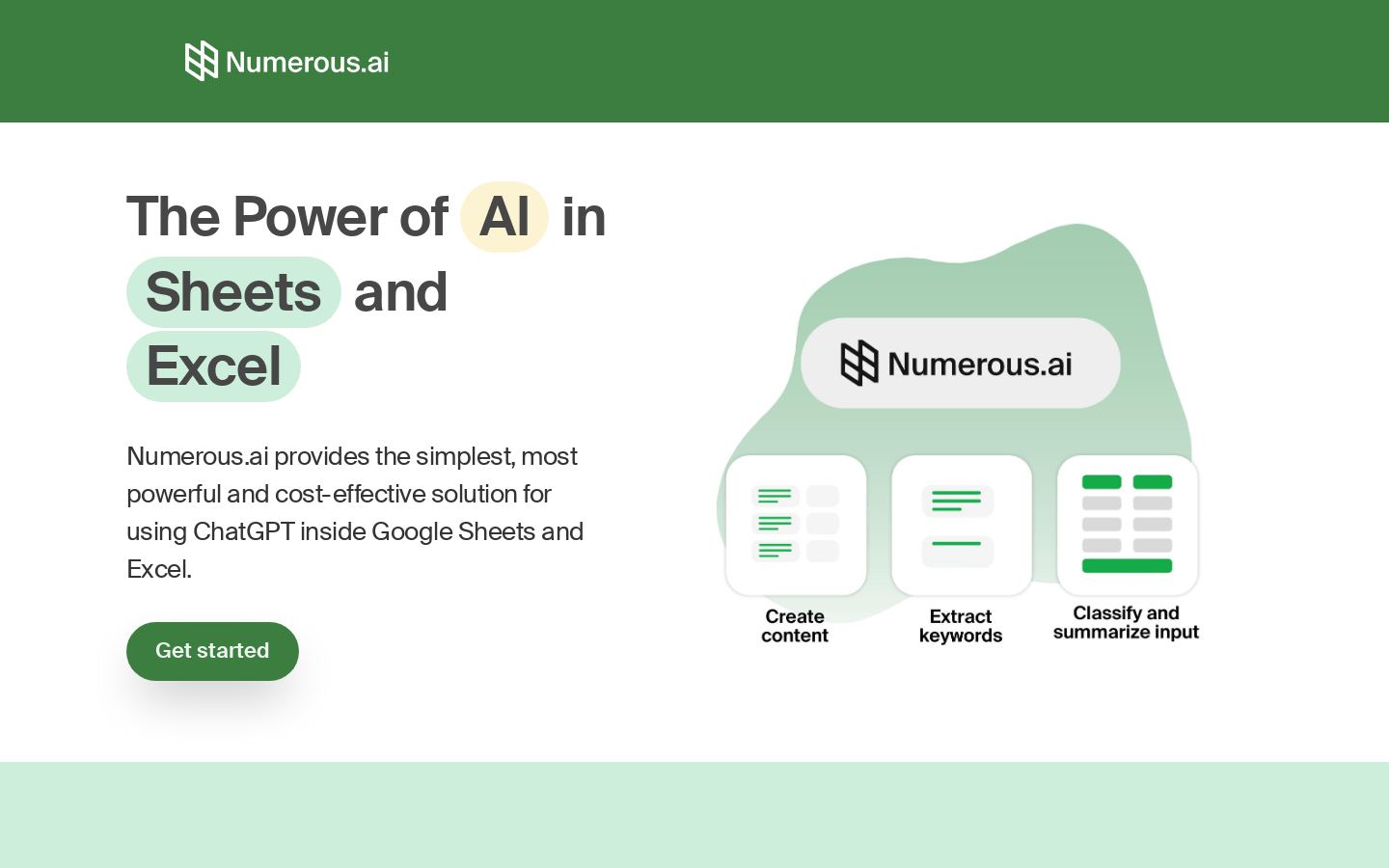
Start with where your data already lives. SheetAI and Numerous.ai add AI to an existing spreadsheet: SheetAI is a Google Sheets add-on, while Numerous.ai works in both Google Sheets and Excel through an =AI cell function. Rows and Equals are spreadsheets in their own right, so choosing one means working in a new tool. Smartsheet is broader, a work management platform for projects, portfolios and workflows.
Next, match the tool to the job. Equals targets revenue, sales and retention metrics with a managed warehouse, while Rows focuses on importing, analyzing and sharing team data. SheetAI also covers bulk image, video and music generation.
Then check the price. Listed starting prices run from $6/mo for Rows to $2,000/mo for Equals. Rows and SheetAI are freemium, and the other three offer free trials.
Finally, check integrations if your sheet needs to connect to other systems. Smartsheet and Rows list an API, and Smartsheet and Equals both list Slack.
Rows and SheetAI are freemium, so they are the places to start for free use. Smartsheet, Equals and Numerous.ai are listed with free trials, followed by paid plans.
Listed starting prices are $6/mo for Rows, $9/mo for Smartsheet, $10/mo for Numerous.ai, $12/mo for SheetAI and $2,000/mo for Equals. Four of the five start at $12/mo or less, while Equals is priced far higher.
Check whether it works with the spreadsheet you already use, whether it fits your main task, what it costs to start, and whether you need an API or Slack. For example, Numerous.ai works in Google Sheets and Excel, Equals focuses on revenue, sales and retention metrics, and Rows lists an API.
Numerous.ai is the listed tool that brings ChatGPT into Google Sheets and Excel. SheetAI is an alternative for AI formulas in Google Sheets, and Rows offers an AI data analyst in its own spreadsheet. Equals pairs an AI spreadsheet with a managed warehouse, and Smartsheet applies AI to projects, portfolios and workflows.