G
 G
Smart Slides vs live data
The short answer
I'd pick Beautiful.ai if you build decks by hand often and want unlimited AI with auto-aligning Smart Slides, at $14.50/month on annual Pro. I'd pick Presentations AI if you want a free plan, an API, or decks that update themselves from Salesforce, HubSpot or Snowflake. Scheduled data refresh needs its $100/month Gold plan.
 Stanislav Vovchyk · updated Nov 5, 2026 · prices checked Oct 26, 2026

Choose Beautiful.ai if…

Choose Presentations AI if…
Typical jobs costed on each tool's cheapest plan that covers them, from the plan limits each vendor publishes.
| Job | Beautiful.ai | Presentations AI |
|---|---|---|
| One person making decks year-round, billed annually | $14.50/moPro1 user, unlimited AI generation, PowerPoint import and export | $20/moPro5,000 credits, advanced AI models, high-quality PowerPoint export |
| A single short deck under 20 slides, no annual commitment | $45/moOne-time projectEverything in Pro billed monthly, cancel anytime | FreeStarterUp to 20 slides; works if 200 credits cover the deck |
B Beautiful.ai
P Presentations AI
What each vendor shows first: the pitch, the plans and the sign-up.
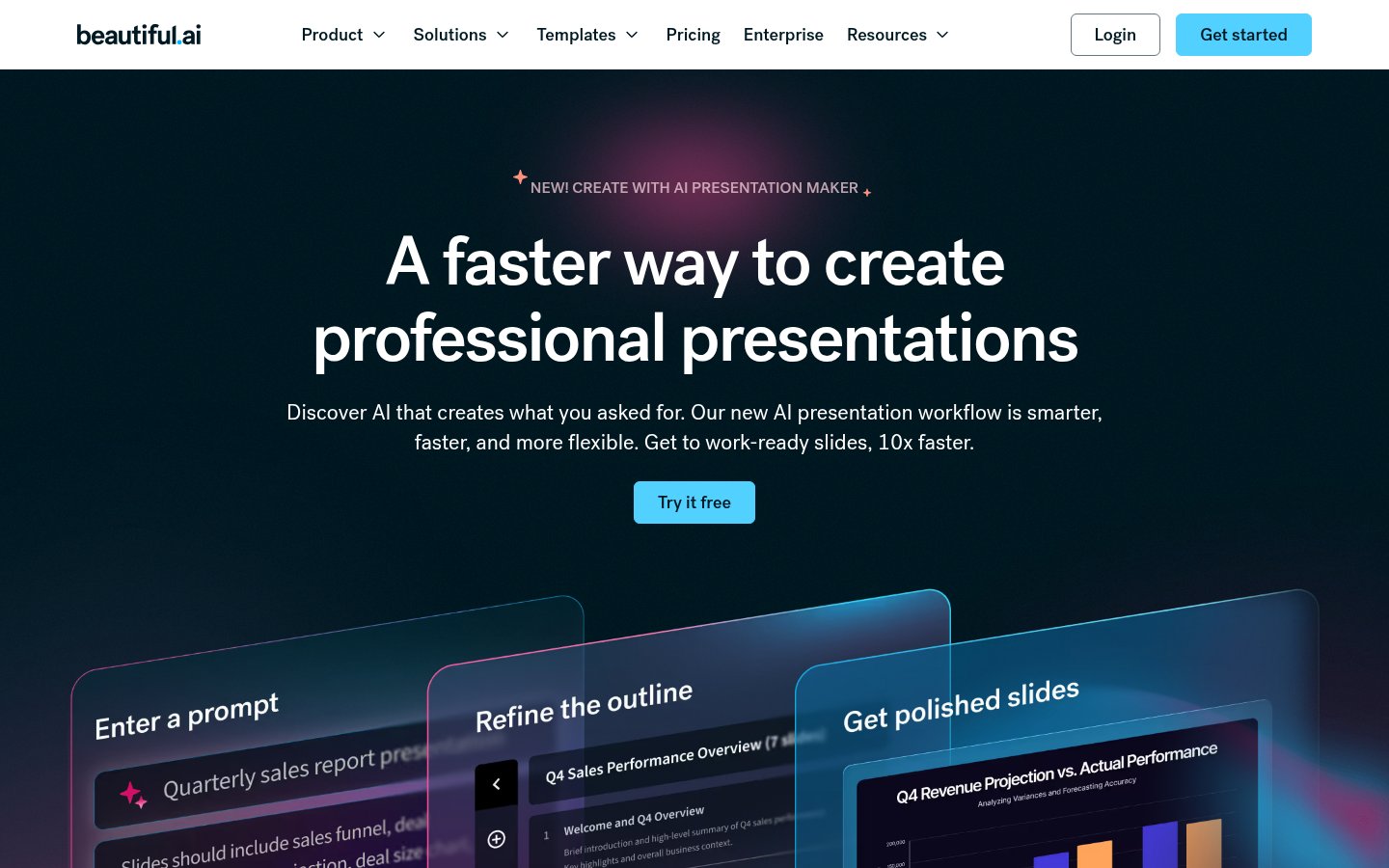 Beautiful.ai · beautiful.ai
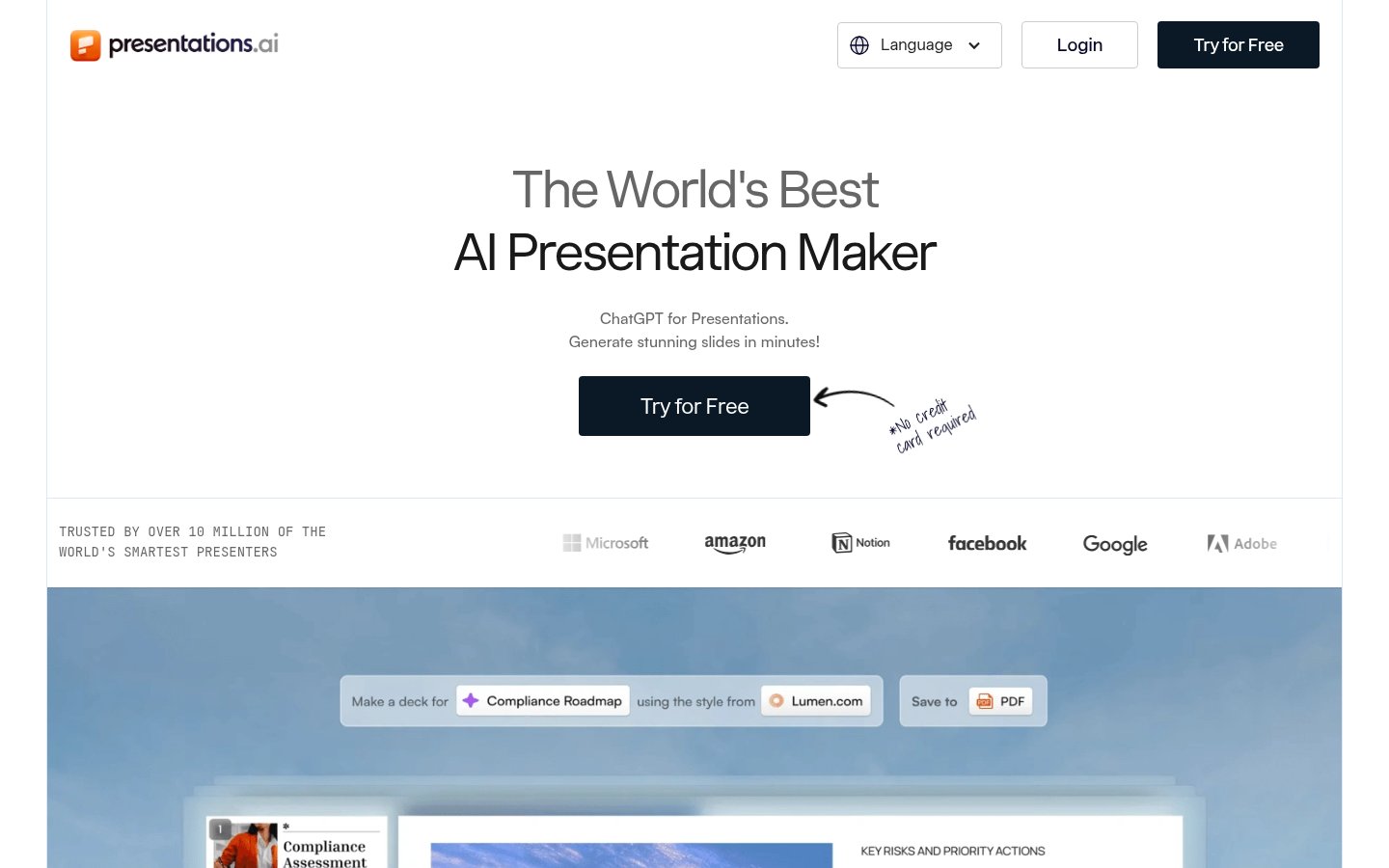 Presentations AI · presentations.ai
The cheapest plan that fits, per month, billed yearly where the plan offers it.
| Team size | Beautiful.ai | Presentations AI |
|---|---|---|
| 1 person | $14.50 Pro | $20 Pro |
| 5 people | $200 Team | $20 Pro |
| 20 people | $800 Team | $20 Pro |
Work it out for your team
The cheapest paid plan with a published price that fits. Custom and sales-quoted plans aren't included.
What the free plans include
Beautiful.ai
No free plan.
Presentations AI
Beautiful.ai
Presentations AI
Both export editable .pptx files. Beautiful.ai imports PowerPoint, so a Presentations AI deck exported as .pptx can come in and be edited. Going the other way, Presentations AI builds decks from PDF, Word, Excel, Google Docs or URLs. Its pages don't list .pptx import, so expect to regenerate decks from a PDF export and re-apply your brand with Brand Sync.
Yes. It imports PowerPoint files and exports editable PPT files as well as PDF. Presentations AI also exports native editable .pptx files that open in PowerPoint or Google Slides.
Beautiful.ai says it does not train on your data. Data is stored in the US, and it holds SOC 2 Type II, GDPR, CCPA and PCI DSS. Presentations AI lists SOC 2 Type II and GDPR but doesn't say whether it trains on your data.
Beautiful.ai is web-only and has no API. Presentations AI runs on the web and as a Chrome extension, and it offers a REST API with webhooks for automated deck generation.
GAI tool that creates presentations, documents and websites from a prompt

 P

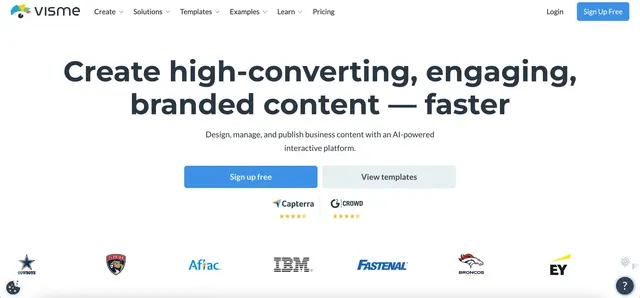 V
AI content platform for branded presentations, documents and infographics

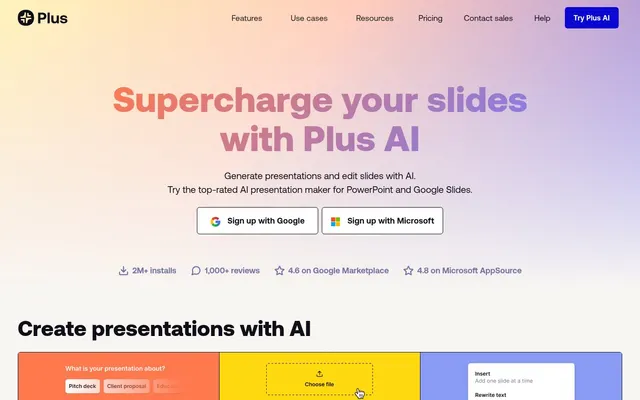 P

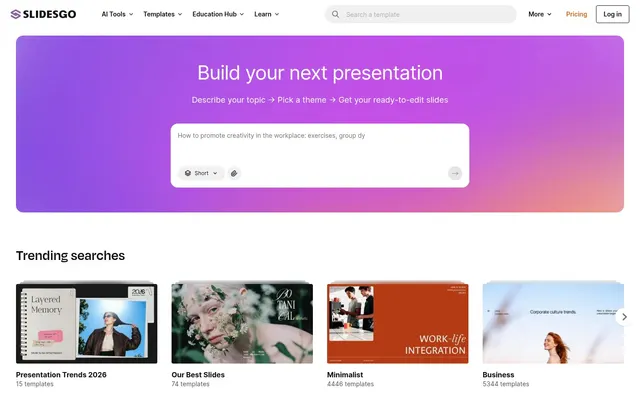 S
Presentation templates and AI slide maker for Google Slides, PowerPoint and Canva
Presentation templates and AI slide maker for Google Slides, PowerPoint and Canva

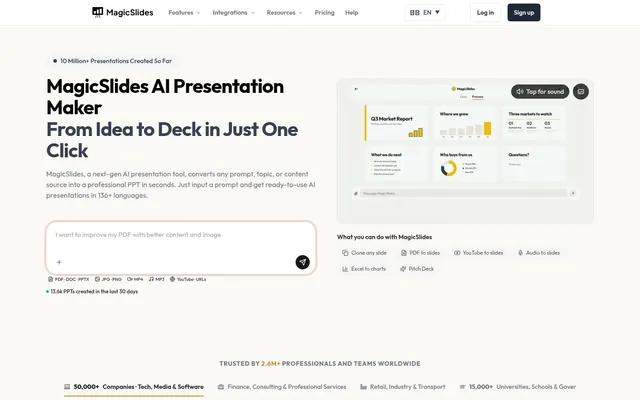 M
AI presentation maker that turns text, PDFs, videos and links into slide decks
AI presentation maker that turns text, PDFs, videos and links into slide decks
Facts from each vendor's public pages, prices checked Oct 26, 2026. Editorial policy