Best of
Top 9 AI Tools for Marketing Teams in 2026: Ranked by Real Output Quality
May 31, 2026 · 14 min read

AI tool that creates presentations, documents and websites from a prompt
Own Gamma? Claim it, free to correct the facts and get the verified badge.
Pricing
Freemium
API
Yes
Platforms
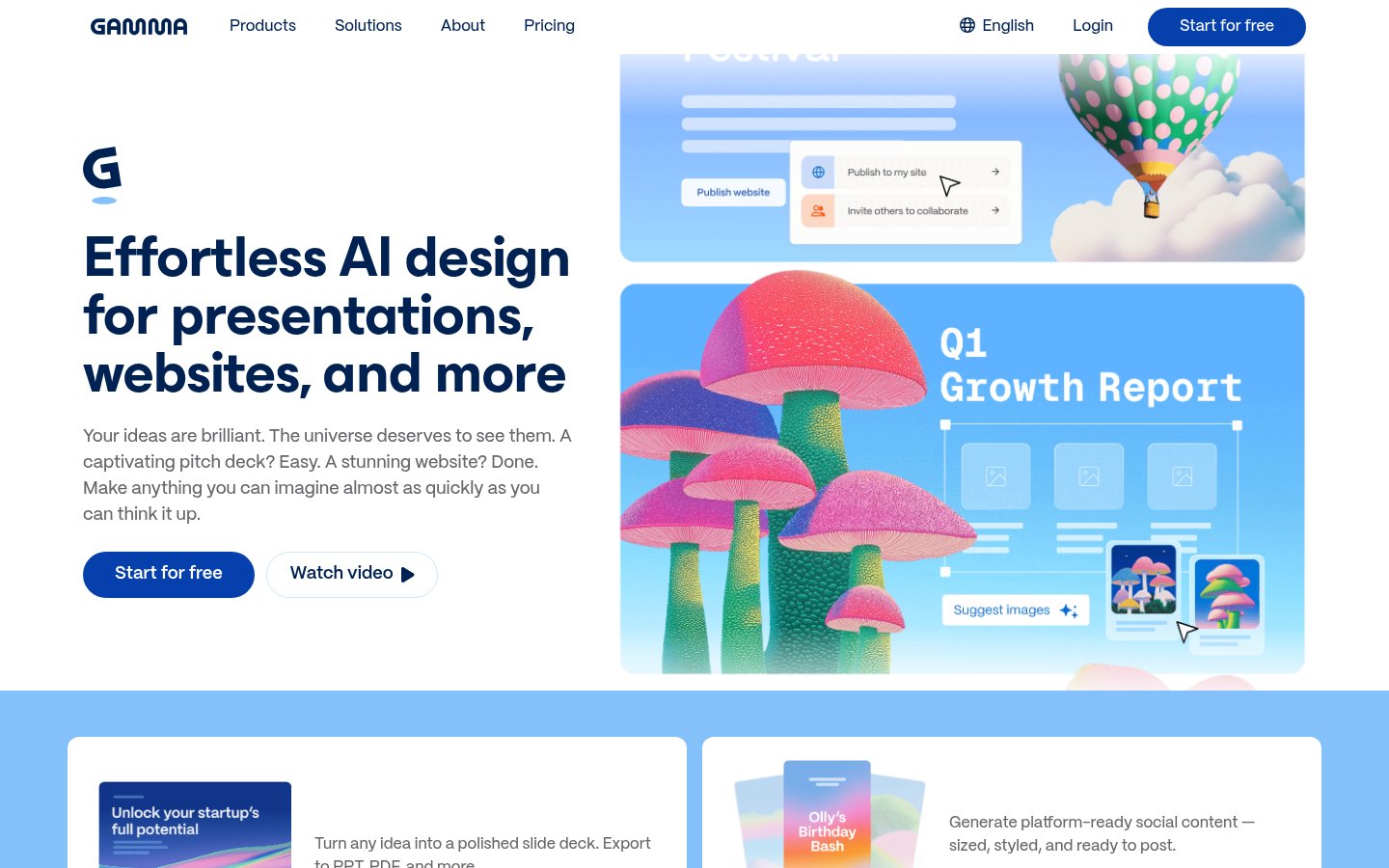
Gamma is among the fastest routes from a prompt to a polished deck, document or live website, and its chat-based agent keeps editing quick after the first draft. Credit metering, per-user billing and the card-to-PowerPoint conversion limit its fit for teams that must deliver .pptx files, so test an export before paying. For solo consultants and founders who share work as links, it earns a place.
Best for: Consultants, founders and educators who create decks, docs and microsites regularly and share them as links
Read the full reviewGamma is an AI tool that generates presentations, documents and multi-page websites from a text prompt. You describe what you need, and Gamma drafts the slides or pages, with AI-generated images and an AI Agent that can edit content afterwards.
Usage runs on credits, which cover presentation generation, image creation and AI Agent actions. The amount each action uses depends on the model and how complex the request is. Paid plans add more monthly credits, longer generations (up to 100 slides per prompt), better image models, and publishing options such as custom domains, password protection and viewer analytics. The Pro plan includes API access.
Gamma suits people who make presentations, pitch decks or simple sites and want a first draft without designing every slide themselves. Billing is per user, so a team pays for each member's seat.
Who it's for
Turn a short brief into a full slide deck, then refine it with the AI Agent.
Publish multi-page sites on a custom domain without building them by hand.
Share password-protected documents and see how viewers engage with them.
Use the API on Pro to generate decks from other tools.
From the vendor's site, checked Oct 26, 2026; we re-check prices monthly. Prices change — confirm on their pricing page.
Free
Free
Plus
month
See gamma.app/pricing
Pro
month
See gamma.app/pricing
Ultra
month
See gamma.app/pricing
Business
Custom
| Tool | Starts at | Free plan | Free trial | API | Open source | |
|---|---|---|---|---|---|---|
| GGamma | — | — | — | |||
M MagicSlides | $6.67/mo | — | Gamma vs MagicSlides | |||
P PopAI | — | — | — | — | Gamma vs PopAI | |
C ChatSlide | $8.25/mo | — | — | — | Gamma vs ChatSlide | |
G GenPPT | $8/mo | — | — | — | Gamma vs GenPPT |
| Capability | Gamma | MagicSlides | PopAI | ChatSlide | GenPPT |
|---|---|---|---|---|---|
| Editable PPTX export | — | — | |||
| Doc/PDF to slides | — | ||||
| URL/video to slides | — | — | |||
| PowerPoint/Slides add-in | — | — | — | — | |
| Brand kit | — | — | — | ||
| Outline review | — | — | |||
| Viewer analytics | — | — | — | — | |
| MCP server | — | — | — | — |
Capabilities as stated on each vendor's own site; — means the site doesn't say. The closest alternatives in our directory by category. “Starts at” is the cheapest paid plan per month, as each vendor lists it.
Strengths
Limitations
 Stanislav VovchykUpdated Oct 28, 202611 min read
Updated October 2026
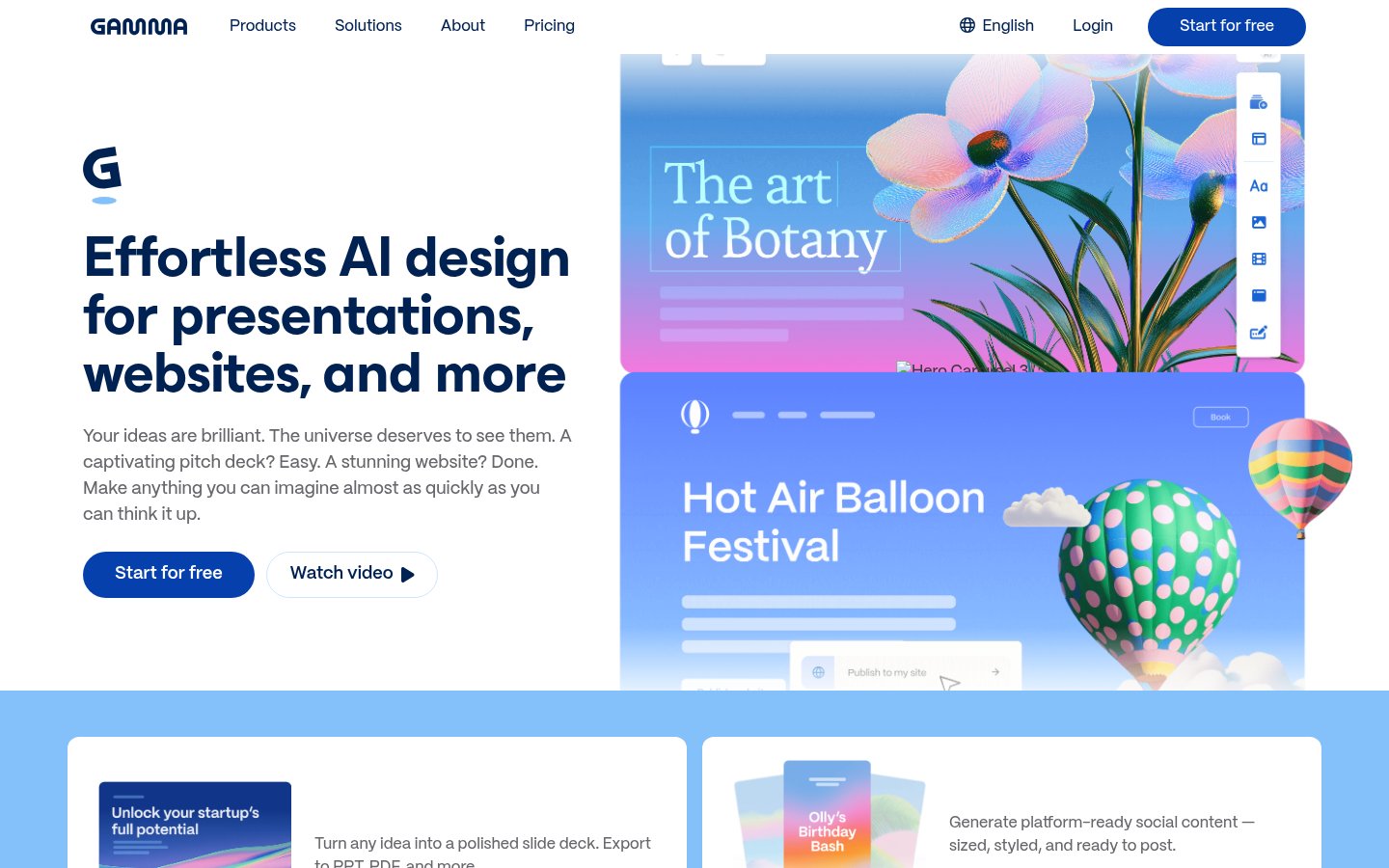
Gamma's free plan hands you 400 credits once and never refreshes them, so the first thing to decide is whether you'll burn through that in an afternoon of evaluation. Past that, Gamma is a prompt-to-deck tool that also outputs documents, social graphics and live websites, and its pitch since the latest rebuild is an AI agent that orchestrates different models for different parts of the job.
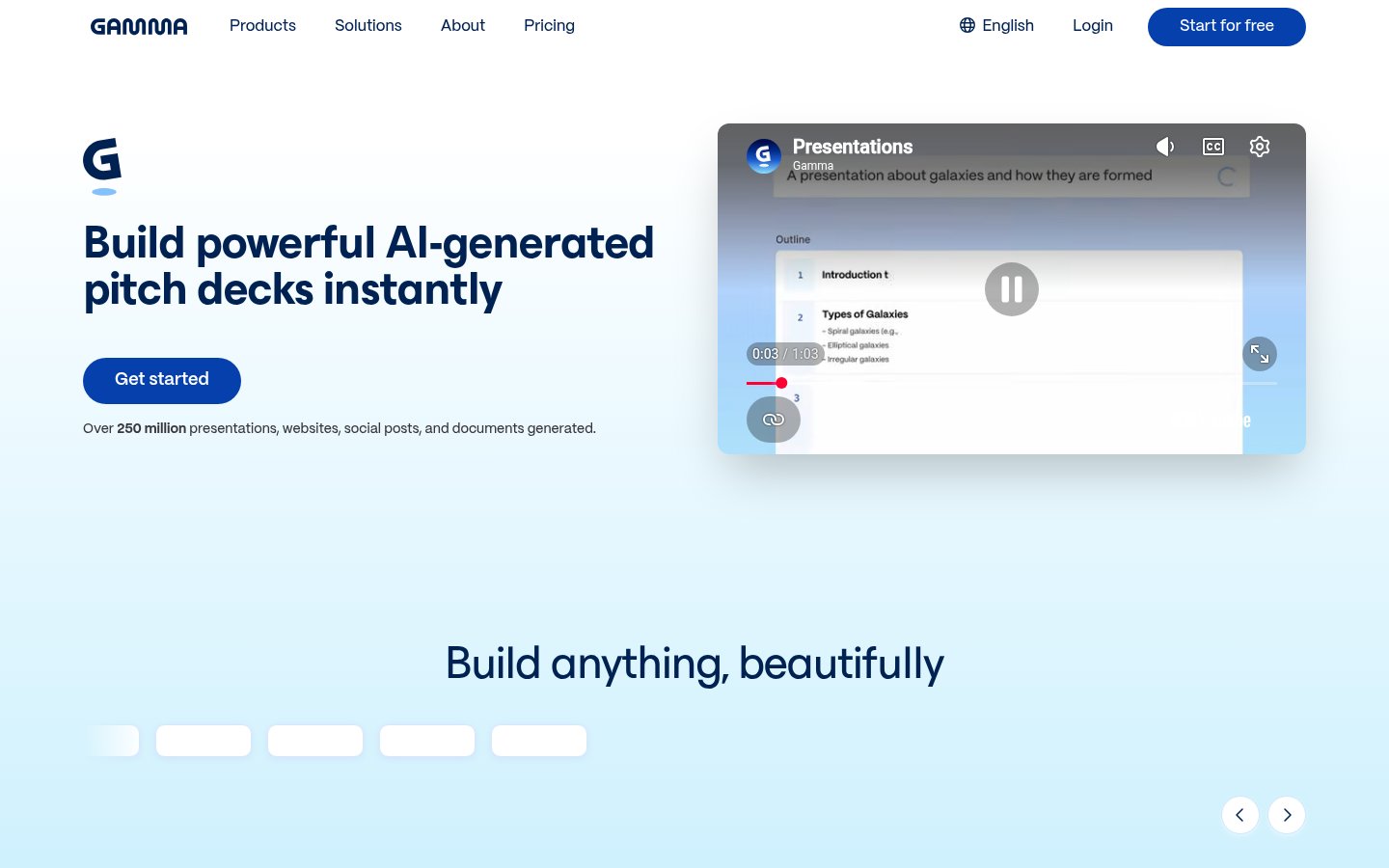
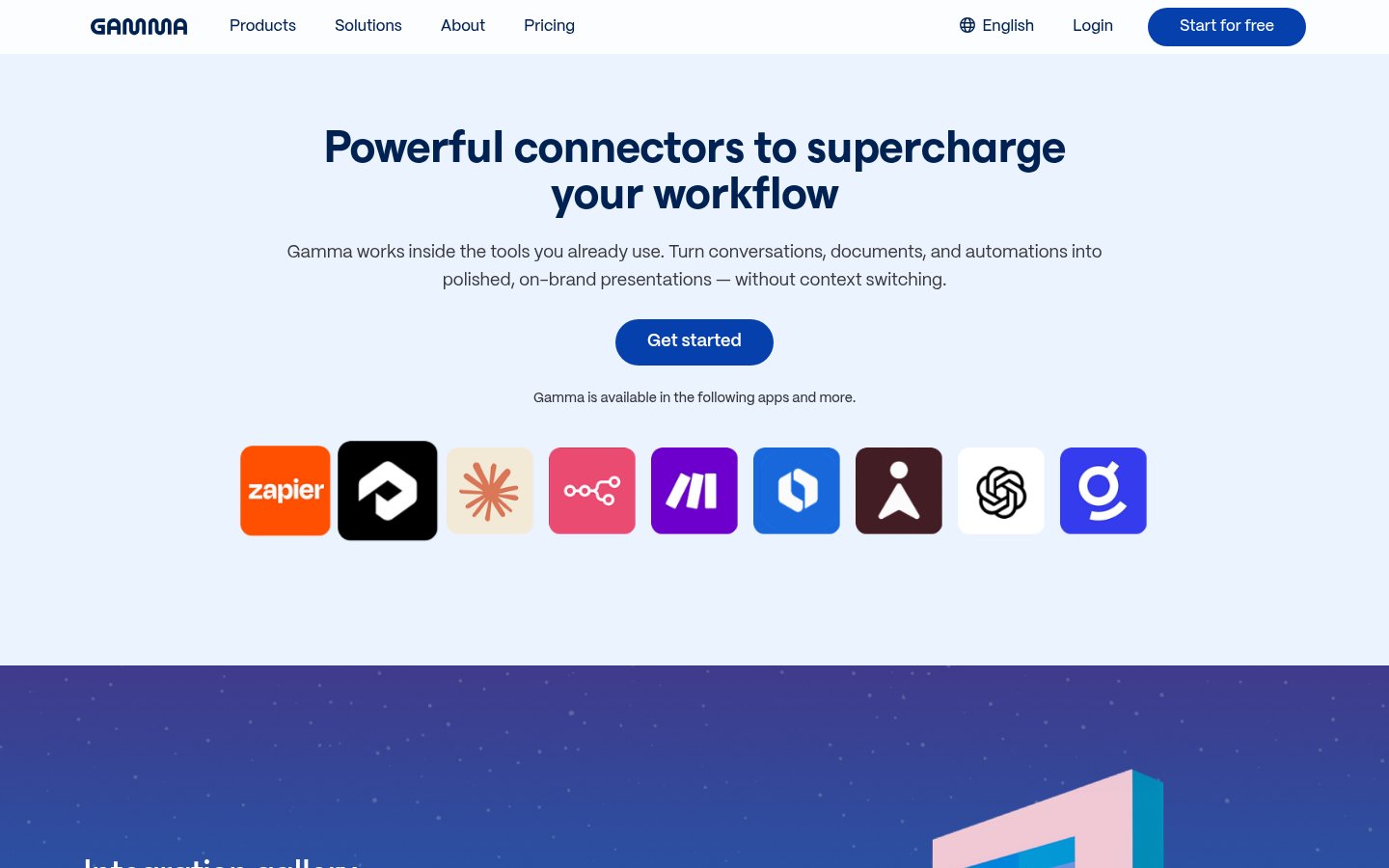
The workflow starts with a conversation, not a blank canvas. Gamma's homepage describes it as outline first: the agent proposes a story structure, you reshape it, and only then does it build the deck. Editing continues in chat beside the deck. You can also import a PowerPoint or PDF and have Gamma rebuild it in its own format, or pull source material from Slack, Notion, Dropbox and 25+ other connectors. You can even start from Claude, ChatGPT or Slack.
Once a draft exists you have three ways to change it. Ask the agent ("make the third section shorter and add a comparison table"), drop in a smart layout, or switch to freeform mode and move elements wherever you like. That third option matters. Many AI deck builders trap you in whatever layout the model chose. Gamma lets you break out.
The same content can come out as a presentation, a document, social carousels, or a website you publish and share as a link. Brand controls, custom instructions and workspace templates keep output consistent across a team. Plans at Pro and above add password protection and viewer analytics, so you can see who opened a sales deck.
If your starting point is an existing PDF, our guide to turning a PDF into a presentation with AI compares what Gamma does with the alternatives.
Chat-based editing that works on the whole document. Generating a first draft is table stakes now. Gamma's edge is that revisions happen in a conversation that holds the full deck in context. Restructuring the second half, translating the deck or adding a table are single requests rather than a sequence of menu clicks. Gamma says its agent picks the best model for each part of the job, which spares you from choosing between text and image models yourself. Gamma doesn't publish a per-task model list on the pages we reviewed, so you can't audit that claim.
One source, several formats. A pitch deck, a one-pager and a landing page can come from the same material without leaving the tool. Paid plans publish websites on custom domains: up to 10 on Pro and up to 100 on Ultra. That makes Gamma a cheap way for a consultant or small agency to put up several client microsites. Compare that with building each page in a site builder. Websites are also where the credit meter matters least to you, because the content already exists.
Analytics and sharing controls. Pro adds viewer analytics, password protection and custom branding. If decks are your sales collateral, knowing which prospects opened the file is worth more than a prettier theme. It's a lighter tool than a dedicated sales-enablement product, but it comes bundled.
Export is the sore spot. Gamma's content is built from cards, a different structure from slides, and any conversion to PowerPoint has to translate between the two. Gamma's site promises high-fidelity export and imports that "arrive the way you built them." Public discussion is less certain. One Reddit user who spent 60 days with Gamma described two occasions on which they went back to PowerPoint. If a .pptx file is your final deliverable, export one of your own complex decks before you pay for a plan, and check fonts, multi-column layouts and any motion. Keep a PDF export as a backup. Gamma is web-only, so a conference room with poor connectivity needs that file anyway.
Credits are the second friction point. Free accounts get 400 credits that never refresh. Paid plans refresh monthly, and unused credits roll over only up to double your monthly amount. A revision-heavy session, where you regenerate a deck and then regenerate it again, drains a balance faster than a single clean generation does. Gamma's pricing FAQ has a section on how credits work, so read it before assuming a plan size.
Billing is per user. A five-person team pays for five seats, and the Business tier is custom-priced, so there's no public figure to budget against. API access starts at Pro. Ultra is monthly billing only, which means you can't get the annual discount on the top tier.
Layout control tops out below design software. If you need pixel-exact positioning, heavy custom data visualisation or Excel-linked charts, Gamma won't replace a spreadsheet or a dedicated design tool. Free-tier output also uses basic image models, so a first impression there understates what Plus and above produce.
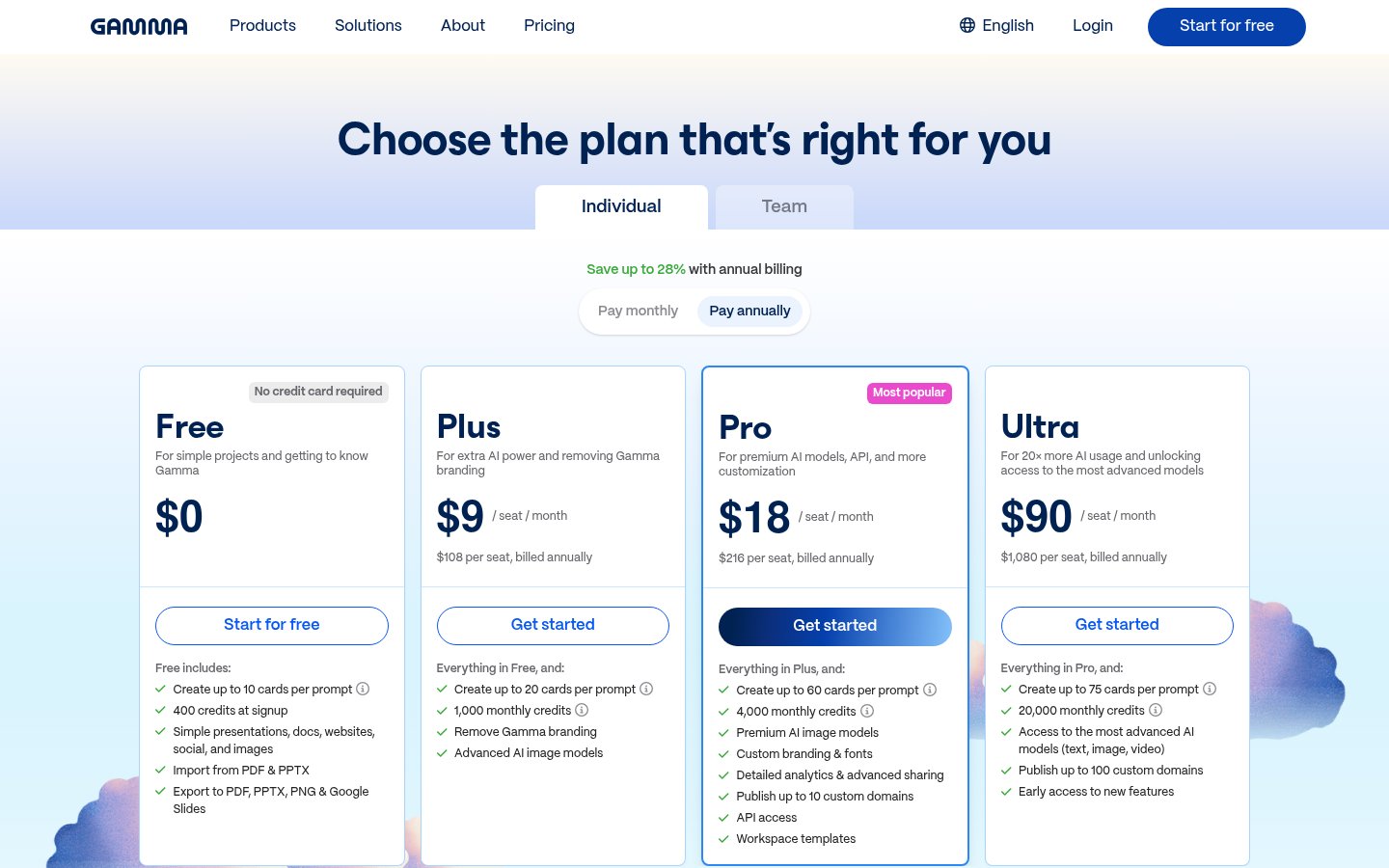
The plan ladder is easy to read. Free gives 400 credits once and up to 10 slides per prompt. Plus gives 1,000 credits a month, advanced image models, no Gamma badge and up to 100 slides per prompt. Pro gives 4,000 credits a month plus API access, password protection, viewer analytics, custom branding and up to 10 custom-domain sites. Ultra gives 20,000 credits a month, ultra image models, custom fonts and up to 100 sites. Gamma's pricing page labels Ultra as 20x more AI usage, which matches the 20,000 versus 1,000 gap to Plus. The pricing page shows current dollar amounts per plan and says no credit card is needed to start. Annual billing is 28% cheaper than monthly, so if you know you'll keep Gamma for a year, pay annually on every tier except Ultra.
My read: Plus is the right starting point for a solo consultant or founder who needs the badge gone and longer decks. Pro is for anyone who sends decks to prospects and wants analytics, or who needs the API. Ultra only makes sense if you generate at volume or publish dozens of sites. At 20x Plus's allowance, it's sized for agencies, not individuals. Teams should price per seat before comparing against a Microsoft 365 licence that already includes PowerPoint.
Pick Gamma if you're a consultant, founder, educator or coach who produces decks, one-pagers or client microsites every week and cares more about speed and finish than about slide-level control. It suits you even more if the audience views your work as a link, because the web format, analytics and password protection all work in your favour. Gamma also holds SOC 2 Type II compliance, which clears a first hurdle with IT teams that ask for it.
Skip it if the deliverable is always a .pptx that someone else will edit, if your company enforces strict slide templates, or if your decks depend on live charts and precise layouts. Also skip it if you want to avoid a metered system: a credit balance that runs out mid-project is a poor fit for people who iterate by regenerating. Teams already inside Microsoft 365 will get a smoother path from Copilot in PowerPoint, even if they prefer Gamma's design output.
Yes. It starts with 400 credits, which do not refresh each month. You can hold up to 2,000 credits.
Credits cover AI usage across Gamma, including presentations, images and AI Agent actions. Paid plans include monthly credits, and unused credits roll over up to double the monthly amount.
Yes, API access is included in the Pro plan and higher plans.
Yes. Annual plans include the same monthly credits at a 28% discount. Ultra is monthly only.
Subscriptions are per user. Each workspace member is billed at the plan's rate.
No reviews yet. Used Gamma? Be the first.
Sign in to rate this tool and share how you use it.
Best of
May 31, 2026 · 14 min read
Best of
May 24, 2026 · 15 min read
Best of
May 10, 2026 · 16 min read
Best of
May 10, 2026 · 16 min read
Gamma
Freemium
AI presentation maker that turns text, PDFs, videos and links into slide decks
AI presentation maker that turns prompts, PDFs and docs into editable slides
Turn PDFs, docs and links into editable slides, avatar videos and posters