GPresentations AI vs Prezi AI
Pricing, features, platforms and who each one suits — side by side.

Choose Presentations AI if…
- you want a free plan to start with
- you need an API to build on
- you work on Chrome
- you're in its core audience: founders, sales teams
Choose Prezi AI if…
- you're in its core audience: teachers and educators, corporate trainers
Side by side
Key features
P
Presentations AI
- Generate decks from text, PDF, Word, Excel, Google Docs or URLs
- Brand Sync pulls logo, fonts and colors from your website
- Native editable .pptx export for PowerPoint and Google Slides
- Data-connected Refresh with Salesforce, HubSpot, Snowflake and 50+ sources
- REST API, webhooks and Zapier/Make triggers
- White-label presentation editor for your own product
- 1000+ full-deck templates and single-slide layouts
- Real-time collaboration plus view and slide engagement analytics
P Prezi AI
- Generates a draft presentation from a one-sentence prompt
- Interactive slides: timelines, mind maps, infographics, simulations (beta)
- Imports PowerPoint, Google Slides, Canva, PDF, Word and AI-made decks
- Exports to PPTX or PDF
- Live polls, quizzes, Q&A and word clouds via QR code
- Phone presenter remote with notes and next-slide preview
- Post-session links with narrated video, transcript and flashcards
- SCORM export to an LMS with completion data
Plans and prices
From each vendor's site. Prices change — confirm before buying.
Presentations AI
Prezi AI
Pricing unknown. Plan details aren't published.
Strengths and limitations
Presentations AI
- Free Starter plan with 200 credits, no card needed
- Exports editable .pptx files that open in PowerPoint or Google Slides
- Connects decks to 50+ data sources for scheduled updates
- SOC 2 Type II certified and GDPR compliant
- Free plan is limited to 20 slides and 200 credits
- Paid plan prices shown are for annual billing
- Presentation Refresh and custom templates are only on the Gold plan
- Prices vary by country, so US prices may not apply
Prezi AI
- Imports decks from PowerPoint, Google Slides, Canva and AI tools
- Audience joins activities without an app or login
- SCORM export for LMS training
- Exports to PPTX and PDF
- Interactive slides feature is still in beta
- Pricing could not be read from the vendor's pricing page
More comparisons
Other options to consider
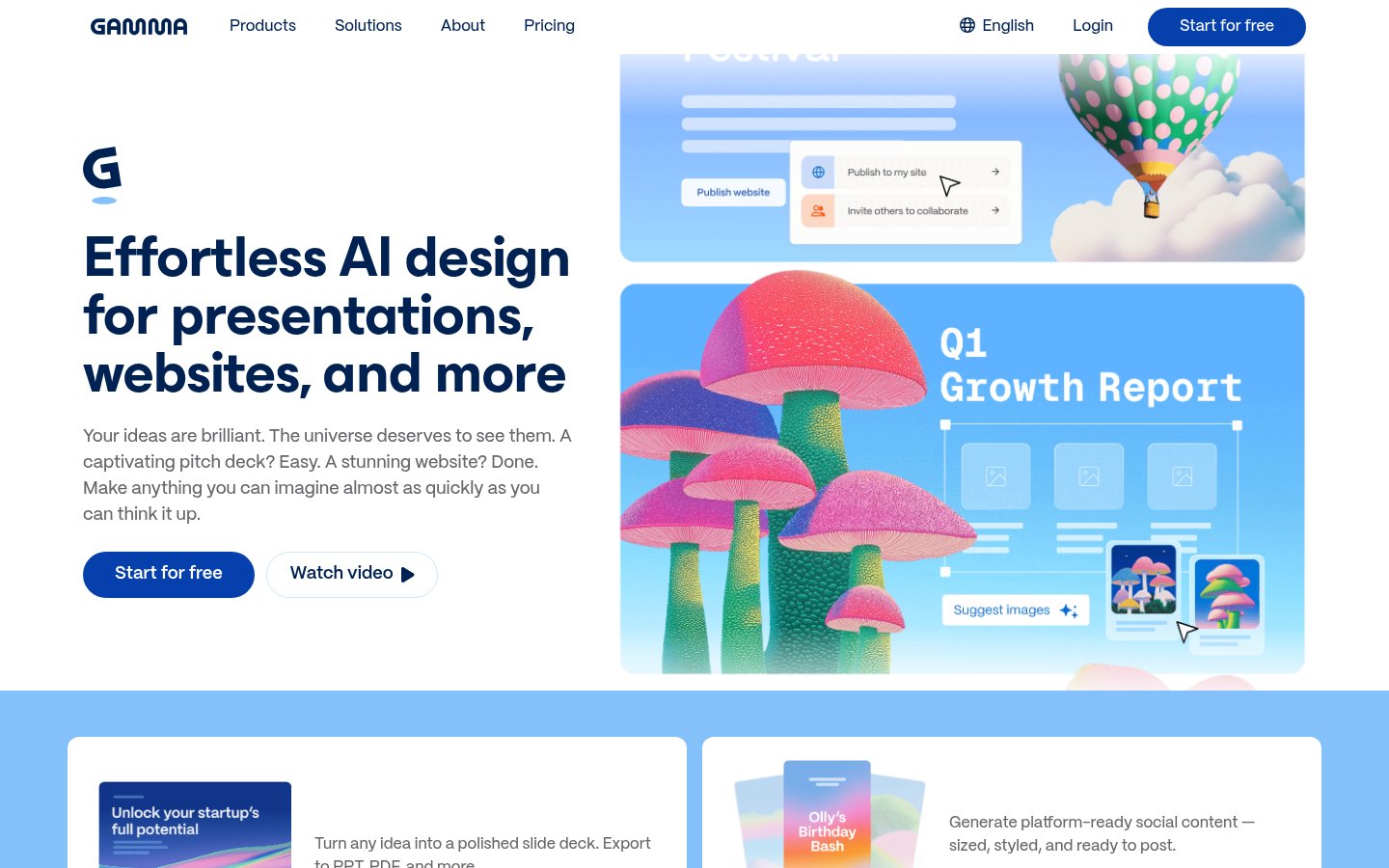
G
AI tool that creates presentations, documents and websites from a prompt

BAI presentation software with auto-aligning slides and brand controls for teams


AI presentation software with auto-aligning slides and brand controls for teams

V
AI content platform for branded presentations, documents and infographics

S

Google Slides, PowerPoint and Canva templates plus an AI presentation maker
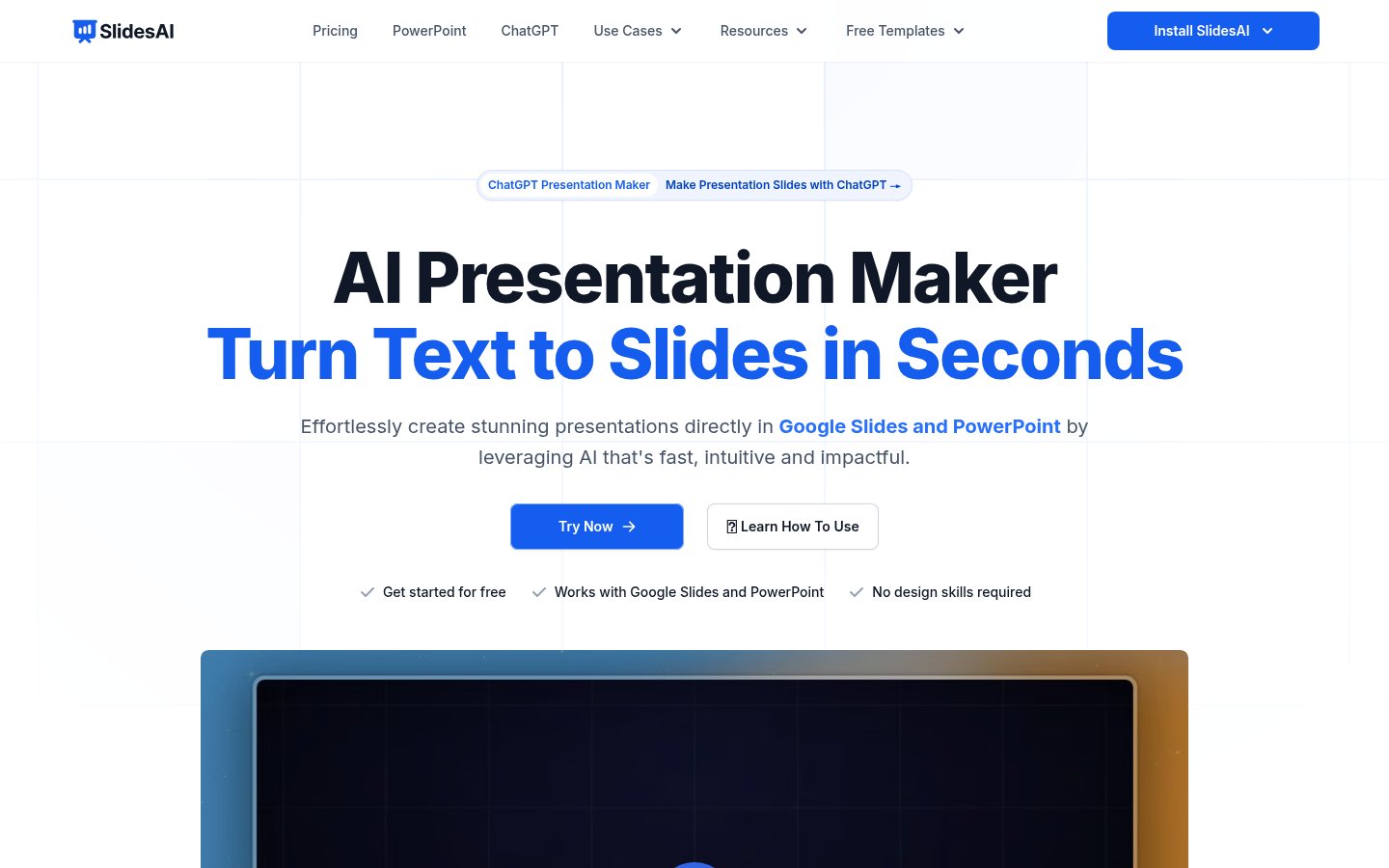
STurns notes, documents and prompts into presentations in Google Slides or PowerPoint

Turns notes, documents and prompts into presentations in Google Slides or PowerPoint

P
Built from each vendor's public website; we haven't tested them hands-on. Editorial policy