PClipdrop vs Topaz Gigapixel
Pricing, features, platforms and who each one suits — side by side.
Choose Clipdrop if…

- you want a free plan to start with
- you need an API to build on
- you work on Web
- you're in its core audience: marketers, designers
Choose Topaz Gigapixel if…
- you work on Windows, macOS
- you're in its core audience: photographers, photo restorers
Side by side
What you'd pay
The cheapest plan that fits, per month, billed yearly where the plan offers it.
| Team size | Clipdrop | Topaz Gigapixel |
|---|---|---|
| 1 person | no published plan | $12.42 Personal |
| 5 people | no published plan | $33.25 Topaz Studio |
| 20 people | no published plan | $33.25 Topaz Studio |
What the free plans include
Clipdrop
- Background Removal 20/24h
- Image Upscaler x2 20/24h
- Cleanup 20/24h
- Relight 20/24h
Topaz Gigapixel
No free plan.
Key features
C Clipdrop
- Text-to-image generation
- Background removal and replacement
- Cleanup of objects, people, text and defects
- Image upscaling up to x16 on Pro
- Relight to change image lighting
- Uncrop to extend photos into new formats
- Universal resizer for social media formats
- Photoshop plugins and usage-based API
T
Topaz Gigapixel
- Upscaling up to 16x
- Enhancement models for faces, text, art and low-res images
- Generative Wonder 2 and Wonder 3 models
- Unlimited local and cloud rendering
- Batch processing
- Plugins for Photoshop and Lightroom Classic
- Face recovery and restoration modes
Plans and prices
From each vendor's site. Prices change — confirm before buying.
Clipdrop
Topaz Gigapixel
Strengths and limitations
Clipdrop
- Free plan includes daily uses of most tools
- Pro raises limits to 1,000 uses per 24 hours per tool
- API and Photoshop plugins available
- Pro price not shown on the pricing page
- Free plan limited to 20 uses per day on several tools
- No mobile apps listed
Topaz Gigapixel
- Unlimited local and cloud rendering on every plan
- Works as a Photoshop and Lightroom Classic plugin
- Many specialized models, from faces to astrophotography
- Cheapest option works out to about $12/mo when billed annually
- Pages mention no free plan or free trial
- Personal plan limits commercial use to organizations under $1M revenue
- Desktop app is for Windows and macOS only; no Linux listed
More comparisons
Other options to consider
P
PAI photo, video and design editor with generation models for creators and teams

AI photo, video and design editor with generation models for creators and teams
F
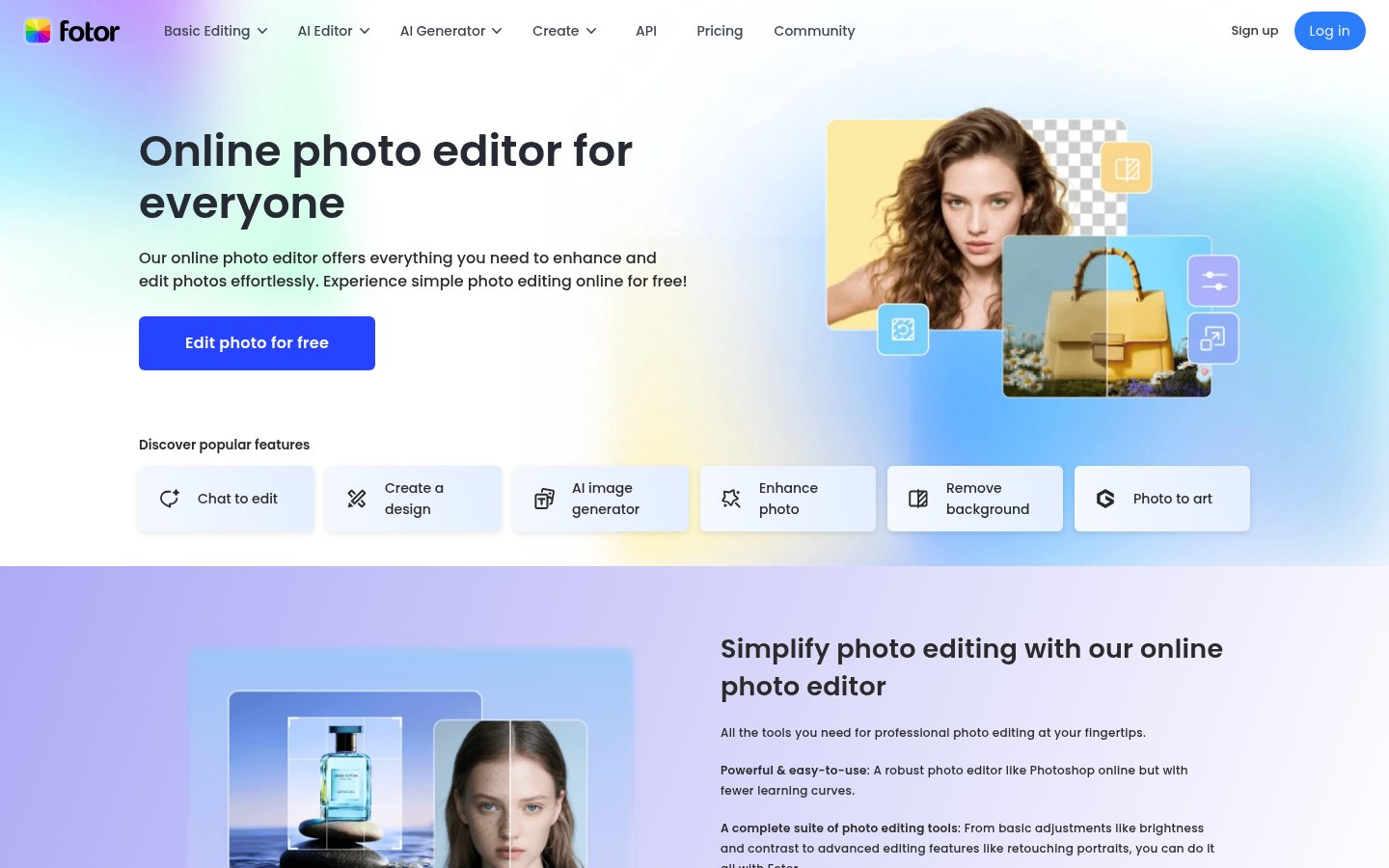
Online photo editor with AI image, video and design tools for creators
L

A

AI studio for generating images, video, audio and music from prompts

R
Automatic image background removal for individuals, ecommerce and developers
Facts from each vendor's public pages, prices checked Oct 26, 2026. Editorial policy