G
 G
API and SOC 2 or a free plan
The short answer
I'd pick Slides AI if you want to start free or need brand kits cheaply. It has a free plan with 200 credits a month, and its $10 Pro plan includes PDF and Word uploads and 3 Brand Kits. I'd pick Plus AI if you need a Presentation API, SOC 2 Type II or monthly billing. Its custom branding starts on the $30 Team plan.
 Stanislav Vovchyk · updated Nov 5, 2026 · prices checked Oct 26, 2026

Choose Plus AI if…

Choose Slides AI if…
Typical jobs costed on each tool's cheapest plan that covers them, from the plan limits each vendor publishes.
| Job | Plus AI | Slides AI |
|---|---|---|
| A 5-person sales team making decks with company logo, colors and fonts | $150/moTeamCustom branding starts on Team: 5 seats × $30, billed annually | $50/moPro5 seats × $10 yearly. 3 Brand Kits plus custom fonts |
| One consultant turning PDF and Word reports into slides | $20/moProDocument uploads start on Pro. 3,000 credits a month, billed annually | $10/moProPDF and Word uploads, 50,000-character input, 30,000 credits a year |
P Plus AI
S Slides AI
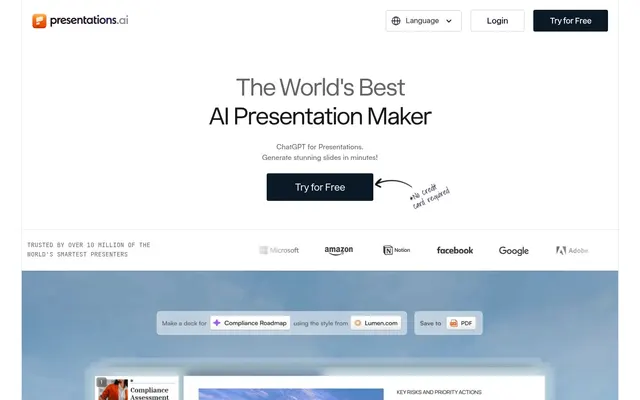
What each vendor shows first: the pitch, the plans and the sign-up.
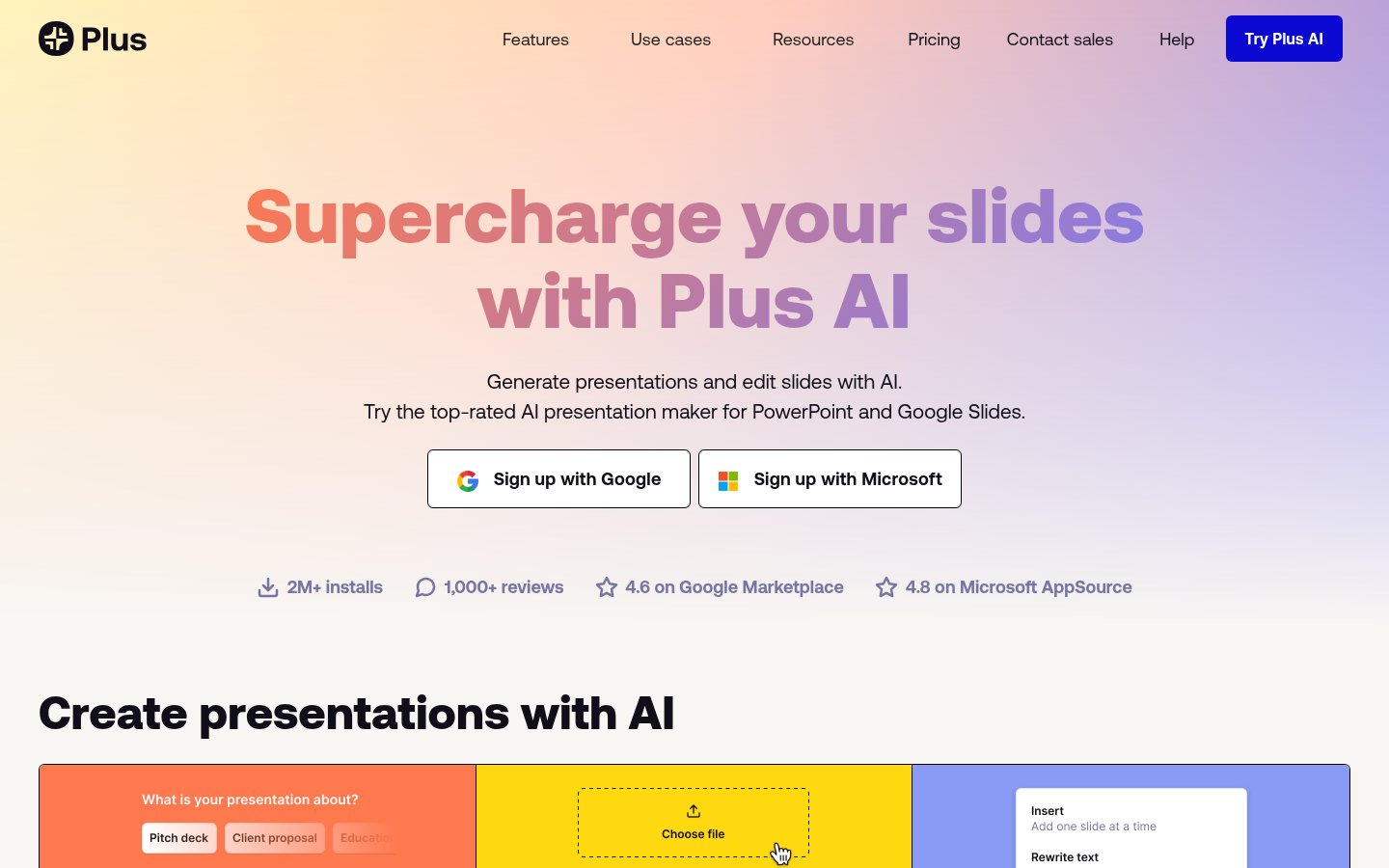 Plus AI · plusai.com
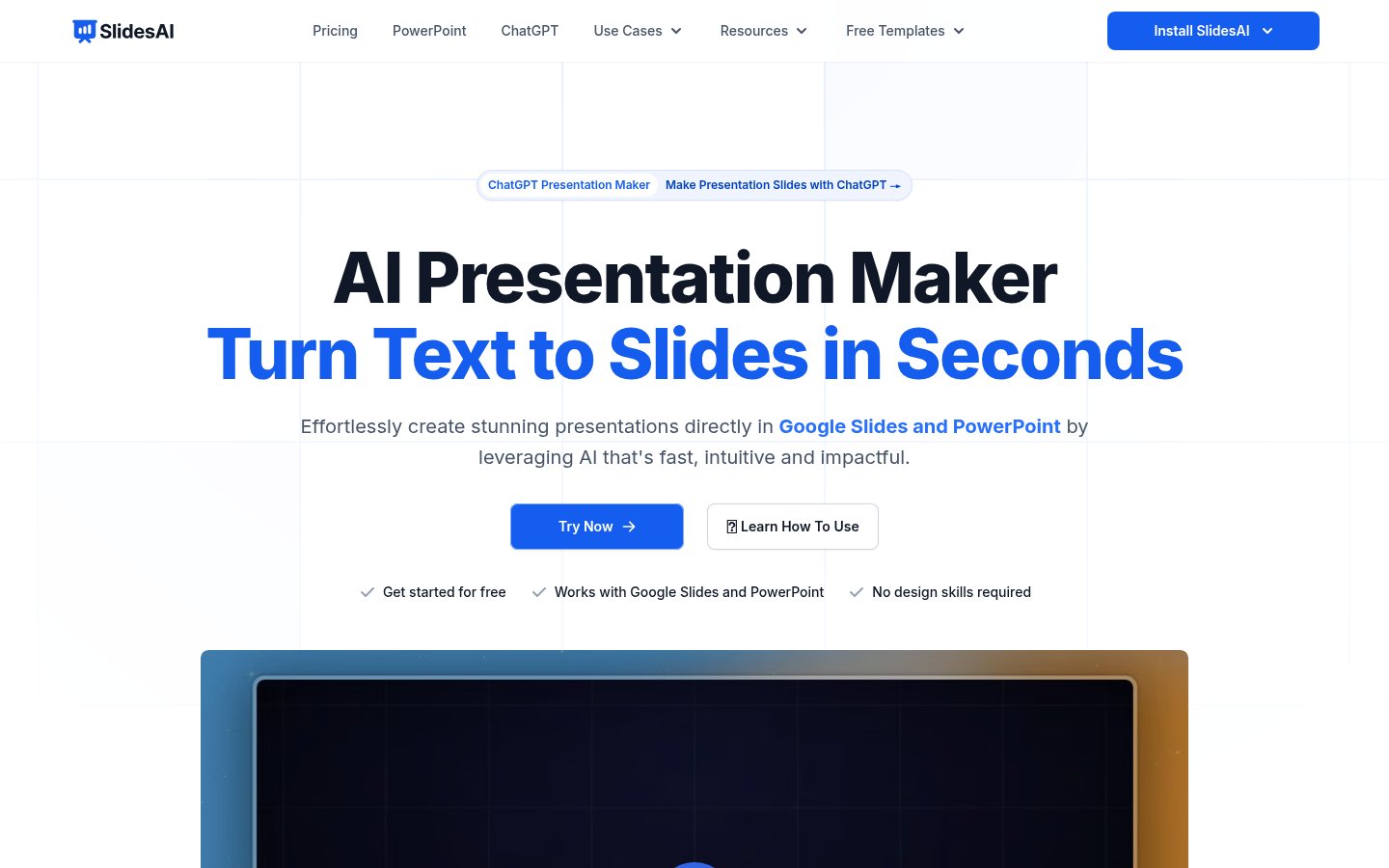 Slides AI · slidesai.io
The cheapest plan that fits, per month, billed yearly where the plan offers it.
| Team size | Plus AI | Slides AI |
|---|---|---|
| 1 person | $10 Basic | $10 Pro |
| 5 people | $150 Team | $50 Pro |
| 20 people | $600 Team | $200 Pro |
Work it out for your team
What the free plans include
Plus AI
No free plan.
Slides AI
Plus AI
Slides AI
Both tools export native PPTX and Google Slides files, so existing decks open in either one. You'll need to redo your branding. Slides AI builds a Brand Kit from your PPTX template. On Plus AI, you enter your logo, colors and fonts on the Team plan, or use custom templates on Enterprise.
Only through a 7-day trial. You need a credit card to start it, and it's capped at 1,000 AI credits whichever plan you pick. There's no ongoing free plan. Slides AI's Basic plan is free for good, with 200 credits a month.
Yes. It runs as an add-on in both and outputs native PPTX files and Google Slides presentations that work with your existing templates. Slides AI also has add-ins for both, and it runs as a web app too.
Yes. Slides AI has a ChatGPT integration that saves decks to Google Slides. Plus AI's MCP server and Presentation API, included from the Pro plan, let you create decks from ChatGPT, Claude, Cursor and other MCP clients.
Plus AI stores data in the US, is SOC 2 Type II compliant, and lets you delete Snapshots at any time. Slides AI deletes data on request and removes deleted presentations within 30 days. It lists no certifications.
GAI tool that creates presentations, documents and websites from a prompt

 B
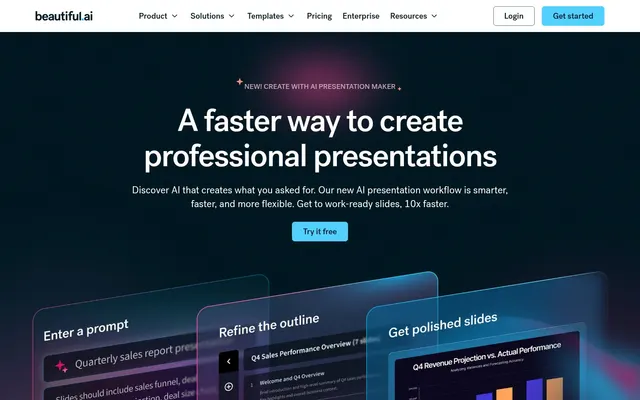
AI presentation software with auto-aligning slides and brand controls for teams
AI presentation software with auto-aligning slides and brand controls for teams
 P
Turns prompts, documents and URLs into branded, editable PowerPoint decks
Turns prompts, documents and URLs into branded, editable PowerPoint decks

 M
AI presentation maker that turns text, PDFs, videos and links into slide decks
AI presentation maker that turns text, PDFs, videos and links into slide decks

 P
AI presentation maker that turns prompts, PDFs and docs into editable slides

 P
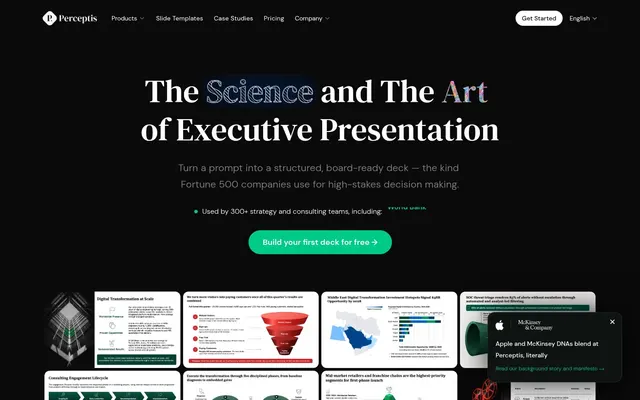
Turns prompts into consulting-style, board-ready PowerPoint decks for strategy teams
Turns prompts into consulting-style, board-ready PowerPoint decks for strategy teams
Facts from each vendor's public pages, prices checked Oct 26, 2026. Editorial policy