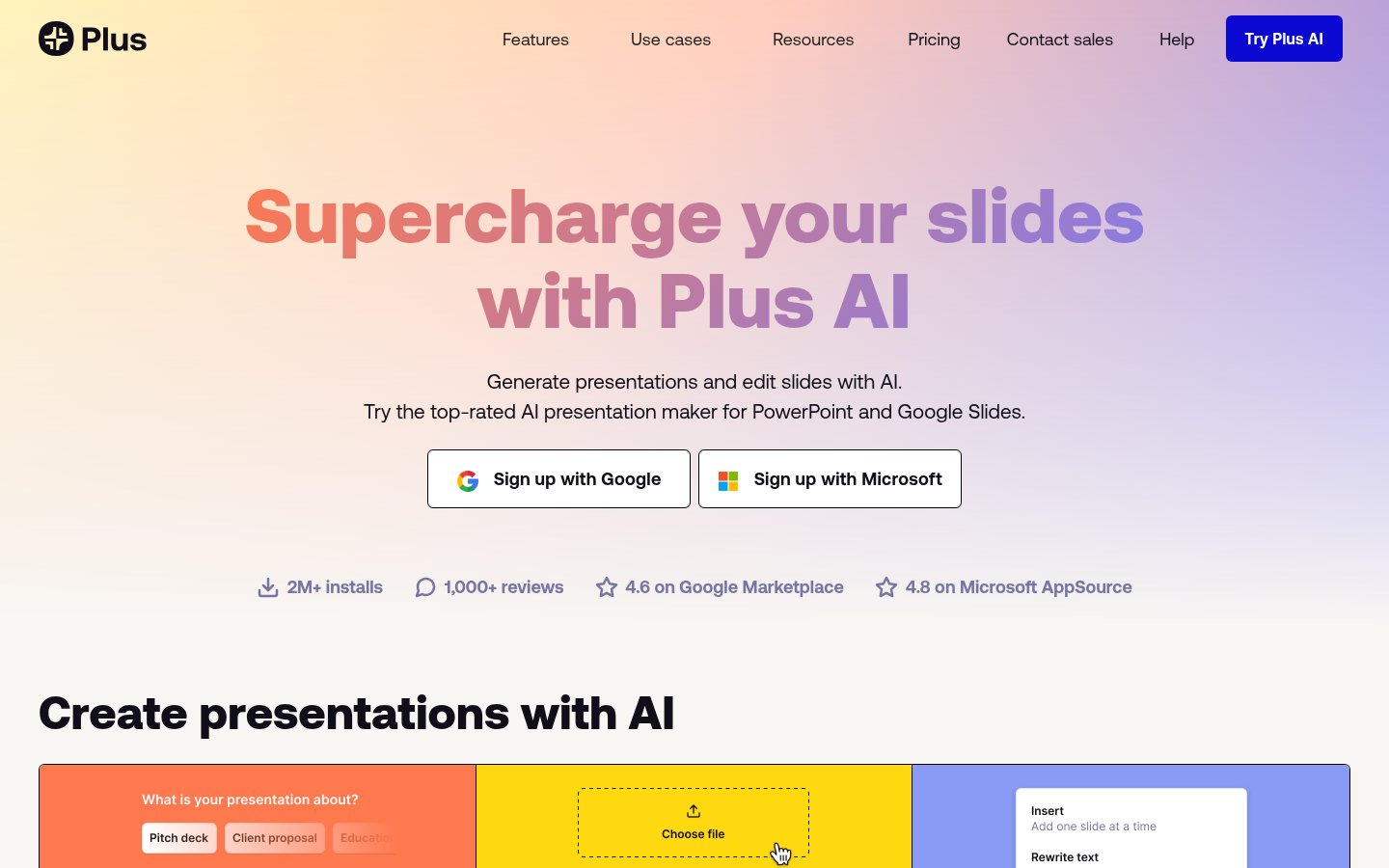
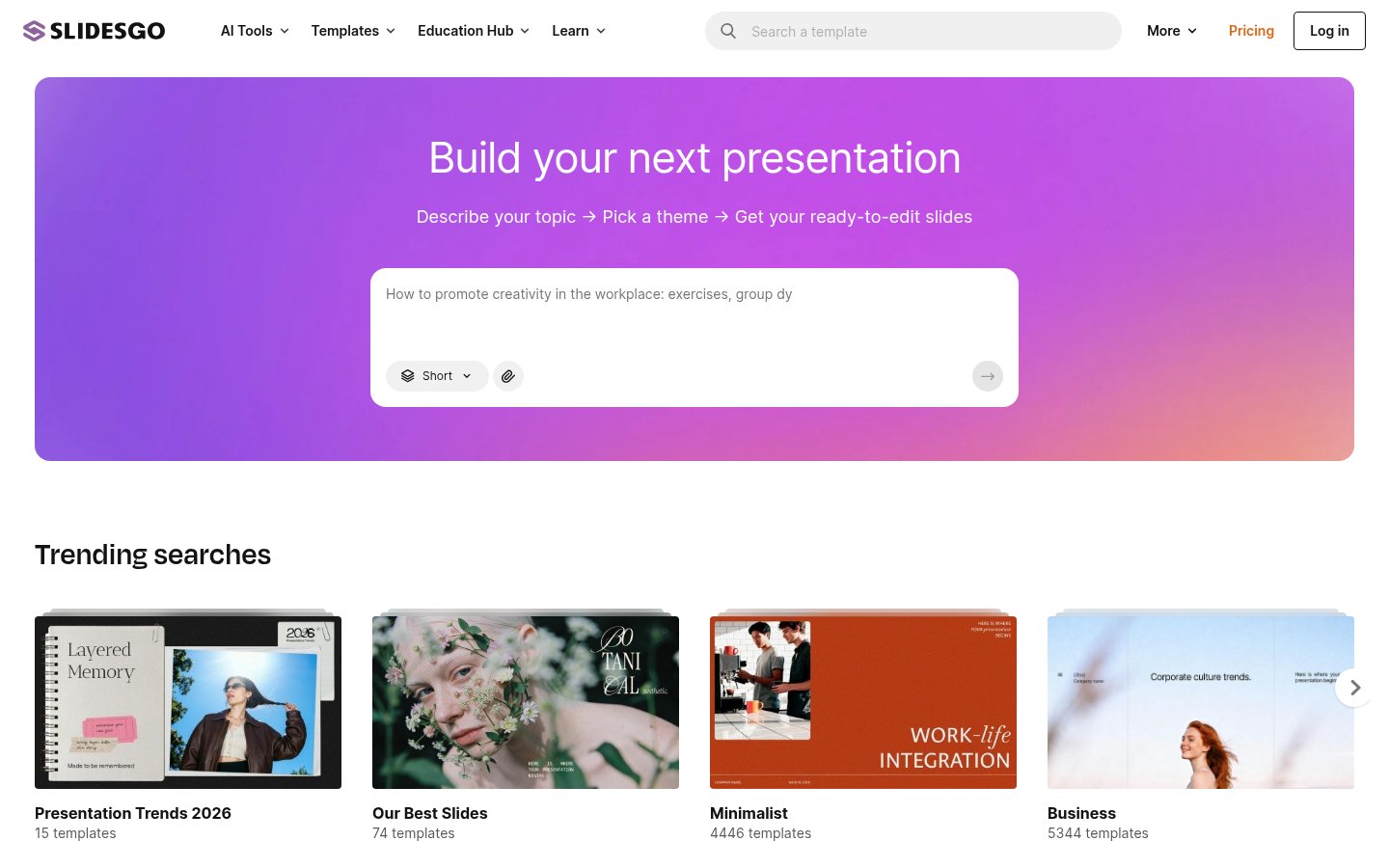
SPrezi AI vs Slides AI
Pricing, features, platforms and who each one suits — side by side.
Choose Prezi AI if…
- you're in its core audience: teachers and educators, corporate trainers
Choose Slides AI if…
- you want a free plan to start with
- you're in its core audience: educators, students
Side by side
Key features
P Prezi AI
- Generates a draft presentation from a one-sentence prompt
- Interactive slides: timelines, mind maps, infographics, simulations (beta)
- Imports PowerPoint, Google Slides, Canva, PDF, Word and AI-made decks
- Exports to PPTX or PDF
- Live polls, quizzes, Q&A and word clouds via QR code
- Phone presenter remote with notes and next-slide preview
- Post-session links with narrated video, transcript and flashcards
- SCORM export to an LMS with completion data
S Slides AI
- Add-ins for Google Slides and PowerPoint
- ChatGPT integration that saves decks to Google Slides
- Generate decks from topics, notes, scripts, PDFs or Word files
- Editable outline with drag-to-reorder slides
- AI edit suggestions you accept or reject
- Brand Kit built from your PPTX template
- Editable AI diagrams, flowcharts and timelines
- Export to native PowerPoint and Google Slides files
Plans and prices
From each vendor's site. Prices change — confirm before buying.
Prezi AI
Pricing unknown. Plan details aren't published.
Slides AI
Strengths and limitations
Prezi AI
- Imports decks from PowerPoint, Google Slides, Canva and AI tools
- Audience joins activities without an app or login
- SCORM export for LMS training
- Exports to PPTX and PDF
- Interactive slides feature is still in beta
- Pricing could not be read from the vendor's pricing page
Slides AI
- Free plan with 200 AI credits a month, no card needed
- Works inside Google Slides, PowerPoint and ChatGPT
- Exports native PowerPoint and Google Slides files
- Content can be edited before slides are designed
- Free plan limited to 2,500 characters of input per presentation
- PDF and Word uploads require a paid plan
- Prices exclude taxes
More comparisons
Other options to consider
S

Google Slides, PowerPoint and Canva templates plus an AI presentation maker

G
AI tool that creates presentations, documents and websites from a prompt

BAI presentation software with auto-aligning slides and brand controls for teams


AI presentation software with auto-aligning slides and brand controls for teams

V
AI content platform for branded presentations, documents and infographics

PTurns prompts, documents and URLs into branded, editable PowerPoint decks


Turns prompts, documents and URLs into branded, editable PowerPoint decks

P
Built from each vendor's public website; we haven't tested them hands-on. Editorial policy