
Wispr Flow
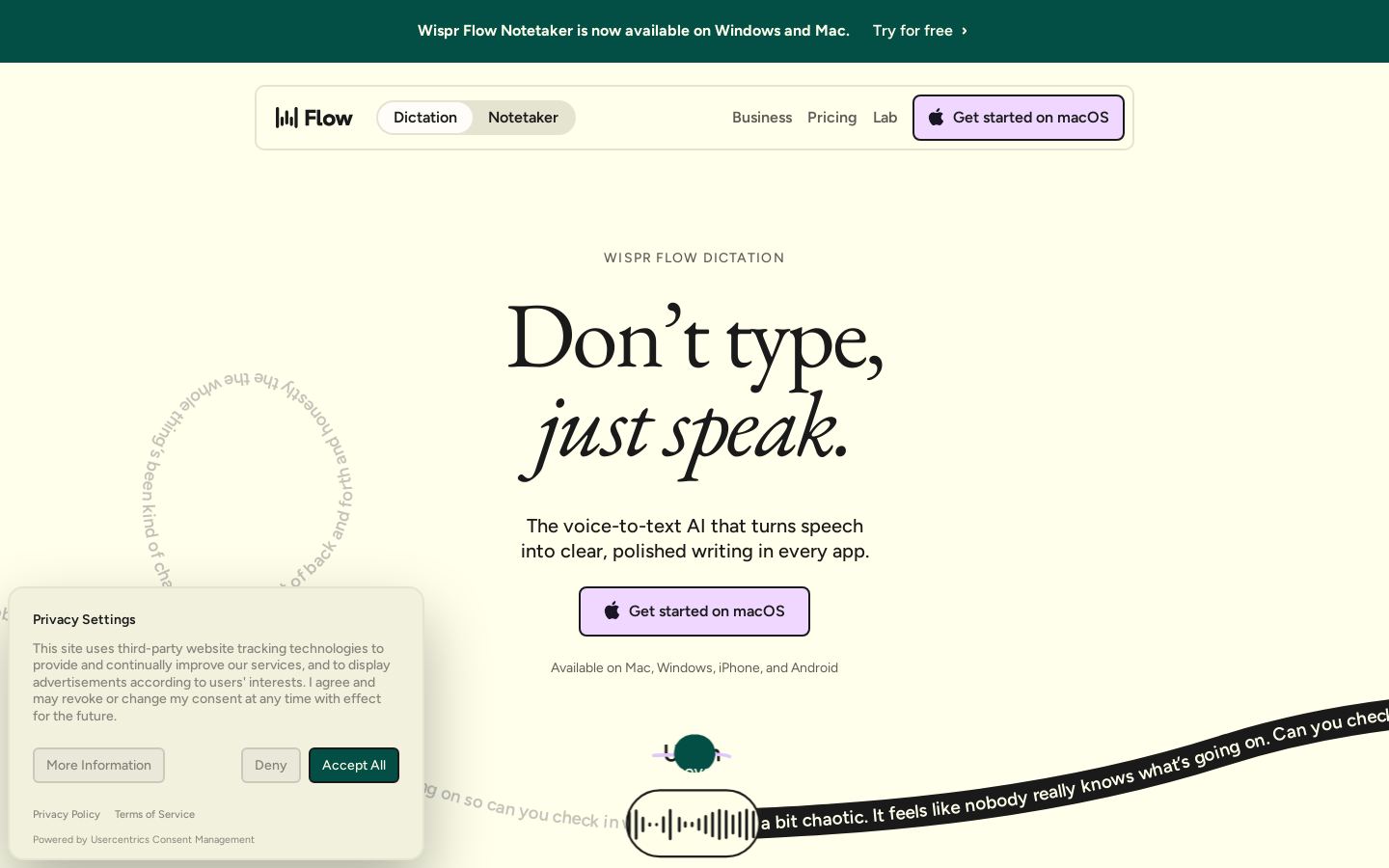
Voice dictation that turns speech into clean, formatted text in any app
Own Wispr Flow? Claim it, free to correct the facts and get the verified badge.
Pricing
Free · from $12/mo
Company
Wispr AI, Inc.United States
Platforms
What is Wispr Flow?
Wispr Flow is a voice-to-text dictation app that turns spoken words into polished writing wherever your cursor is. It removes filler words, catches mid-sentence corrections, adds punctuation and formats lists and emails. It works in any app without plugins, including Gmail, Slack, Notion, code editors and AI tools like ChatGPT and Cursor.
Flow learns your names and jargon, supports snippets you trigger by voice, adjusts writing style per app and transcribes 100+ languages. The same subscription includes Wispr Notetaker, which records meetings on Mac or Windows without a bot joining the call. It produces speaker-labeled transcripts, summaries and next steps, and your notes can be used in Claude and ChatGPT via MCP.
Dictation runs on Mac, Windows, iPhone and Android. The free plan covers 2,000 words per week on desktop. Paid plans add unlimited dictation, team features, SSO and HIPAA enforcement for professionals and organizations.
Key features
- Dictation that works in any app without plugins
- Automatic removal of filler words and repetitions
- Catches spoken self-corrections mid-sentence
- Personal vocabulary that learns names and jargon
- Voice-triggered text snippets
- Per-app writing style settings
- Auto-detection and transcription of 100+ languages
- Bot-free meeting notetaker with speaker identification
Use cases
Who it's for
Writing emails and messages
Speak a rambling thought and get a clean, punctuated message ready to send in Gmail, Slack or iMessage.
Prompting AI and coding tools
Dictate prompts into ChatGPT, Claude, Cursor or a terminal instead of typing them.
Meeting notes
Record Zoom, Meet, Teams or in-person meetings on your computer and get speaker-labeled transcripts, summaries and next steps.
Team rollout with compliance needs
Organizations can deploy Flow with SSO, HIPAA enforcement with a BAA, and admin data controls.
Wispr Flow pricing
From the vendor's site, checked Oct 26, 2026; we re-check prices monthly. Prices change — confirm on their pricing page.
Free
month
$0/mo
- 2,000 words/week on desktop, limited weekly use on mobile
- 100+ languages
- Dictionary and snippets
- Limited Notetaker access
Pro
month
$12/user/mo billed annually ($15 monthly)
- Unlimited dictation
- Longer Notetaker history
- Shared dictionary and team workspace
- Priority support
Growth
month
$18/user/mo billed annually ($23 monthly); $26/$33 with unlimited Notetaker
- SSO with SAML
- Org-wide HIPAA enforcement with signed BAA
- Admin control over model training
- Individual usage reporting
Enterprise
year
Custom
- SCIM provisioning
- Audit logs and MDM
- Model training locked off
- Dedicated support with SLAs
What the free plan gets you
- Dictation word limit 2,000/week on desktop
- Limited weekly use on mobile
- Weekly meeting limit for Notetaker
- Limited Notetaker access
| Cost for a team, per month | 1 person | 5 people | 20 people |
|---|---|---|---|
| Proper seat | $12 | $60 | $240 |
| Growthper seat | $18 | $90 | $360 |
Billed yearly where the plan offers it. — means the plan doesn't allow that many people.
Which plan do you need?
- OpenWhisprPro$6.67/mo
- Wispr FlowPro$12/mo
- ReductPersonal$12/mo
The cheapest paid plan with a published price that fits. Custom and sales-quoted plans aren't included.
How Wispr Flow compares
- Wispr Flow has a free plan, like 3 of the 4 alternatives below.
- It has no public API, unlike all 4 others.
| Tool | Starts at | Free plan | Free trial | API | Open source | |
|---|---|---|---|---|---|---|
| WWispr Flow | $12/mo | — | — | — | ||
O OpenWhispr | $6.67/mo | — | Wispr Flow vs OpenWhispr | |||
A Amazon Transcribe | — | — | Wispr Flow vs Amazon Transcribe | |||
| V | Free | — | Wispr Flow vs Vosk | |||
R Reduct | $12/mo | — | — | Wispr Flow vs Reduct |
Compare 7 capabilities
| Capability | Wispr Flow | OpenWhispr | Amazon Transcribe | Vosk | Reduct |
|---|---|---|---|---|---|
| Speaker labels | — | ||||
| Bot-free recording | — | — | — | ||
| File upload | — | — | |||
| Mobile app capture | — | — | — | — | |
| Custom note templates | — | — | — | — | |
| HIPAA compliant | — | — | |||
| MCP server | — | — | — |
Capabilities as stated on each vendor's own site; — means the site doesn't say. The closest alternatives in our directory by category. “Starts at” is the cheapest paid plan per month, as each vendor lists it.
Wispr Flow data and privacy
Trains AI on your content
Yes, unless you opt out
“Covers both Dictation and Notetaker. Turn it off and nothing you say is ever used to train our models.”
Data retention
Local dictation history: keep, auto-delete after 24 hours, or never save
“Keep it, auto-delete it after 24 hours, or never save it.”
Where data is stored
Not stated
Security and compliance
From Wispr Flow's own privacy and security pages , checked Oct 28, 2026. We only show what the vendor states in writing; “not stated” means the pages don't say.
Pros and cons
Strengths
- Free plan with no credit card, 2,000 words per week on desktop
- Works in any app on Mac, Windows, iPhone and Android
- SOC 2 Type II, ISO 27001 and HIPAA compliance
- Dictation and Notetaker included in one subscription
Limitations
- Notetaker is only available on Mac and Windows
- Notetaker is disabled on BAA (HIPAA) accounts
- Unlimited Notetaker on Growth costs extra
- Bluetooth earbuds such as AirPods are not recommended for accuracy
Wispr Flow FAQ
Is Wispr Flow free?
Yes. The free plan includes dictation up to 2,000 words per week on desktop, limited weekly use on mobile, and limited Notetaker access. No credit card is required.
How much does Flow Pro cost?
Pro is $15 per user per month billed monthly, or $12 per user per month billed annually. Students and educators get 50% off.
Which platforms are supported?
Dictation runs on Mac, Windows, iOS and Android. Notetaker runs on Mac and Windows only for now.
Does the Notetaker add a bot to meetings?
No. It records on your device and works with Zoom, Google Meet, Microsoft Teams, Slack huddles and in-person meetings.
Is my voice data private?
Wispr says it never sells your data, and you can opt out of model training. It is SOC 2 Type II and ISO 27001 certified, and HIPAA-ready with a signed BAA.
User reviews
No reviews yet. Used Wispr Flow? Be the first.
Sign in to rate this tool and share how you use it.
Wispr Flow in our articles
Guide
How Independent Event Planners and Wedding Coordinators Are Actually Using AI in 2026
Sep 23, 2026 · 11 min read
Wispr Flow
Free · from $12/mo
Tools similar to Wispr Flow
Open-source voice dictation and bot-free meeting notes with on-device models
Managed speech-to-text service on AWS for batch and streaming audio
Open-source offline speech recognition toolkit for developers in 20+ languages