



infobro
Writing & Content44Image35Video30Audio & Voice30Chat & Assistants43Productivity64Coding & Development66Agents & Automation90Marketing & SEO24Sales & Support47Business & Finance92Operations21Data & Research47Education20Design18Health & Life38

Bloomberg Tax vs NotebookLM

Pricing, features, platforms and who each one suits — side by side.

BBloomberg TaxContact for pricingVisit site
NNotebookLMFreemiumVisit site
VS
B

Choose Bloomberg Tax if…

  • you're in its core audience: tax professionals, accountants
N

Choose NotebookLM if…

  • you want a free plan to start with
  • you're in its core audience: students, researchers

Side by side

Feature Bloomberg Tax NotebookLM
Pricing modelContact for pricingFreemium
Starting price——
Free plan
Free trial
API
Open source
PlatformsWebWeb
CategoryFinance & AccountingResearch Assistants
Rank in its category#3 of 10—
CompanyBloomberg Tax & AccountingGoogle
Based in——
Founded——
Part of——

Key features

B Bloomberg Tax

  • Bloomberg Tax Answers generative AI tool for tax questions
  • AI Assistant within the research platform
  • Tax research content for professionals
  • AI tools included at no additional charge

N NotebookLM

  • Notebooks organized around your uploaded sources
  • Answers questions using a Gemini model
  • Up to 600 sources per notebook on top tiers
  • Notebook sharing, with advanced controls on Enterprise
  • Workspace and Workspace for Education access
  • Enterprise security controls via Google Cloud

Plans and prices

From each vendor's site. Prices change — confirm before buying.

Bloomberg Tax

SubscriptionCustom

NotebookLM

StandardFree
Plus (Google AI Plus)Price not stated
Pro (Google AI Pro)Price not stated
Ultra (Google AI Ultra)Price not stated
EnterpriseCustom

Strengths and limitations

Bloomberg Tax

  • Generative AI tools included at no additional charge
  • Backed by Bloomberg Tax & Accounting research content
  • No public pricing; you have to contact sales
  • AI features available only to subscribers

NotebookLM

  • Free Standard tier allows 100 notebooks and 50 sources per notebook
  • Paid tiers raise limits to as many as 600 sources per notebook
  • Available through Workspace, Workspace for Education and Google Cloud
  • NotebookLM help page gives no prices; they sit on separate Google AI plan pages
  • Watermarks stay on output in India, South Korea and Vietnam even on paid plans
  • Google labels plan limits as subject to change

More comparisons

Other options to consider

T
Contact
T

AI tax research with cited answers from Checkpoint content for tax professionals

Finance & AccountingAPI
C
C

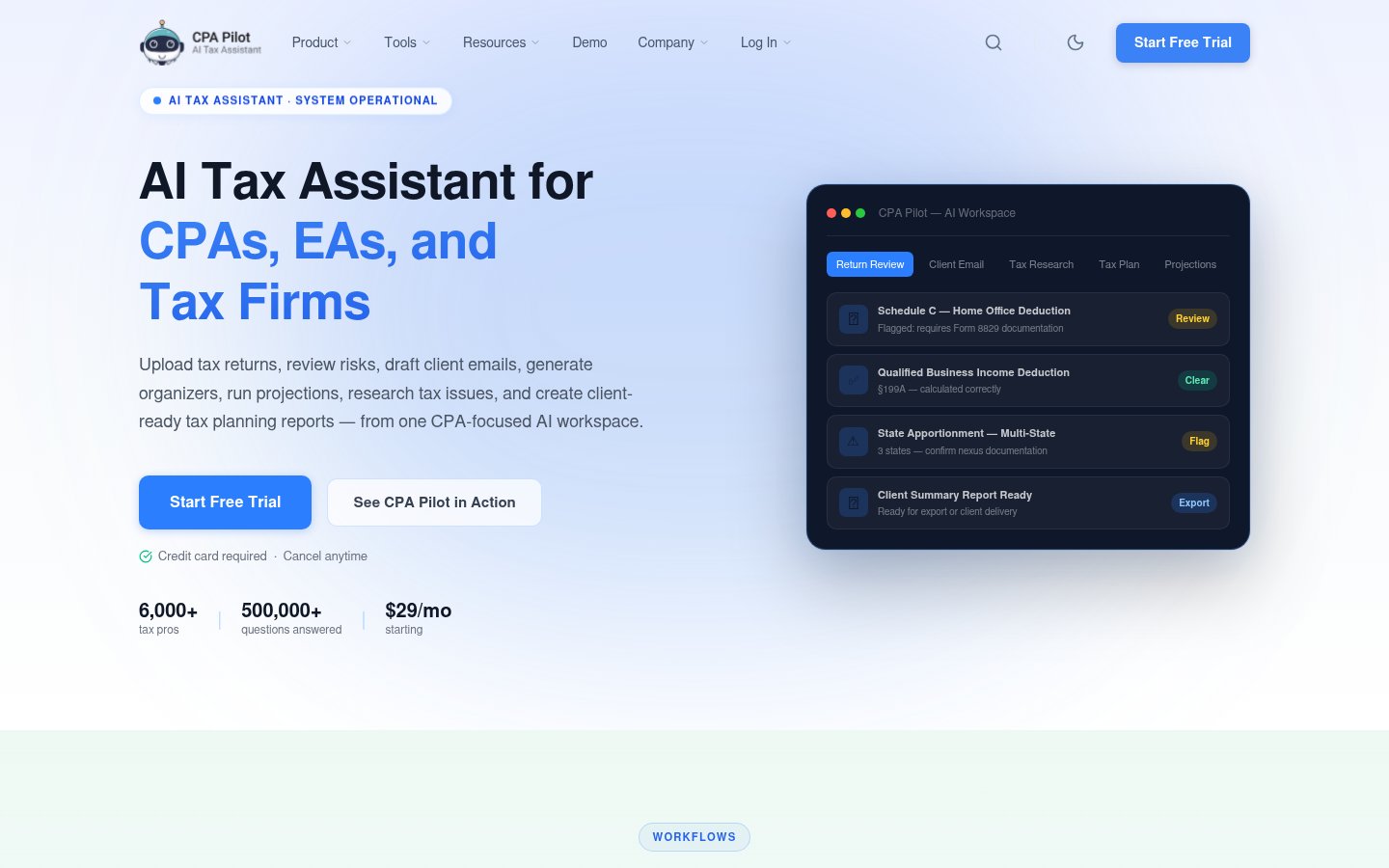
AI tax workspace for U.S. CPAs, EAs and tax firms: review, research, planning

From $29/mo
C
From $29/mo
C

AI tax workspace for U.S. CPAs, EAs and tax firms: review, research, planning

Finance & Accounting
I
Freemium
I

Guided tax filing software with AI answers and optional help from tax experts

Finance & AccountingFree plan
P
P

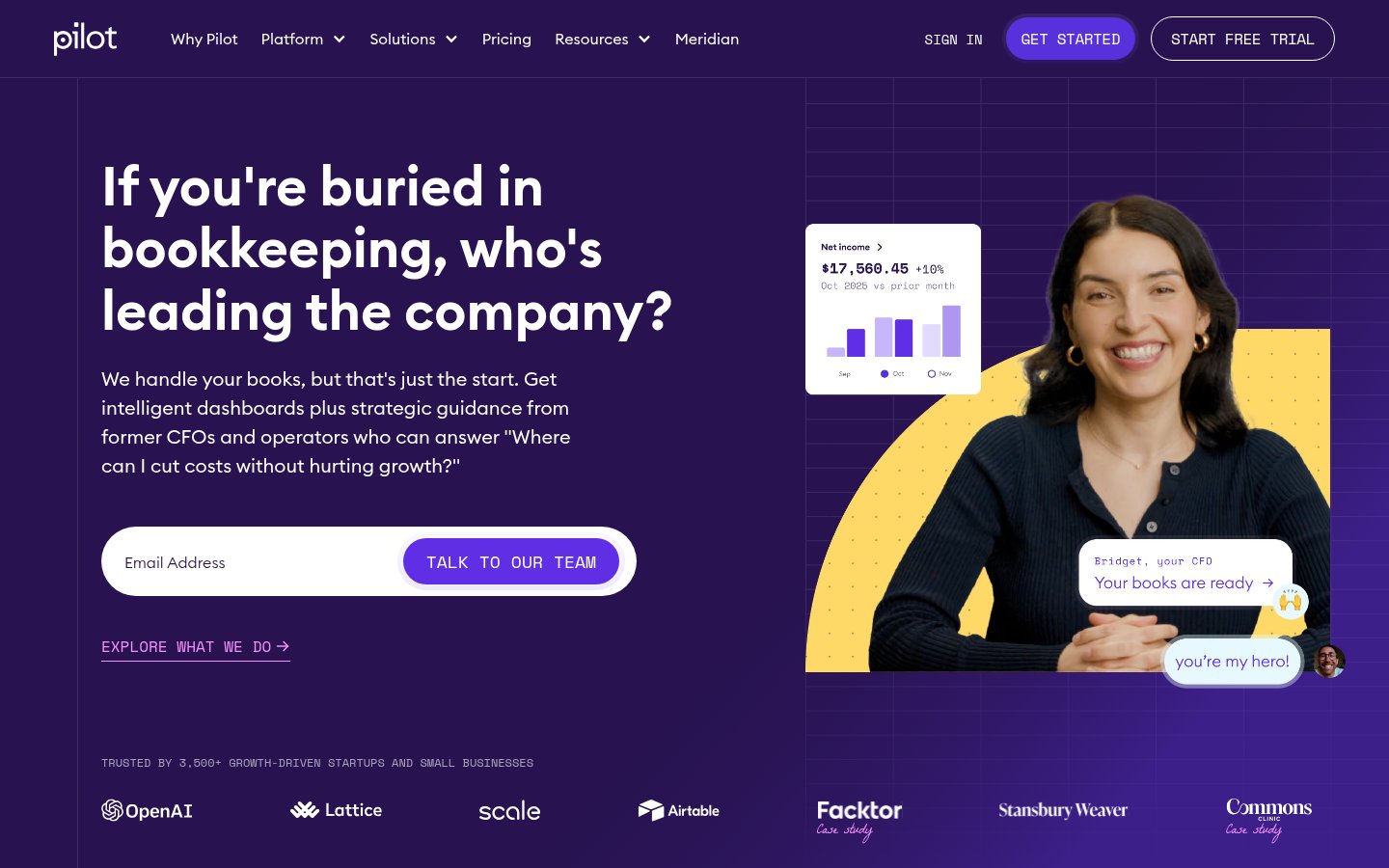
AI-assisted bookkeeping, tax and CFO services for startups and small businesses

From $99/mo
P
From $99/mo
P

AI-assisted bookkeeping, tax and CFO services for startups and small businesses
Finance & Accounting
M
M

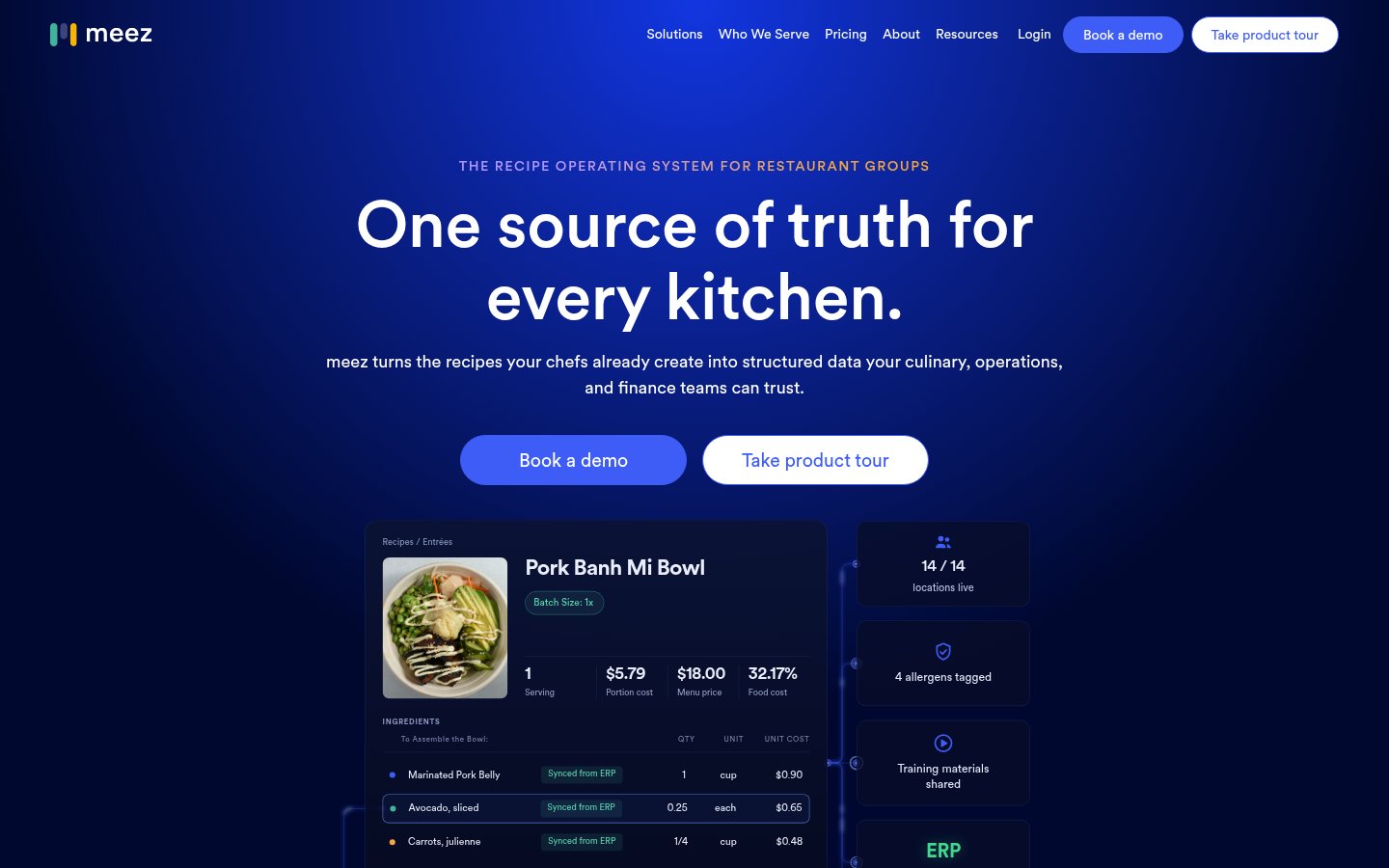
Recipe management, food costing and kitchen training for restaurant groups
Free, from $19/mo
M
Free, from $19/mo
M

Recipe management, food costing and kitchen training for restaurant groups

Finance & AccountingFree plan
M
M

Restaurant back office software for invoices, food costs and inventory

From $350/mo
M
From $350/mo
M

Restaurant back office software for invoices, food costs and inventory

Finance & Accounting

Facts from each vendor's public pages, prices checked Oct 26, 2026. Editorial policy