

infobro
Writing & Content44Image35Video30Audio & Voice30Chat & Assistants43Productivity64Coding & Development66Agents & Automation90Marketing & SEO24Sales & Support47Business & Finance92Operations21Data & Research47Education20Design18Health & Life38

Canva vs Gamma

Pricing, features, platforms and who each one suits — side by side.

CCanvaFree · from $12/moVisit site
GGammaFreemiumVisit site
VS
C

Choose Canva if…

  • you're in its core audience: content creators, marketers
G

Choose Gamma if…

  • you need an API to build on
  • you're in its core audience: founders, marketers

Side by side

Feature Canva Gamma
Pricing modelFreemiumFreemium
Starting price$12/mo—
Free plan
Free trial
API
Open source
PlatformsWebWeb, API
CategoryGraphic DesignPresentations
CompanyCanva—
Based in——
Founded——
Part of——

Key features

C Canva

  • Library of design templates
  • Drag-and-drop design editor
  • Presentation, social media and video design
  • Stock content library
  • Team collaboration on Business plan
  • Free plans for verified nonprofits, teachers and students

G Gamma

  • Generate presentations from a text prompt
  • AI Agent for editing content
  • AI image generation with several model tiers
  • Multi-page websites on custom domains
  • Password protection for shared content
  • Detailed viewer analytics
  • Custom headers, footers and fonts
  • API access on Pro and above

Plans and prices

From each vendor's site. Prices change — confirm before buying.

Canva

FreeFree
Pro$12/mo billed yearly ($144/yr), or $18 month-to-month
Business$20.83/mo billed yearly, or $25 month-to-month
EnterpriseCustom

Gamma

FreeFree
PlusSee gamma.app/pricing
ProSee gamma.app/pricing
UltraSee gamma.app/pricing
BusinessCustom

Strengths and limitations

Canva

  • Free plan available to every individual
  • Pro has a 30-day free trial
  • Free plans for qualifying nonprofits, teachers and students
  • Teams plan is closed to new sign-ups
  • Enterprise pricing requires contacting sales
  • Prices may differ by region

Gamma

  • Free plan with 400 starting credits
  • Unused credits roll over up to double the monthly amount
  • Annual billing is 28% cheaper than monthly
  • Paid plans allow up to 100 slides per prompt
  • Free plan credits do not refresh monthly
  • Billing is per user, so each team member pays separately
  • API access requires the Pro plan or higher
  • Ultra plan is monthly billing only

More comparisons

Other options to consider

B
B

AI presentation software with auto-aligning slides and brand controls for teams

From $14.50/mo
B
From $14.50/mo
B

AI presentation software with auto-aligning slides and brand controls for teams
Presentations
V
V

AI content platform for branded presentations, documents and infographics

Free, from $12.25/mo
V
Free, from $12.25/mo
V

AI content platform for branded presentations, documents and infographics
PresentationsFree plan
G
G

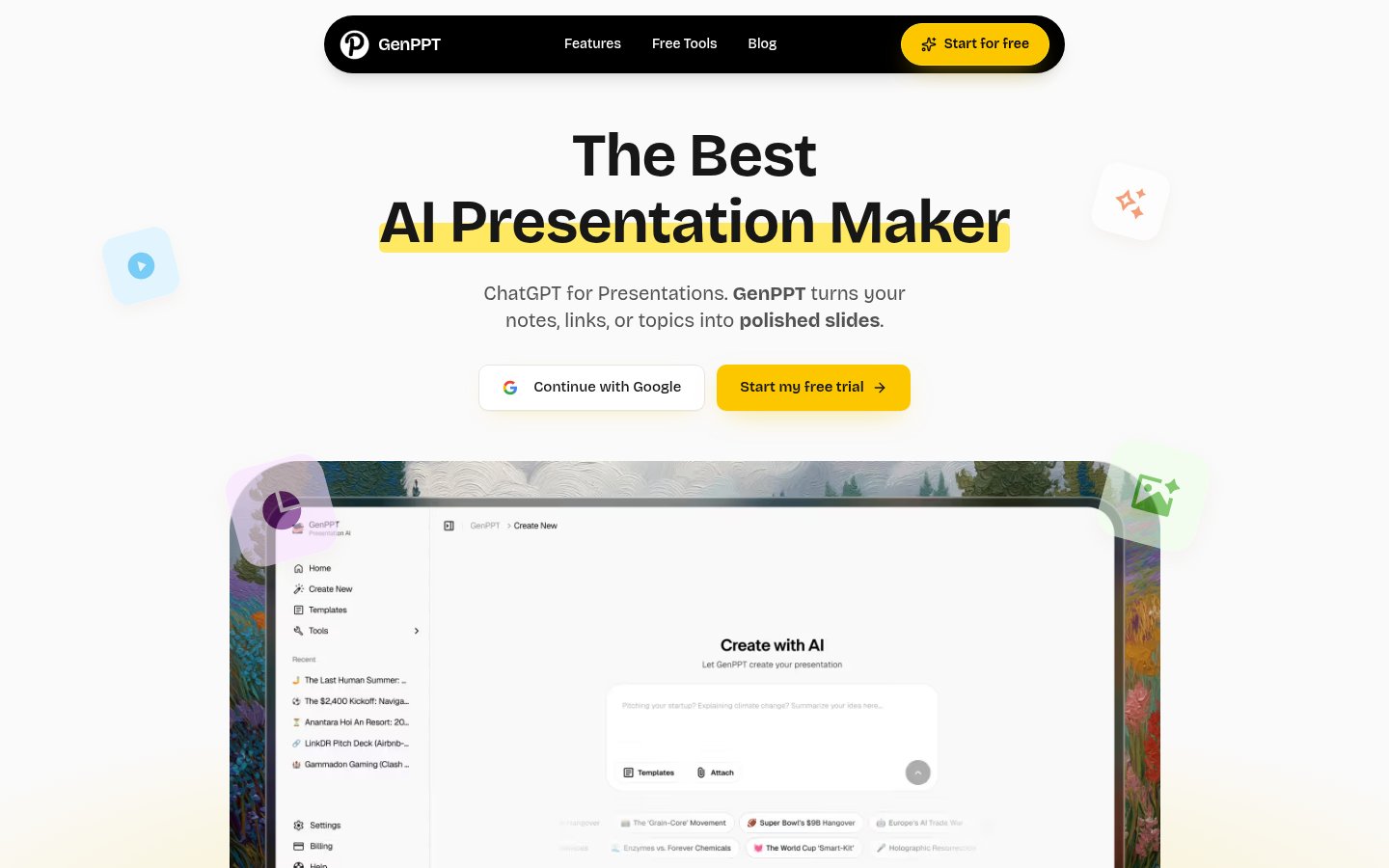
Turn notes, outlines, or PDFs into designed slide decks and social carousels

From $8/mo
G
From $8/mo
G

Turn notes, outlines, or PDFs into designed slide decks and social carousels

Presentations
B
B

Schedule, publish and analyze social posts across 12 platforms with per-channel pricing
Free, from $5/mo
B
Free, from $5/mo
B

Schedule, publish and analyze social posts across 12 platforms with per-channel pricing

Social MediaFree planAPI
P
P

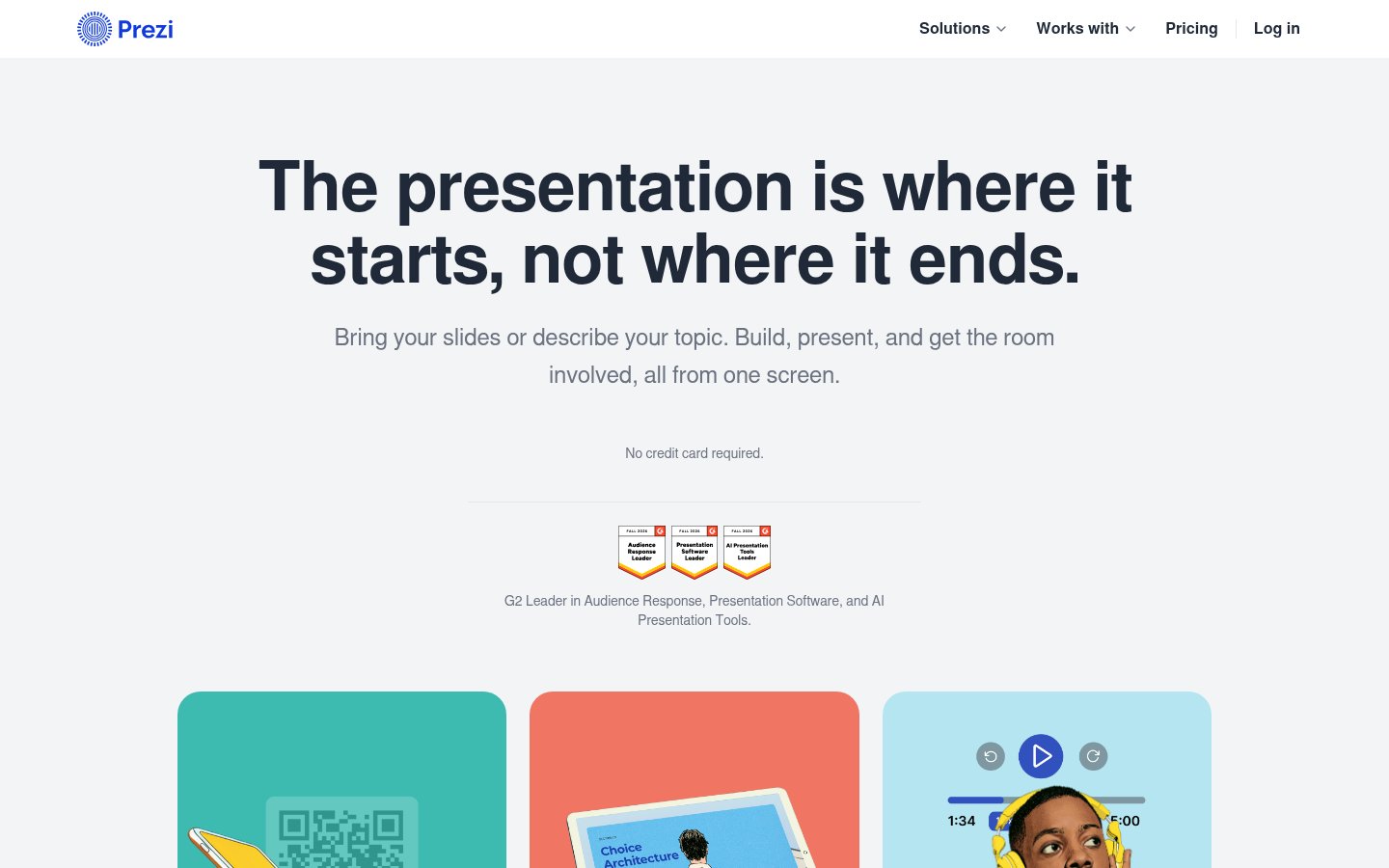
AI presentation builder with interactive slides and live audience engagement

See site
P
See site
P

AI presentation builder with interactive slides and live audience engagement

Presentations
S
S

Google Slides, PowerPoint and Canva templates plus an AI presentation maker

Freemium
S
Freemium
S

Google Slides, PowerPoint and Canva templates plus an AI presentation maker

PresentationsFree plan

Built from each vendor's public website; we haven't tested them hands-on. Editorial policy