Best of
Los 10 Mejores Herramientas de Presentación IA en 2026: Clasificadas por Calidad de Diapositivas, Velocidad y Utilidad Real
May 10, 2026 · 16 min read

Turn notes, outlines, or PDFs into designed slide decks and social carousels
Own GenPPT? Claim it, free to correct the facts and get the verified badge.

Pricing
From $8/mo
Free trial
Yes
Platforms
GenPPT's outline and concept approval step catches a misread brief before it costs a deck, and it accepts more input types than most slide generators, including audio, video and YouTube links. Against that, the card-gated trial, a 20-deck monthly cap, chat-only editing and reported export drift keep it behind Gamma for anyone who wants direct control. The $99 annual plan is the only price that makes sense.
Best for: Occasional presenters who need a structured first draft from existing documents, audio or video
Read the full reviewGenPPT is an AI presentation generator that turns notes, outlines, documents, or a short prompt into designed slides you can export to PowerPoint (.pptx), PDF, or PNG. It also makes square and vertical carousels for LinkedIn, Instagram, and TikTok.
It works in three steps. First you upload source material: a PDF, Word document, existing PowerPoint, spreadsheet, image, audio or video file, YouTube link, or web URL. GenPPT pulls out the key points and drafts a slide-by-slide outline, which you edit and approve. Then it generates full-slide image decks. After that you can ask the AI agent in chat to change a slide, for example by redesigning a layout or updating a chart.
GenPPT suits founders building pitch decks, consultants and strategy teams preparing QBRs or McKinsey-style slides, educators making lesson slides, and marketers creating social carousels. There is no free plan. Access starts with a $1 three-day trial, and a card is required.
Who it's for
Founders can upload a written memo or document and turn it into a fundraising deck, approving the outline first.
Strategy teams can generate a QBR or status-update deck from notes, then change charts and layouts in chat.
Marketers can create square or vertical carousels for LinkedIn, Instagram or TikTok from a single topic.
Teachers can convert a research paper or notes into class slides and export them as PDF or PowerPoint.
From the vendor's site, checked Oct 26, 2026; we re-check prices monthly. Prices change — confirm on their pricing page.
Annual
year
$99/yr ($8/mo equivalent)
Monthly
month
$25/mo
Which plan do you need?
The cheapest paid plan with a published price that fits. Custom and sales-quoted plans aren't included.
| Tool | Starts at | Free plan | Free trial | API | Open source | |
|---|---|---|---|---|---|---|
| GGenPPT | $8/mo | — | — | — | ||
G Gamma | — | — | — | GenPPT vs Gamma | ||
M MagicSlides | $6.67/mo | — | GenPPT vs MagicSlides | |||
P PopAI | — | — | — | — | GenPPT vs PopAI | |
C ChatSlide | $8.25/mo | — | — | — | GenPPT vs ChatSlide |
| Capability | GenPPT | MagicSlides | PopAI | ChatSlide |
|---|---|---|---|---|
| Editable PPTX export | — | |||
| Doc/PDF to slides | ||||
| URL/video to slides | — | |||
| PowerPoint/Slides add-in | — | — | — | |
| Brand kit | — | — | ||
| Outline review | — | |||
| Viewer analytics | — | — | — | |
| MCP server | — | — | — |
Capabilities as stated on each vendor's own site; — means the site doesn't say. The closest alternatives in our directory by category. “Starts at” is the cheapest paid plan per month, as each vendor lists it.
Trains AI on your content
Not stated
Data retention
Kept while account active; deleted decks purged after 60 days
“soft-deleted decks are permanently purged after 60 days”
Where data is stored
US and other countries
“We may process and store information in the United States and other countries where we or our providers operate.”
Security and compliance
None stated
From GenPPT's own privacy and security pages , checked Oct 28, 2026. We only show what the vendor states in writing; “not stated” means the pages don't say.
“Founded by Ilias Ism”
From GenPPT's own about, terms and privacy pages, checked Oct 28, 2026.
Strengths
Limitations
 Stanislav VovchykUpdated Oct 29, 202610 min read
Updated October 2026
GenPPT turns a prompt, URL or uploaded file into a deck in three steps, and the middle step is the one that matters: you approve an outline before any slides get built. The homepage lists PDF, Word, PowerPoint, Excel and CSV files, images, audio, video and YouTube links as inputs. Exports go to .pptx, PDF or PNG in 16:9, 1:1 or 9:16.
GenPPT's own October 2026 comparison post walks through the sequence. The tool asked whether to use the uploaded file only or search the web too, wrote an outline, produced a concept sheet previewing every slide, and built the full deck after one click on Generate. That's the vendor describing its own test, so read the 8-slide result as a best case. The homepage examples carry a "Built in 38s" label on 10 and 11 slide decks, which is also a vendor figure.
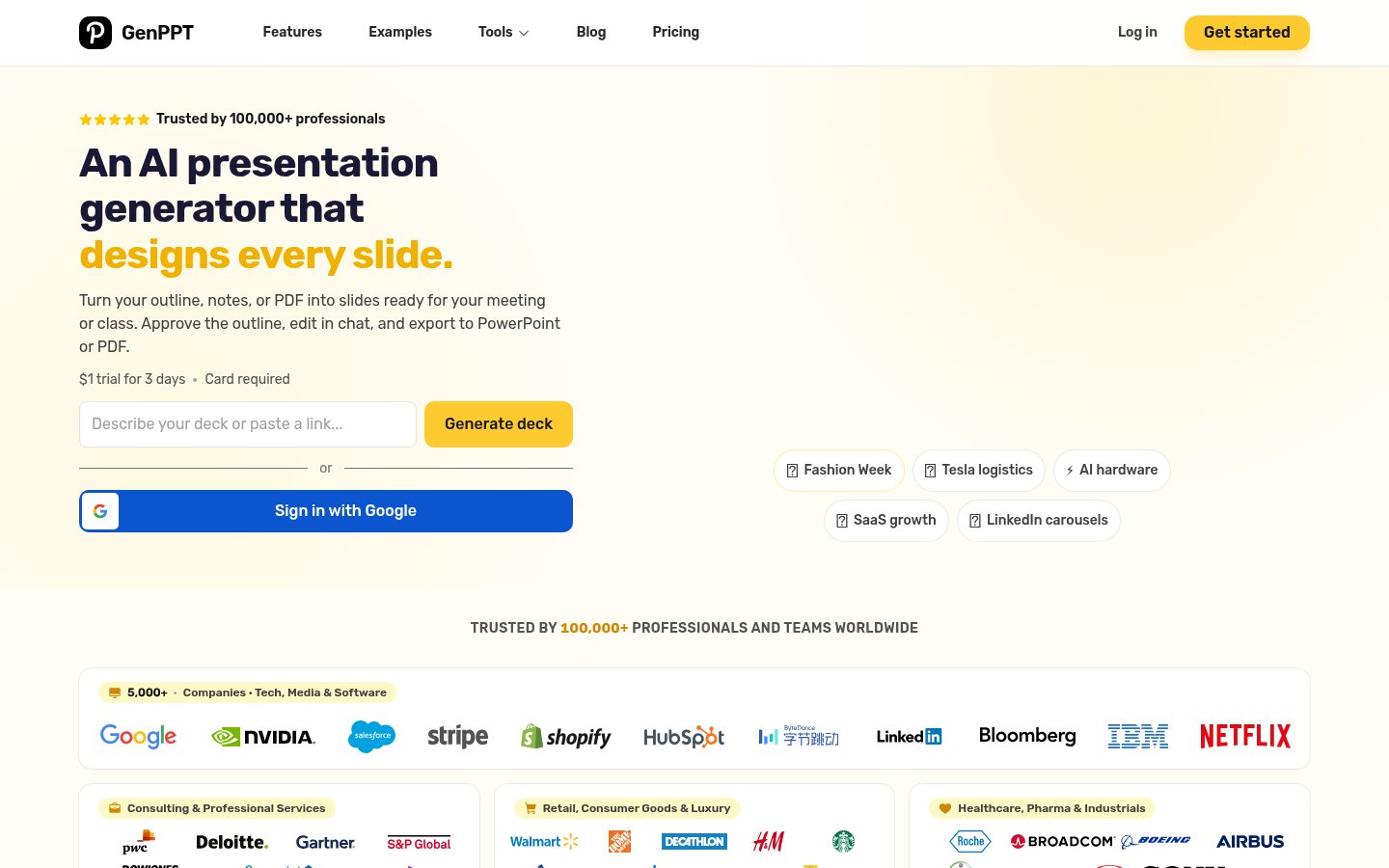
After generation, edits happen in a chat panel. The homepage demo asks the agent to make slide 3 dark mode and turn a margin chart 3D. There's no Google Slides export. The exported .pptx opens there instead.
The approval gate before generation. Ajelix scored GenPPT 4/5 for agentic behavior, against 3/5 for Gamma and 2/5 for Canva. The practical payoff is simple. If the AI misreads your brief, you catch it at the outline, before it costs one of your 20 monthly decks. Most competitors build first and let you fix afterward. For anyone who has watched a tool produce a polished 12-slide deck on the wrong angle, that checkpoint beats any template library.
Input range. Audio files, video files, YouTube links and spreadsheets all feed the same pipeline, which is wider than most slide generators offer. A recorded webinar or a 15-page memo becomes a first-draft deck without retyping. If PDFs are your main source, this comparison of PDF-to-presentation tools shows what the alternatives cap and charge.
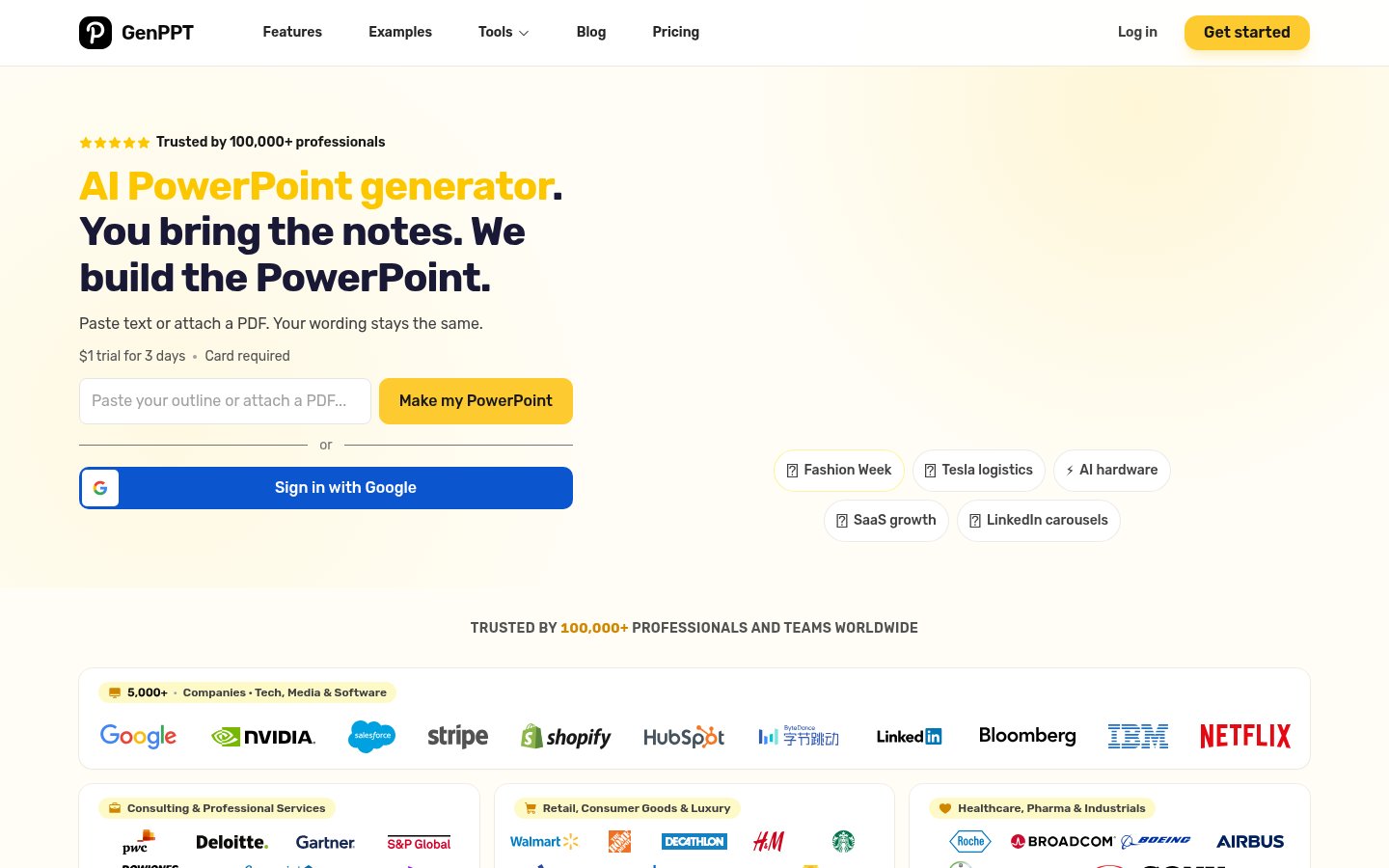
Unlimited chat edits on paid plans. Revisions through the agent don't appear to count against a separate edit allowance. That makes chat a reasonable way to rework wording, reorder sections or switch a deck to a 1:1 LinkedIn carousel format. It's a worse way to nudge a text block two inches, which is where Gamma's in-browser editing and Microsoft Copilot's position inside PowerPoint itself have the edge.
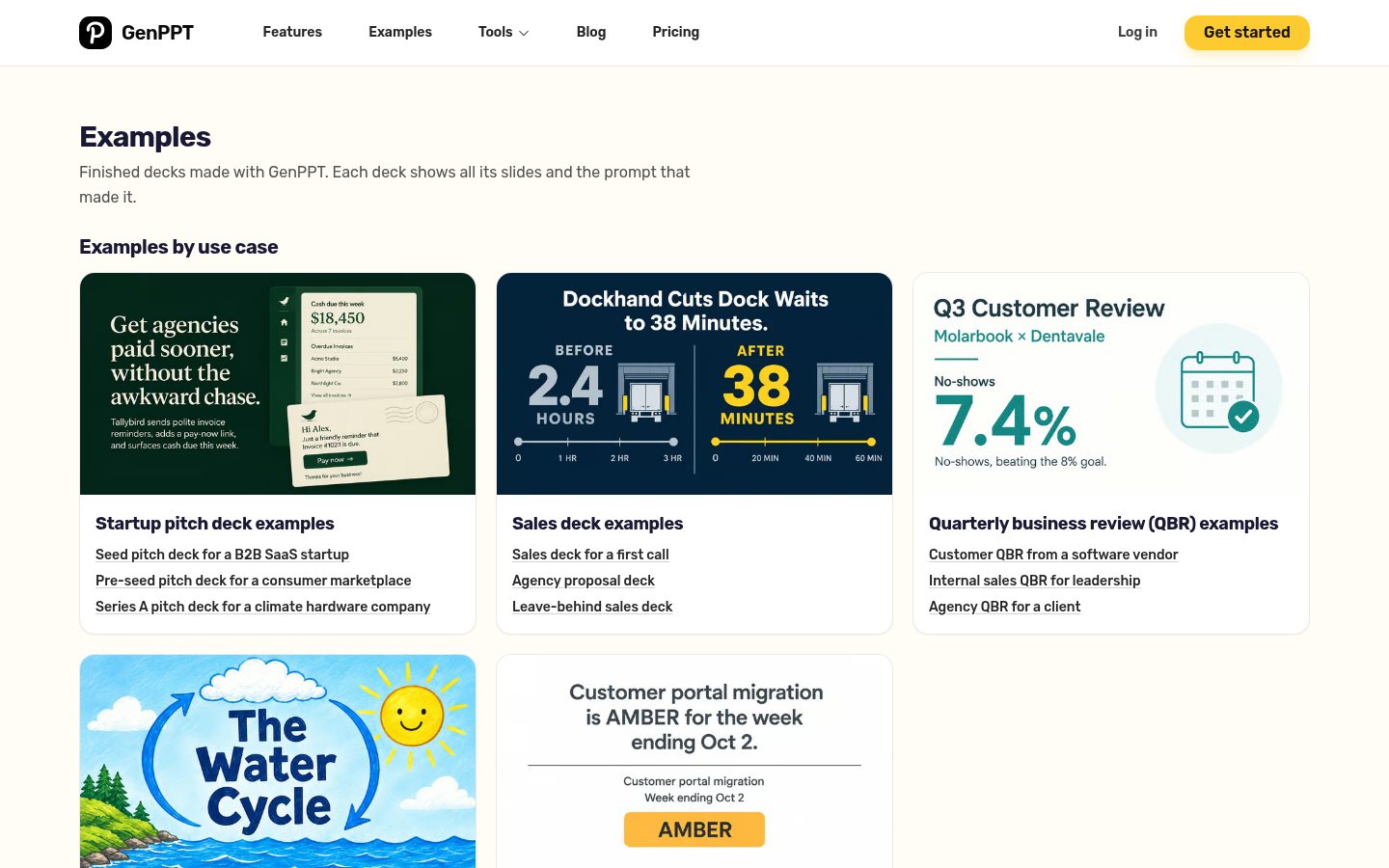
Export fidelity. Deckary flagged font substitution, formatting drift and lost styling at the boundary between GenPPT's renderer and PowerPoint. The pricing page also sells "full-slide image decks", and GenPPT's own comparison labels its output "slides are images". If slides arrive as flattened images rather than native text boxes, fixing a typo in PowerPoint means going back to chat. Export one deck during the trial and try editing it before you commit to a year.
Card-gated access. Ajelix reported the generated presentation was only reachable after adding a payment card and paying the $1 trial fee. There's no free plan. Gamma, by contrast, lets you try it without a card, so you can judge output quality before paying anything.
The 20-deck cap. At 20 full decks a month, someone who iterates ten versions of a pitch before a board meeting burns half the allowance on one project. The pricing FAQ has an entry on what counts as one deck. Read it before you plan on regenerating freely.
Content accuracy. dokie.ai warned that the AI builds slides from what it finds and can produce plausible figures that are outdated or wrong, especially in finance, medical and regulatory material. GenPPT's own test used file-only mode, which keeps content tied to your source. Web search mode is where you need to check every statistic.
Design and repetition. Reviewers describe the output as pretty enough rather than on-brand, and longer decks sometimes restate the same point across several slides. If you work from a strict brand guide, expect to rebuild the styling by hand.
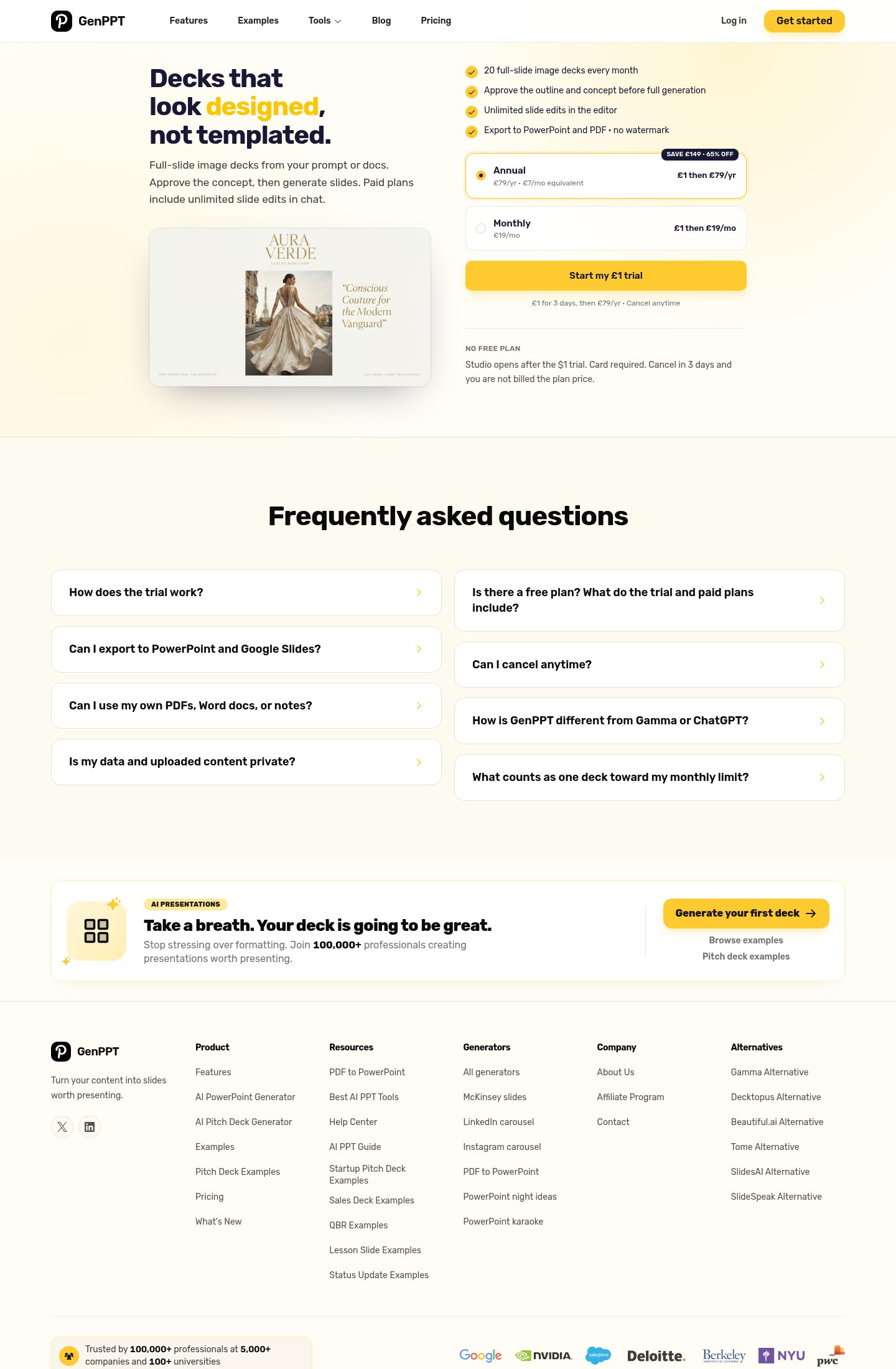
As of October 2026, the annual plan costs $99 a year and the monthly plan $25 a month. Both include 20 decks a month, unlimited chat edits, and PowerPoint and PDF export with no watermark. The annual plan costs less than four months of monthly billing, so the monthly plan only makes sense if you need a single month's work done. The pricing page localizes currency. UK visitors saw £79 a year and £19 a month in October 2026, so check the figure at checkout.
At $99 a year, you're paying for the outline gate and the wide input support, not for design polish or editing control. That's a fair trade for a person producing a few decks a month. It's a poor one if you'll fight formatting after every export. The pricing page shows no team tier and no shared workspace, so collaborative editing isn't part of what you'd buy.
The trial is $1 for 3 days with a card on file. Three days covers one real project: upload a document, approve the outline, export and open the .pptx. That's enough to see whether the formatting holds up.
Pick GenPPT if you build decks occasionally from source material you already have, such as a research PDF, a memo, a recorded talk or a YouTube video, and you're happy to finish in PowerPoint. Founders assembling a pitch from a written memo, consultants turning notes into a client draft and students converting a paper into slides all fit. The outline approval makes it more predictable than tools that start building immediately.
Skip it if you need pixel-level control, brand templates applied automatically, or editing together with colleagues. Skip it too if your deck volume tops 20 a month or you expect to regenerate heavily. Teams that live inside PowerPoint are better served by Copilot. Anyone who wants to try a tool without handing over a card should start with Gamma.
You sign in with Google, and the studio opens only after the $1 trial payment. Cancel inside the 3 days or the plan price is charged. Per the vendor's pages, data stays on file while your account is active, and deleted decks are purged after 60 days. If you plan to upload sensitive PDFs, read the privacy FAQ on the pricing page first.
No. GenPPT offers a $1 trial for 3 days, and a card is required. If you cancel within 3 days, you are not billed the plan price.
$25/mo billed monthly, or $99/yr (about $8/mo) billed annually.
Yes. You can export a .pptx file and open it in PowerPoint or Google Slides. PDF and PNG exports are also available.
PDF, Word, PowerPoint, Excel/CSV, images, audio, video, YouTube links, web URLs, or pasted notes.
Paid plans include 20 full-slide image decks every month.
No reviews yet. Used GenPPT? Be the first.
Sign in to rate this tool and share how you use it.
Best of
May 10, 2026 · 16 min read
Best of
May 10, 2026 · 16 min read
Guide
May 16, 2026 · 10 min read
GenPPT
From $8/mo
AI tool that creates presentations, documents and websites from a prompt
AI presentation maker that turns text, PDFs, videos and links into slide decks
AI presentation maker that turns prompts, PDFs and docs into editable slides