


OMistral vs Tabby
Pricing, features, platforms and who each one suits — side by side.
Choose Mistral if…

- you want the lower entry price ($14.99/mo vs $19/mo)
- you need an API to build on
- you work on iOS, Android
- you're in its core audience: developers, enterprises with data-control requirements
Choose Tabby if…
- you're in its core audience: software developers, small development teams
Side by side
Key features
M Mistral
- Open-weight models that can be self-hosted
- Model customization on your own data with Forge
- Terminal coding agent powered by Devstral
- VS Code and JetBrains plugin with tab completion
- Remote coding agents in isolated sandboxes
- Custom MCP connectors and 100+ app connectors
- Spreadsheet, slide and image generation in chat
- Scheduled prompts, agents and workflows
T
Tabby
- Context-aware code completion in the IDE
- Answer Engine for coding questions with cited sources
- Inline chat inside the code editor
- Context providers connecting docs and data sources
- Self-hosting on consumer-grade GPUs
- No external database or cloud service required
- Pochi agent for planning and executing tasks
- SSO, usage analytics and telemetry policies on Enterprise
Plans and prices
From each vendor's site. Prices change — confirm before buying.
Mistral
Tabby
Strengths and limitations
Mistral
- Free plan includes chat, coding sessions and image generation
- Models can be self-hosted, on-prem or in your VPC
- Students can get Pro for $5.99/mo
- Pro includes $15/mo in API credits
- Commercial self-hosting requires a separate Mistral license
- Paid plans are subject to fair usage limits
- Enterprise pricing is available only through sales
Tabby
- Open source and self-hostable
- Free Community plan for up to 5 users
- Supports VS Code, Neovim, Eclipse and many JetBrains IDEs
- Tab Completion on Tabby Cloud is free with no usage limits
- Free plan is limited to 5 users
- SSO and telemetry policy controls require the Enterprise plan
- Enterprise pricing is only available by contacting sales
More comparisons
Other options to consider
O

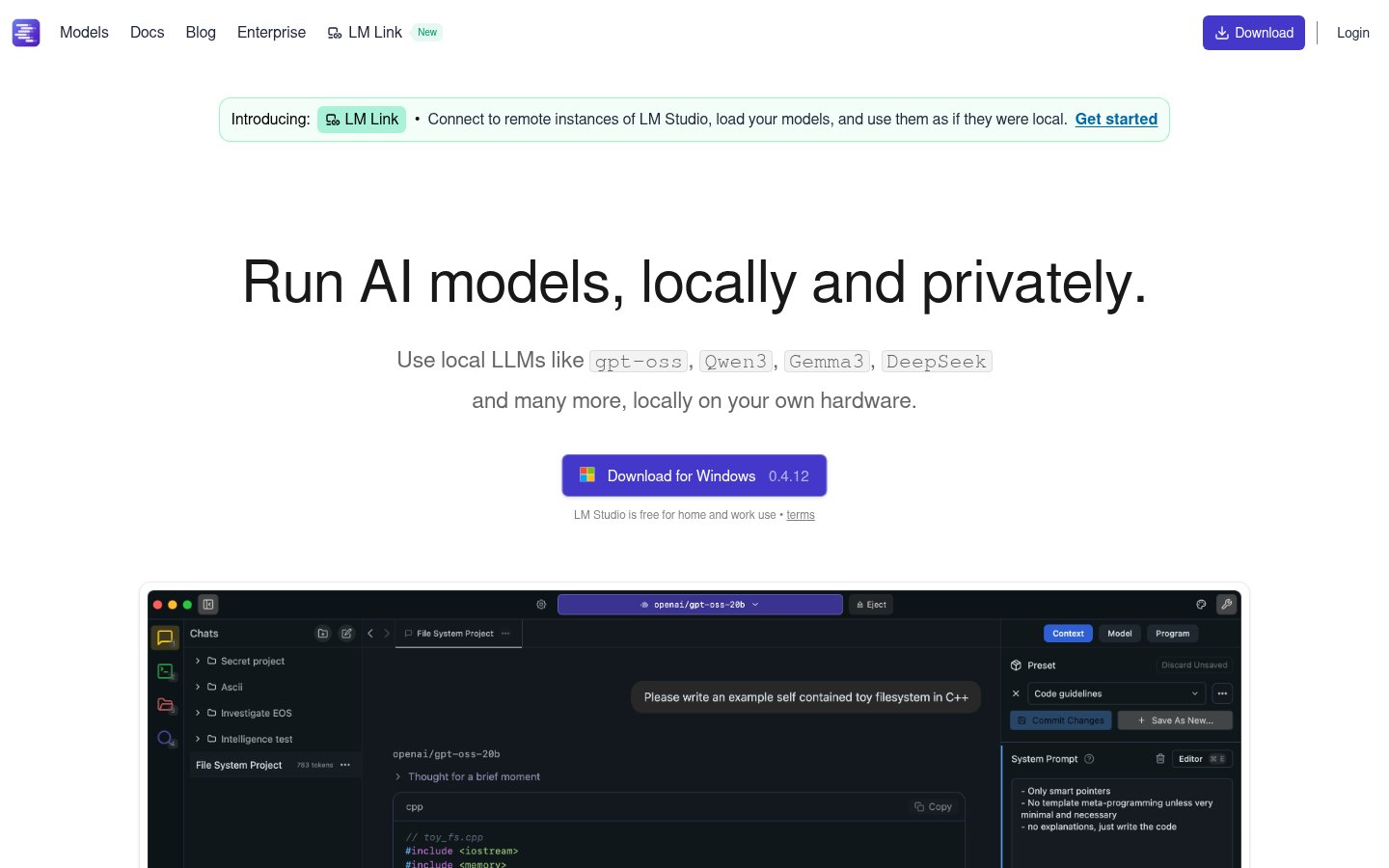
Run open AI models locally or in the cloud on macOS, Windows and Linux

LDesktop agent for documents, code and automation using local or open models


Desktop agent for documents, code and automation using local or open models
G

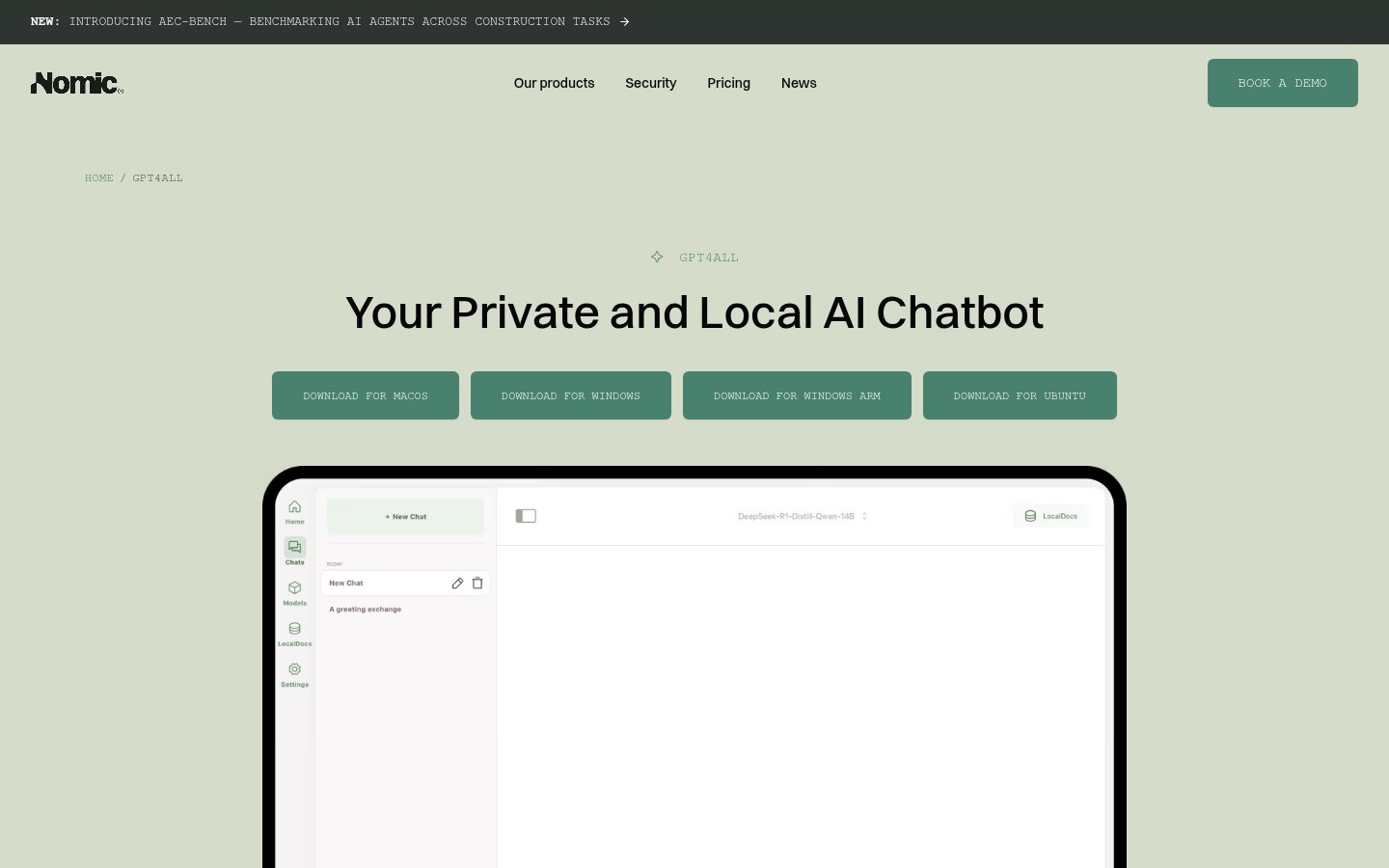
Desktop app for running open-source language models locally and privately

C

D

CGeneral-purpose AI chat assistant for writing, research, coding and everyday tasks

General-purpose AI chat assistant for writing, research, coding and everyday tasks
Built from each vendor's public website; we haven't tested them hands-on. Editorial policy