Best of
Top 8 Local & Open-Source AI Tools in 2026: Ranked by Privacy, Power, and Practicality
May 4, 2026 · 17 min read

Desktop app for running open-source language models locally and privately
Own GPT4All? Claim it, free to correct the facts and get the verified badge.
Pricing
Free · from $20/mo
Platforms
GPT4All is still one of the easiest ways to run a private, offline chatbot, and LocalDocs is the feature that justifies installing it. The desktop app is free, while Nomic's paid plans ($20/month Individual and $40 per user per month Business, as of October 2026) target its separate platform, not this app. Development has slowed and the curated model list lags newer releases, so it suits stable, privacy-driven work more than model tinkering.
Best for: Privacy-first professionals and developers who want a polished, free desktop app for private document chat and local model inference
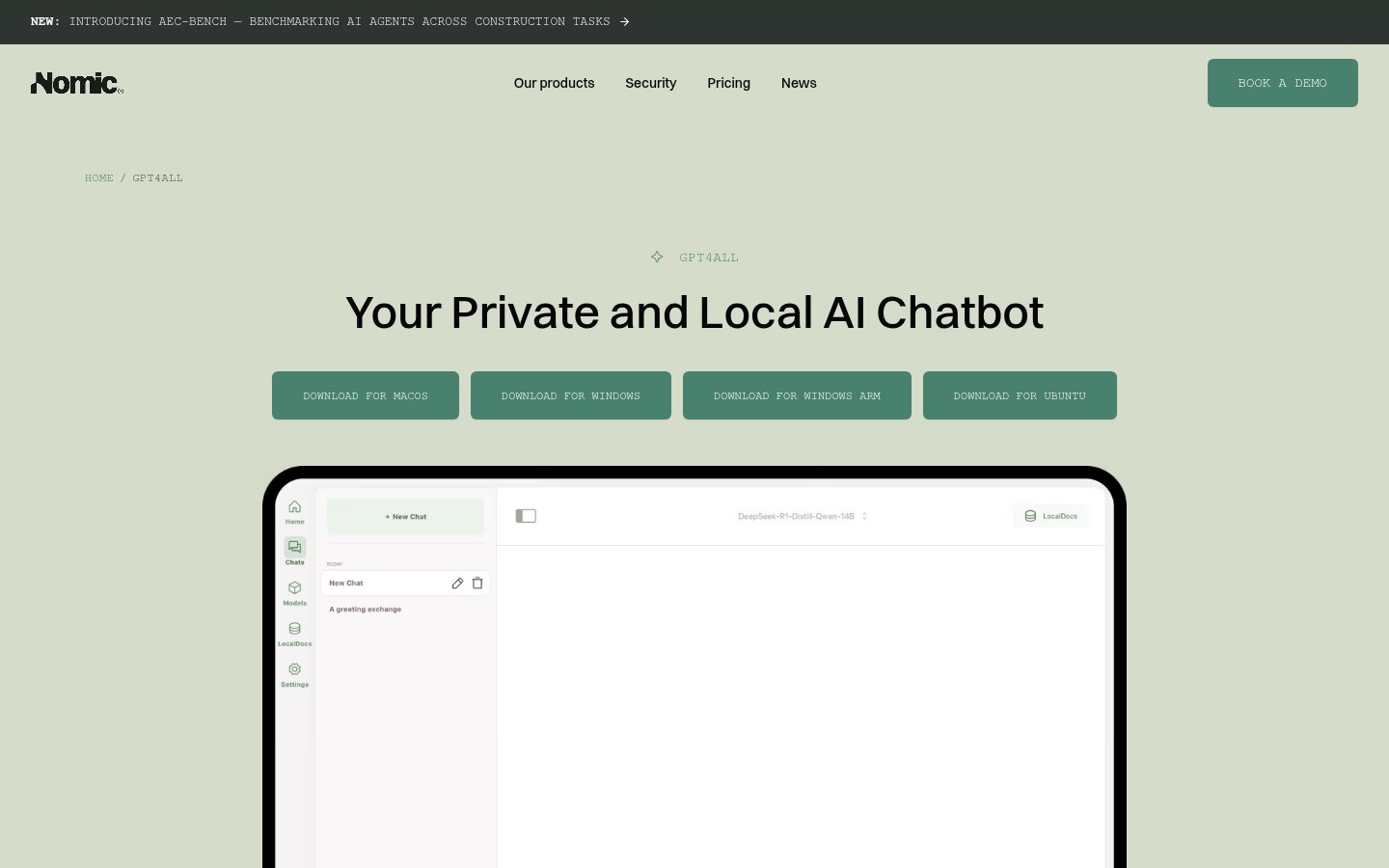
Read the full reviewGPT4All is a desktop application from Nomic for running open-source large language models on your own computer. According to Nomic, no cloud is required and no data leaves your machine, so chats and documents stay on the device.
The app supports thousands of models and offers full customization of how they run. Its LocalDocs feature lets you chat with your own files locally. GPT4All is available for Windows (x64 and ARM), macOS and Ubuntu Linux.
It is aimed at developers, teams and AI power users who want a private, offline alternative to cloud chatbots. The GPT4All page offers a free way to get started and lists Nomic Individual plans from $20/month. Those paid plans belong to Nomic's wider platform, and the pricing page does not say which features apply to GPT4All itself.
Who it's for
Use LocalDocs to ask questions about your own files without sending them to a cloud service.
Run a language model on your own computer when you can't or don't want to use cloud chatbots.
Developers can try different open-source models from a large catalog and adjust their settings.
From the vendor's site, checked Oct 26, 2026; we re-check prices monthly. Prices change — confirm on their pricing page.
Free
forever
$0
Individual
month
$20/mo
Business
month
$40/user/mo
Enterprise
custom
Custom
What the free plan gets you
| Cost for a team, per month | 1 person | 5 people | 20 people |
|---|---|---|---|
| Individualflat, up to 1 | $20 | — | — |
| Businessper seat | $1,000 | $1,000 | $1,000 |
Billed yearly where the plan offers it. — means the plan doesn't allow that many people.
| Tool | Starts at | Free plan | Free trial | API | Open source | |
|---|---|---|---|---|---|---|
| GGPT4All | $20/mo | — | — | — | ||
| M | $14.99/mo | — | GPT4All vs Mistral | |||
O Ollama | $16.67/mo | — | GPT4All vs Ollama | |||
L LM Studio | $20/mo | — | — | GPT4All vs LM Studio | ||
| D | — | — | — | — | GPT4All vs DeepSeek |
| Capability | GPT4All | Ollama | LM Studio |
|---|---|---|---|
| Works fully offline | |||
| Optional cloud models | — | ||
| OpenAI-compatible API | — | — | |
| Apple Silicon acceleration | — | — | |
| Team admin / SSO |
Capabilities as stated on each vendor's own site; — means the site doesn't say. The closest alternatives in our directory by category. “Starts at” is the cheapest paid plan per month, as each vendor lists it.
Trains AI on your content
Not stated
Data retention
Not stated
Where data is stored
US servers; regional hosting (EU, UK, US, AU) on Enterprise
“Our servers are located in the US.”
Security and compliance
None stated
From GPT4All's own privacy and security pages , checked Oct 28, 2026. We only show what the vendor states in writing; “not stated” means the pages don't say.
“Founded 2022 Headquarters New York City”
From GPT4All's own about, terms and privacy pages, checked Oct 28, 2026.
Strengths
Limitations
 Stanislav VovchykUpdated Oct 29, 202613 min read
Updated October 2026
GPT4All's desktop app is free, MIT-licensed and runs on your own machine, which is the whole case for it. Nomic says no data leaves the device. Public discussion in 2026 also says development has slowed, so you're buying stability and privacy here, not novelty.
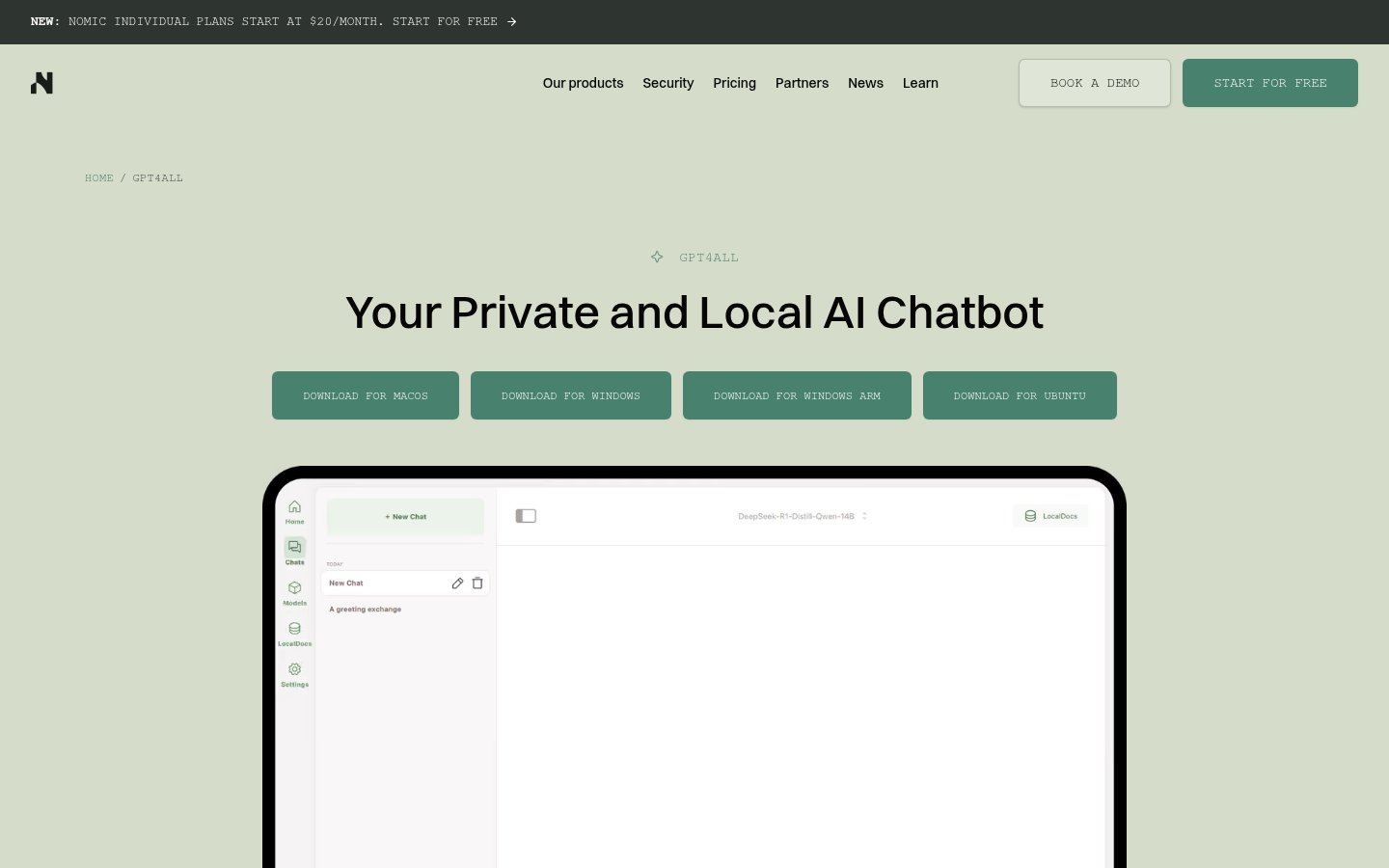
You download a native installer from gpt4all.io for macOS, Windows x64, Windows ARM or Ubuntu, open the app and pick a model from the in-app browser. There's no sign-in and no cloud dashboard. Nothing works until you've downloaded a model, and files run from a couple of gigabytes for small models into the double digits for larger ones. The browser shows disk space and rough hardware needs before you commit. After that first download, the app answers without a connection.
GPT4All isn't one model. It's an inference app that runs llama.cpp-compatible GGUF models, so speed, context length, quality and licence all depend on the model you choose. The software is MIT-licensed, but each downloaded model carries its own terms. Check them before using one for commercial work.
Hardware is modest. A dedicated GPU isn't required, and the app can use the CPU, Apple Metal or compatible GPUs. Treat 8GB of RAM as the practical floor and 16GB as the comfortable zone. Models stack up on disk quickly, so budget storage for several.
From there you have three ways in. You can chat directly, point LocalDocs at a folder of your files, or switch on the local server. That server is OpenAI-compatible and listens on 127.0.0.1:4891. Python bindings exist too, so it works as a developer toolkit as well as a chat window.
LocalDocs is the reason to install it. You point the app at a folder of PDFs, Word files or plain text, it builds a local index, and you ask questions in natural language. Answers cite the source material. Embeddings are computed on-device by default, so contracts, client records and internal research stay on your disk. Accountants and tax preparers handle exactly this material, and our ranking of AI tools for accounting and tax professionals shows how few hosted options answer the where-does-my-data-go question cleanly.
One limit matters if you hoped to automate this. A comparison video from the Jono Finds channel says LocalDocs works only through the graphical interface and the API can't reach it. For a person at a keyboard that changes nothing. For scripted document Q&A it rules GPT4All out.
The privacy posture is structural, with caveats. There's no account, so there's nothing for the vendor to tie your activity to, and the code sits on GitHub for anyone to read. For an air-gapped machine, download models while online, then disconnect. Few polished desktop apps make that as easy.
Be precise about what "private" covers, though. Independent reviews point out that privacy depends on configuration. Remote model providers, the optional Nomic embedding API, optional interaction sharing, plugins and an exposed local server can all move data off the device. Keep those switched off for sensitive work, and don't open the API port to your network. A tool with a "zero telemetry" claim would be simpler to trust. This one asks you to check its settings. The same logic applies if you're weighing local options for meeting transcripts, which our roundup of open-source Otter AI alternatives that run on your own machine covers.
The local API is a free prototyping endpoint. Developers can swap a base URL in existing OpenAI SDK code and test plain text generation against a local model with no metered billing. It won't cover every OpenAI feature. For deciding whether an idea is worth building, it's enough.
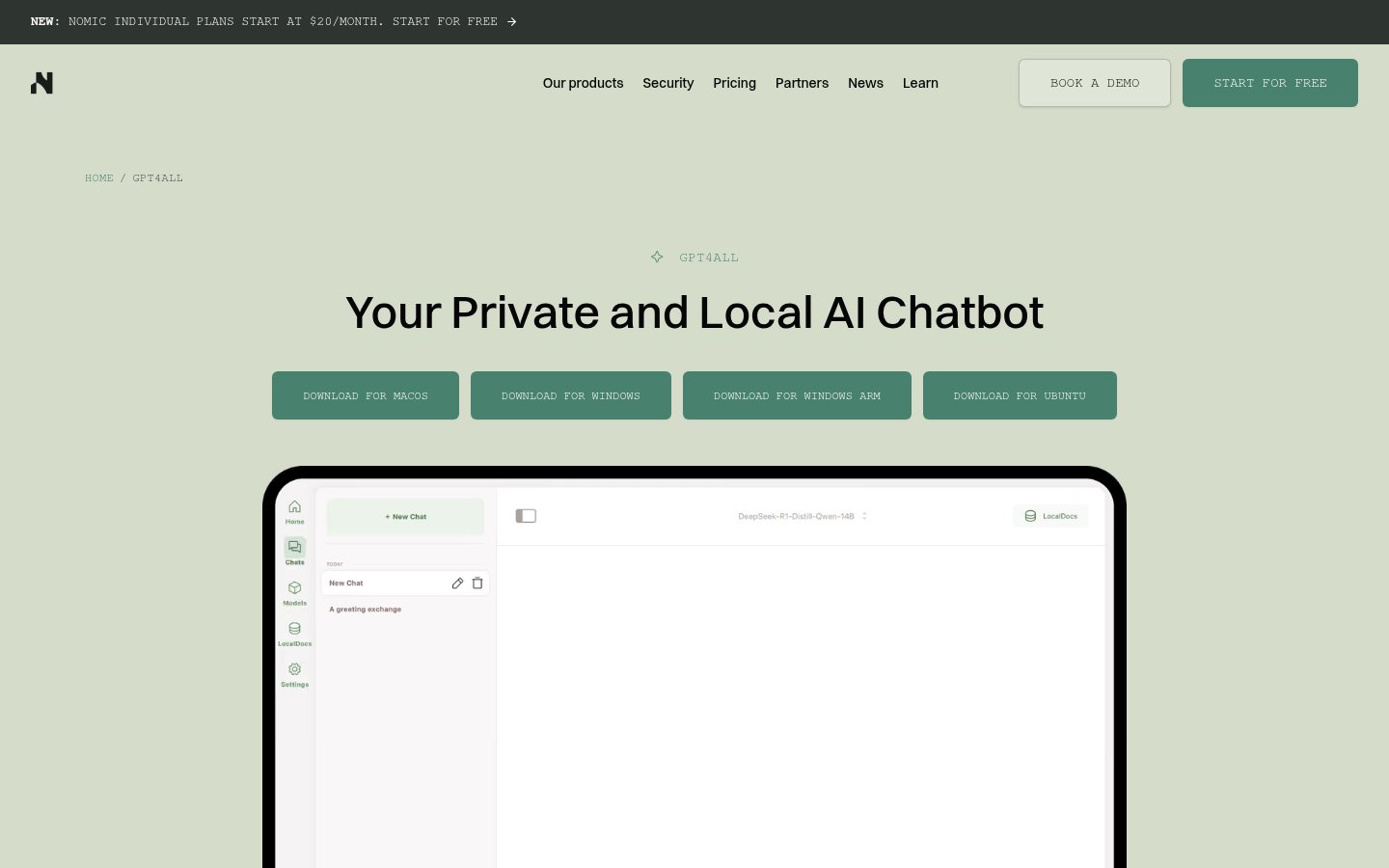
Momentum is the sharpest complaint. AgentsAI's write-up says development has slowed, the curated in-app model list hasn't kept pace with newer open releases, and users often add models by hand. It also reports that LocalDocs indexing can be slow or unstable with aggressive settings. Nomic's own homepage backs up the shift in focus. It leads with the Nomic Platform and an Agent API aimed at architecture, engineering and construction firms, and GPT4All sits further down as a download section. Nothing there describes a release schedule for the desktop app, so check the GitHub releases page before you rely on a particular fix landing.
The curated list has one upside. What you download is likely to run on your hardware. The cost is waiting longer for new models or fetching them yourself.
The usual local-model limits apply:
The model-quality problem is yours to manage. The runtime doesn't make a downloaded model accurate or current, so validate LocalDocs citations against the source file before you quote anything.
The desktop app costs $0. There's no cap, no meter and no upsell inside it, so your costs are disk space, electricity and the machine you already own. For a local chatbot, free is the right price and GPT4All charges it.
The confusing part is Nomic's paid tiers. As of October 2026, Individual starts at $20/month and Business is $40 per user per month with a 25-seat minimum. That minimum means a Business plan starts at $1,000 a month, so a five-person team can't use it. Those plans buy the Nomic Platform for architecture and construction workflows, with extended agent requests, SSO and Agent API access. That's how Nomic makes money. Nothing published ties them to features in the desktop app, so if someone pitches the $20 tier as a GPT4All upgrade, the public pages don't support it. If you want a private local chatbot, ignore every paid plan.
Pick GPT4All if you handle documents that can't go to a cloud API, such as legal, medical, financial or proprietary material, and you want a polished desktop app rather than a command line. It also suits developers who want a free localhost endpoint for prototyping, and anyone who needs a machine that works offline. Professionals in regulated fields should still think hard about what any AI tool touches, as our piece on AI documentation tools for solo therapists shows.
Skip it if you need frontier-level reasoning, live web access, image understanding or phone access. Skip it if your team wants shared workspaces and admin controls. And skip it if you want new open models the day they land. Ollama is CLI-first and suits developers building integrations. LM Studio is more technical, with broader model format support and a steeper learning curve. Jan is also an open-source desktop app with more scope, but it reaches cloud providers too, which widens the privacy boundary. If new-model access matters more than a tidy interface, one of those three fits better.
Download a model before anything else, and pick one that fits your RAM with room to spare. Start LocalDocs with a small, tidy folder rather than your whole archive, since reports of slow or unstable indexing involve aggressive settings. Scanned PDFs without clean text are the likeliest source of weak answers. Before pointing it at sensitive files, open the settings and confirm that interaction sharing and any remote providers are off.
The GPT4All page offers a free start. Nomic's paid Individual plans start at $20/month.
Nomic says GPT4All needs no cloud and no data leaves your machine.
Windows (x64 and ARM), macOS and Ubuntu Linux.
Yes. The LocalDocs feature lets you chat with your files locally.
No reviews yet. Used GPT4All? Be the first.
Sign in to rate this tool and share how you use it.
Best of
May 4, 2026 · 17 min read
Best of
May 4, 2026 · 15 min read
Best of
May 4, 2026 · 15 min read
GPT4All
Free · from $20/mo