
ARiverside.fm vs Submagic
Pricing, features, platforms and who each one suits — side by side.

Choose Riverside.fm if…

- you want a free plan to start with
- you work on macOS, iOS, Android
- you're in its core audience: podcasters, video creators
Choose Submagic if…
- you want the lower entry price ($12/mo vs $24/mo)
- you're in its core audience: content creators, social media managers
Side by side
Key features
R
Riverside.fm
- Local recording in up to 4K with separate tracks
- Text-based video editing via transcript
- AI filler-word and silence removal
- AI eye contact fix and speech correction
- AI translation and dubbing into 30+ languages
- Magic Clips and AI show notes
- Podcast hosting with analytics and publishing
- Full HD multistreaming and webinars
S
Submagic
- AI captions in 123 languages
- Text-based editing through the transcript
- Magic Clips turns long videos into multiple shorts
- Auto silence removal, B-roll, transitions and zooms
- AI avatar videos without filming
- Schedule and publish posts to social platforms
- Shared team workspace with brand kit
- Export up to 4K at 60fps
Plans and prices
From each vendor's site. Prices change — confirm before buying.
Riverside.fm
Submagic
Strengths and limitations
Riverside.fm
- Free plan includes unlimited single-track recording and editing
- Records up to 4K video with separate tracks per participant
- Paid plans come with a 14-day free trial
- Recording, editing, hosting and streaming in one product
- Free plan is limited to 720p and adds a watermark
- Separate track downloads are capped at 15–25 hours a month below Business
- Some AI features use credits that must be bought once used up
- Collaborative editing, SSO and API access only on Business
Submagic
- Yearly billing lowers Starter to $12/mo
- Captions support 123 languages
- API available with minute-based packs
- Business plan exports in 4K at 60 FPS
- No free plan listed on the pricing page
- Starter limits videos to 2 minutes at 1080p/30 FPS
- API minute packs are extra and require a paid plan
More comparisons
Other options to consider
A

D
Text-based video and podcast editor with AI tools for creators and teams

D

Editing, color, VFX, audio and photo post-production in one desktop app

OTurns long videos into short clips with captions and posts them to social


Turns long videos into short clips with captions and posts them to social
K
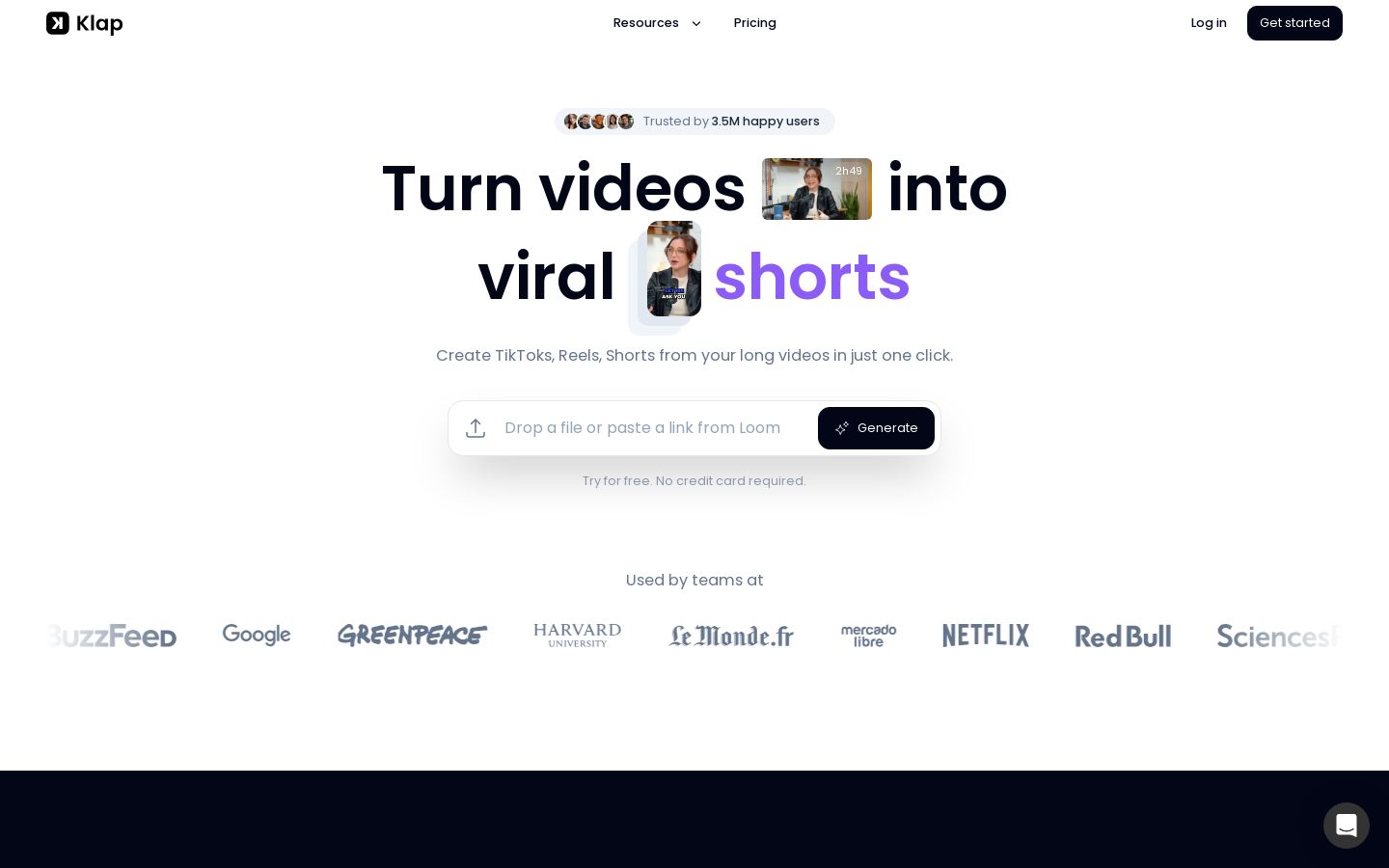
Turns long videos into short vertical clips for TikTok, Reels and Shorts
V
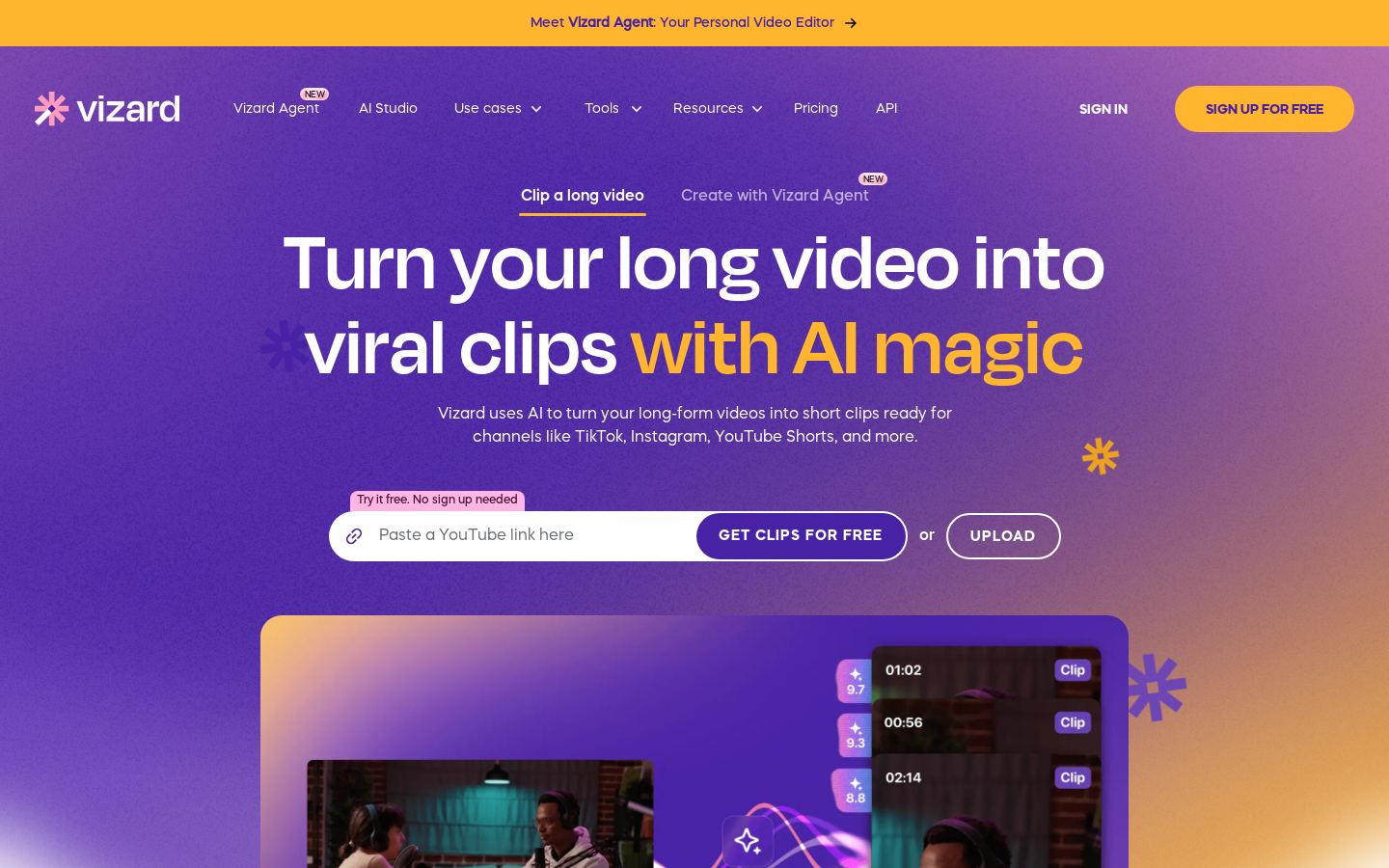
AI clipping tool that turns long videos into captioned short-form clips
Built from each vendor's public website; we haven't tested them hands-on. Editorial policy