
JetBrains AI
Run and review AI coding agents across projects in JetBrains IDEs, web and CLI
Own JetBrains AI? Claim it, free to correct the facts and get the verified badge.
Pricing
Free · from $10/mo
Free trial
Yes
Company
JetBrains s.r.o.Czech Republic
Platforms
What is JetBrains AI?
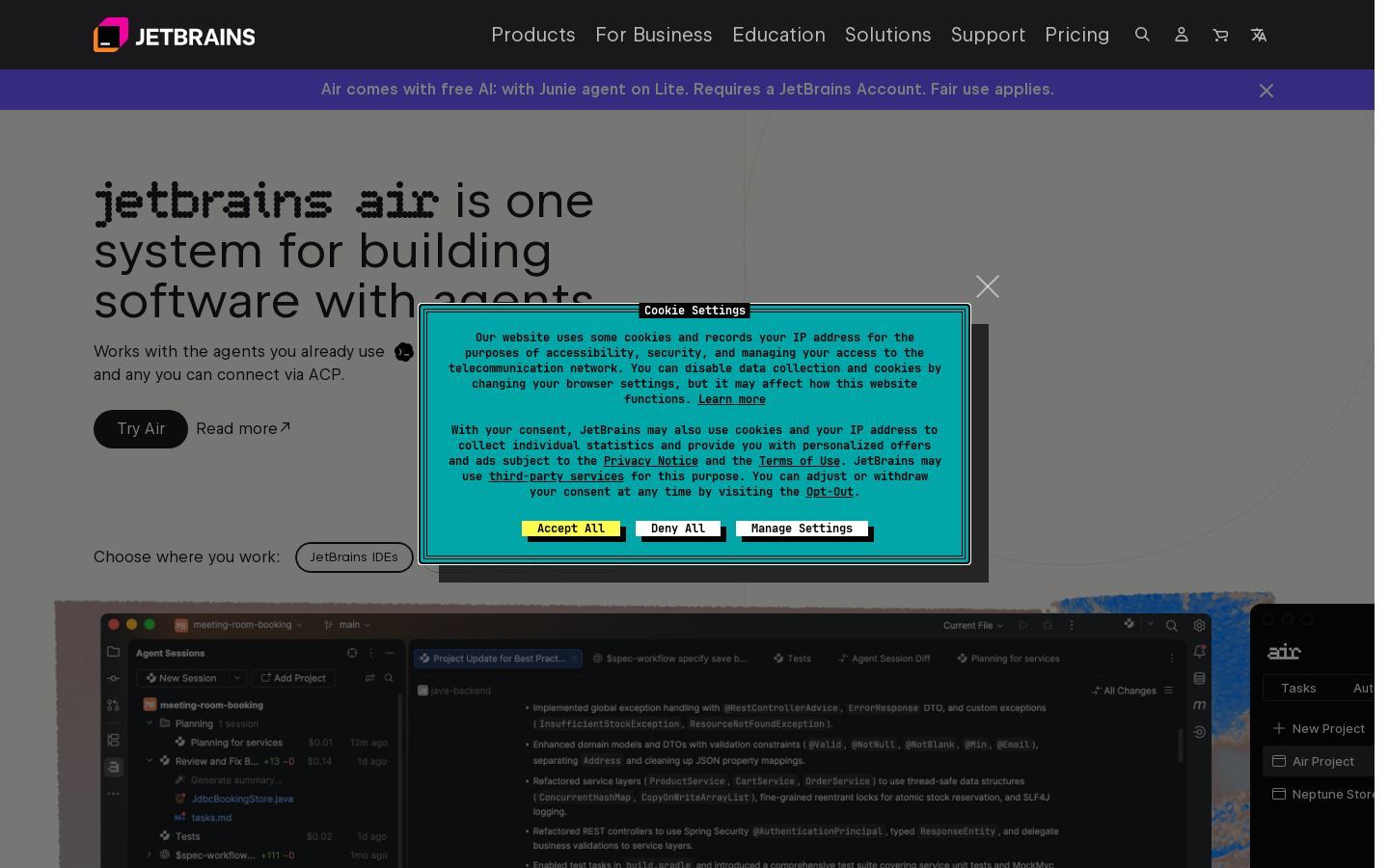
JetBrains AI is JetBrains' set of AI coding products. Its current hub, JetBrains Air, lets developers run several coding agents in parallel across projects and review their changes with IDE tools. Supported agents include Claude Agent, Codex, Junie, Copilot and OpenCode, and you can connect others through the Agent Client Protocol (ACP).
You can review agent diffs, comment on specific lines for the agent to act on, and set up automations that start agent tasks from merges, pull requests, issues or commits. You can pay with JetBrains AI credits, which are billed at public API rates, or bring your own provider subscription or API keys.
Teams can run shared projects in dedicated cloud environments with team-wide MCP servers and secrets. Admins can control which models and agents people use. JetBrains AI works in JetBrains IDEs through a plugin, on the web and from a CLI. It suits individual developers and engineering organizations.
Key features
- Run multiple coding agents in parallel across projects
- Supports Claude Agent, Codex, Junie, Copilot and OpenCode
- Connect other agents through the Agent Client Protocol (ACP)
- Review agent diffs and comment on specific lines
- Event-triggered automations for PRs, merges, issues and commits
- Bring your own provider subscription or API keys
- Shared cloud environments with team-wide MCP servers
- Admin controls over which models and agents people can use
Use cases
Who it's for
Parallel agent work
Developers can run several agent sessions across projects and track changed files and commits in one place.
Automated code review
Teams can start agent reviews, lint checks or documentation updates automatically when PRs are opened or code is merged.
Issue triage
Automations can trigger agent tasks from new issues so the team gets an initial triage.
Governed AI use in organizations
Admins can set permissions for teams or individuals that control which models and agents are allowed.
JetBrains AI pricing
From the vendor's site, checked Oct 26, 2026; we re-check prices monthly. Prices change — confirm on their pricing page.
AI Free
30 days
Free
- 3 AI credits per 30 days
- No extra credit purchases
- Not available in Android Studio or the Community editions of PyCharm and IntelliJ IDEA
AI Trial
trial
Free
- 10 or 20 AI credits per trial period
- Extra credits can be bought
AI Pro
30 days
$10 or $20 (two figures listed)
- 10 or 20 AI credits per 30 days
- Extra credits can be bought
AI Ultimate
30 days
$30 or $60 (two figures listed)
- 35 or 70 AI credits per 30 days
- Extra credits can be bought
AI Enterprise
30 days
$60
- Organizations only, as part of JetBrains IDE Services
- At least the AI Ultimate credit quota
Which plan do you need?
- CursorPlus$8/mo
- OpenAI CodexGo$8/mo
- GitHub CopilotPro$10/mo
- WindsurfPro$20/mo
- JetBrains AIAI Enterprise$60/mo
The cheapest paid plan with a published price that fits. Custom and sales-quoted plans aren't included.
How JetBrains AI compares
- At $10/mo, JetBrains AI starts cheaper than 1 of 4 similar tools with published prices (median $10).
- JetBrains AI has a free plan, like all 4 alternatives below.
| Tool | Starts at | Free plan | Free trial | API | Open source | |
|---|---|---|---|---|---|---|
| JJetBrains AI | $10/mo | — | — | |||
G GitHub Copilot | $10/mo | — | — | — | JetBrains AI vs GitHub Copilot | |
C Cursor | $8/mo | — | — | — | JetBrains AI vs Cursor | |
O OpenAI Codex | $8/mo | — | — | JetBrains AI vs OpenAI Codex | ||
W Windsurf | $20/mo | — | — | JetBrains AI vs Windsurf |
Compare 7 capabilities
| Capability | JetBrains AI | GitHub Copilot | Cursor | OpenAI Codex | Windsurf |
|---|---|---|---|---|---|
| Agent mode | |||||
| Tab completion | — | — | — | ||
| CLI / terminal | — | ||||
| Cloud agents | |||||
| AI PR review | |||||
| Bring your own key | — | — | — | — | |
| MCP support | — | — |
Capabilities as stated on each vendor's own site; — means the site doesn't say. The closest alternatives in our directory by category. “Starts at” is the cheapest paid plan per month, as each vendor lists it.
Pros and cons
Strengths
- Free tier includes 3 AI credits every 30 days
- Works with several third-party agents, not only JetBrains' own
- Accepts your own API keys or provider subscriptions
- Purchased credits stay valid for 12 months
Limitations
- The free tier does not allow buying extra credits
- The IDE plugin for Air is in alpha
- Mobile app is listed as coming soon
- AI Free is not available in Android Studio or the Community editions of PyCharm and IntelliJ IDEA
JetBrains AI FAQ
Is there a free plan?
Yes. AI Free includes 3 AI credits per 30 days. You can't buy extra credits on this plan.
How do AI credits work?
One AI credit equals $1 USD, charged in your local currency. Your quota renews every 30 days, and purchased credits stay valid for 12 months.
Which agents are supported?
Claude Agent, Codex, Junie, Copilot and OpenCode are supported, plus any agent that connects through ACP.
Where can I use it?
You can use it in JetBrains IDEs through a plugin, on the web at air.jetbrains.cloud, and from a CLI. A mobile app is listed as coming soon.
Can I use my own API keys?
Yes. You can use your own provider subscription, API keys or base URL instead of JetBrains AI credits.
User reviews
No reviews yet. Used JetBrains AI? Be the first.
Sign in to rate this tool and share how you use it.
JetBrains AI in our articles
JetBrains AI
Free · from $10/mo
Tools similar to JetBrains AI
AI coding assistant and agents for editors, terminal, desktop and GitHub
AI coding agent and editor for developers and engineering teams
OpenAI's coding agent for the desktop, CLI, IDE, web and iOS, included in ChatGPT plans