Best of
Top 9 AI Tools for Education and Learning in 2026: Ranked by How Much They Actually Teach You
Jul 19, 2026 · 17 min read

AI coding assistant and agents for editors, terminal, desktop and GitHub
Own GitHub Copilot? Claim it, free to correct the facts and get the verified badge.
Pricing
Free · from $10/mo
Company
GitHub, Inc.United States
Platforms
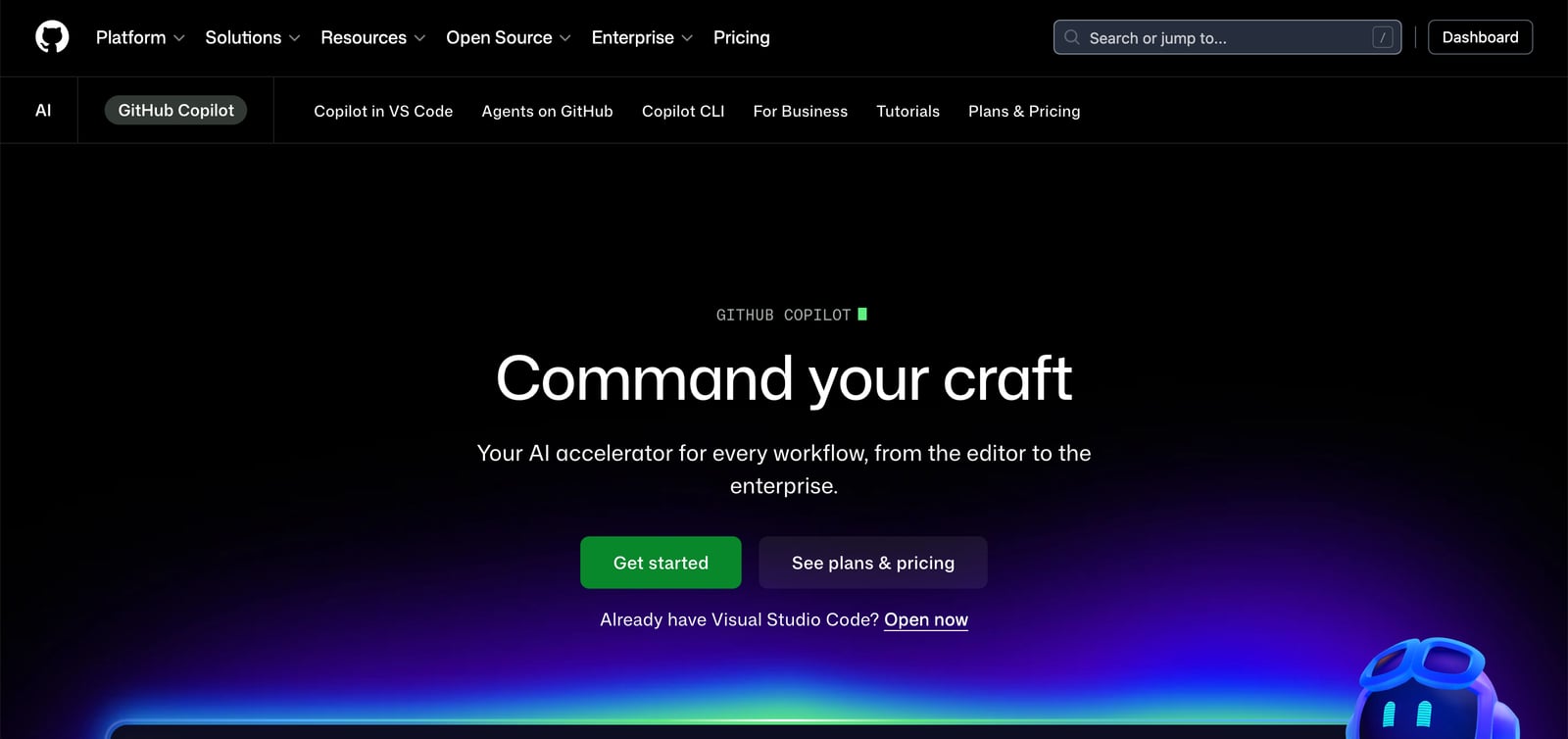
GitHub Copilot is an AI coding assistant that suggests code, answers questions in chat, and runs agents that take work from an open issue to a reviewed pull request. It runs in Visual Studio Code, Visual Studio, JetBrains IDEs, Xcode, Neovim, Eclipse, the terminal through Copilot CLI, a desktop app, and GitHub itself.
In the editor, Copilot completes code, suggests next edits, explains concepts and proposes multi-file changes in agent mode. You can also assign tasks to cloud agents, either Copilot or third-party agents such as Claude by Anthropic and OpenAI Codex, which plan and carry out the work in the background. You can pick from several LLMs depending on whether you care most about speed, accuracy or cost.
Individual developers can start on a free plan. Paid plans add more usage and premium models. Business and Enterprise plans add pooled credits, governance, audit logs, MCP server allow lists and IP indemnity.
Who it's for
Get completions, explanations and multi-file edits inside VS Code, JetBrains, Visual Studio and other editors.
Assign an issue to Copilot or a third-party agent, let it work in the background, then review and merge the result.
Use Copilot code review to get feedback on changes before merging.
Enterprises can control model and MCP access, track usage with audit logs and pool credits across teams.
From the vendor's site, checked Oct 26, 2026; we re-check prices monthly. Prices change — confirm on their pricing page.
Free
per user / month
$0
Pro
per user / month
$10
Pro+
per user / month
$39
Max
per user / month
$100
Business
per user / month
$19
Enterprise
per user / month
$39
What the free plan gets you
| Cost for a team, per month | 1 person | 5 people | 20 people |
|---|---|---|---|
| Proper seat | $10 | $50 | $200 |
| Pro+per seat | $39 | $195 | $780 |
| Maxper seat | $100 | $500 | $2,000 |
| Businessper seat | $19 | $95 | $380 |
| Enterpriseper seat | $39 | $195 | $780 |
Billed yearly where the plan offers it. — means the plan doesn't allow that many people.
Which plan do you need?
The cheapest paid plan with a published price that fits. Custom and sales-quoted plans aren't included.
| Tool | Starts at | Free plan | Free trial | API | Open source | |
|---|---|---|---|---|---|---|
| GGitHub Copilot | $10/mo | — | — | — | ||
C Cursor | $8/mo | — | — | — | GitHub Copilot vs Cursor | |
O OpenAI Codex | $8/mo | — | — | GitHub Copilot vs OpenAI Codex | ||
W Windsurf | $20/mo | — | — | GitHub Copilot vs Windsurf | ||
D Devin | $20/mo | — | — | — | GitHub Copilot vs Devin |
| Capability | GitHub Copilot | Cursor | OpenAI Codex | Windsurf | Devin |
|---|---|---|---|---|---|
| Agent mode | |||||
| Tab completion | — | — | — | ||
| CLI / terminal | — | ||||
| Cloud agents | — | ||||
| AI PR review | — | ||||
| MCP support | — | — | — |
Capabilities as stated on each vendor's own site; — means the site doesn't say. The closest alternatives in our directory by category. “Starts at” is the cheapest paid plan per month, as each vendor lists it.
Strengths
Limitations
Yes. Copilot Free costs $0 and includes 2,000 completions per month, Copilot CLI and access to models such as Haiku 4.5 and GPT-5 mini. Verified students can get the Copilot Student plan.
Individual plans are Pro at $10, Pro+ at $39 and Max at $100 per user per month. Business is $19 and Enterprise is $39 per user per month.
The site lists VS Code, Visual Studio, JetBrains IDEs, Xcode, Neovim, Vim, Eclipse, Azure Data Studio and Raycast. Copilot also works on GitHub, in the terminal and in GitHub Mobile.
For Free, Pro and Pro+ users, GitHub may use interactions to train its models unless you opt out in your account settings.
Yes. Pro and higher plans include access to third-party agents such as Claude Code and OpenAI Codex.
No reviews yet. Used GitHub Copilot? Be the first.
Sign in to rate this tool and share how you use it.
Best of
Jul 19, 2026 · 17 min read
Best of
May 4, 2026 · 17 min read
Best of
May 4, 2026 · 15 min read
News
Aug 27, 2026 · 6 min read
GitHub Copilot
Free · from $10/mo
AI coding agent and editor for developers and engineering teams
OpenAI's coding agent for the desktop, CLI, IDE, web and iOS, included in ChatGPT plans
AI coding IDE and command center for running local and cloud coding agents