
Superhuman
AI email, writing assistant and docs suite for professionals and teams
Own Superhuman? Claim it, free to correct the facts and get the verified badge.
Pricing
Free · from $12/mo
Platforms
What is Superhuman?
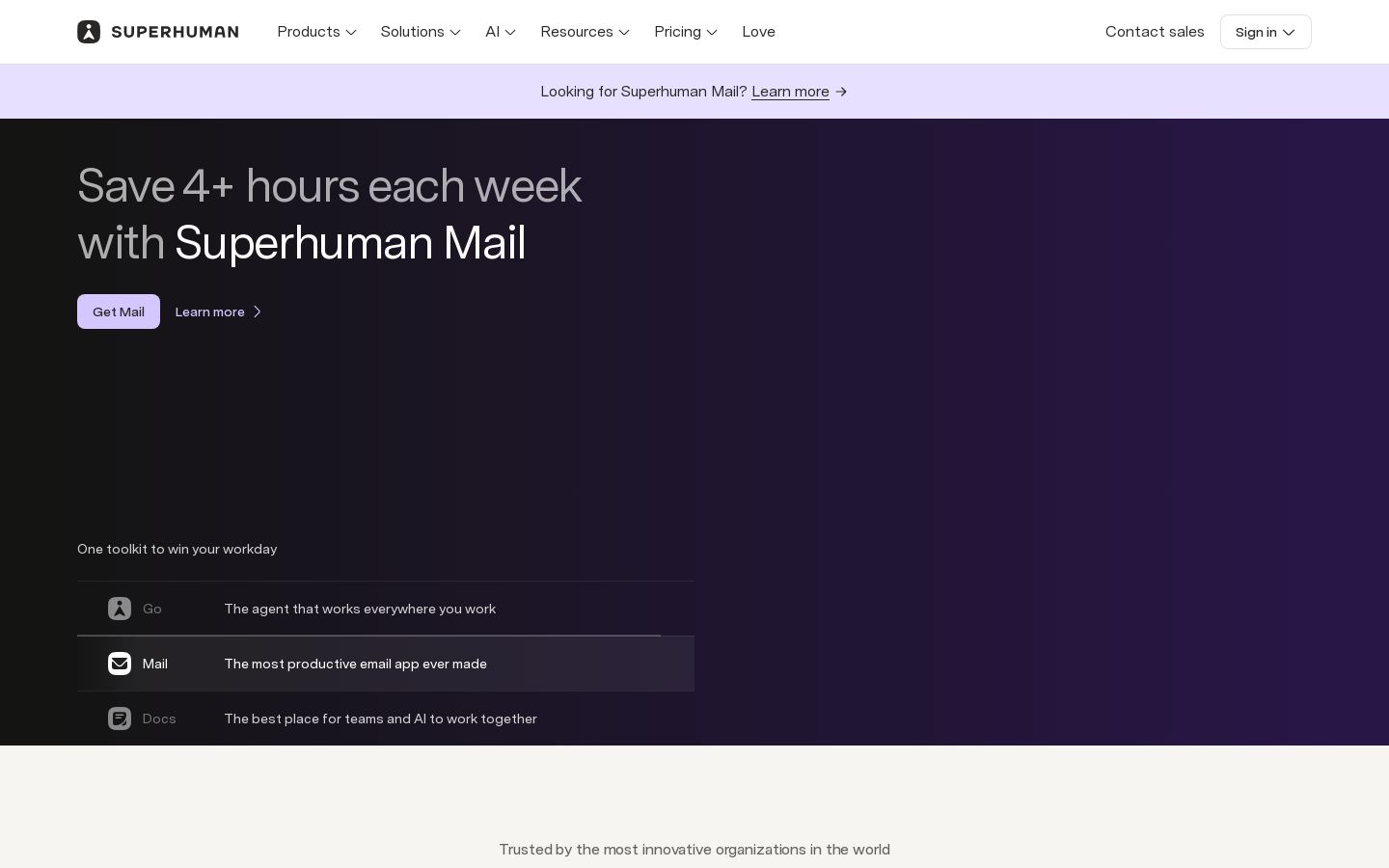
Superhuman is an AI productivity suite built around a fast email app. It combines Superhuman Mail, the Grammarly writing assistant, Superhuman Docs and Superhuman Go, an AI assistant that works inside the tools you already use.
Mail drafts replies in your voice and offers a split inbox, auto labels, auto archiving and shareable availability links. Go gives inline suggestions as you type, context-aware chat, Daily Briefs that collect deadlines and meetings, and scheduling through Google Calendar. Docs is a shared workspace for documents, tables, Kanban boards, forms and automations, with built-in AI and an MCP connector. There is also a store of more than 100 prebuilt agents.
The free plan covers AI chat, writing help in 20+ languages and collaborative docs. Paid plans add advanced writing tools and, on Business, Mail itself plus CRM views from HubSpot, Salesforce and Pipedrive. Enterprise adds SSO, data loss prevention and admin controls.
Key features
- AI-drafted email replies in your own voice
- Split inbox, auto labels and auto archiving
- Shareable availability links and calendar scheduling
- Inline writing suggestions in 20+ languages
- Daily Briefs summarizing deadlines and meetings
- Collaborative docs with tables, Kanban boards and forms
- Store of 100+ prebuilt AI agents
- CRM views from HubSpot, Salesforce and Pipedrive
Use cases
Who it's for
Clearing a busy inbox
Split inbox, auto labels and auto archiving sort mail, while AI drafts replies for review.
Scheduling meetings
Share availability links or ask Go to book time through Google Calendar in one request.
Sales follow-up
Business plan users see HubSpot, Salesforce or Pipedrive records next to emails.
Team documentation
Docs holds shared documents, tables and project boards with built-in AI and automations.
Superhuman pricing
From the vendor's site, checked Oct 26, 2026; we re-check prices monthly. Prices change — confirm on their pricing page.
Free
forever
Free
- AI chat across apps and tabs
- Writing help in 20+ languages
- Collaborative docs with tables, charts, Kanban boards and forms
- 7-day doc version history
Pro
month
$12/member/mo billed yearly ($15 billed monthly)
- Unlimited paragraph rewrites and translations
- AI text detection and plagiarism fixes
- On-brand writing
- Custom-domain doc publishing, 30-day version history
Business
month
$33/member/mo billed yearly ($40 billed monthly)
- Everything in Pro plus Superhuman Mail
- AI inbox organization and drafts in your voice
- Read-only HubSpot, Salesforce and Pipedrive views in inbox
- Jira, GitHub and Figma sync, unlimited doc automations
Enterprise
custom
Custom
- Analytics and admin controls
- SAML SSO and custom roles
- Data loss prevention and BYOK encryption
- Dedicated support team
What the free plan gets you
- Limited chat access
- Limited free trial of full chat
- Inline agent suggestions: Limited access (Beta)
- Version history 7 days
| Cost for a team, per month | 1 person | 5 people | 20 people |
|---|---|---|---|
| Proper seat | $12 | $60 | $240 |
| Businessper seat | $33 | $165 | $660 |
Billed yearly where the plan offers it. — means the plan doesn't allow that many people.
Which plan do you need?
- SaneBoxSnack$7/mo
- SuperhumanPro$12/mo
- ScreenpipeBasic$20.83/mo
- ShortwaveBusiness$30/mo
The cheapest paid plan with a published price that fits. Custom and sales-quoted plans aren't included.
How Superhuman compares
- At $12/mo, Superhuman starts cheaper than 2 of 3 similar tools with published prices (median $16.50).
- Superhuman has a free plan, like 1 of the 4 alternatives below.
| Tool | Starts at | Free plan | Free trial | API | Open source | |
|---|---|---|---|---|---|---|
| SSuperhuman | $12/mo | — | — | — | ||
S SaneBox | $7/mo | — | — | — | Superhuman vs SaneBox | |
| S | $30/mo | — | — | — | Superhuman vs Shortwave | |
M Microsoft Recall | — | — | — | — | — | Superhuman vs Microsoft Recall |
S Screenpipe | $21/mo | — | Superhuman vs Screenpipe |
Compare 8 capabilities
| Capability | Superhuman | SaneBox | Shortwave |
|---|---|---|---|
| AI reply drafts | — | ||
| Auto inbox sorting | |||
| Thread summaries | |||
| Follow-up reminders | — | ||
| Read/link tracking | — | ||
| Team collaboration | — | ||
| Outlook/M365 support | — | ||
| CRM integration | — |
Capabilities as stated on each vendor's own site; — means the site doesn't say. The closest alternatives in our directory by category. “Starts at” is the cheapest paid plan per month, as each vendor lists it.
Superhuman data and privacy
Trains AI on your content
Yes, unless you opt out
“We also use information we collect to train our AI models. You can decide whether Superhuman can use your user content to train our AI models by adjusting the available training control(s) in your account settings.”
Data retention
Kept as long as necessary; periods vary by data and settings
“We retain the data we collect for different periods of time depending on what it is, how it’s used, and how you configure your settings.”
Where data is stored
Not stated
Security and compliance
None stated
From Superhuman's own privacy and security pages , checked Oct 28, 2026. We only show what the vendor states in writing; “not stated” means the pages don't say.
Who's behind Superhuman
- Company
- Superhuman Platform Inc.
- Based in
- San Francisco, United States
- Founded
- 2009
- Founders
- Max Lytvyn, Alex Shevchenko, Dmytro Lider
“2009: Grammarly is founded Grammarly is founded by Max Lytvyn, Alex Shevchenko, and Dmytro Lider”
“Grammarly is founded by Max Lytvyn, Alex Shevchenko, and Dmytro Lider with one belief”
From Superhuman's own about, terms and privacy pages, checked Oct 28, 2026.
Pros and cons
Strengths
- Free plan includes AI chat, writing help and collaborative docs
- Bundles email, Grammarly writing tools and docs in one suite
- Business plan connects HubSpot, Salesforce and Pipedrive
- Enterprise offers SAML SSO, DLP and BYOK encryption
Limitations
- Superhuman Mail is only included from the Business plan
- No free trial of paid plans listed on the plans page
- CRM views in the inbox are read-only
Superhuman FAQ
How much does Superhuman cost?
Pro is $12 per member per month billed yearly ($15 monthly), Business is $33 billed yearly ($40 monthly), and Enterprise is custom.
Is there a free plan?
Yes. The Free plan includes AI chat across apps, writing help in 20+ languages and collaborative docs.
Which plan includes Superhuman Mail?
Mail is included in the Business plan and above.
Does it work with my calendar?
Go can schedule meetings with Google Calendar, and Mail supports shareable availability links.
User reviews
No reviews yet. Used Superhuman? Be the first.
Sign in to rate this tool and share how you use it.
Superhuman
Free · from $12/mo
Tools similar to Superhuman
AI email filtering that moves unimportant mail out of your inbox
AI email app that organizes, writes, searches and schedules from prompts
Searchable local snapshots of your screen history on Windows 11 Copilot+ PCs