Best of
Top 10 AI Tools for Productivity in 2026: Ranked by What Actually Saves You Time
Jun 28, 2026 · 17 min read

Local screen and audio recording that gives AI tools searchable context
Own Screenpipe? Claim it, free to correct the facts and get the verified badge.
Pricing
Free · from $21/mo
API
Yes
Open source
Yes
Platforms
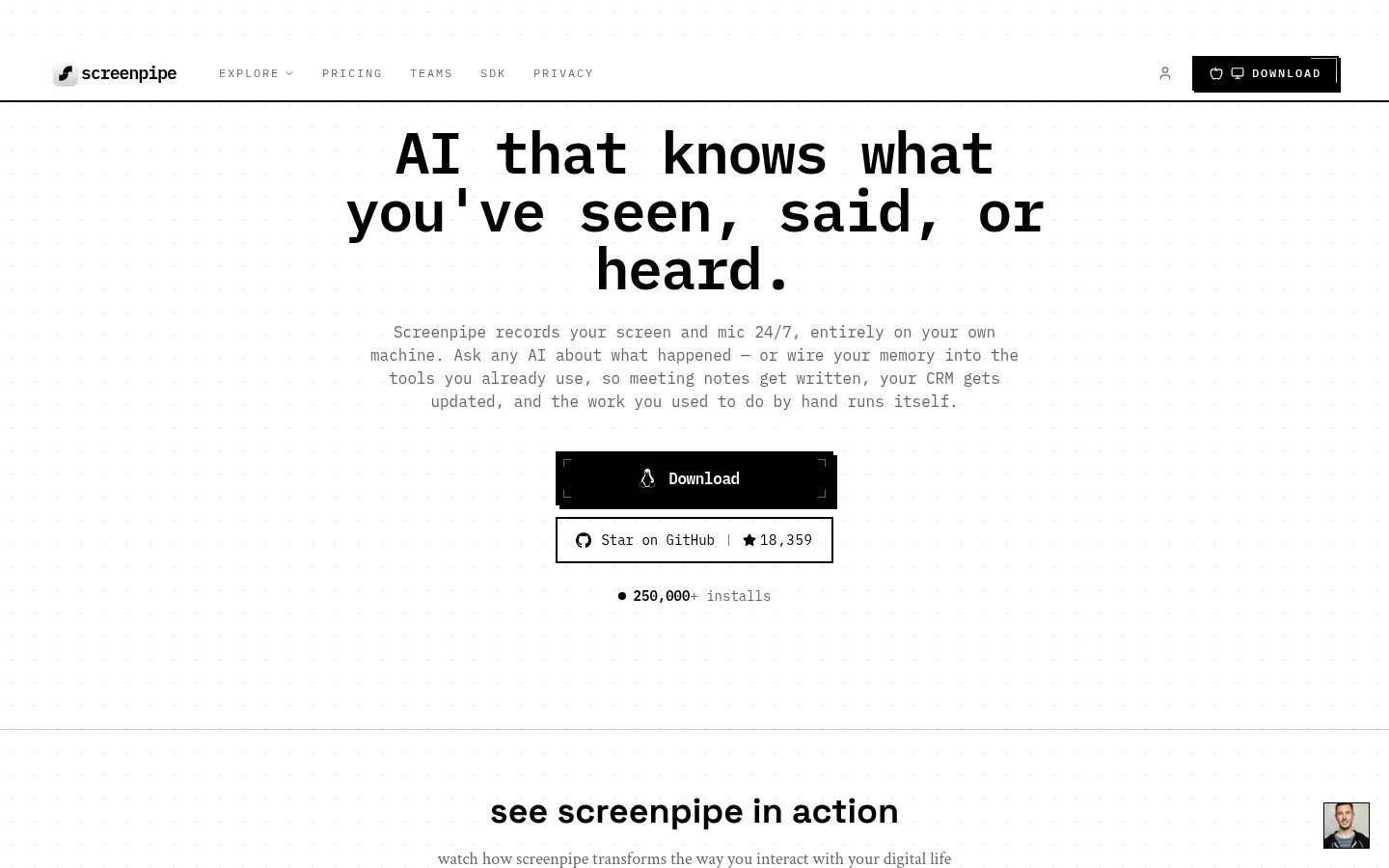
Screenpipe records what appears on your screen and what you hear, keeps that history on your own device, and lets AI tools search it for context. It captures accessibility data, screen frames with OCR as a fallback, and audio transcripts. You can then go back through your day, draft summaries and follow-ups, or run automations.
Developers can reach the data through a local database, a REST API and an MCP server, and connect their own agents and models. Privacy controls let you exclude apps, windows or URLs and redact sensitive fields on the device. Raw history stays local by default. The code is source-available on GitHub.
Screenpipe runs on macOS, Windows and Linux. It suits people who want to recall past work, developers building context-aware agents, and teams that need SSO, device management and audit logs through the Enterprise plan.
Who it's for
Search back through your day to find a document, message or meeting moment you saw earlier.
Connect your own agents or models through MCP or the REST API so they can use your screen history.
Use captured audio transcripts to draft summaries and follow-up notes.
Roll it out across a company with SSO, MDM, retention policies and audit logs on the Enterprise plan.
From the vendor's site, checked Oct 26, 2026; we re-check prices monthly. Prices change — confirm on their pricing page.
Free
forever
$0
Basic
month
$21/mo or $250/yr billed annually
Business
month
$42/seat/mo or $500/seat/yr billed annually
Enterprise
custom
Custom
What the free plan gets you
| Cost for a team, per month | 1 person | 5 people | 20 people |
|---|---|---|---|
| Basicflat | $20.83 | $20.83 | $20.83 |
| Businessper seat | $41.67 | $208.35 | $833.40 |
Billed yearly where the plan offers it. — means the plan doesn't allow that many people.
Which plan do you need?
The cheapest paid plan with a published price that fits. Custom and sales-quoted plans aren't included.
| Tool | Starts at | Free plan | Free trial | API | Open source | |
|---|---|---|---|---|---|---|
| SScreenpipe | $21/mo | — | ||||
L Littlebird AI | $17/mo | — | — | Screenpipe vs Littlebird AI | ||
M Microsoft Recall | — | — | — | — | — | Screenpipe vs Microsoft Recall |
F Fireflies.ai | $10/mo | — | — | Screenpipe vs Fireflies.ai | ||
O Otter.ai | $8.33/mo | — | Screenpipe vs Otter.ai |
| Capability | Screenpipe | Littlebird AI | Microsoft Recall |
|---|---|---|---|
| Calendar integration | — | ||
| Email integration | — | ||
| Meeting notes | |||
| Screen memory | |||
| Scheduled routines | — | ||
| MCP support | — | ||
| Local data storage | |||
| App/privacy exclusions |
Capabilities as stated on each vendor's own site; — means the site doesn't say. The closest alternatives in our directory by category. “Starts at” is the cheapest paid plan per month, as each vendor lists it.
Trains AI on your content
No
“does not use it to train AI or machine learning models”
Data retention
Local data stays until you delete it; server-side data deleted within 30 days of disconnect
“screen recordings, audio transcriptions, and other locally stored data remain on your device until you delete them.”
Where data is stored
Local on device by default; cloud AI on US/EU infrastructure
“Raw history stays local by default.”
Security and compliance
From Screenpipe's own privacy and security pages , checked Oct 28, 2026. We only show what the vendor states in writing; “not stated” means the pages don't say.
“Screenpipe was founded by Louis Beaumont, who created the project in 2024 and is its sole founder.”
“Screenpipe was founded by Louis Beaumont, who created the project in 2024 and is its sole founder.”
From Screenpipe's own about, terms and privacy pages, checked Oct 28, 2026.
8 changelog entries since Sep 2026, latest Oct 6, 2026. Changelog
Strengths
Limitations
There is a free plan. Basic costs $21/month or $250/year, Business costs $42/seat/month or $500/seat/year, and Enterprise is priced on request.
Raw history stays on your device by default, and you can exclude apps, windows or URLs and redact sensitive fields on the device.
macOS, Windows and Linux.
Yes. It provides a local database, a REST API and an MCP server. Cloud API access is part of Enterprise.
Annual billing gives 2 months free, and students, researchers and faculty get 50% off the first month.
No reviews yet. Used Screenpipe? Be the first.
Sign in to rate this tool and share how you use it.
Best of
Jun 28, 2026 · 17 min read
Best of
May 4, 2026 · 16 min read
Guide
May 8, 2026 · 12 min read
Screenpipe
Free · from $21/mo
AI assistant that remembers your screen, meetings and apps and acts on them
Searchable local snapshots of your screen history on Windows 11 Copilot+ PCs
AI notetaker that records, transcribes and summarizes team meetings