infobro
Writing & Content57Image59Video34Audio & Voice36Chat & Assistants45Productivity65Coding & Development46Agents & Automation36Marketing & SEO26Sales & Support54Business & Finance102Operations21Data & Research31Education27Design27Health & Life38

CapCut vs Lensa

Pricing, features, platforms and who each one suits — side by side.

CCapCutFreemiumVisit site
LLensaPricing unknownVisit site
VS
C

Choose CapCut if…

  • you want a free plan to start with
  • you work on Web, Windows
  • you're in its core audience: content creators, social media marketers
L

Choose Lensa if…

  • you're in its core audience: social media users, instagram creators

Side by side

Feature CapCut Lensa
Pricing modelFreemiumPricing unknown
Starting price——
Free plan
Free trial
API
Open source
Trains AI on your contentYes—
Data retentionKept as long as necessary; cloud space data deleted on request—
Text-based editing—
AI auto-clipping—
Auto reframe—
Filler/silence removal—
Social scheduling—
4K export—
PlatformsWeb, Windows, iOS, AndroidiOS, Android
CategoryVideo EditingPhoto Editing
CompanyByteDance · since 2016Prisma Labs, Inc.
Full feature lists

C CapCut

  • AI video generation from text or images
  • AI image generation with multiple models
  • EditPilot turns written direction into timeline edits
  • Auto captions with translation and styling
  • Text to speech in 40+ languages
  • One-click background remover
  • Video enhancer, voice enhancer and noise removal
  • Ready-made and AI-generated templates

L Lensa

  • One-tap effects like Golden Hour, Halo Flash and Disposable
  • Presets applying full color, light and mood grades
  • Beauty toolkit with Hollywood, Hair Boost and Makeup effects
  • Eraser removes unwanted objects and people, rebuilds background
  • Enhancer upscales low-resolution or cropped photos
  • Improves dark or poorly lit shots
  • Hair try-on previews haircuts from one selfie

Their home pages

What each vendor shows first: the pitch, the plans and the sign-up.
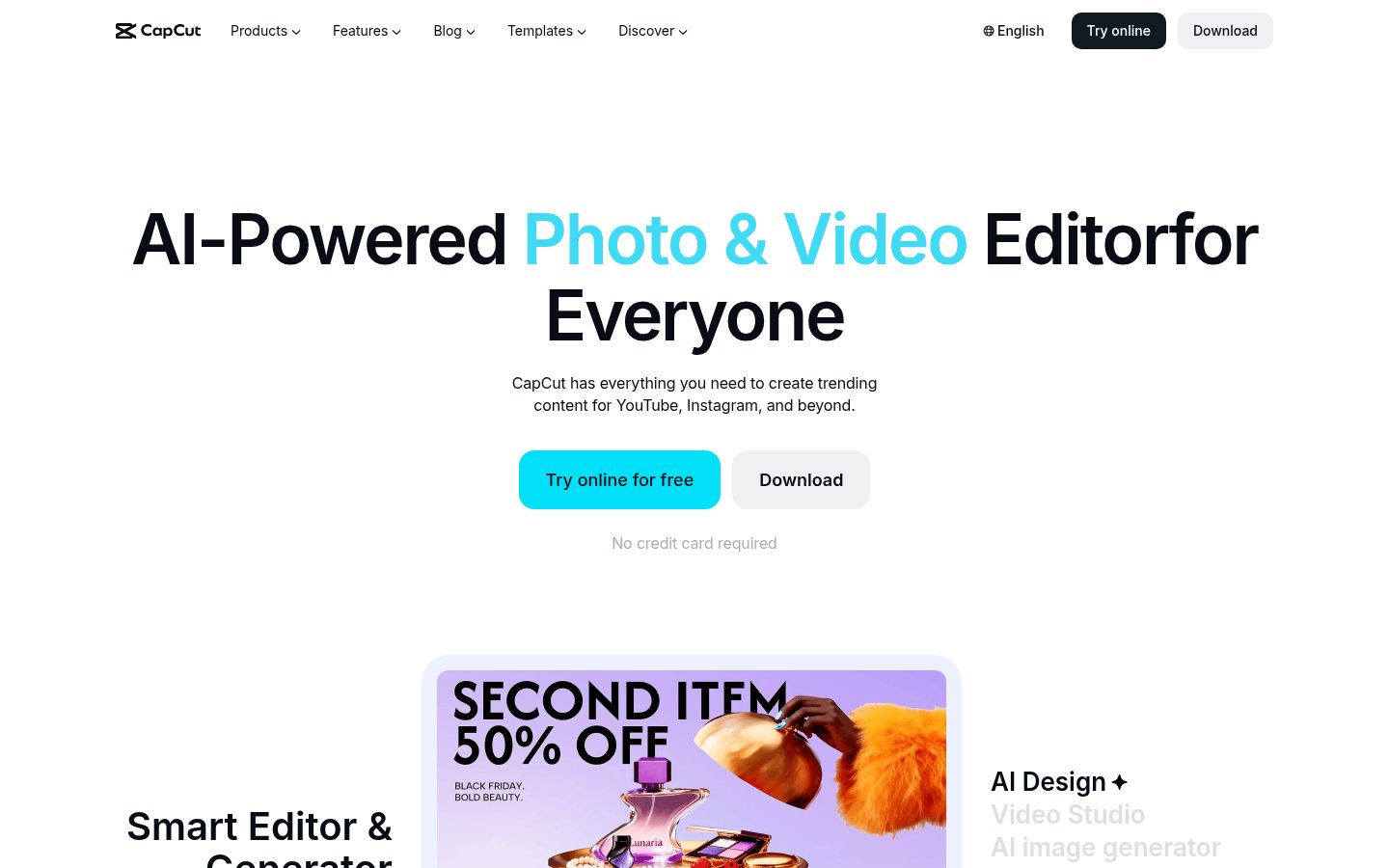
CapCut home page
C CapCut · capcut.com
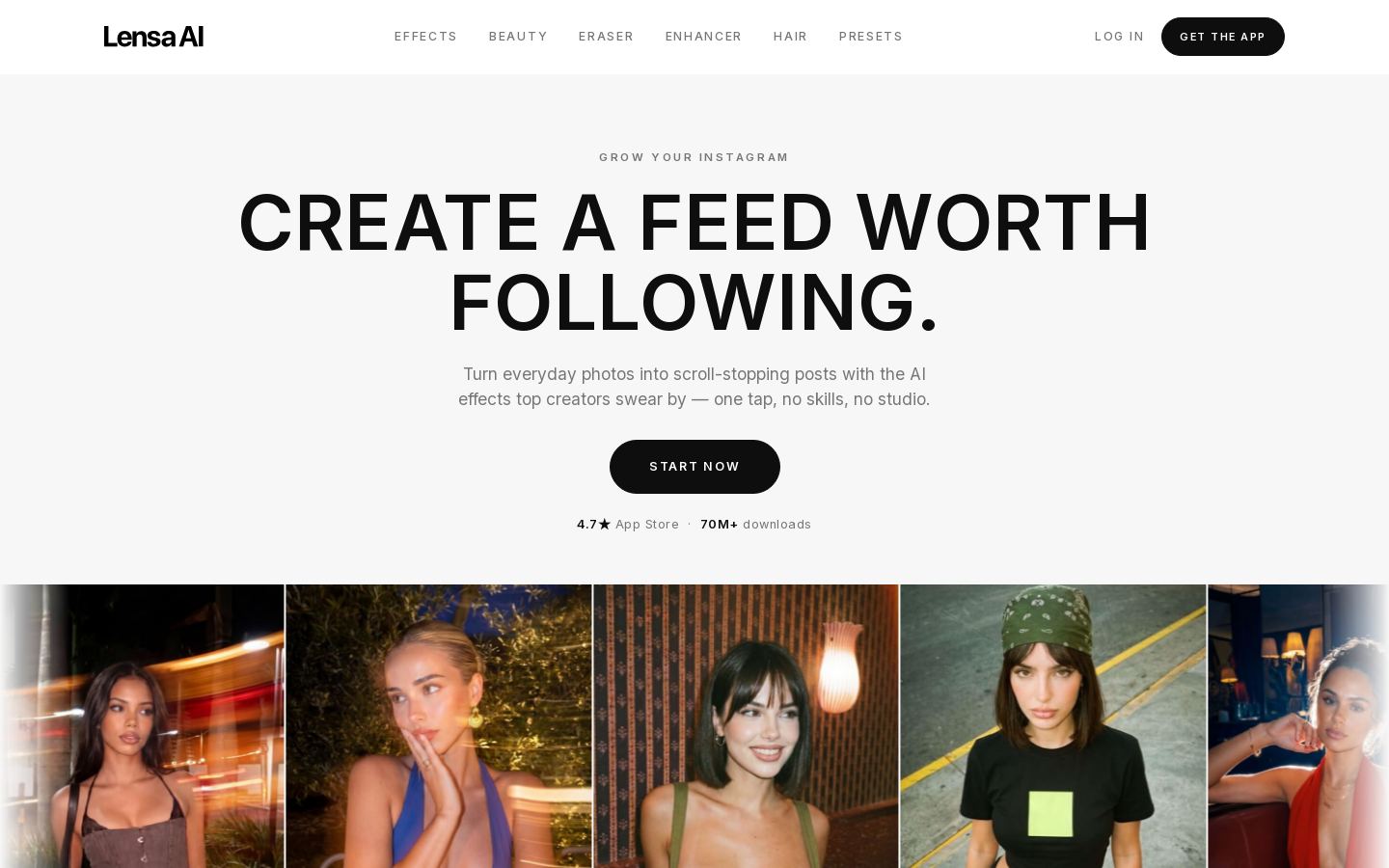
Lensa home page
L Lensa · prisma-ai.com

What you'd pay

The cheapest plan that fits, per month, billed yearly where the plan offers it.

CapCut

FreeFree
ProUSD price not shown (page displayed EUR)
UltraUSD price not shown (page displayed EUR)
TeamsUSD price not shown (page displayed EUR), per seat

Lensa

Pricing unknown. Plan details aren't published.

Price changes we've recorded

We re-read each pricing page every month and log what changed.

CapCut

  1. Nov 5, 2026Pro: €23.99/mo (€199.99/yr billed yearly) → USD price not shown (page displayed EUR); Ultra: €68/mo (€779/yr billed yearly) → USD price not shown (page displayed EUR); Teams: €14.99/seat/mo (2 seats); €120/seat/yr billed yearly → USD price not shown (page displayed EUR), per seat

Lensa

No changes since we started tracking.

Strengths and limitations

CapCut

  • Free plan with templates and basic editing
  • Available in the browser, on desktop, mobile and tablet
  • Access to several third-party AI video and image models
  • Paid plans include 1 TB storage
  • AI generation uses credits, and paid plans have monthly credit caps
  • The vendor says listed prices are for reference only and final prices appear after sign-in
  • No public API listed

Lensa

  • Available on both iOS and Android
  • Combines effects, retouching, object removal and upscaling in one app
  • Large user base with 70M+ downloads listed
  • Mobile-only; no desktop or web editor listed
  • No API for developers

More comparisons

Other options to consider

V
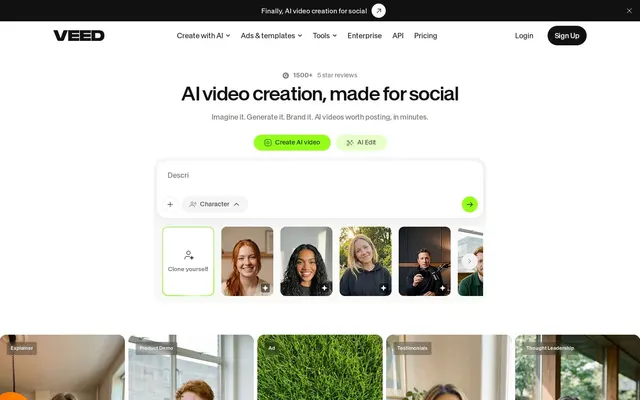
VEED websiteV

Online AI video editor for creating, subtitling and dubbing videos

Freemium
V
VEED website
Freemium
V

Online AI video editor for creating, subtitling and dubbing videos

Video EditingFree plan
C
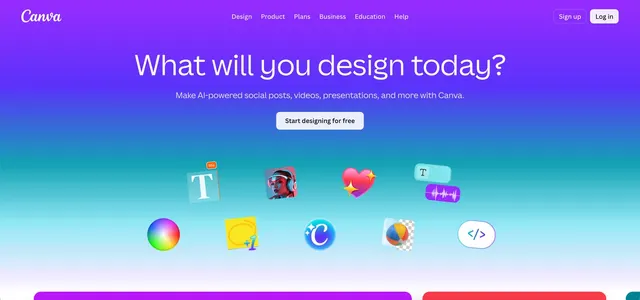
Canva websiteC

Online design platform with templates and AI tools for individuals and teams

Free, from $12/mo
C
Canva website
Free, from $12/mo
C

Online design platform with templates and AI tools for individuals and teams
Graphic DesignFree plan
D
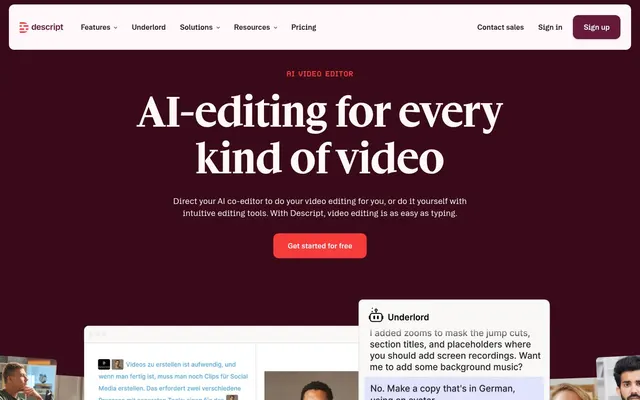
Descript websiteD

Text-based video and podcast editor with AI tools for creators and teams

Free, from $16/mo
D
Descript website
Free, from $16/mo
D

Text-based video and podcast editor with AI tools for creators and teams

Video EditingFree planAPI
A

Professional video editing with AI masking, text-based editing and color tools

From $22.99/mo
A
From $22.99/mo
A

Professional video editing with AI masking, text-based editing and color tools
Video Editing
D
DaVinci Resolve websiteD

Editing, color, VFX, audio and photo post-production in one desktop app

Freemium
D
DaVinci Resolve website
Freemium
D

Editing, color, VFX, audio and photo post-production in one desktop app
Video EditingFree plan
P
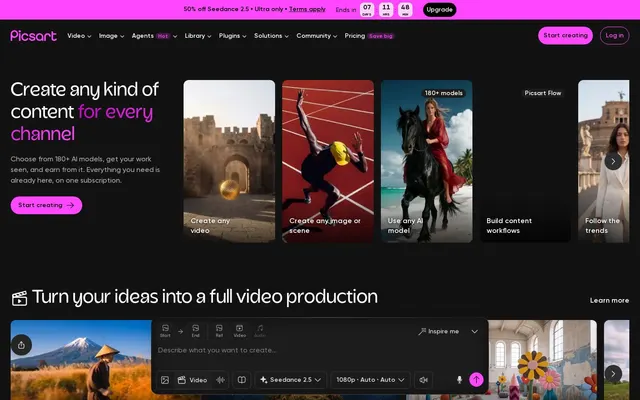
Picsart websiteP

AI photo, video and design editor with 180+ generative models for creators

From $10.50/mo
P
Picsart website
From $10.50/mo
P

AI photo, video and design editor with 180+ generative models for creators

Photo Editing

Facts from each vendor's public pages, prices checked Oct 26, 2026. Editorial policy