

GPopAI vs Slides AI
Pricing, features, platforms and who each one suits — side by side.
Choose PopAI if…
- you work on Chrome, iOS, Android
- you're in its core audience: business professionals, students
Choose Slides AI if…
- you're in its core audience: educators, students
Side by side
What you'd pay
The cheapest plan that fits, per month, billed yearly where the plan offers it.
| Team size | PopAI | Slides AI |
|---|---|---|
| 1 person | no published plan | $10 Pro |
| 5 people | no published plan | $50 Pro |
| 20 people | no published plan | $200 Pro |
What the free plans include
PopAI
Free plan limits aren't published.
Slides AI
- 200 AI credits per month
- Lite & Balanced AI models
- 2,500 Character Input / Presentation
- 1 Brand Kit
Key features
P PopAI
- Generate slides from a topic prompt
- Convert PDF, Word, PPTX or webpages into decks
- Edit the outline before slides are generated
- Template gallery and presentation backgrounds
- Edit text, images and layouts in the browser
- Export to PPTX or PDF, or share by link
- AI ChatPDF, writing, chat and image tools
S Slides AI
- Add-ins for Google Slides and PowerPoint
- ChatGPT integration that saves decks to Google Slides
- Generate decks from topics, notes, scripts, PDFs or Word files
- Editable outline with drag-to-reorder slides
- AI edit suggestions you accept or reject
- Brand Kit built from your PPTX template
- Editable AI diagrams, flowcharts and timelines
- Export to native PowerPoint and Google Slides files
Plans and prices
From each vendor's site. Prices change — confirm before buying.
PopAI
Slides AI
Strengths and limitations
PopAI
- Accepts PDF, Word, PPTX and webpage inputs
- Outline can be edited before slides are generated
- Exports to PPTX and PDF
- Available on web, Chrome, iOS and Android
- Pricing page renders through JavaScript, and paid plan prices were not readable
- Paid tiers use a credit system
Slides AI
- Free plan with 200 AI credits a month, no card needed
- Works inside Google Slides, PowerPoint and ChatGPT
- Exports native PowerPoint and Google Slides files
- Content can be edited before slides are designed
- Free plan limited to 2,500 characters of input per presentation
- PDF and Word uploads require a paid plan
- Prices exclude taxes
More comparisons
Other options to consider
G
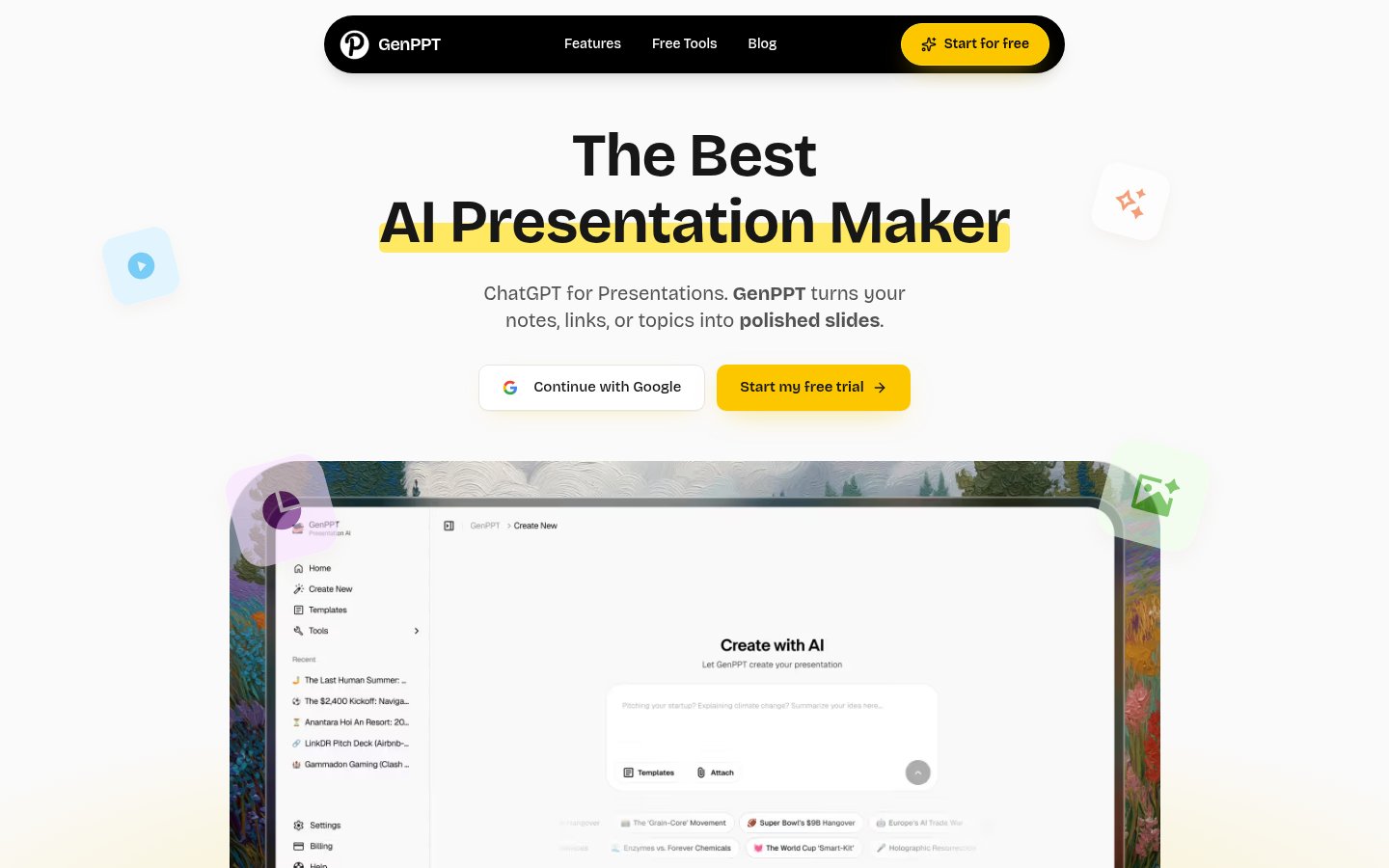
AI tool that creates presentations, documents and websites from a prompt

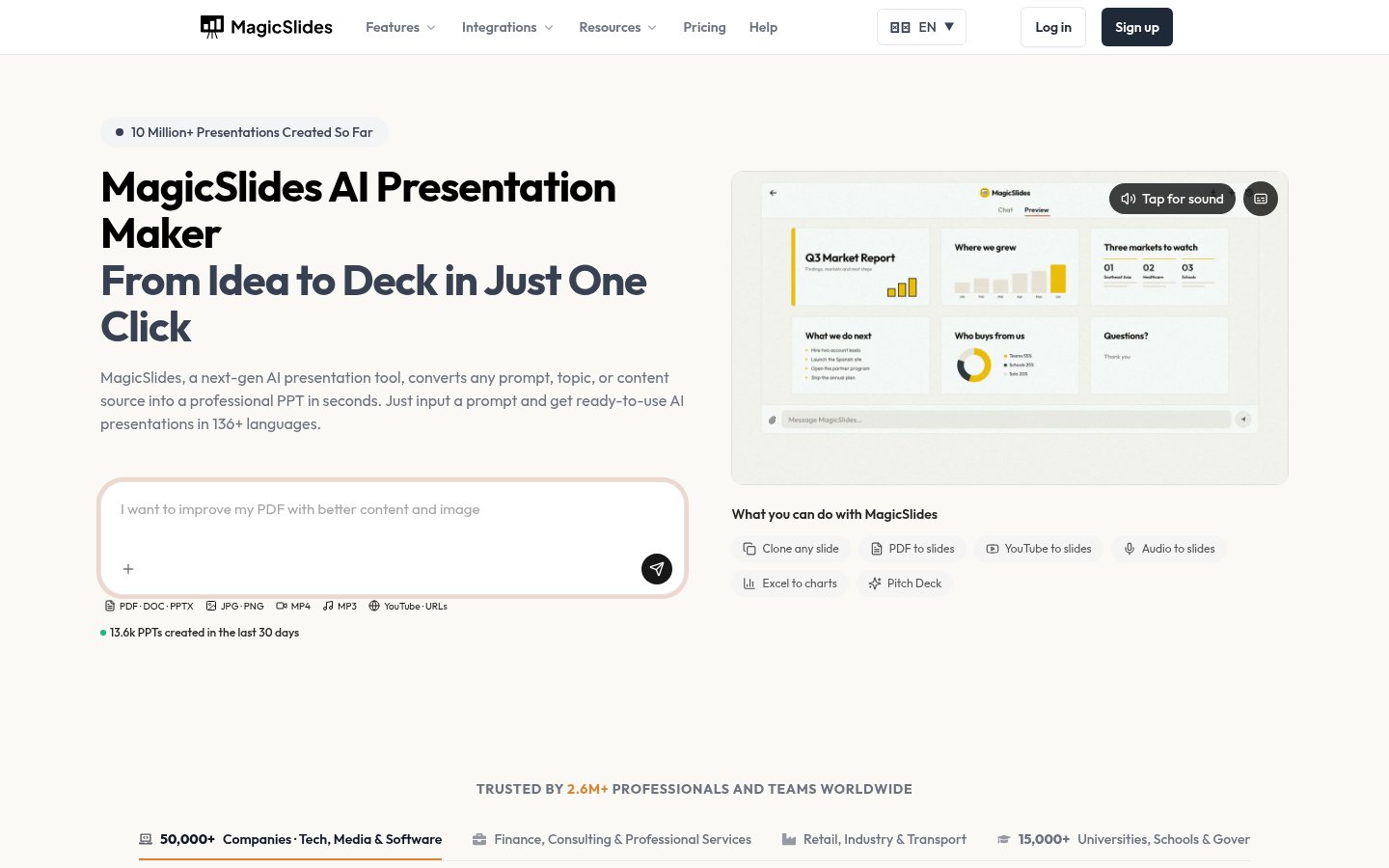
MAI presentation maker that turns text, PDFs, videos and links into slide decks

AI presentation maker that turns text, PDFs, videos and links into slide decks
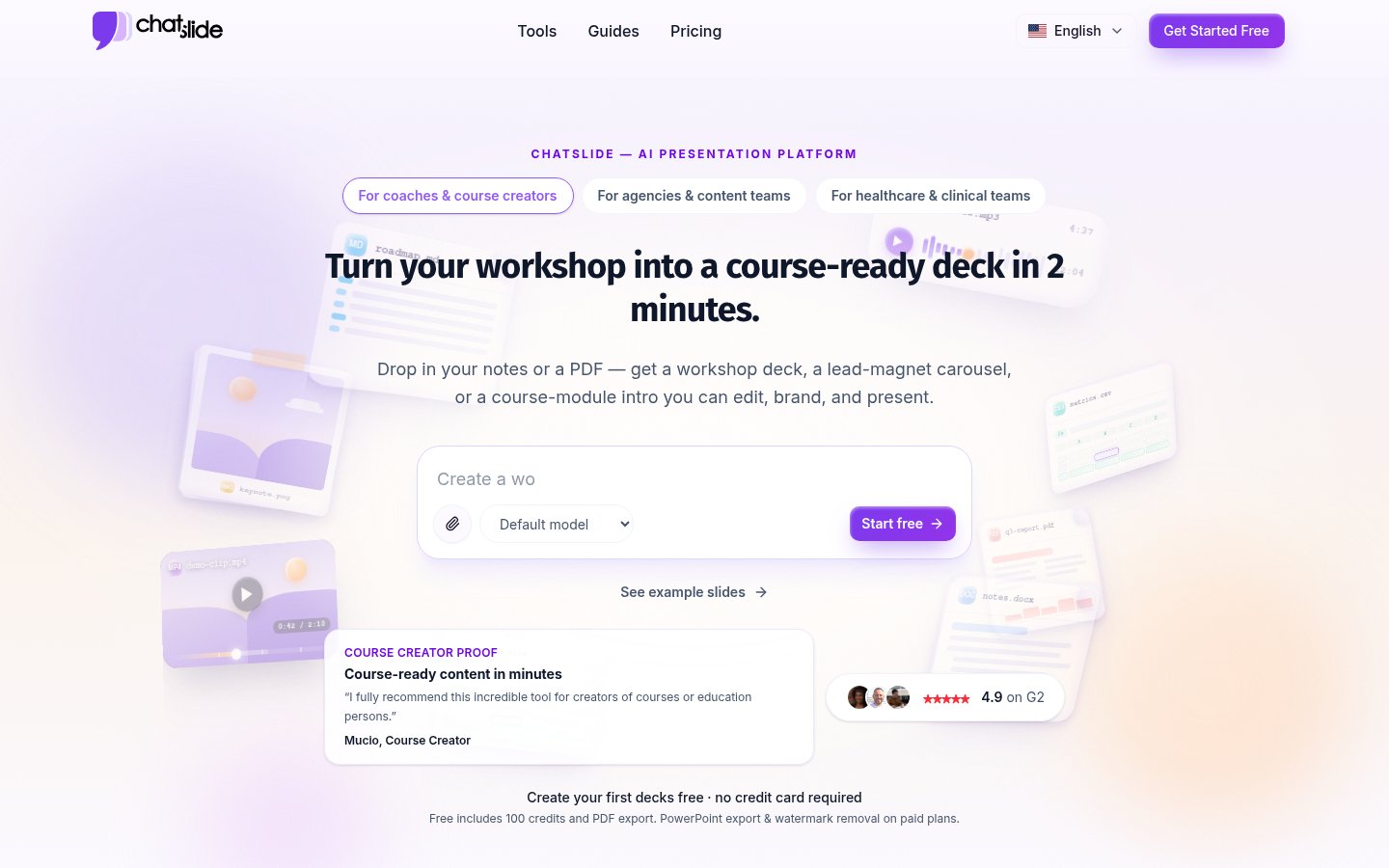
CTurn PDFs, docs and links into editable slides, avatar videos and posters

Turn PDFs, docs and links into editable slides, avatar videos and posters

G

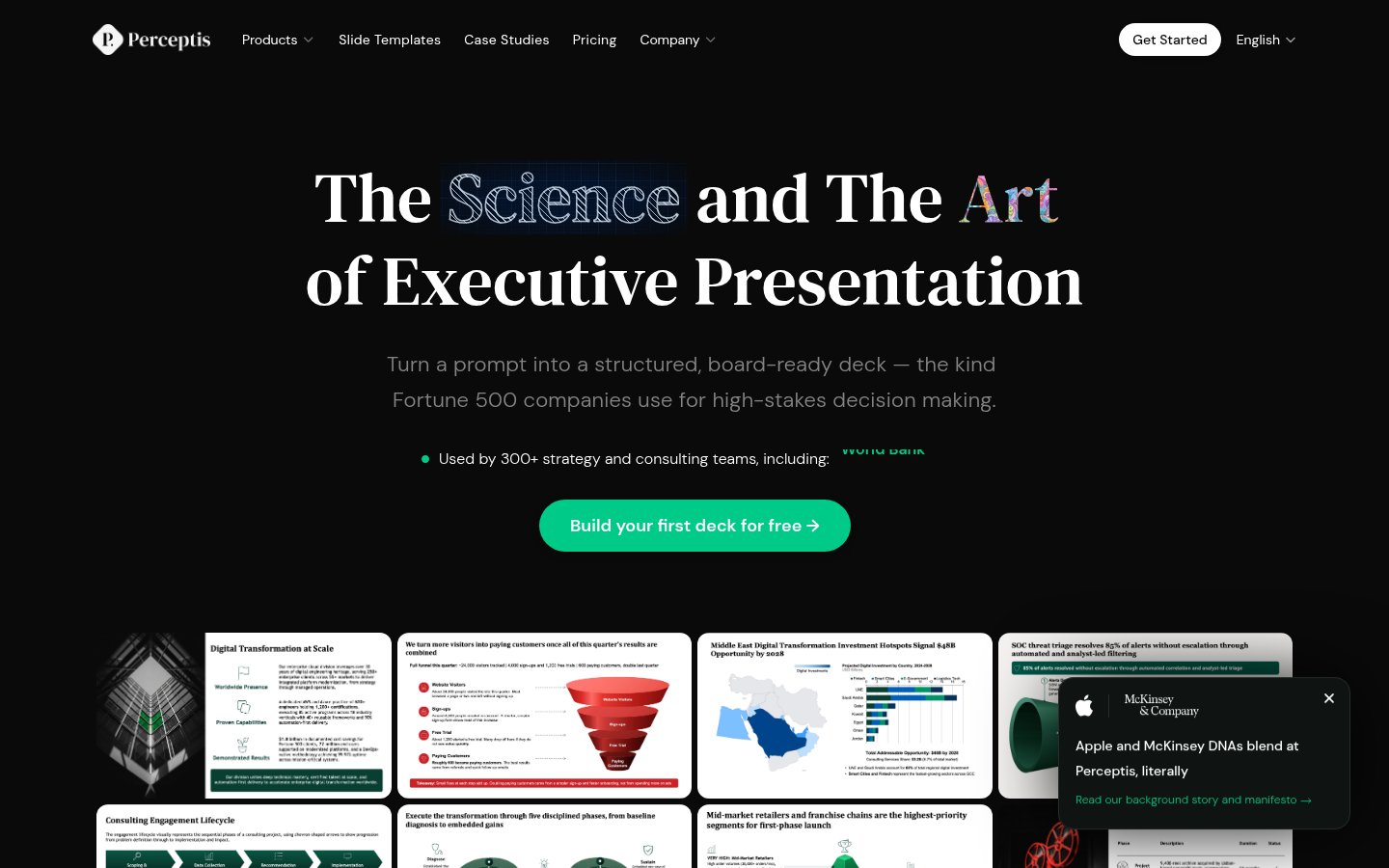
PTurns prompts into consulting-style, board-ready PowerPoint decks for strategy teams

Turns prompts into consulting-style, board-ready PowerPoint decks for strategy teams

BAI presentation software with auto-aligning slides and brand controls for teams


AI presentation software with auto-aligning slides and brand controls for teams
Facts from each vendor's public pages, prices checked Oct 26, 2026. Editorial policy