
Cline
Open-source AI coding agent for your editor, terminal, desktop and apps
Own Cline? Claim it, free to correct the facts and get the verified badge.
Pricing
Free
API
Yes
Open source
Yes
Company
Cline Bot Inc.United States
GitHub stars
70.9K
Platforms
What is Cline?
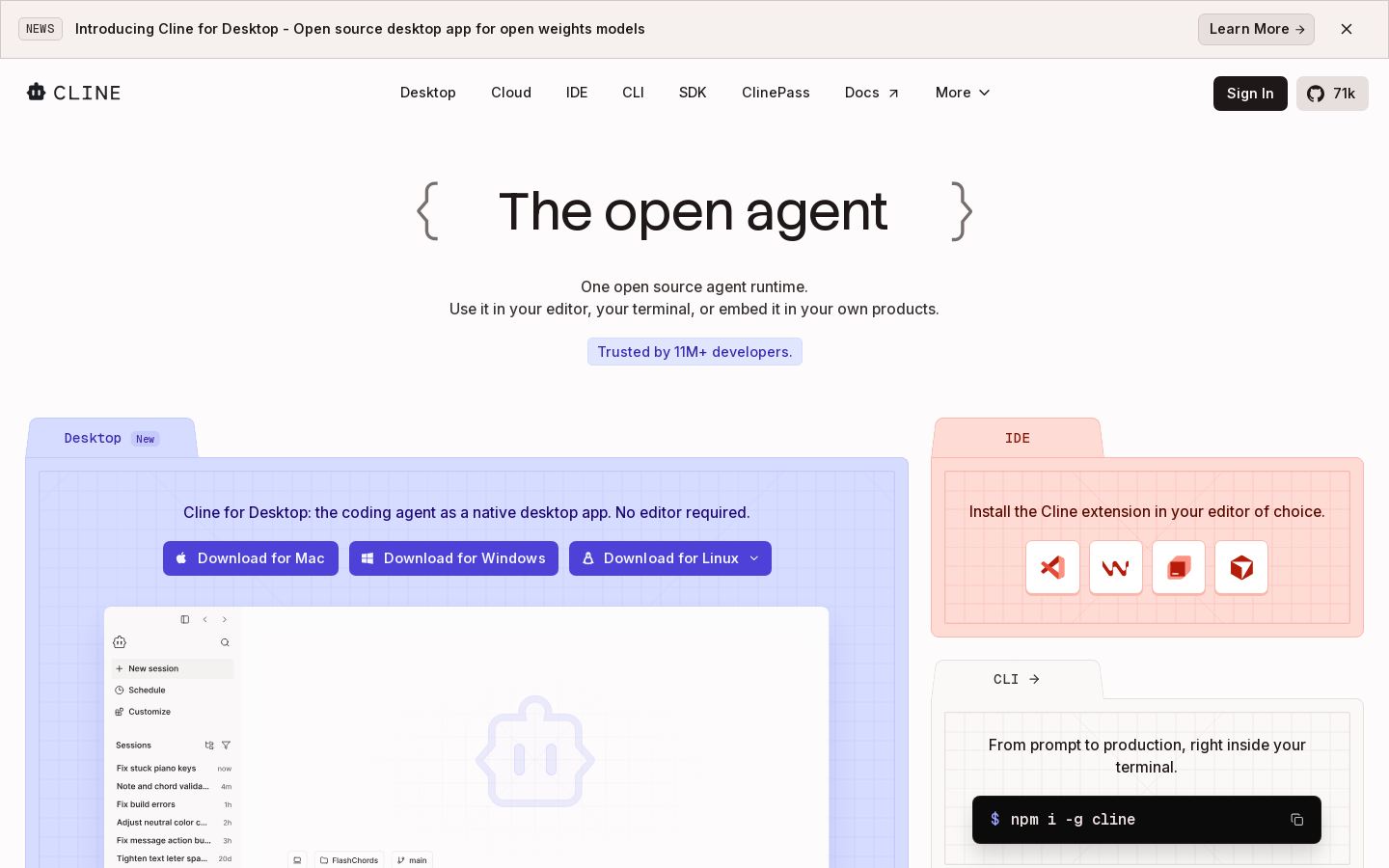
Cline is an open-source AI coding agent that reads your codebase, makes coordinated multi-file edits, and runs terminal commands. You can use it as an extension in VS Code, Cursor, Windsurf or JetBrains, as a CLI, as a native desktop app, or embed its agent runtime in your own products through the SDK.
You work in two modes. In Plan mode you agree on a strategy with the agent, and in Act mode it carries the plan out. You can approve each step or turn on auto-approve. Every edit gets a checkpoint, so you can undo it in one click. Cline works with Claude, GPT and Gemini, with local models through Ollama or LM Studio, and with any OpenAI-compatible endpoint. You can bring your own key or buy inference through Cline at cost.
The open-source version is free for individual developers. A sales-priced Enterprise tier adds SSO, role-based access control, centralized billing and an SLA for teams.
Key features
- Plan and Act modes with step approval or auto-approve
- Multi-file edits with diffs, checkpoints and one-click undo
- Runs bash commands and reacts to their output
- Supports Claude, GPT, Gemini, Ollama, LM Studio and OpenAI-compatible endpoints
- .clinerules files that teach the agent your project conventions
- MCP server integrations and SDK plugins
- Runs headless in GitHub Actions, GitLab and other CI pipelines
- Multi-agent teams with cron-scheduled automations
Use cases
Who it's for
Understanding an unfamiliar codebase
Ask Cline about the files, dependencies and behavior in a repository to see how it is structured.
Large refactors
Plan a change first, then let the agent make coordinated edits across many files, with a checkpoint at every step.
CI and chat automation
Run the agent headless in GitHub Actions or GitLab, or assign it tasks from Slack, Discord, Telegram or Linear.
Embedding an agent in your own product
Use the @cline/sdk package to add Cline's agent runtime to your own applications.
Cline pricing
From the vendor's site, checked Oct 26, 2026; we re-check prices monthly. Prices change — confirm on their pricing page.
Open Source
Free
- VS Code extension and CLI
- Pay for inference at cost or bring your own key
- MCP Marketplace
- Multi-root workspaces
- Community support
Enterprise
Custom
- JetBrains extension
- SSO, SLA and dedicated support
- Centralized billing
- Role-based access control
- Team management dashboard
How Cline compares
- Cline has a free plan, like all 4 alternatives below.
- It offers an API, which only 2 of the others do.
- It is open source, the only one here.
| Tool | Starts at | Free plan | Free trial | API | Open source | |
|---|---|---|---|---|---|---|
| CCline | Free | — | ||||
G GitHub Copilot | $10/mo | — | — | — | Cline vs GitHub Copilot | |
C Cursor | $8/mo | — | — | — | Cline vs Cursor | |
O OpenAI Codex | $8/mo | — | — | Cline vs OpenAI Codex | ||
W Windsurf | $20/mo | — | — | Cline vs Windsurf |
Compare 8 capabilities
| Capability | Cline | GitHub Copilot | Cursor | OpenAI Codex | Windsurf |
|---|---|---|---|---|---|
| Agent mode | |||||
| Tab completion | — | — | — | ||
| CLI / terminal | — | ||||
| Cloud agents | — | ||||
| AI PR review | — | ||||
| Bring your own key | — | — | — | — | |
| Local / self-hosted models | — | — | — | — | |
| MCP support | — | — |
Capabilities as stated on each vendor's own site; — means the site doesn't say. The closest alternatives in our directory by category. “Starts at” is the cheapest paid plan per month, as each vendor lists it.
Pros and cons
Strengths
- Free and open source for individual developers
- Works with any major model provider, including local models
- Available as an IDE extension, CLI, desktop app and SDK
- Inference sold at cost, or bring your own API key
Limitations
- The JetBrains extension is listed only under the Enterprise plan on the pricing page
- Enterprise pricing is available only through sales
- Advanced config management and fine-grained permissions are still marked as coming soon
Cline FAQ
Is Cline free?
Yes. The open-source version is free for individual developers. You pay only for AI inference, based on usage.
Can I use my own API keys?
Yes. You can bring keys from OpenAI, Anthropic, Google and other providers, or use the Cline provider.
Which editors and platforms does Cline support?
It runs in VS Code, Cursor, Windsurf and JetBrains. There is also a CLI, a desktop app for Mac, Windows and Linux, and an SDK.
When do I need Enterprise?
Enterprise is for organizations that need SSO, role-based access control, centralized billing, audit logs, VPC deployments and an SLA.
Is there vendor lock-in?
No. Cline supports many providers, including Anthropic, Gemini, OpenAI, OpenRouter, AWS Bedrock and DeepSeek, and you can switch providers or self-host.
User reviews
No reviews yet. Used Cline? Be the first.
Sign in to rate this tool and share how you use it.
Cline in our articles
Guide
What AI Coding Agents Actually Do for Non-Engineers on a Software Team
Jul 31, 2026 · 13 min read
Cline
Free
Tools similar to Cline
AI coding assistant and agents for editors, terminal, desktop and GitHub
AI coding agent and editor for developers and engineering teams
OpenAI's coding agent for the desktop, CLI, IDE, web and iOS, included in ChatGPT plans