CCline vs GitHub Copilot
Pricing, features, platforms and who each one suits — side by side.

Choose Cline if…
- you need an API to build on
- you want open source you can self-host or audit
- you work on Windows, Linux, Slack
- you're in its core audience: software developers, engineering teams
Choose GitHub Copilot if…
- you work on Web, iOS, Android
- you're in its core audience: software developers, students and open source maintainers
Side by side
Key features
C
Cline
- Plan and Act modes with step approval or auto-approve
- Multi-file edits with diffs, checkpoints and one-click undo
- Runs bash commands and reacts to their output
- Supports Claude, GPT, Gemini, Ollama, LM Studio and OpenAI-compatible endpoints
- .clinerules files that teach the agent your project conventions
- MCP server integrations and SDK plugins
- Runs headless in GitHub Actions, GitLab and other CI pipelines
- Multi-agent teams with cron-scheduled automations
G GitHub Copilot
- Inline code completion and next edit suggestions
- Chat assistance in the IDE and on GitHub.com
- Agent mode for proposing and validating edits
- Cloud agents that work on issues in the background
- Third-party agents including Claude Code and Codex
- Choice of multiple LLMs
- AI code review on pull requests
- MCP server allow lists and audit logs
Plans and prices
From each vendor's site. Prices change — confirm before buying.
Cline
GitHub Copilot
Strengths and limitations
Cline
- Free and open source for individual developers
- Works with any major model provider, including local models
- Available as an IDE extension, CLI, desktop app and SDK
- Inference sold at cost, or bring your own API key
- The JetBrains extension is listed only under the Enterprise plan on the pricing page
- Enterprise pricing is available only through sales
- Advanced config management and fine-grained permissions are still marked as coming soon
GitHub Copilot
- Free plan with 2,000 completions a month, no credit card required
- Works in many editors plus the CLI, a desktop app and GitHub
- Supports third-party agents such as Claude Code and Codex
- Business plans include IP indemnity and governance controls
- Chat is only available in VS Code, JetBrains and Visual Studio, per the FAQ
- Free, Pro and Pro+ interactions may be used for model training unless you opt out
- Premium models such as Opus require the $39 Pro+ plan or higher
More comparisons
Other options to consider
C
OOpenAI's coding agent for the desktop, CLI, IDE, web and iOS, included in ChatGPT plans

OpenAI's coding agent for the desktop, CLI, IDE, web and iOS, included in ChatGPT plans

W

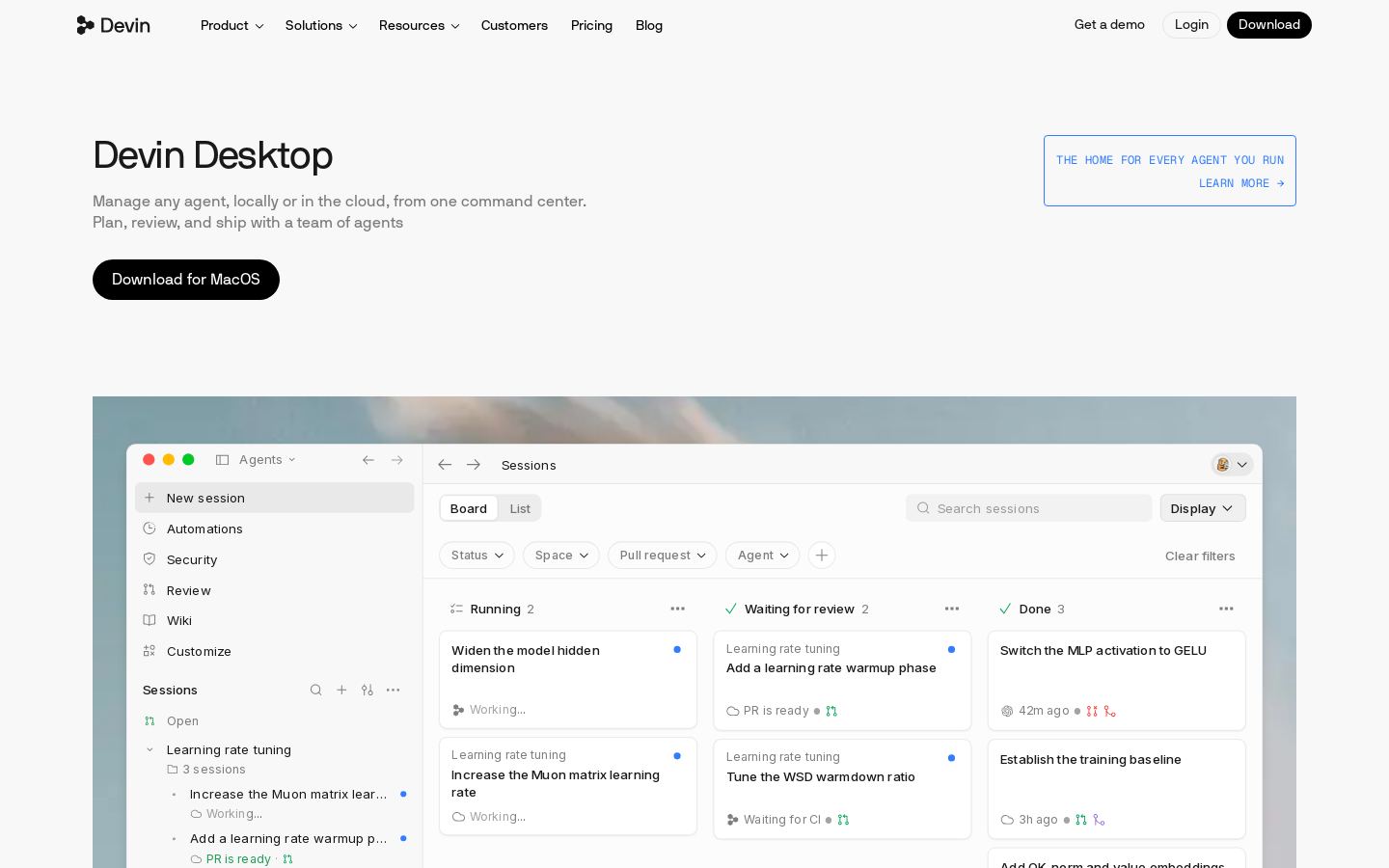
AI coding IDE and command center for running local and cloud coding agents
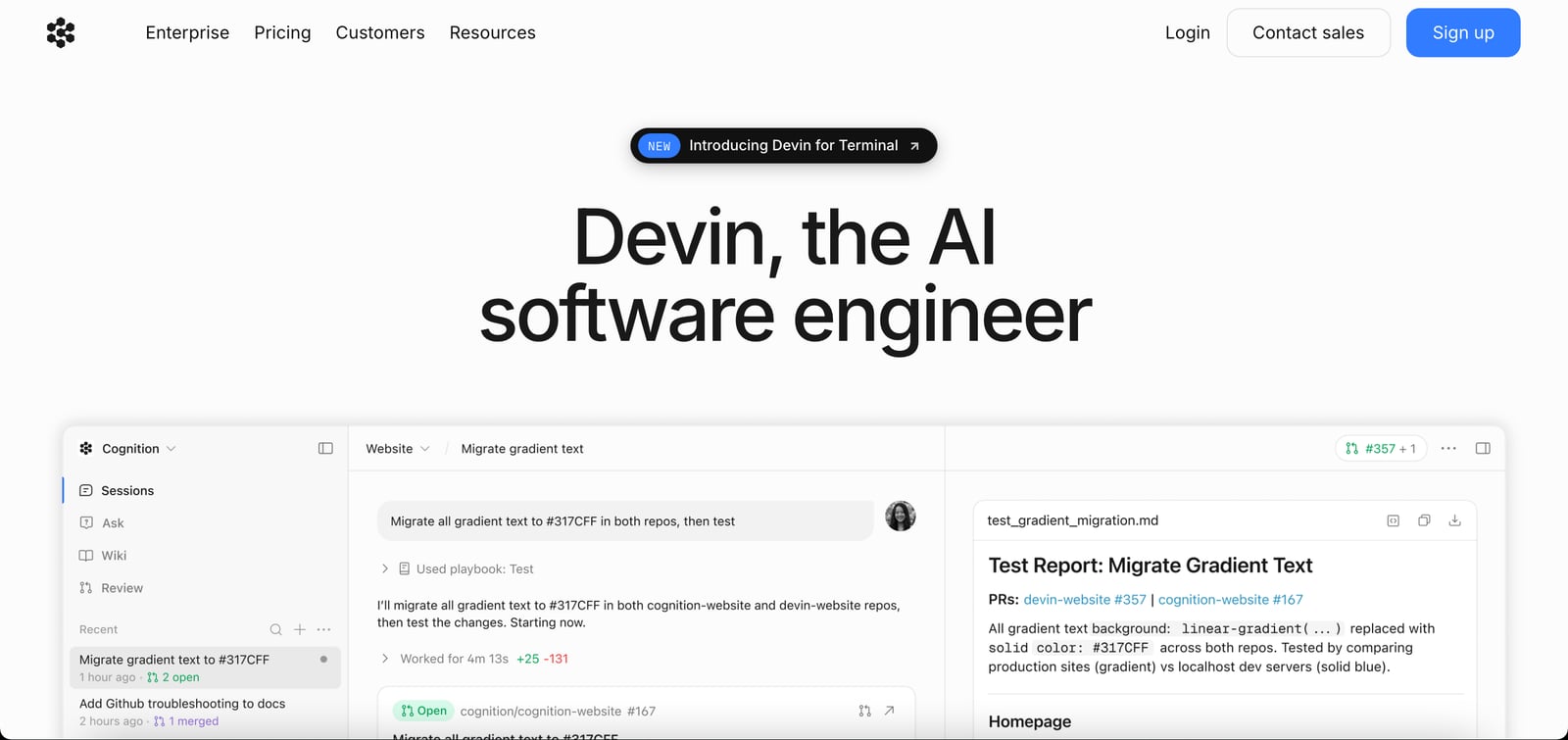
DAutonomous AI software engineer that writes, tests and reviews code to merge-ready PRs

Autonomous AI software engineer that writes, tests and reviews code to merge-ready PRs

K

Spec-driven agentic coding IDE and CLI for developers and engineering teams

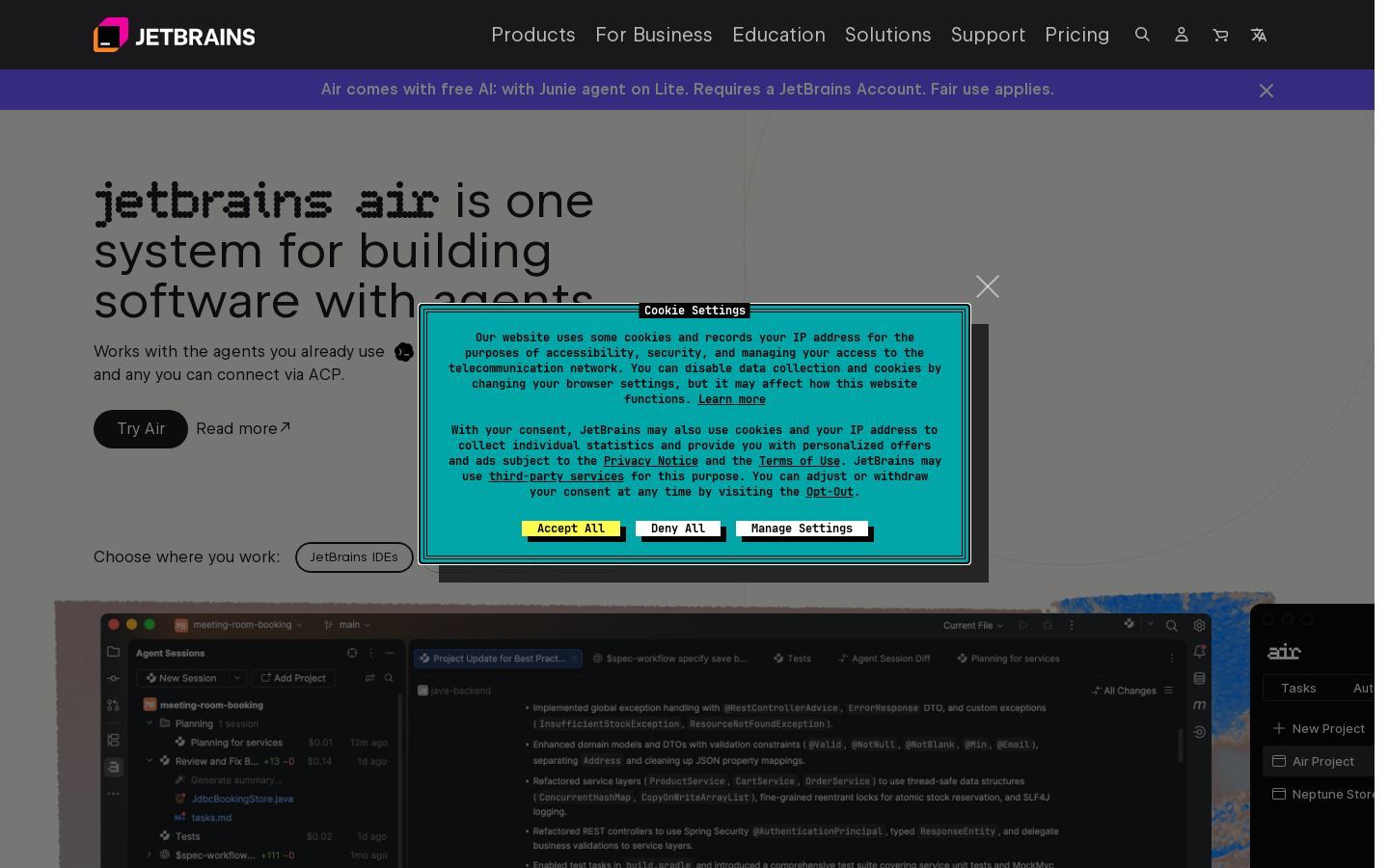
JRun and review AI coding agents across projects in JetBrains IDEs, web and CLI


Run and review AI coding agents across projects in JetBrains IDEs, web and CLI
Built from each vendor's public website; we haven't tested them hands-on. Editorial policy