


R
 R
Full editor or short-form clip tool
The short answer
I'd pick Descript if you edit podcasts or long videos and need recording, Studio Sound cleanup and dubbing in one place. It has a free plan, and paid plans start at $16 per person a month. I'd pick Submagic if your output is mostly TikTok, Reels and Shorts. It handles captions in 123 languages, B-roll, zooms and scheduling, and its Business plan is a flat $41 a month rather than priced per seat.
 Stanislav Vovchyk · updated Nov 5, 2026 · prices checked Oct 26, 2026

Choose Descript if…

Choose Submagic if…
Typical jobs costed on each tool's cheapest plan that covers them, from the plan limits each vendor publishes.
| Job | Descript | Submagic |
|---|---|---|
| One creator making 30 short clips under 2 minutes a month | $16/moHobbyist30 clips x 2 min = 60 min; plan includes 10 media hours | $23/moPro~40 videos from 120 credits; Starter's ~15 videos is too few |
| One creator who needs 4K export | $24/moCreatorLowest plan that includes 4K export; annual billing | $41/moBusinessOnly fixed-price plan with 4K at 60 FPS; annual billing |
| A 3-person team on each tool's Business plan | $150/moBusiness$50 per person x 3 seats, annual billing | $41/moBusinessFlat price with no per-seat charge listed; shared team workspace |
D Descript
S Submagic
What each vendor shows first: the pitch, the plans and the sign-up.
 Descript · descript.com
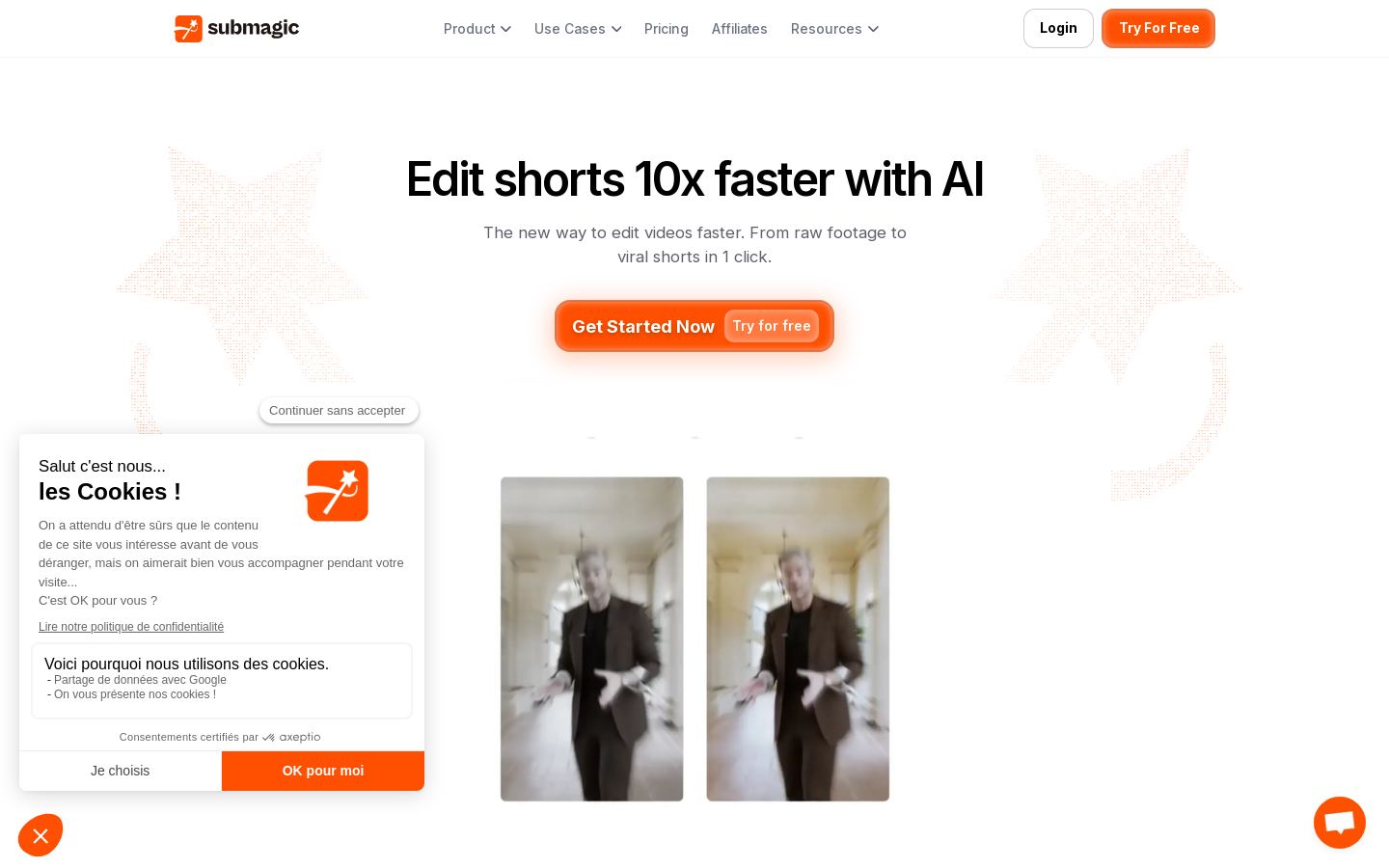 Submagic · submagic.co
The cheapest plan that fits, per month, billed yearly where the plan offers it.
| Team size | Descript | Submagic |
|---|---|---|
| 1 person | $16 Hobbyist | $12 Starter |
| 5 people | $250 Business | $41 Business |
| 20 people | $1,000 Business | $41 Business |
Work it out for your team
What the free plans include
Descript
Submagic
No free plan.
Descript
Submagic
No. Submagic's pricing page lists no free plan and no free trial. The cheapest option is Starter at $12 a month billed yearly, or $19 billed monthly. Descript has a free plan with 60 media minutes a month.
Yes. Descript makes automatic clips, and its Underlord co-editor can create clips and write social posts from a prompt. Submagic's Magic Clips pulls key moments from a long video into several shorts, and it also adds B-roll, zooms and transitions on its own.
Both do. Descript offers an API and an MCP server for editing video through code. Submagic has a Video Editing API that is sold as minute packs, which cost extra and require a paid plan. Its Custom plan adds custom API limits.
Descript is SOC 2 Type II and GDPR compliant and offers an AI training opt-out and custom retention on Enterprise. Submagic stores data in the US, keeps customer data up to 2 years after a contract ends, and lists no certifications.
RRecord, edit, stream and publish podcasts and video with AI tools

 V

 C

Professional video editing with AI masking, text-based editing and color tools
Professional video editing with AI masking, text-based editing and color tools

 A

Editing, color, VFX, audio and photo post-production in one desktop app
Facts from each vendor's public pages, prices checked Oct 26, 2026. Editorial policy