D
 DD
 M
Open-weight AI models, chat and coding agent you can run on your own infrastructure
Open-weight AI models, chat and coding agent you can run on your own infrastructure
 S
Open image generation models you can self-host or call through an API

 O
Run open AI models locally or in the cloud on macOS, Windows and Linux
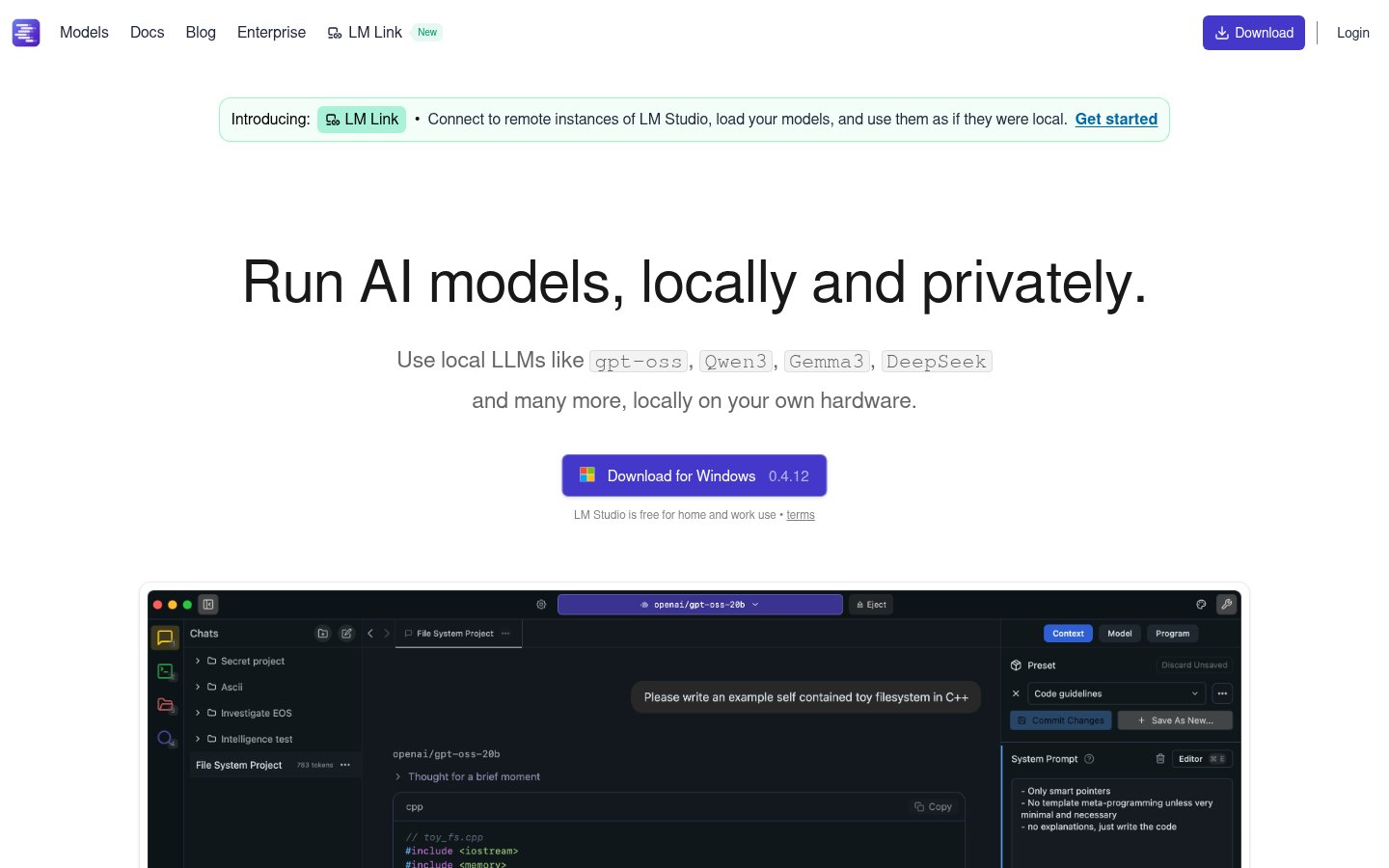 L
Desktop agent for documents, code and automation using local or open models
Desktop agent for documents, code and automation using local or open models
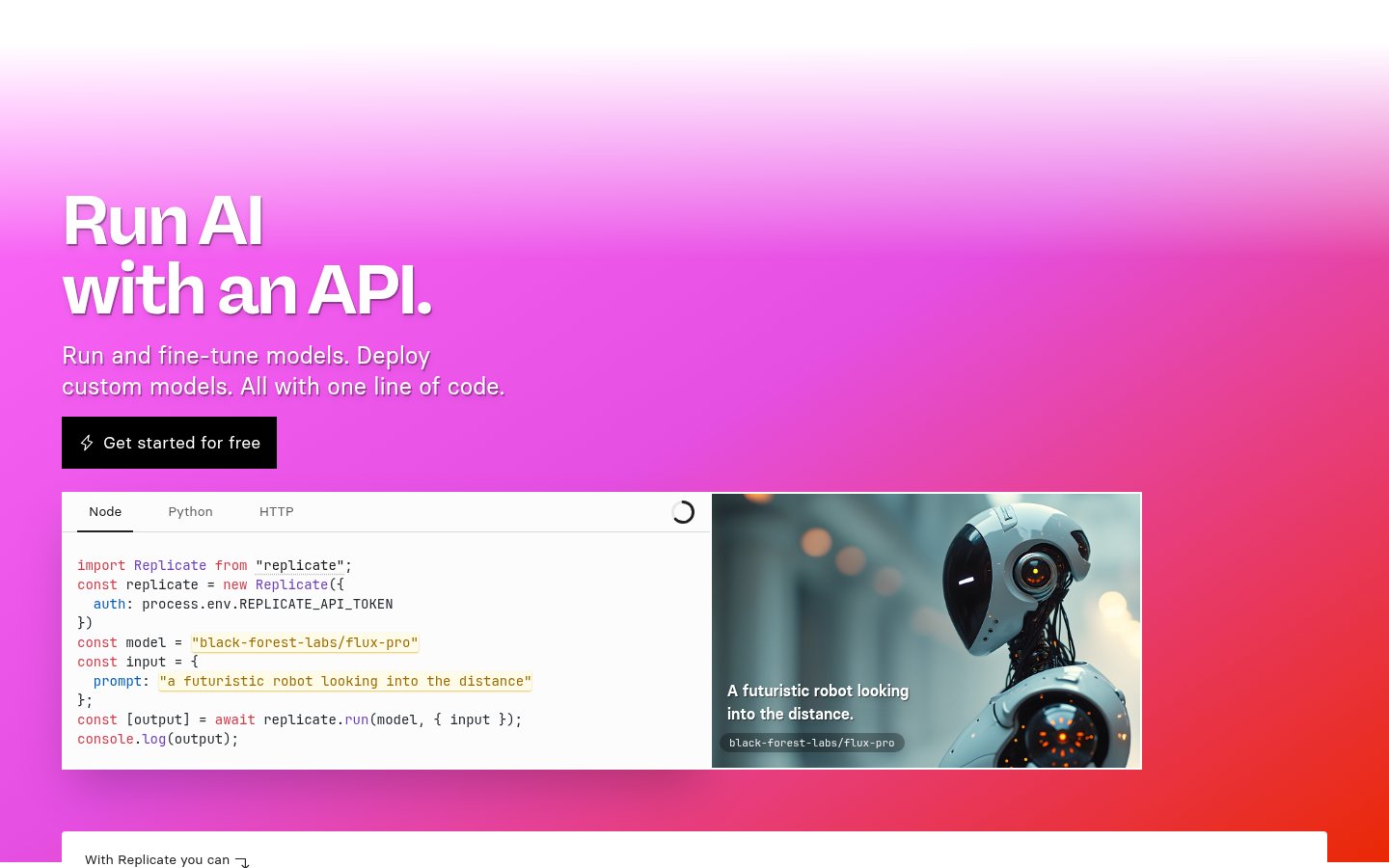 R
Run, fine-tune and deploy open-source ML models through a cloud API

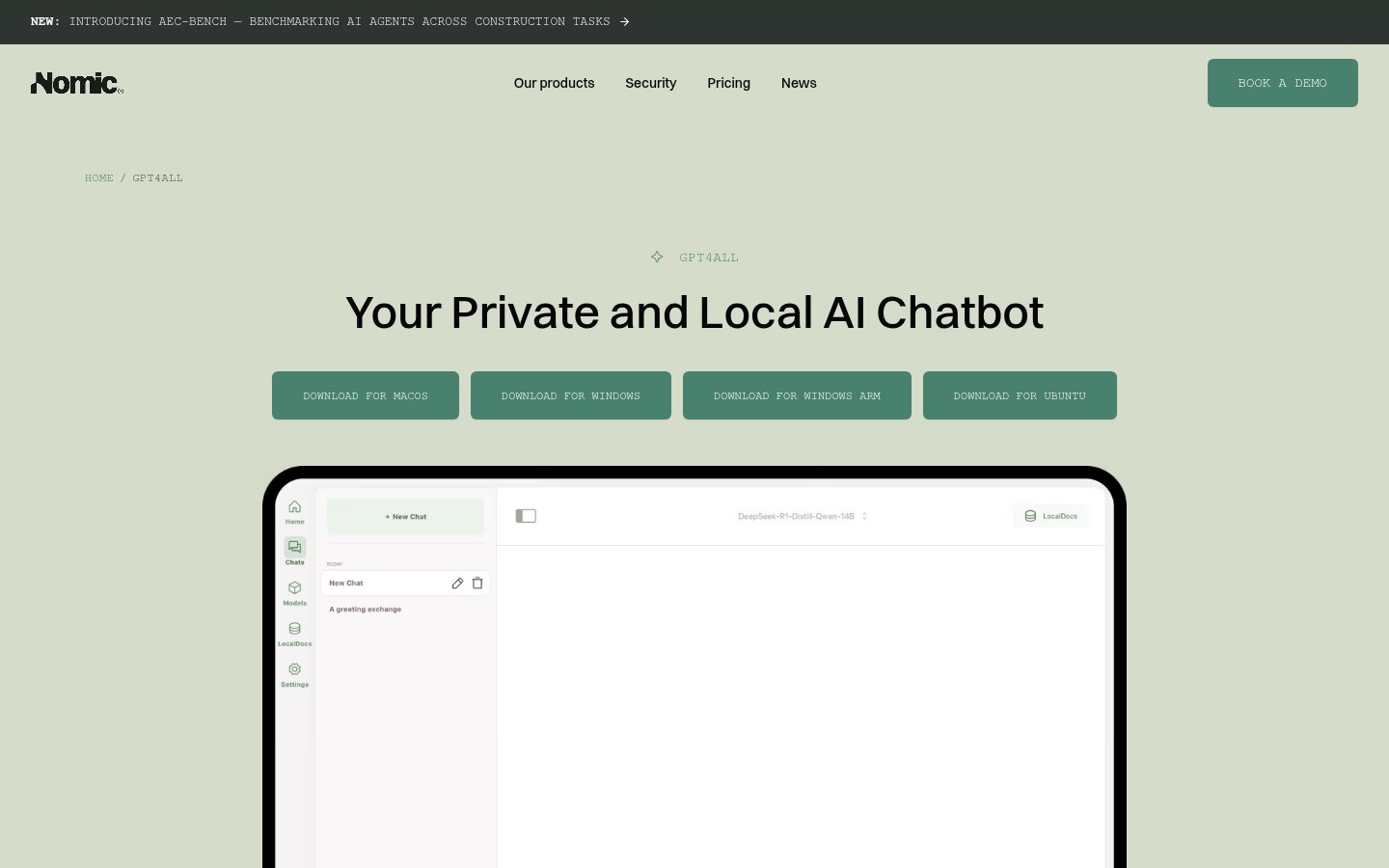 G
Desktop app for running open-source language models locally and privately

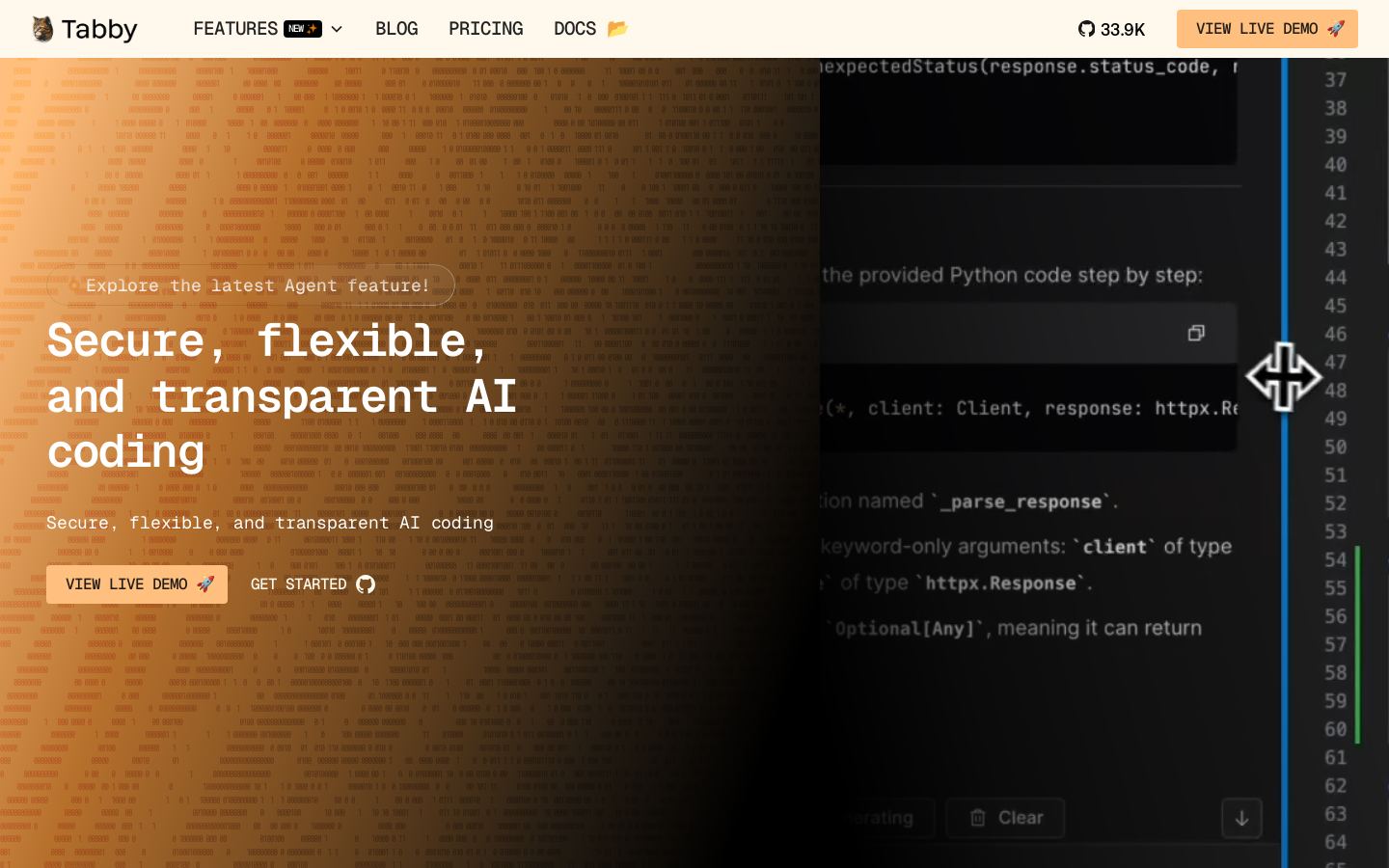 T
Open-source, self-hosted AI coding assistant for developers and teams
 V
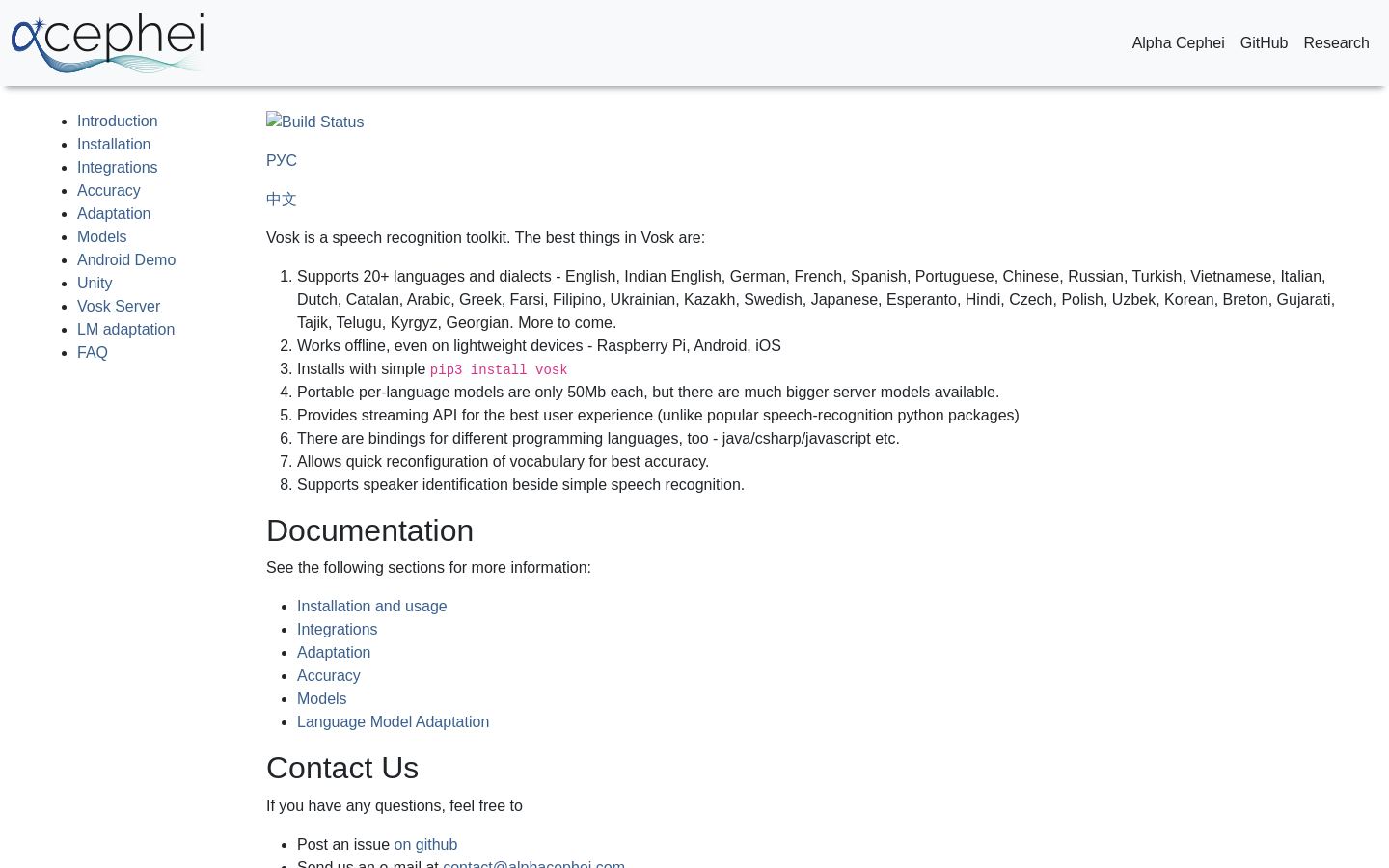
Open-source offline speech recognition toolkit for developers in 20+ languages
 M
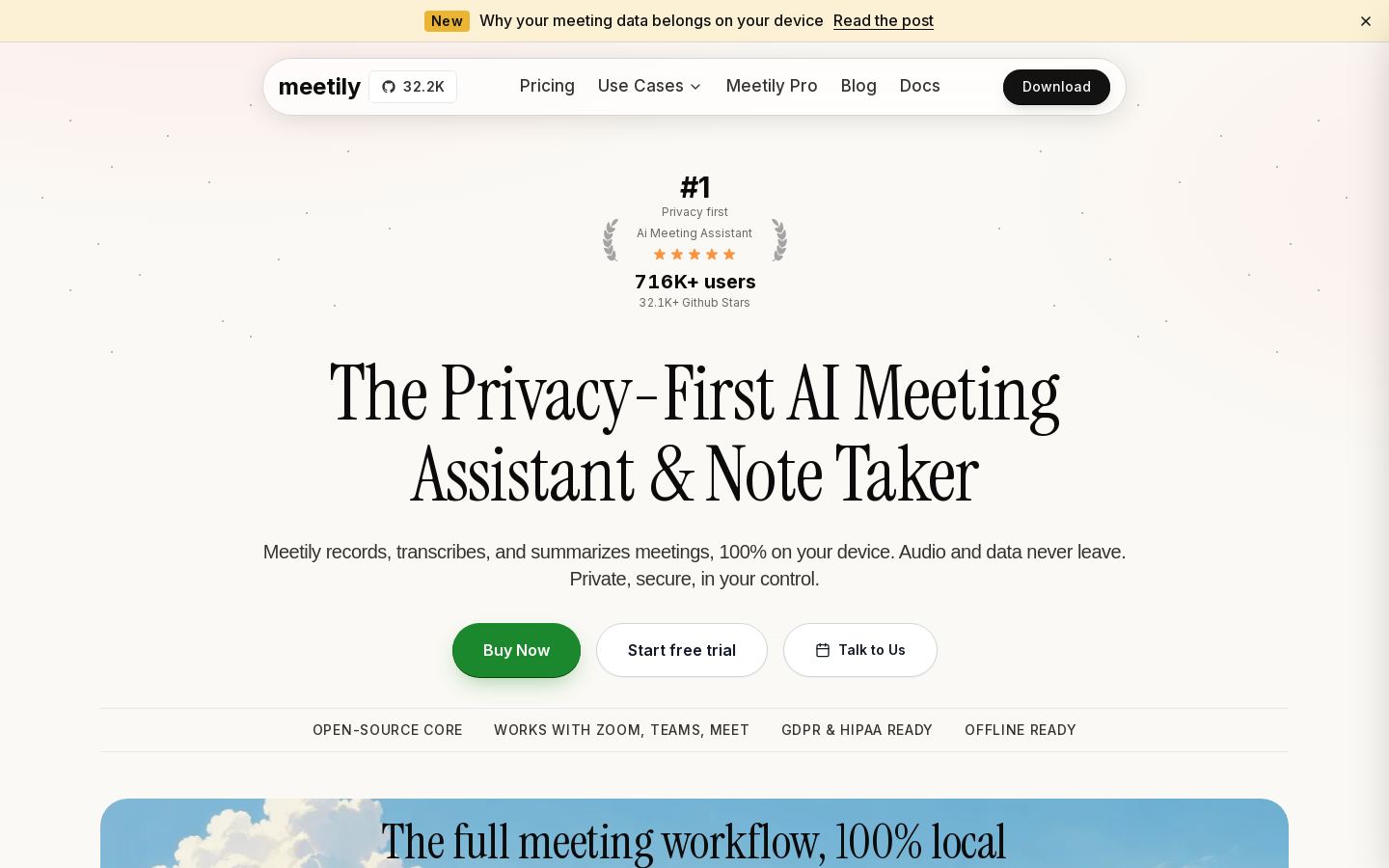
Open-source meeting recorder that transcribes and summarizes on your device
 O
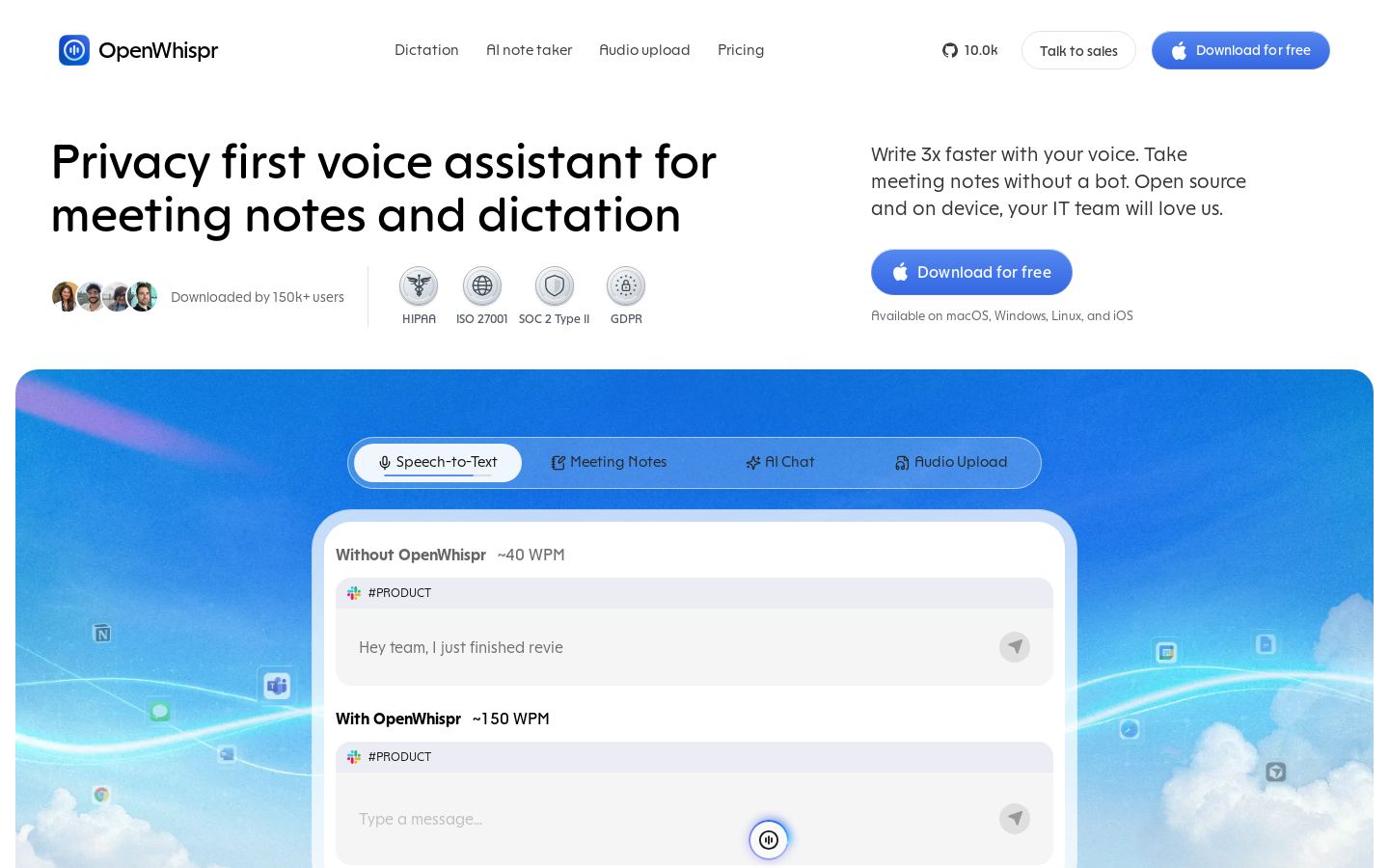
Open-source voice dictation and bot-free meeting notes with on-device models
Open-source voice dictation and bot-free meeting notes with on-device models
From each vendor's own pages, re-checked every two months. Of 11 tools we checked, 4 of 6 that state a policy don't train AI on your content, and 2 hold SOC 2 or ISO 27001.
| Tool | Works fully offline | Optional cloud models | Team admin / SSO |
|---|---|---|---|
| OOllama | |||
| LLM Studio | |||
| GGPT4All | — |
— means the vendor's site doesn't say.
Start with the job. Ollama, LM Studio and GPT4All are general tools for running language models. Others are narrower: whisper.cpp, Vosk and WhisperX handle speech-to-text, Meetily records and summarizes meetings, Tabby assists with code, and Stable Diffusion generates images.
Check where the model runs. If your data must stay on your own hardware, look for on-device or self-hosted options such as GPT4All, Meetily or Tabby. Ollama offers both local and cloud use. DeepSeek and Replicate are listed with web and API access but no self-hosted option, so they suit a different need.
Compare pricing. WhisperX, whisper.cpp and Vosk are free. Most other tools are freemium, with paid plans listed from $6.67/mo (OpenWhispr) to $20/mo (LM Studio, GPT4All).
Decide if you need open source or an API. Ollama and whisper.cpp offer both. LM Studio has an API but isn't listed as open source, while WhisperX and Meetily are open source with no API listed.
We haven't tested these tools, so confirm the details that matter to you.
Yes. WhisperX, whisper.cpp and Vosk are listed as free, and all three are open-source speech recognition tools. For language models, Ollama, LM Studio and GPT4All are freemium, so each has a free tier alongside paid plans.
Listed paid plans start at $6.67/mo for OpenWhispr, $10/mo for Meetily, $14.99/mo for Mistral, $16.67/mo for Ollama, $19/mo for Tabby, and $20/mo for LM Studio and GPT4All. Stable Diffusion is freemium, while DeepSeek and Replicate are paid, and none of these three has a starting price in our list.
Check that it does the job you need, such as chat, transcription, coding or image generation, and that it supports your platform. Then confirm whether it runs on your own hardware, and whether you need open-source code or an API. For example, Tabby is self-hosted with VS Code and JetBrains support, while Vosk is an offline toolkit aimed at developers.
Replicate runs, fine-tunes and deploys open-source models through a cloud API. DeepSeek offers a chat assistant and a low-cost LLM API. Ollama also offers cloud use, and Stable Diffusion models can be called through an API instead of self-hosted.