
infobro
Writing & Content44Image35Video30Audio & Voice30Chat & Assistants43Productivity64Coding & Development66Agents & Automation90Marketing & SEO24Sales & Support47Business & Finance92Operations21Data & Research47Education20Design18Health & Life38

CapCut vs Clipdrop

Pricing, features, platforms and who each one suits — side by side.

CCapCutFreemiumVisit site
CClipdropFreemiumVisit site
VS
C

Choose CapCut if…

  • you work on Windows, macOS, iOS
  • you're in its core audience: content creators, social media marketers
C

Choose Clipdrop if…

  • you need an API to build on
  • you're in its core audience: marketers, designers

Side by side

Feature CapCut Clipdrop
Pricing modelFreemiumFreemium
Starting price——
Free plan
Free trial
API
Open source
Trains AI on your contentYes—
Data retentionKept as long as necessary; cloud space data deleted on request—
GitHub stars—467
PlatformsWeb, Windows, macOS, iOS, AndroidWeb, API
CategoryVideo EditingPhoto Editing
CompanyByteDanceInitML
Based in——
Founded20162020
Part of—Jasper.ai

Key features

C CapCut

  • Online, desktop, mobile and tablet video editor
  • Auto captions and subtitles
  • Text to speech and custom voices
  • Image and video background removal
  • AI image and video generators
  • Noise reduction and voice enhancement
  • Template library for social and business content
  • Brand kit on Teams plan

C Clipdrop

  • Text-to-image generation
  • Background removal and replacement
  • Cleanup of objects, people, text and defects
  • Image upscaling up to x16 on Pro
  • Relight to change image lighting
  • Uncrop to extend photos into new formats
  • Universal resizer for social media formats
  • Photoshop plugins and usage-based API

Plans and prices

From each vendor's site. Prices change — confirm before buying.

CapCut

FreeFree
Pro€23.99/mo (€199.99/yr billed yearly)
Ultra€68/mo (€779/yr billed yearly)
Teams€14.99/seat/mo (2 seats); €120/seat/yr billed yearly

Clipdrop

Free$0
ProNot listed
APIUsage-based

Strengths and limitations

CapCut

  • Free plan with basic editing tools and templates
  • Available on web, desktop, mobile and tablet
  • Paid plans include 1 TB storage
  • Supports 20 languages
  • AI generation is limited by monthly credits
  • The pricing page says its prices are for reference only and final pricing shows after sign-in
  • No public API listed

Clipdrop

  • Free plan includes daily uses of most tools
  • Pro raises limits to 1,000 uses per 24 hours per tool
  • API and Photoshop plugins available
  • Pro price not shown on the pricing page
  • Free plan limited to 20 uses per day on several tools
  • No mobile apps listed

More comparisons

Other options to consider

D
D

Editing, color, VFX, audio and photo post-production in one desktop app

Freemium
D
Freemium
D

Editing, color, VFX, audio and photo post-production in one desktop app

Video EditingFree plan
A

Professional video editing with AI masking, text-based editing and color tools
From $22.99/mo
A
From $22.99/mo
A

Professional video editing with AI masking, text-based editing and color tools

Video Editing
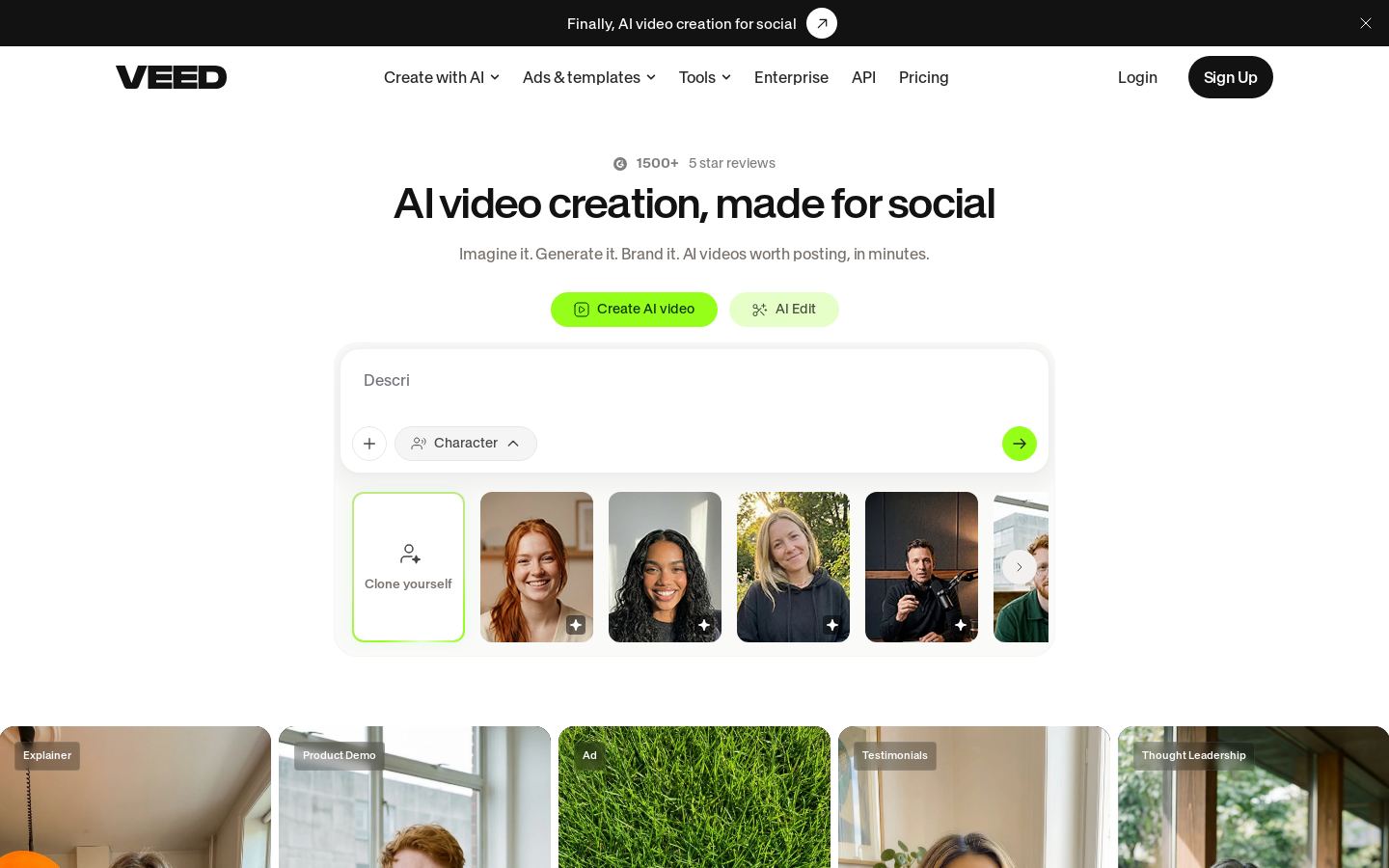
V
V

Online AI video editor for creating, subtitling and dubbing videos

Freemium
V
Freemium
V

Online AI video editor for creating, subtitling and dubbing videos

Video EditingFree plan
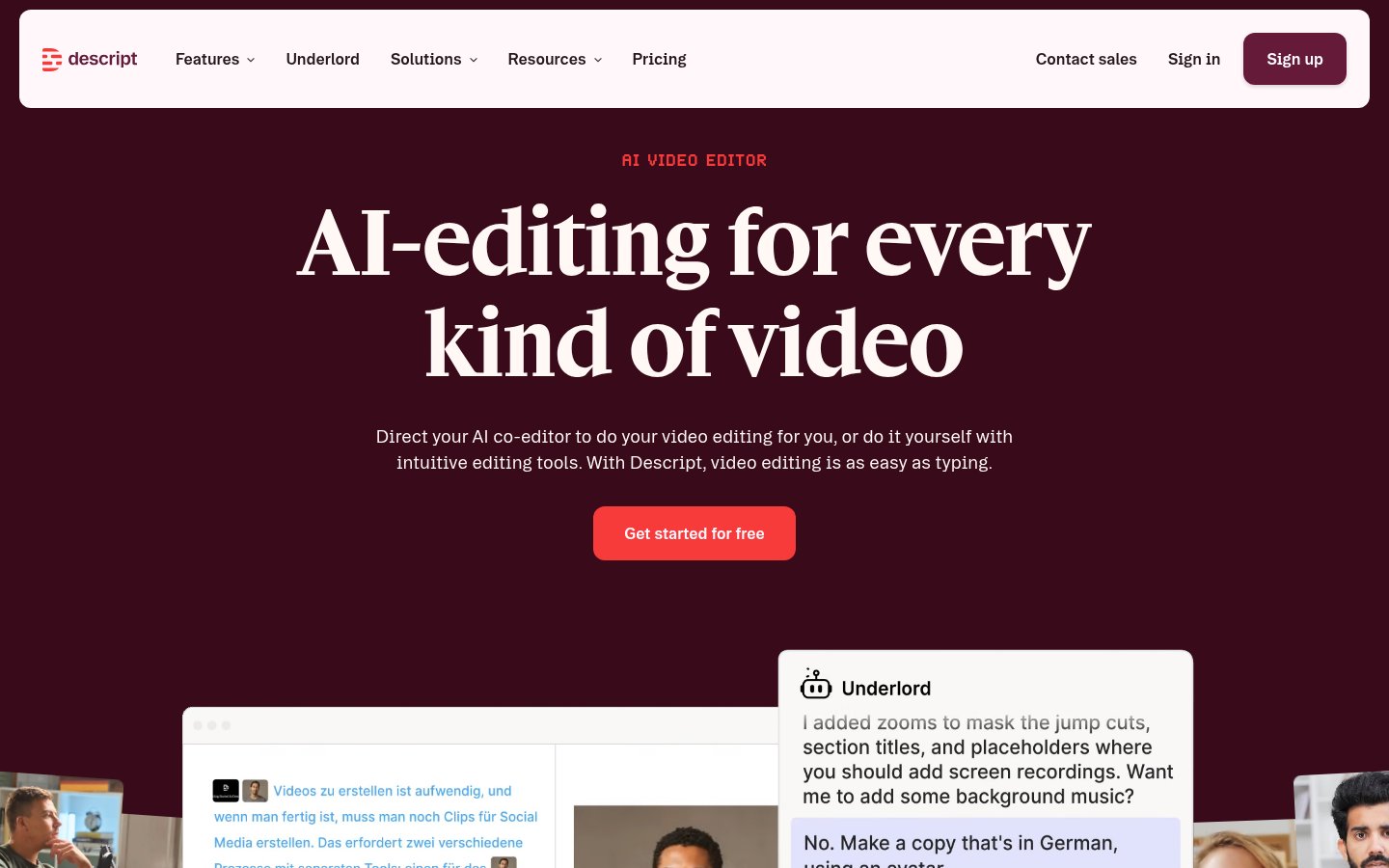
D
D

Text-based video and podcast editor with AI tools for creators and teams

Free, from $16/mo
D
Free, from $16/mo
D

Text-based video and podcast editor with AI tools for creators and teams
Video EditingFree planAPI
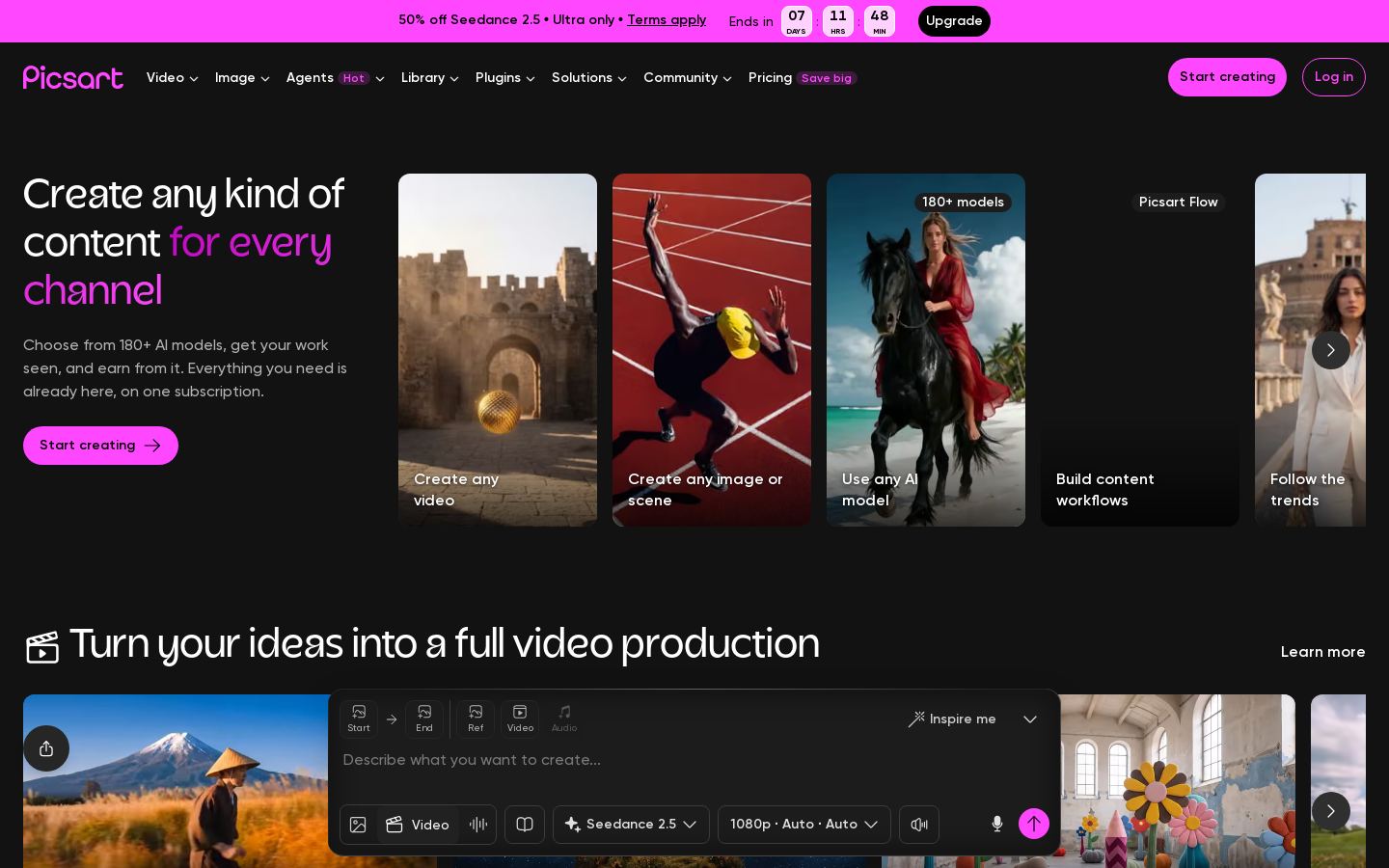
P
P

AI photo, video and design editor with generation models for creators and teams

Free, from $15/mo
P
Free, from $15/mo
P

AI photo, video and design editor with generation models for creators and teams
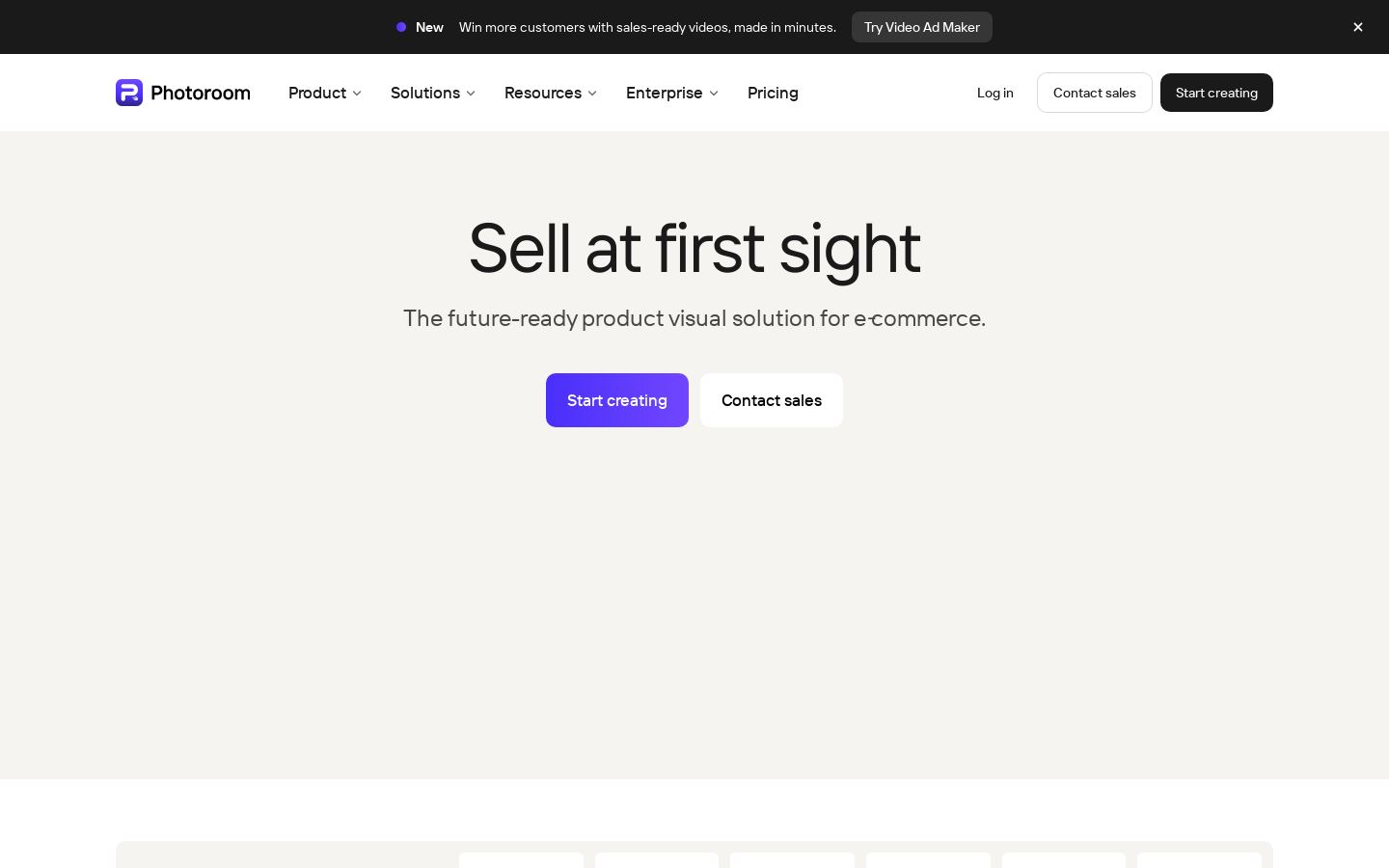
Photo EditingFree planAPI
P
P

AI product photo editing and background removal for e-commerce sellers

Free trial
P
Free trial
P

AI product photo editing and background removal for e-commerce sellers

Photo EditingAPI

Built from each vendor's public website; we haven't tested them hands-on. Editorial policy