
infobro
Writing & Content53Image58Video28Audio & Voice33Chat & Assistants24Productivity46Coding & Development41Agents & Automation28Marketing & SEO21Sales & Support45Business & Finance96Operations21Data & Research23Education25Design22Health & Life38

Descript vs Opus Clip

Full transcript editor or auto-clipper

DDescriptFree · from $16/moVisit site
OOpus ClipFree · from $14.50/moVisit site
VS

The short answer

I'd pick Descript if you record and edit full episodes or videos. You edit by editing the transcript, and Studio Sound, retake removal and Underlord all live in the same editor. I'd pick Opus Clip if your main job is turning long videos into Shorts, TikToks and Reels. It adds virality scores, reframing and auto-posting, and its Pro plan is $14.50/mo billed yearly with 2 seats included.

Stanislav Vovchyk · updated Nov 5, 2026 · prices checked Oct 26, 2026

D

Choose Descript if…

  • you record podcasts or remote interviews and want recording, cleanup and editing in one place
  • you want to cut long-form video by deleting words from a transcript
  • you need voice clones, text-to-speech or translation and dubbing in 30+ languages (Business plan)
  • you your company requires SAML SSO, SCIM and audit logs (Enterprise)
O

Choose Opus Clip if…

  • you mainly turn long videos into short vertical clips for Shorts, TikTok and Reels
  • you clip sports, gaming or vlog footage and want ClipAnything to find the highlights
  • you want clips scheduled or auto-posted to social accounts
  • you finish clips in Premiere Pro or DaVinci Resolve using XML export

The differences that decide it

Core jobDescript:Full editor: edit a whole recording by editing its transcript, with a timeline for fine controlOpus Clip:Clipper: ClipAnything picks highlight moments from long videos and turns them into short clips
Pricing for two peopleDescript:Per person: Hobbyist $24/mo each ($16 annually), so $48/mo for twoOpus Clip:Pro covers 2 seats for $29/mo, or $14.50/mo billed yearly
Usage allowanceDescript:Media hours plus AI credits: Hobbyist 10 hrs/400 credits, Creator 30 hrs/800 creditsOpus Clip:Credits per input minute: Starter 150, Pro 300, with 2-month rollover
Free planDescript:60 media minutes a month and 100 one-time AI credits; no credit card neededOpus Clip:60 credits a month, but adds a watermark, has no editing, and clips are exportable for only 3 days
Social and short-form toolsDescript:Automatic clips, captions and social publishingOpus Clip:Virality score, animated captions, reframe with object tracking, AI B-roll and a scheduler
Audio and voiceDescript:Studio Sound, voice clones, AI voices and speech regenerationOpus Clip:Speech enhancement and filler/silence removal; dubbing on Pro

One job, two bills

Typical jobs costed on each tool's cheapest plan that covers them, from the plan limits each vendor publishes.

JobDescriptOpus Clip
One creator processing about 2 hours of video a month$24/moHobbyist10 media hours a month, with 1080p watermark-free export; $16 if billed annually$15/moStarter150 credits, about 150 input minutes; covers 120 minutes with no watermark
A two-person team processing about 4 hours of video a month$48/moHobbyist$24 per person x 2 seats; each seat gets 10 media hours$29/moPro300 credits cover 240 minutes; the team workspace includes 2 seats

Side by side

Feature Descript Opus Clip
Pricing modelFreemiumFreemium
Starting price$16/mo$14.5/mo
Free plan
Free trial
API
Open source
Data retentionPersonal data kept as long as necessary for collection purposesKept as long as necessary; free plan clips expire after 3 days
Security and complianceSOC 2 Type II, GDPRSOC 2 Type II, GDPR
Updates, last 90 days2—
Text-based editing—
AI auto-clipping—
Filler/silence removal—
AI dubbing/translation—
Social scheduling—
4K export
PlatformsWeb, APIWeb, API
CategoryVideo EditingShorts & Clipping
CompanyDescript, Inc. · United StatesOpusclip Inc. · United States
Full feature lists

D Descript

  • Edit video and audio by editing the transcript
  • Transcription in 25 languages with speaker detection
  • Studio Sound noise removal and voice enhancement
  • One-click filler word and retake removal
  • Underlord AI co-editor driven by prompts
  • Voice clones, stock AI voices and speech regeneration
  • Automatic clips, captions and video translation
  • API and MCP server for programmatic editing

O Opus Clip

  • ClipAnything AI clipping for any video genre
  • Animated captions in 20+ languages
  • AI reframe with moving object tracking
  • Virality score for each clip
  • AI B-roll from images, video and stock
  • Social media scheduler and auto-posting
  • XML export to Premiere Pro and DaVinci Resolve
  • Video API and MCP connector

Their home pages

What each vendor shows first: the pitch, the plans and the sign-up.
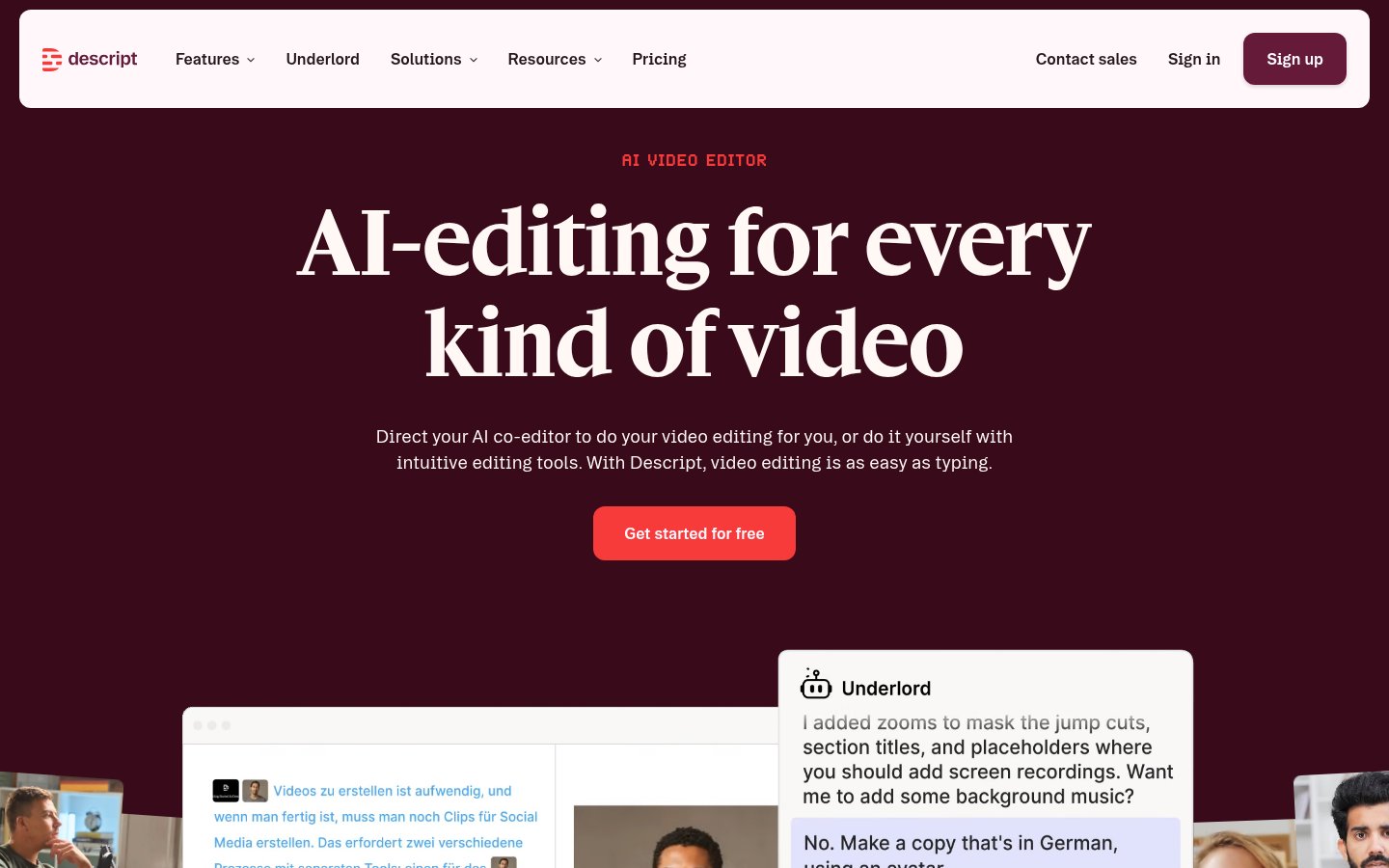
Descript home page
D Descript · descript.com
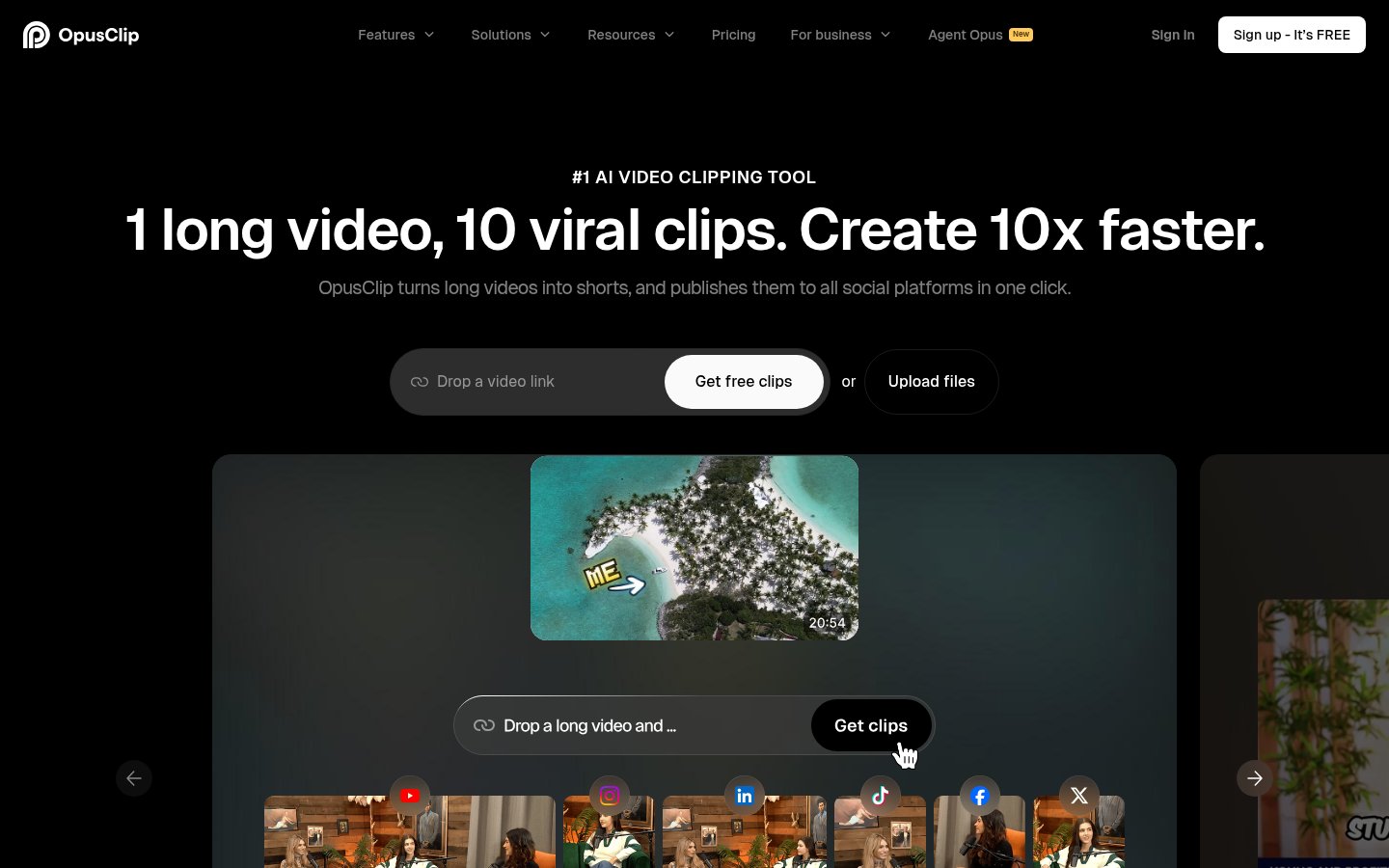
Opus Clip home page
O Opus Clip · opus.pro

What you'd pay

The cheapest plan that fits, per month, billed yearly where the plan offers it.

Team sizeDescriptOpus Clip
1 person$16 Hobbyist$14.50 Pro
5 people$250 Businessno published plan
20 people$1,000 Businessno published plan

Work it out for your team

  1. Opus ClipPro$14.50/mo
  2. DescriptHobbyist$16/mo

The cheapest paid plan with a published price that fits. Custom and sales-quoted plans aren't included.

What the free plans include

Descript

  • 60 media minutes (1 hr) per month
  • 100 AI credits (one-time)
  • Underlord and AI tools limited

Opus Clip

  • 60 credits per month
  • Up to 1080p rendered clips
  • After 3 days, the clips will no longer be exportable
  • No editing
All plans and prices

Descript

Free$0
Hobbyist$16/mo billed annually ($24 monthly)
Creator$24/mo billed annually ($35 monthly)
Business$50/mo billed annually ($65 monthly)
EnterpriseCustom

Opus Clip

Free$0/mo
Starter$15/mo
Pro$29/mo monthly or $14.5/mo billed yearly ($174/yr)
BusinessCustom

Switching between them

Opus Clip exports XML to Premiere Pro and DaVinci Resolve. The facts don't list XML import into Descript, so plan to bring clips over as video files, which Descript accepts. Brand templates, captions and clip settings would need to be rebuilt in whichever tool you switch to.

Check before you buy

  • Descript's 4K export needs Creator ($24/mo annually) or higher. Translation and dubbing need Business ($50/mo per person annually).
  • Opus Clip's Starter plan is billed monthly only. Full API access requires the custom-priced Business plan, and Pro only gets limited API access.
  • Neither vendor states whether it trains AI on your data. Descript lists an AI training opt-out only on Enterprise.

Descript vs Opus Clip: common questions

Is Opus Clip worth paying for over its free plan?

Paying makes sense if you publish the clips. The free plan watermarks clips, has no editing, and lets you export each clip for only 3 days. Starter at $15/mo removes the watermark and adds auto-posting. You can try Pro free for 7 days with no credit card.

Can Descript make short clips like Opus Clip?

Yes. Descript lists automatic clips and captions, and Underlord can make clips from a prompt. It has no virality score, object-tracking reframe or AI B-roll, which Opus Clip offers.

Do Descript and Opus Clip offer an API?

Both do. Descript has an API and MCP server for editing video through code. Opus Clip has a video API and MCP connector, but full API access is limited to its custom-priced Business plan.

Which one handles translation and dubbing?

Descript translates and dubs in 30+ languages, but only on Business ($50/mo per person annually) and above. Opus Clip includes video dubbing on Pro and captions in 20+ languages.

More comparisons

Other options to consider

R
Riverside.fm websiteR

Record, edit, stream and publish podcasts and video with AI tools

Free, from $24/mo
R
Riverside.fm website
Free, from $24/mo
R

Record, edit, stream and publish podcasts and video with AI tools
PodcastingFree planAPI
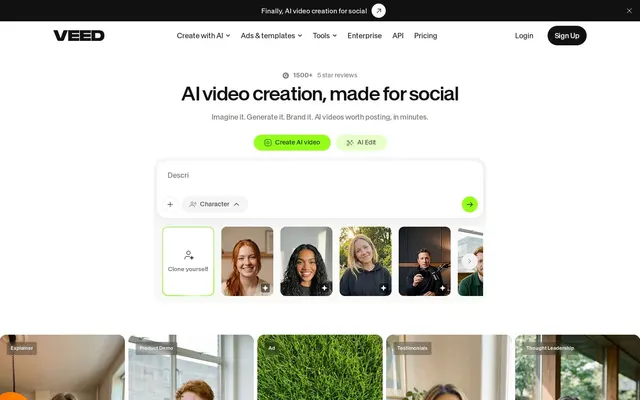
V
VEED websiteV

Online AI video editor for creating, subtitling and dubbing videos

Freemium
V
VEED website
Freemium
V

Online AI video editor for creating, subtitling and dubbing videos

Video EditingFree plan
C
CapCut websiteC

AI photo and video editor for creators on web, desktop and mobile

Freemium
C
CapCut website
Freemium
C

AI photo and video editor for creators on web, desktop and mobile

Video EditingFree plan
A

Professional video editing with AI masking, text-based editing and color tools

From $22.99/mo
A
From $22.99/mo
A

Professional video editing with AI masking, text-based editing and color tools
Video Editing
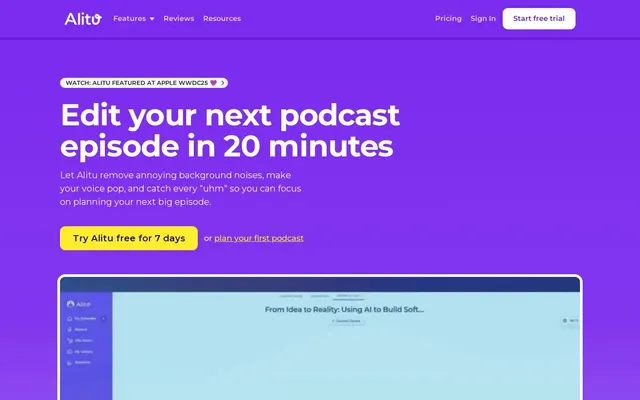
A
Alitu websiteA

Podcast maker with AI editing and transcripts, plus recording and hosting

From $38/mo
A
Alitu website
From $38/mo
A

Podcast maker with AI editing and transcripts, plus recording and hosting

Podcasting
D

Editing, color, VFX, audio and photo post-production in one desktop app

Freemium
D
Freemium
D

Editing, color, VFX, audio and photo post-production in one desktop app

Video EditingFree plan

Facts from each vendor's public pages, prices checked Oct 26, 2026. Editorial policy