infobro
Writing & Content53Image58Video28Audio & Voice33Chat & Assistants24Productivity46Coding & Development41Agents & Automation28Marketing & SEO21Sales & Support45Business & Finance96Operations21Data & Research23Education25Design22Health & Life38

Klap vs Opus Clip

52 languages or a real free plan

KKlapFree · from $14/moVisit site
OOpus ClipFree · from $14.50/moVisit site
VS

The short answer

I'd pick Klap if you clip in many languages (52) or automate through Zapier, Make or n8n, and you're fine paying yearly: Basic is $14/mo for 100 clips. I'd pick Opus Clip if you want a free-forever plan, monthly billing, AI B-roll, or XML export to Premiere Pro and DaVinci Resolve. Its Pro plan is $14.5/mo billed yearly or $29 monthly and includes 2 seats.

Stanislav Vovchyk · updated Nov 5, 2026 · prices checked Oct 26, 2026

K

Choose Klap if…

  • you publish clips in languages beyond the 20+ that Opus Clip captions
  • you want API, MCP and Zapier/Make/n8n access without a custom Business contract
  • you need up to 1,000 clips a month on a listed plan (Pro+, $94/mo yearly)
  • you schedule to LinkedIn as well as TikTok, YouTube and Instagram
O

Choose Opus Clip if…

  • you want an ongoing free plan (60 credits a month) instead of a single free video
  • you'd rather pay monthly: Starter is $15/mo, Pro is $29/mo
  • you finish edits in Premiere Pro or DaVinci Resolve via XML export
  • you need SOC 2 Type II, AI B-roll, video dubbing or 4K export

The differences that decide it

Free optionKlap:One free video only, then a paid planOpus Clip:Free forever: 60 credits/mo, watermark, no editing, export within 3 days
BillingKlap:Listed prices are yearly only: $14, $39, $94/mo; no monthly prices shownOpus Clip:Starter $15 monthly only; Pro $29 monthly or $14.5/mo yearly
Usage limitsKlap:Capped by clips: 100, 300 or 1,000 clips a monthOpus Clip:Capped by credits: 150 (Starter), 300 (Pro), Pro credits roll over 2 months
LanguagesKlap:Editing and transcription in 52 languagesOpus Clip:Animated captions in 20+ languages, plus video dubbing on Pro
Developer accessKlap:API, MCP server, Zapier, Make and n8n integrationsOpus Clip:Limited API on Pro; full API only on custom-priced Business plan
Editing and exportKlap:Brand fonts, colors and logos; publish or schedule to four platformsOpus Clip:Text/timeline editor, AI B-roll, 4K, XML export to Premiere Pro and DaVinci Resolve

Side by side

Feature Klap Opus Clip
Pricing modelFreemiumFreemium
Starting price$14/mo$14.5/mo
Free plan
Free trial
API
Open source
Cost per minute of input video$0.14$0.10
Data retentionContent kept until you delete it or account, plus up to 30 days in backupsKept as long as necessary; free plan clips expire after 3 days
Security and complianceGDPRSOC 2 Type II, GDPR
Virality score
AI reframe
Animated captions
AI B-roll—
Auto-post & schedule
Premiere/Resolve export—
4K export—
Brand kit
PlatformsWeb, APIWeb, API
CompanyZIGG SAS · FranceOpusclip Inc. · United States
Full feature lists

K Klap

  • AI detection of the strongest topics for clips
  • Auto reframing with split-screen and screencast layouts
  • Generated subtitles and suggested captions
  • Virality score for each clip
  • Custom fonts, colors and logos
  • Publish or schedule to TikTok, YouTube, Instagram, LinkedIn
  • Editing and transcription in 52 languages
  • API, MCP server and Zapier/Make/n8n integrations

O Opus Clip

  • ClipAnything AI clipping for any video genre
  • Animated captions in 20+ languages
  • AI reframe with moving object tracking
  • Virality score for each clip
  • AI B-roll from images, video and stock
  • Social media scheduler and auto-posting
  • XML export to Premiere Pro and DaVinci Resolve
  • Video API and MCP connector

Their home pages

What each vendor shows first: the pitch, the plans and the sign-up.
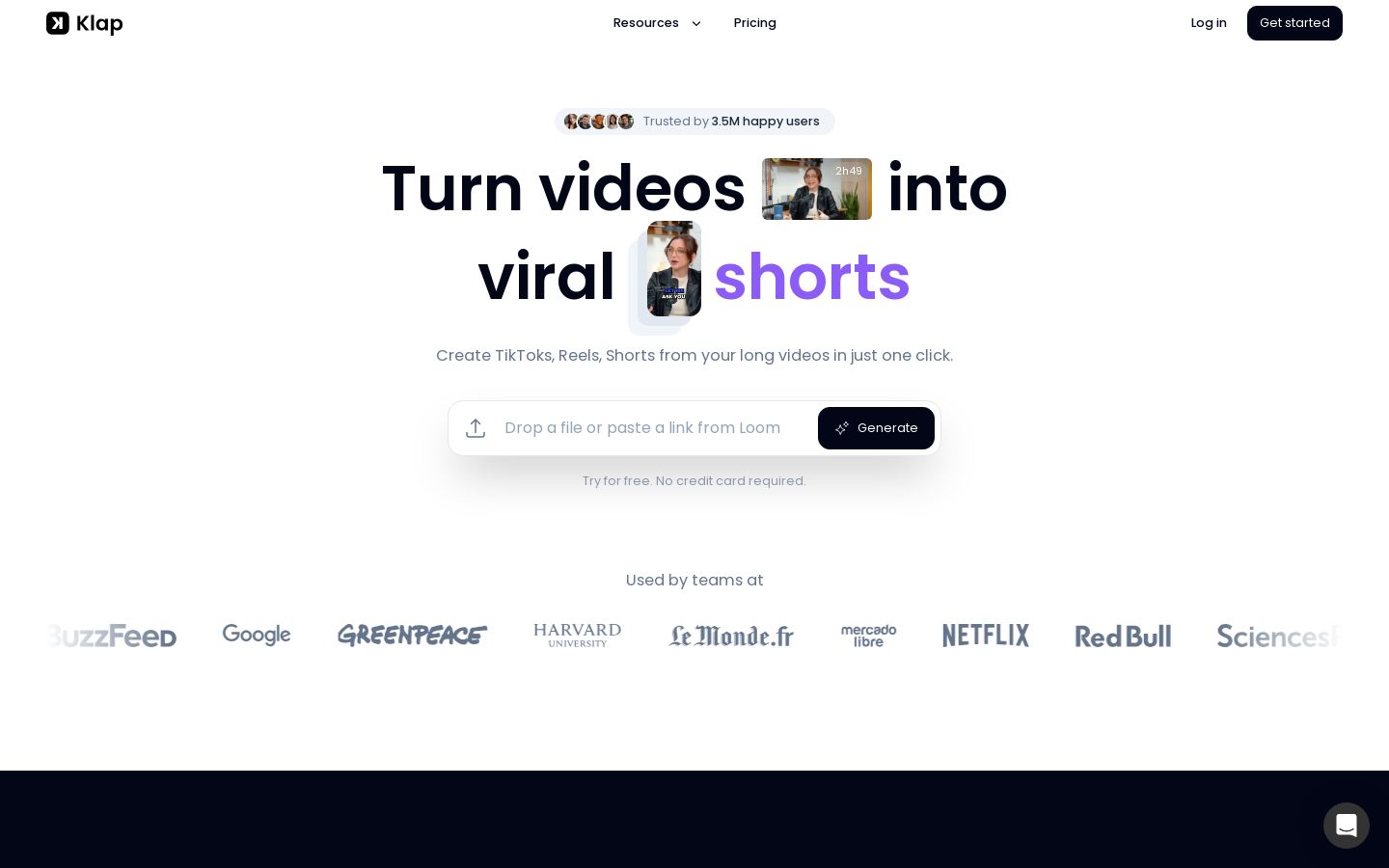
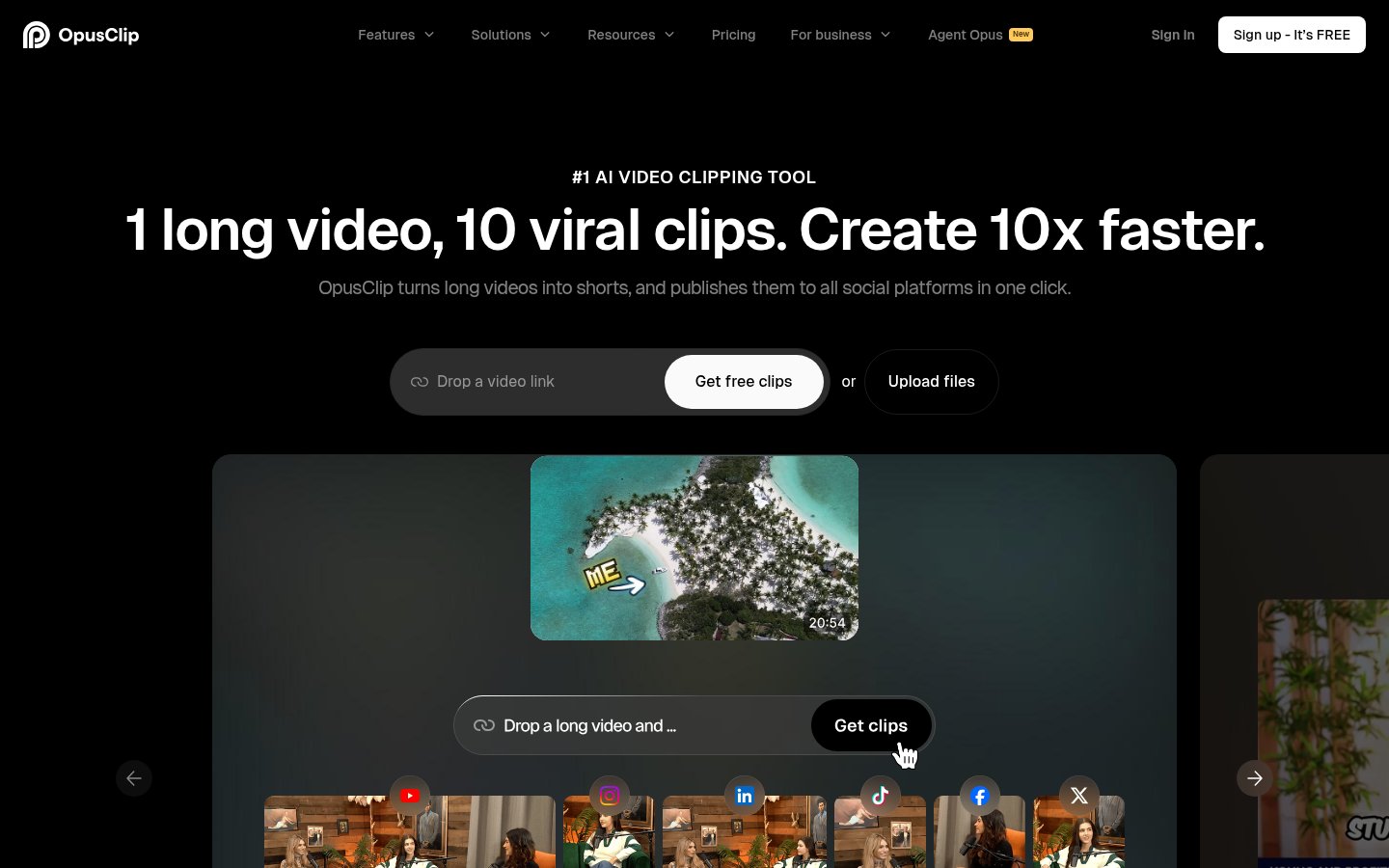
Klap home page
K Klap · klap.app
Opus Clip home page
O Opus Clip · opus.pro

What you'd pay

The cheapest plan that fits, per month, billed yearly where the plan offers it.

Team sizeKlapOpus Clip
1 person$14 Basic$14.50 Pro
5 people$14 Basicno published plan
20 people$14 Basicno published plan

Work it out for your team

  1. KlapBasic$14/mo
  2. Opus ClipPro$14.50/mo

The cheapest paid plan with a published price that fits. Custom and sales-quoted plans aren't included.

What the free plans include

Klap

  • 1 video for free

Opus Clip

  • 60 credits per month
  • Up to 1080p rendered clips
  • After 3 days, the clips will no longer be exportable
  • No editing
All plans and prices

Klap

Basic$14/mo billed yearly
Pro$39/mo billed yearly
Pro+$94/mo billed yearly

Opus Clip

Free$0/mo
Starter$15/mo
Pro$29/mo monthly or $14.5/mo billed yearly ($174/yr)
BusinessCustom

Check before you buy

  • Klap shows only yearly prices, so check the monthly rate before you commit to a year.
  • Opus Clip's free clips stop being exportable after 3 days and carry a watermark.
  • Klap caps clips per month and Opus Clip caps credits, so plan sizes don't map one-to-one.

Klap vs Opus Clip: common questions

Can I use Opus Clip for free without a watermark?

Not on the Free plan. It adds a watermark, has no editing, and clips can only be exported for 3 days. Starter ($15/mo, monthly billing) removes the watermark. A 7-day Pro trial needs no credit card.

Is there a mobile app or APK for Klap or Opus Clip?

Neither vendor lists a mobile app. Both run on the web and offer an API. Klap lists the missing mobile app as a con.

How do Klap and Opus Clip handle my uploaded videos?

Klap keeps content until you delete it or your account, plus up to 30 days in backups. Data is stored in the US and it lists GDPR. Opus Clip keeps data as long as necessary, expires free-plan clips after 3 days, and lists SOC 2 Type II and GDPR.

Which tool handles videos other than podcasts?

Opus Clip's ClipAnything model covers podcasts, vlogs, sports, gaming and interviews, and you can target moments with text prompts. Klap is described for YouTube videos, podcasts and interviews, and its reframing handles split-screen and screencast layouts.

More comparisons

Other options to consider

V
Vizard.ai websiteV

AI clipping tool that turns long videos into captioned short-form clips

Freemium
V
Vizard.ai website
Freemium
V

AI clipping tool that turns long videos into captioned short-form clips
Shorts & ClippingFree planAPI
S
Submagic websiteS

AI captions, clipping and auto-editing for short-form social videos

From $12/mo
S
Submagic website
From $12/mo
S

AI captions, clipping and auto-editing for short-form social videos

Shorts & ClippingAPI
R
Riverside.fm websiteR

Record, edit, stream and publish podcasts and video with AI tools

Free, from $24/mo
R
Riverside.fm website
Free, from $24/mo
R

Record, edit, stream and publish podcasts and video with AI tools
PodcastingFree planAPI
D
Descript websiteD

Text-based video and podcast editor with AI tools for creators and teams

Free, from $16/mo
D
Descript website
Free, from $16/mo
D

Text-based video and podcast editor with AI tools for creators and teams
Video EditingFree planAPI
V
VEED websiteV

Online AI video editor for creating, subtitling and dubbing videos

Freemium
V
VEED website
Freemium
V

Online AI video editor for creating, subtitling and dubbing videos

Video EditingFree plan
C
CapCut websiteC

AI photo and video editor for creators on web, desktop and mobile

Freemium
C
CapCut website
Freemium
C

AI photo and video editor for creators on web, desktop and mobile

Video EditingFree plan

Facts from each vendor's public pages, prices checked Oct 26, 2026. Editorial policy