Best of
Top 10 AI Tools for Productivity in 2026: Ranked by What Actually Saves You Time
Jun 28, 2026 · 17 min read

Open-source networked note-taking with daily notes, backlinks and local Markdown
Own Reflect Notes? Claim it, free to correct the facts and get the verified badge.
Pricing
Freemium
Open source
Yes
Company
Reflect App LLCUnited States
Platforms
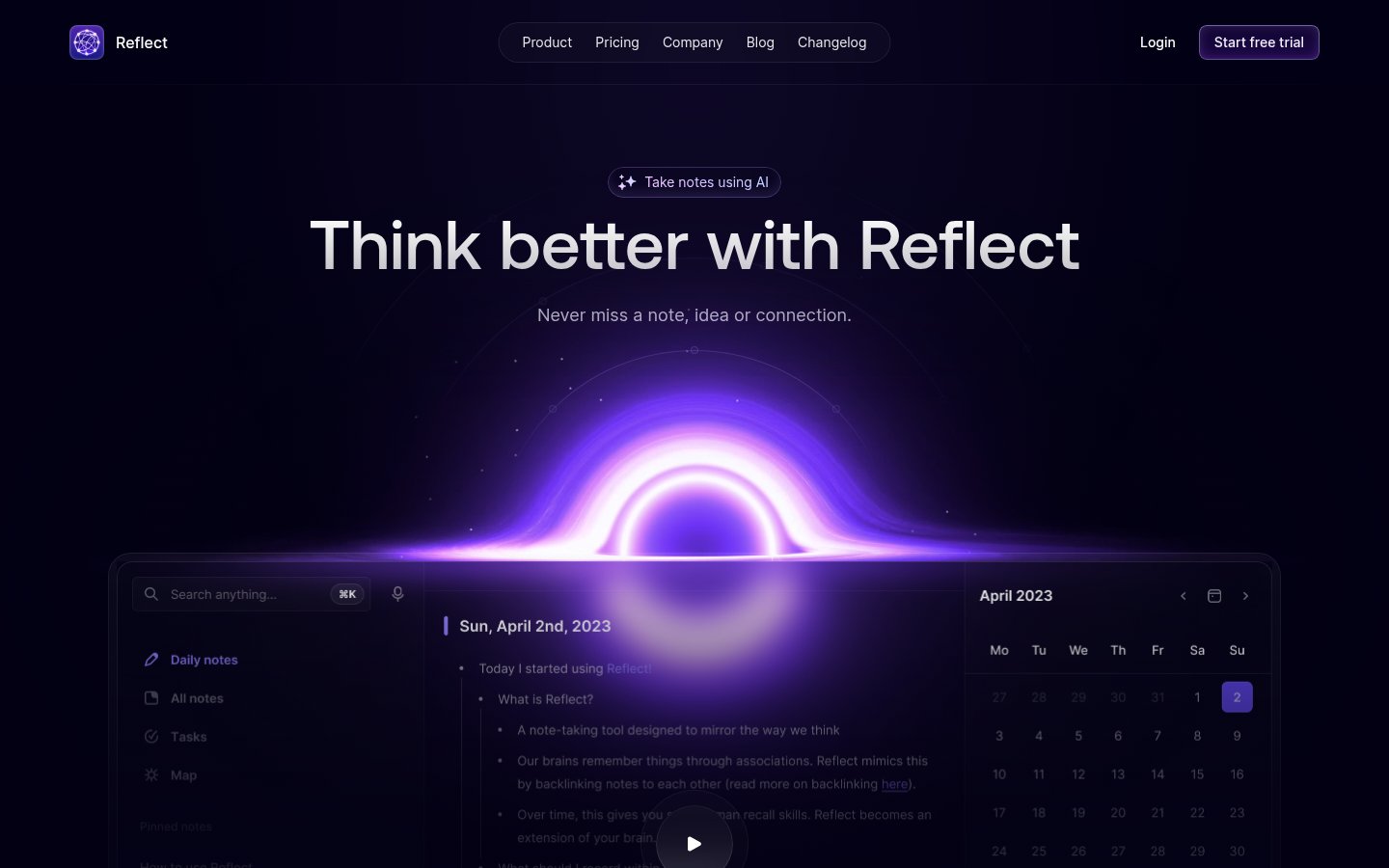
Reflect Notes is a note-taking app built around daily notes and backlinks. Reflect Open, the current version, stores your notes as local Markdown files in a folder you choose and syncs them through iCloud Drive or Git.
You can capture ideas quickly, including web clips and audio memos, link notes together and search across everything you have written. An optional AI assistant answers questions with links back to your source notes, writes summaries, fixes grammar, runs custom prompts and transcribes audio. It uses your own API key, so requests go straight to your AI provider.
The Mac app is free and open source. The iPhone and iPad app, which works online or offline, needs a paid subscription. It suits writers, researchers and anyone who keeps a personal knowledge base and wants to own their files. The older Reflect Classic is still maintained.
Who it's for
Write in a daily note and link entries to related topics over time.
Connect ideas with backlinks and keep everything as local Markdown files you own.
Save web clips and audio memos, and transcribe them with the optional AI.
Use the AI assistant to get answers that link back to the notes they came from.
From the vendor's site, checked Oct 26, 2026; we re-check prices monthly. Prices change — confirm on their pricing page.
Mac
Free
iPhone & iPad
subscription
Local pricing on the App Store
What the free plan gets you
| Tool | Starts at | Free plan | Free trial | API | Open source | |
|---|---|---|---|---|---|---|
| RReflect Notes | — | — | — | |||
E Evernote | $14.99/mo | — | — | Reflect Notes vs Evernote | ||
N Notion AI | — | — | Reflect Notes vs Notion AI | |||
C Capacities | $9.99/mo | — | Reflect Notes vs Capacities | |||
M Microsoft Recall | — | — | — | — | — | Reflect Notes vs Microsoft Recall |
| Capability | Reflect Notes | Evernote | Notion AI | Capacities |
|---|---|---|---|---|
| Local Markdown files | — | — | — | |
| Backlinks & graph | — | |||
| Meeting transcription | — | |||
| AI Q&A over notes | — | |||
| MCP connector | — | — | ||
| End-to-end encryption | — | — | — | |
| Web clipper | — | |||
| Shared workspaces | — | — |
Capabilities as stated on each vendor's own site; — means the site doesn't say. The closest alternatives in our directory by category. “Starts at” is the cheapest paid plan per month, as each vendor lists it.
Trains AI on your content
Not stated
Data retention
Audio file deleted once transcription completes and syncs to note
“As soon as the transcription is complete it is synced to your note and the audio file is deleted.”
Where data is stored
Not stated
Security and compliance
From Reflect Notes's own privacy and security pages , checked Oct 28, 2026. We only show what the vendor states in writing; “not stated” means the pages don't say.
Strengths
Limitations
The Mac app is free with no subscription. The iPhone and iPad app needs a paid subscription, and the App Store shows the price for your region.
Mac, iPhone and iPad.
As local files in a folder you choose. You can sync them through iCloud Drive or Git.
The AI is optional and uses your own API key. Requests go directly to your provider, which bills you separately.
Reflect Classic is still maintained. Classic users can import a copy of their notes, and Classic subscribers get one year of the iPhone and iPad app free.
No reviews yet. Used Reflect Notes? Be the first.
Sign in to rate this tool and share how you use it.
Best of
Jun 28, 2026 · 17 min read
Best of
May 4, 2026 · 17 min read
Guide
May 18, 2026 · 9 min read
Reflect Notes
Freemium
Notes, tasks and calendar in one app, with AI search and transcription
AI agents, search and meeting notes built into the Notion workspace for teams
Note-taking app that organizes ideas as linked objects instead of folders