N
 NN
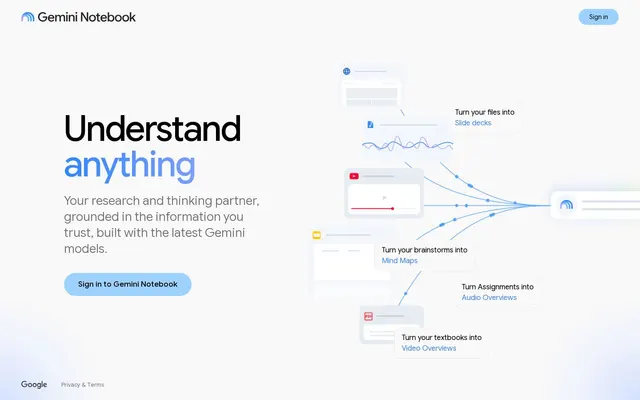
AI research notebook that answers questions from the sources you upload
 N
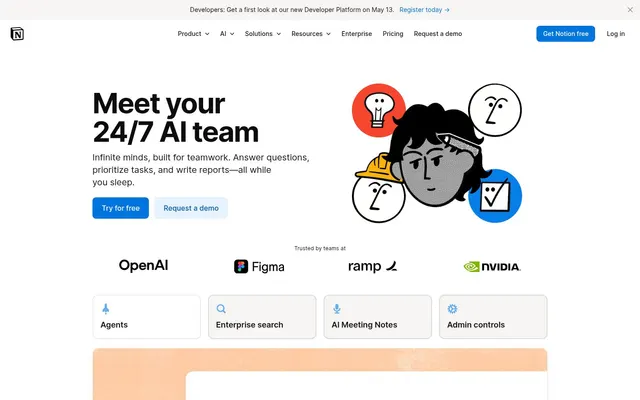
AI agents, search and meeting notes built into the Notion workspace for teams
AI agents, search and meeting notes built into the Notion workspace for teams

 G
Bot-free AI notepad that turns your meeting notes into summaries and actions
Bot-free AI notepad that turns your meeting notes into summaries and actions

 K
AI flashcards, notes and exam prep built from lectures, PDFs and videos

 C
Note-taking app that organizes ideas as linked objects instead of folders
Note-taking app that organizes ideas as linked objects instead of folders

 R
Open-source networked note-taking with daily notes, backlinks and local Markdown
Open-source networked note-taking with daily notes, backlinks and local Markdown

 L
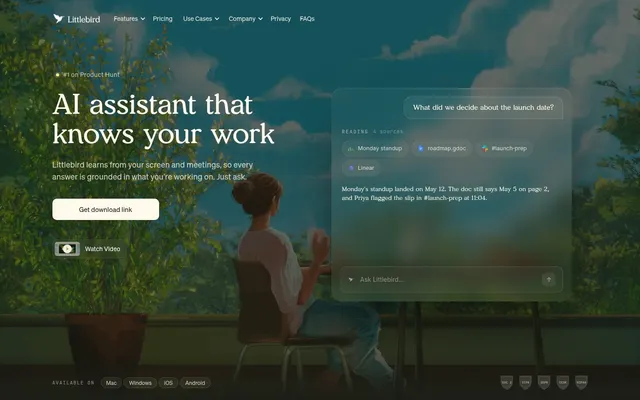
AI assistant that remembers your screen, meetings and apps and acts on them
AI assistant that remembers your screen, meetings and apps and acts on them

 E
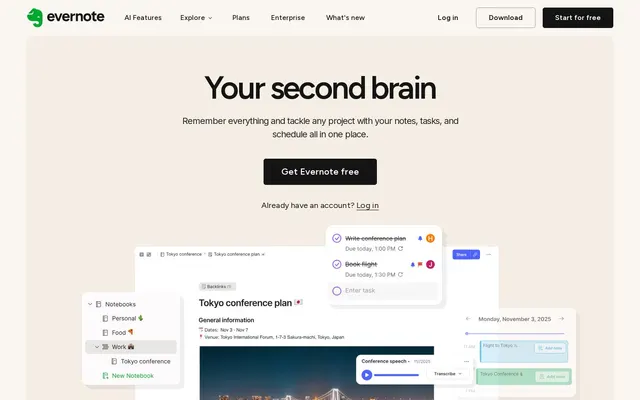
Notes, tasks and calendar in one app, with AI search and transcription
From each vendor's own pages, re-checked every two months. Of 8 tools we checked, 2 of 3 that state a policy don't train AI on your content, and 3 hold SOC 2 or ISO 27001.
| Tool | Local Markdown files | Backlinks & graph | Meeting transcription | AI Q&A over notes | MCP connector | End-to-end encryption | Web clipper | Shared workspaces |
|---|---|---|---|---|---|---|---|---|
| NNotion AI | — | — | — | |||||
| EEvernote | — | — | — | |||||
| CCapacities | ||||||||
| RReflect Notes | — | — | — |
— means the vendor's site doesn't say.
Start with the job you need done, because these tools do quite different things. Obsidian and Capacities are for building your own linked notes, Granola and Tana focus on meetings, and NotebookLM and Zotero suit research. Knowt is built for exam prep, while Littlebird AI and Microsoft Recall work from what has appeared on your screen.
Next, check these three things:
We haven't tested these tools, so try a free plan with your own notes before you commit.
Zotero is the only tool here listed as fully free, and it is also open source. Obsidian, Capacities, Tana, Granola, Littlebird AI, Knowt, NotebookLM, Notion AI, Reflect Notes and Evernote are freemium, so each has a free tier and paid options. Microsoft Recall's pricing is not known.
Listed paid plans start between $4/mo and $20/mo: Obsidian $4, Capacities $9.99, Knowt $12.99, Granola $14, Evernote $14.99, Littlebird AI $17 and Tana $20. NotebookLM, Notion AI and Reflect Notes are freemium, but we don't list a starting price for their paid plans.
Match the tool to your main use first, such as linked personal notes, meetings, research or studying. Then check that it runs on your devices, what the paid plan costs, and whether you need an API or open-source code. If you want local storage, Obsidian is described as local-first, Reflect Notes offers local Markdown, and Microsoft Recall keeps local snapshots.
For an all-in-one app like Evernote, which combines notes, tasks and calendar, Capacities is the closest option here for general note-taking, organizing ideas as linked objects instead of folders. Obsidian and Reflect Notes are alternatives if you prefer Markdown notes with links. For Notion AI's meeting notes, consider Granola or Tana. For answers drawn from your own documents, NotebookLM works from the sources you upload.