
infobro
Writing & Content53Image58Video28Audio & Voice33Chat & Assistants24Productivity46Coding & Development41Agents & Automation28Marketing & SEO21Sales & Support45Business & Finance96Operations21Data & Research23Education25Design22Health & Life38

Cursor vs OpenAI Codex

Pricing, features, platforms and who each one suits — side by side.

CCursorFree · from $8/moVisit site
OOpenAI CodexFree · from $8/moVisit site
VS
C

Choose Cursor if…

  • you work on macOS
  • you're in its core audience: software developers, engineering teams
O

Choose OpenAI Codex if…

  • you need an API to build on
  • you work on iOS
  • you're in its core audience: software developers, engineering teams

Side by side

Feature Cursor OpenAI Codex
Pricing modelFreemiumFreemium
Starting price$8/mo$8/mo
Free plan
Free trial
API
Open source
Trains AI on your contentYes, unless you opt out—
Data retentionKept only as long as necessary for operations and legitimate business needs—
Security and complianceSOC 2 Type II, ISO 27001, ISO 42001SOC 2 Type II, ISO 27001, GDPR, HIPAA
Updates, last 90 days55
Agent mode
CLI / terminal
Cloud agents
AI PR review
Bring your own key—
Local / self-hosted models—
MCP support
PlatformsmacOS, Web, SlackWeb, iOS, API, Slack
CompanyAnysphere, Inc. · part of SpaceXOpenAI OpCo, LLC · United States
Full feature lists

C Cursor

  • Agent mode that plans and builds features from prompts
  • Cloud agents running tasks in parallel on own machines
  • Command-line agent installable via curl
  • Slack integration that opens pull requests
  • AI code reviews on GitHub PRs via Bugbot
  • Model choice across OpenAI, Anthropic, Gemini, SpaceXAI, Cursor
  • Cmd+K targeted inline edits
  • Privacy mode excluding code from training

O OpenAI Codex

  • Desktop app for local coding chats
  • Command-line interface (CLI)
  • IDE extension
  • Cloud tasks through Codex on the web
  • Automatic GitHub code review
  • Slack integration
  • SDK for scriptable workflows
  • Works with an API key and pay-per-use billing

Their home pages

What each vendor shows first: the pitch, the plans and the sign-up.
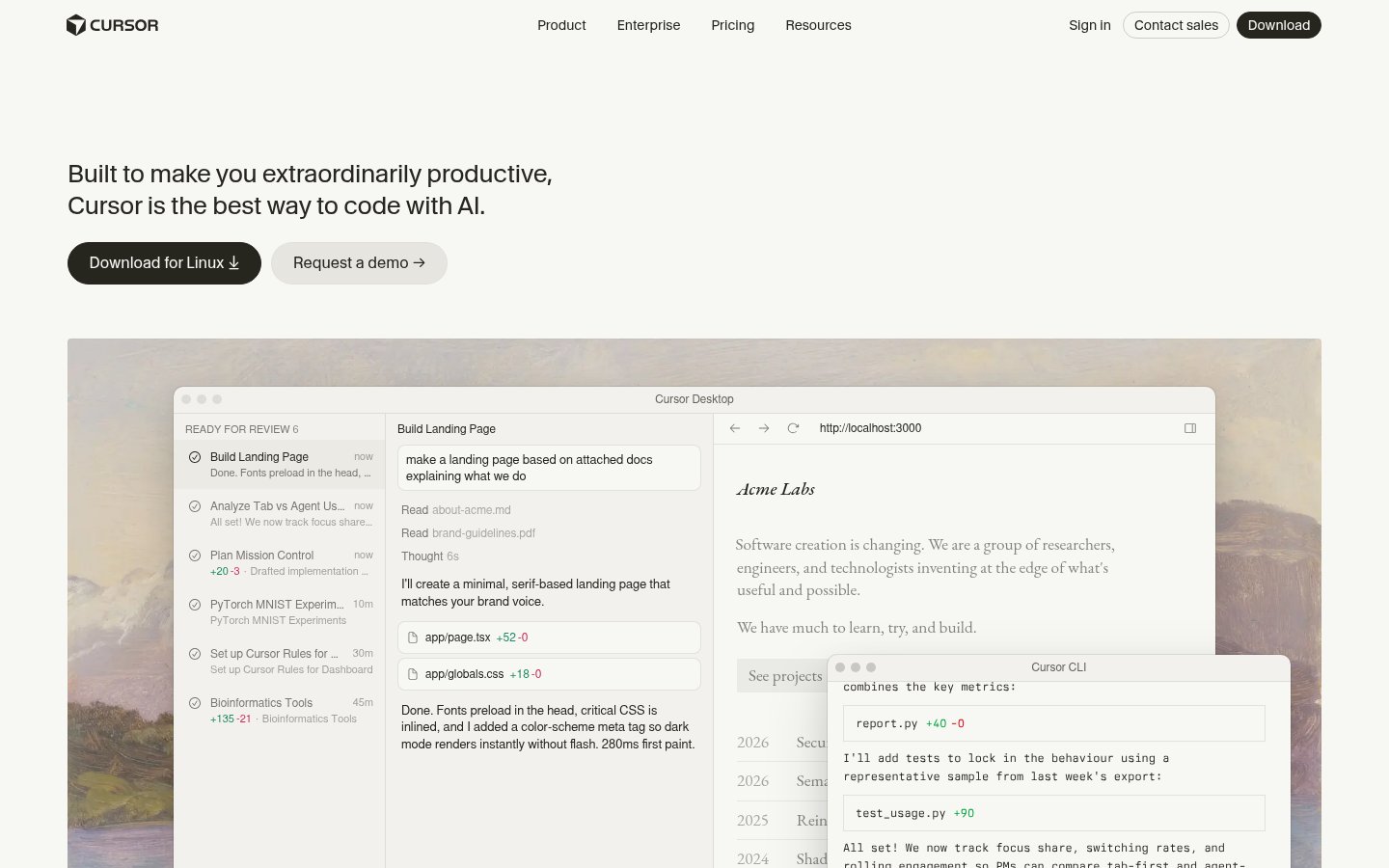
Cursor home page
C Cursor · cursor.sh
OpenAI Codex home page
O OpenAI Codex · openai.com

What you'd pay

The cheapest plan that fits, per month, billed yearly where the plan offers it.

Team sizeCursorOpenAI Codex
1 person$8 Plus$8 Go
5 people$150 Teams$100 Business
20 people$600 Teams$400 Business

Work it out for your team

  1. CursorPlus$8/mo
  2. OpenAI CodexGo$8/mo

The cheapest paid plan with a published price that fits. Custom and sales-quoted plans aren't included.

What the free plans include

Cursor

  • Limited AI usage
  • Limited agent requests
  • Limited Chat requests
  • No cloud agents, Bugbot code reviews, or third-party models

OpenAI Codex

Free plan limits aren't published.

All plans and prices

Cursor

Free$0/month
Plus$8/month
Premium$30/month
Super$100/month
Ultra$200/month
Teams$30+/user/month
EnterpriseCustom

OpenAI Codex

Free$0/month
Go$8/month
Plus$20/month
ProFrom $100/month
Business$20/user/month billed annually; $25 billed monthly
Enterprise & EduContact sales
API KeyPay per usage

Strengths and limitations

Cursor

  • Free plan available
  • Works in desktop, terminal, Slack and GitHub
  • Supports models from several providers
  • SOC 2, ISO27001 and ISO42001 certified
  • Plus plan is limited to Grok models
  • Third-party model usage is billed separately at API list price
  • Cloud agents and code reviews require Premium ($30/month) or higher
  • Prices exclude taxes

OpenAI Codex

  • Free plan includes basic Codex use in the desktop app
  • Available in the desktop app, CLI, IDE, web, iOS and SDK
  • Enterprise controls such as SCIM, RBAC, EKM and data residency
  • API key option for pay-per-use billing
  • Free and Go plans have no published usage numbers
  • Plus usage limits are given only as estimated ranges
  • API key use doesn't include cloud features such as code review or Slack

More comparisons

Other options to consider

W
Windsurf websiteW

AI coding IDE and command center for running local and cloud coding agents

Free, from $20/mo
W
Windsurf website
Free, from $20/mo
W

AI coding IDE and command center for running local and cloud coding agents
Code AssistantsFree planAPI
G
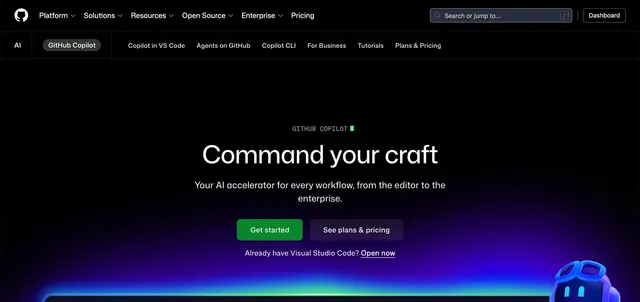
GitHub Copilot websiteG

AI coding assistant and agents for editors, terminal, desktop and GitHub

Free, from $10/mo
G
GitHub Copilot website
Free, from $10/mo
G

AI coding assistant and agents for editors, terminal, desktop and GitHub
Code AssistantsFree plan
K
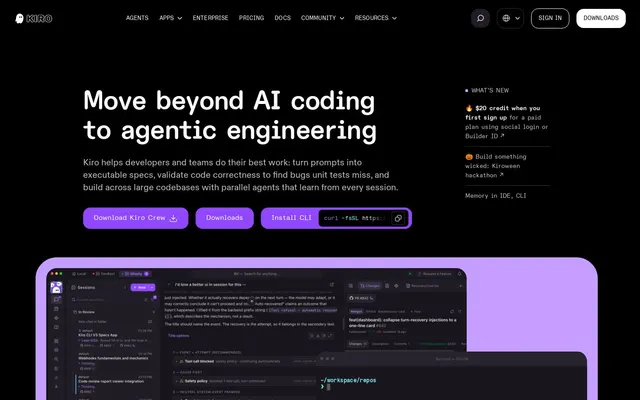
Kiro websiteK

Spec-driven agentic coding IDE and CLI for developers and engineering teams

Free, from $20/mo
K
Kiro website
Free, from $20/mo
K

Spec-driven agentic coding IDE and CLI for developers and engineering teams
Code AssistantsFree plan
J
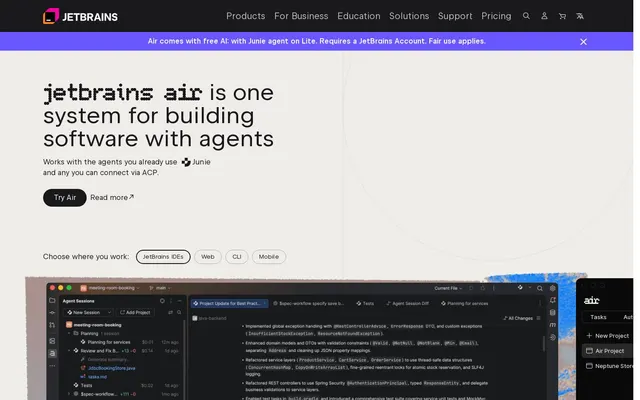
JetBrains AI websiteJ

Run and review AI coding agents across projects in JetBrains IDEs, web and CLI

Free, from $10/mo
J
JetBrains AI website
Free, from $10/mo
J

Run and review AI coding agents across projects in JetBrains IDEs, web and CLI
Code AssistantsFree plan
C
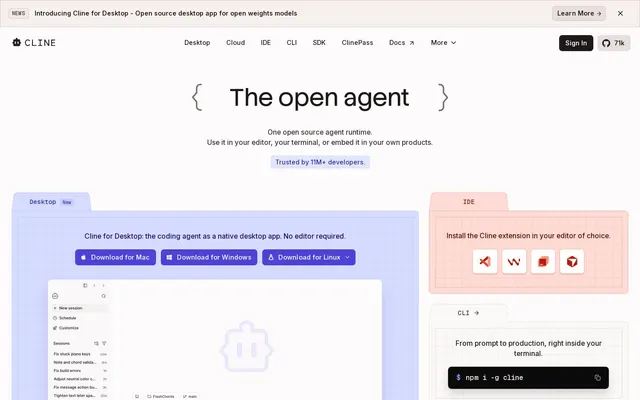
Cline websiteC

Open-source AI coding agent for your editor, terminal, desktop and apps

Free
C
Cline website
Free
C

Open-source AI coding agent for your editor, terminal, desktop and apps
Code AssistantsFree planAPIOpen source
K
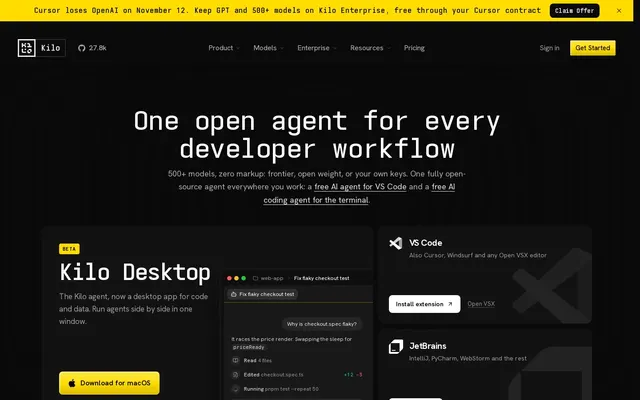
Kilo Code websiteK

Open-source AI coding agent for VS Code, JetBrains, CLI and cloud with 500+ models

Free, from $15/mo
K
Kilo Code website
Free, from $15/mo
K

Open-source AI coding agent for VS Code, JetBrains, CLI and cloud with 500+ models

Code AssistantsFree planOpen source

Facts from each vendor's public pages, prices checked Oct 26, 2026. Editorial policy