CGitHub Copilot vs OpenAI Codex
Pricing, features, platforms and who each one suits — side by side.
Choose GitHub Copilot if…

- you work on macOS, VS Code, JetBrains
- you're in its core audience: software developers, students and open source maintainers
Choose OpenAI Codex if…
- you want the lower entry price ($8/mo vs $10/mo)
- you need an API to build on
- you work on Slack
- you're in its core audience: software developers, engineering teams
Side by side
Key features
G GitHub Copilot
- Inline code completion and next edit suggestions
- Chat assistance in the IDE and on GitHub.com
- Agent mode for proposing and validating edits
- Cloud agents that work on issues in the background
- Third-party agents including Claude Code and Codex
- Choice of multiple LLMs
- AI code review on pull requests
- MCP server allow lists and audit logs
O OpenAI Codex
- Desktop app for local coding chats
- Command-line interface (CLI)
- IDE extension
- Cloud tasks through Codex on the web
- Automatic GitHub code review
- Slack integration
- SDK for scriptable workflows
- Works with an API key and pay-per-use billing
Plans and prices
From each vendor's site. Prices change — confirm before buying.
GitHub Copilot
OpenAI Codex
Strengths and limitations
GitHub Copilot
- Free plan with 2,000 completions a month, no credit card required
- Works in many editors plus the CLI, a desktop app and GitHub
- Supports third-party agents such as Claude Code and Codex
- Business plans include IP indemnity and governance controls
- Chat is only available in VS Code, JetBrains and Visual Studio, per the FAQ
- Free, Pro and Pro+ interactions may be used for model training unless you opt out
- Premium models such as Opus require the $39 Pro+ plan or higher
OpenAI Codex
- Free plan includes basic Codex use in the desktop app
- Available in the desktop app, CLI, IDE, web, iOS and SDK
- Enterprise controls such as SCIM, RBAC, EKM and data residency
- API key option for pay-per-use billing
- Free and Go plans have no published usage numbers
- Plus usage limits are given only as estimated ranges
- API key use doesn't include cloud features such as code review or Slack
More comparisons
Other options to consider
C
W

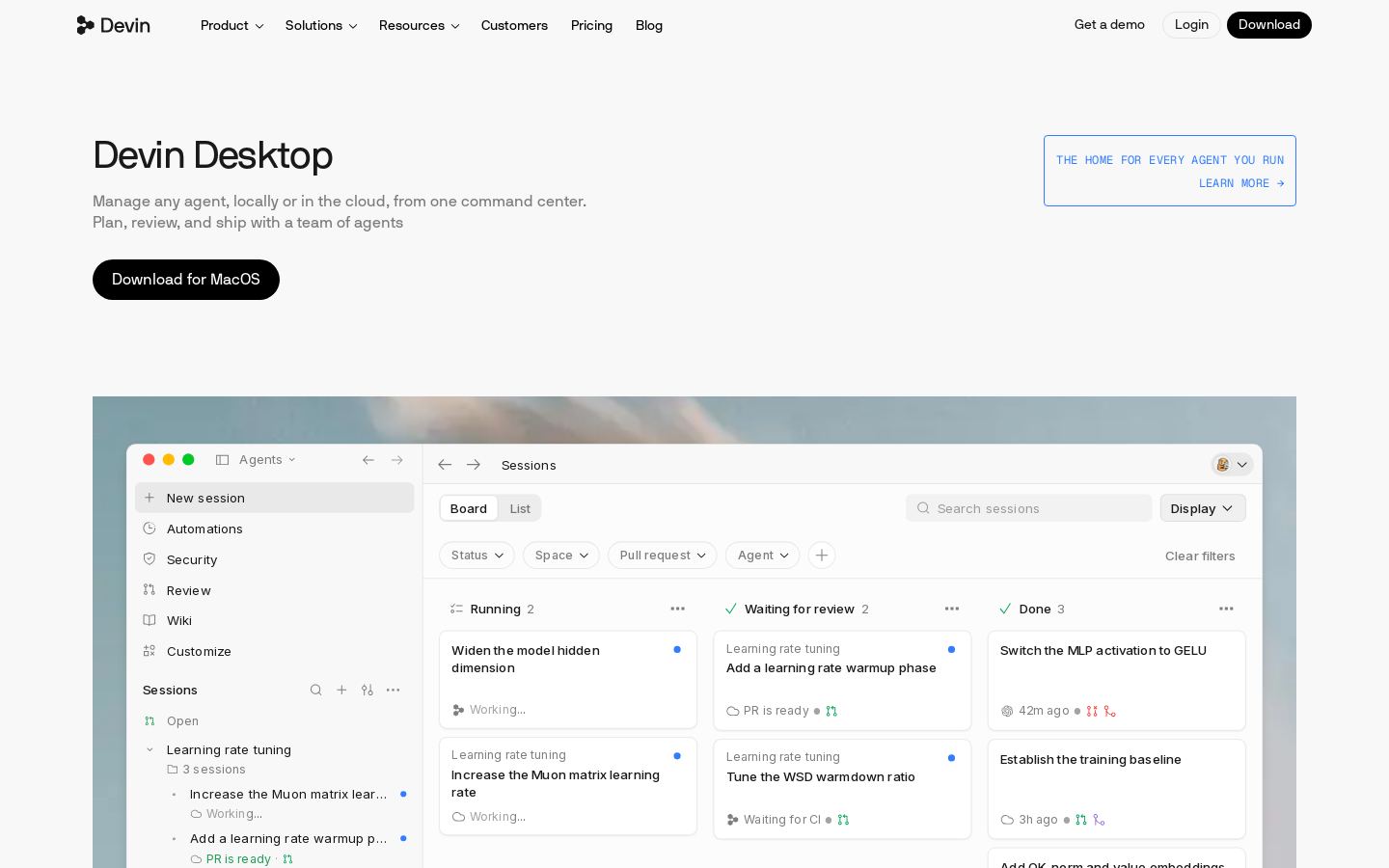
AI coding IDE and command center for running local and cloud coding agents
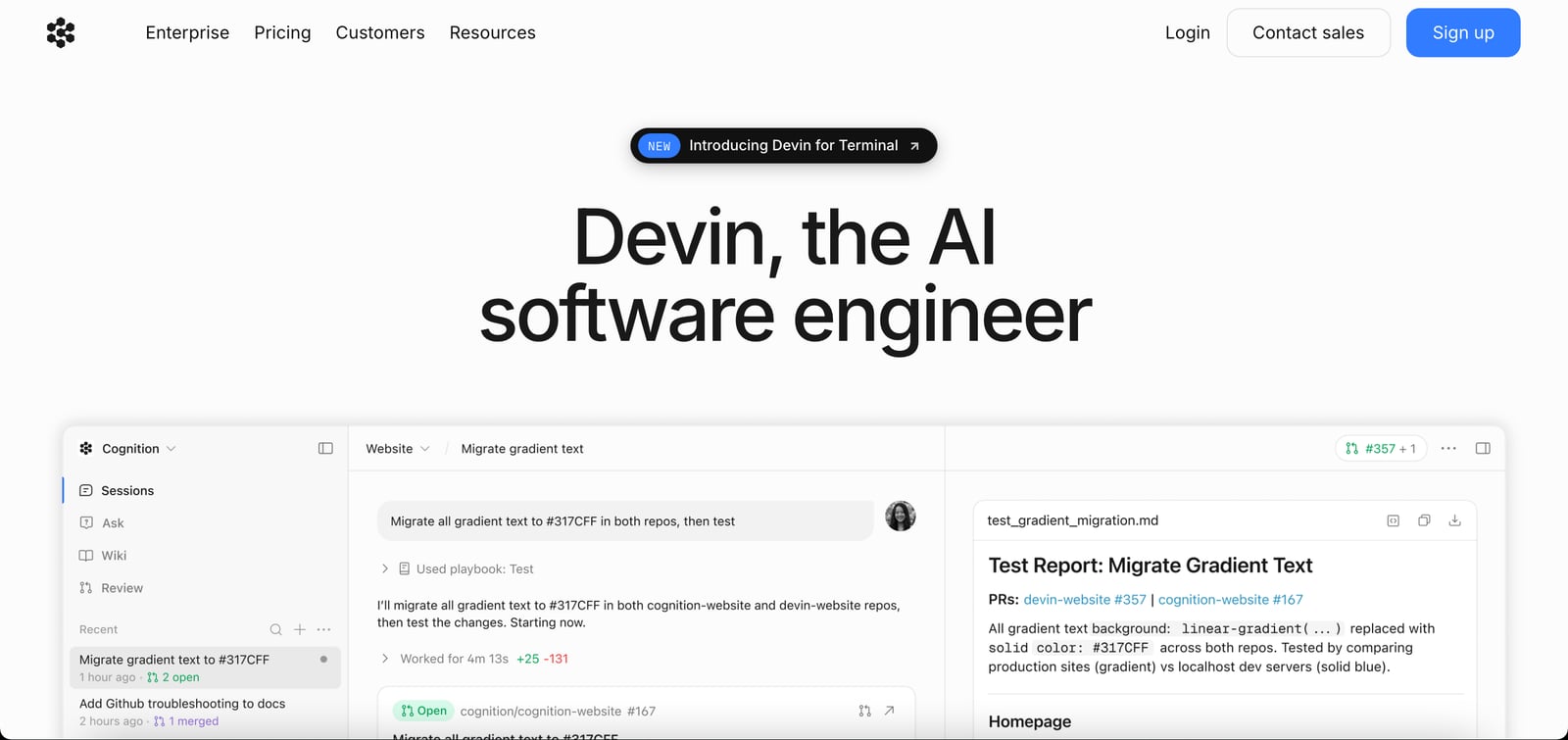
DAutonomous AI software engineer that writes, tests and reviews code to merge-ready PRs

Autonomous AI software engineer that writes, tests and reviews code to merge-ready PRs

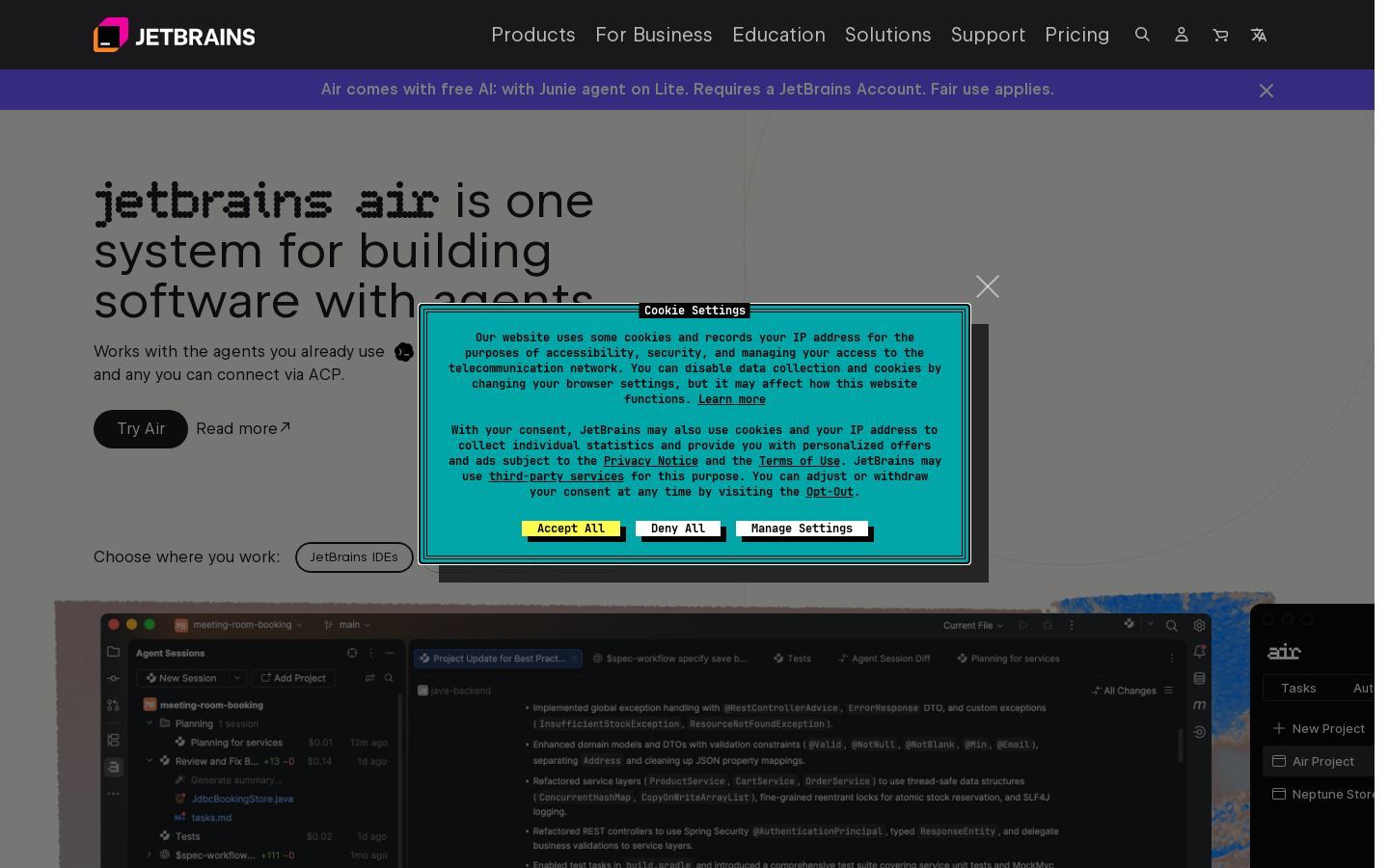
JRun and review AI coding agents across projects in JetBrains IDEs, web and CLI


Run and review AI coding agents across projects in JetBrains IDEs, web and CLI

K

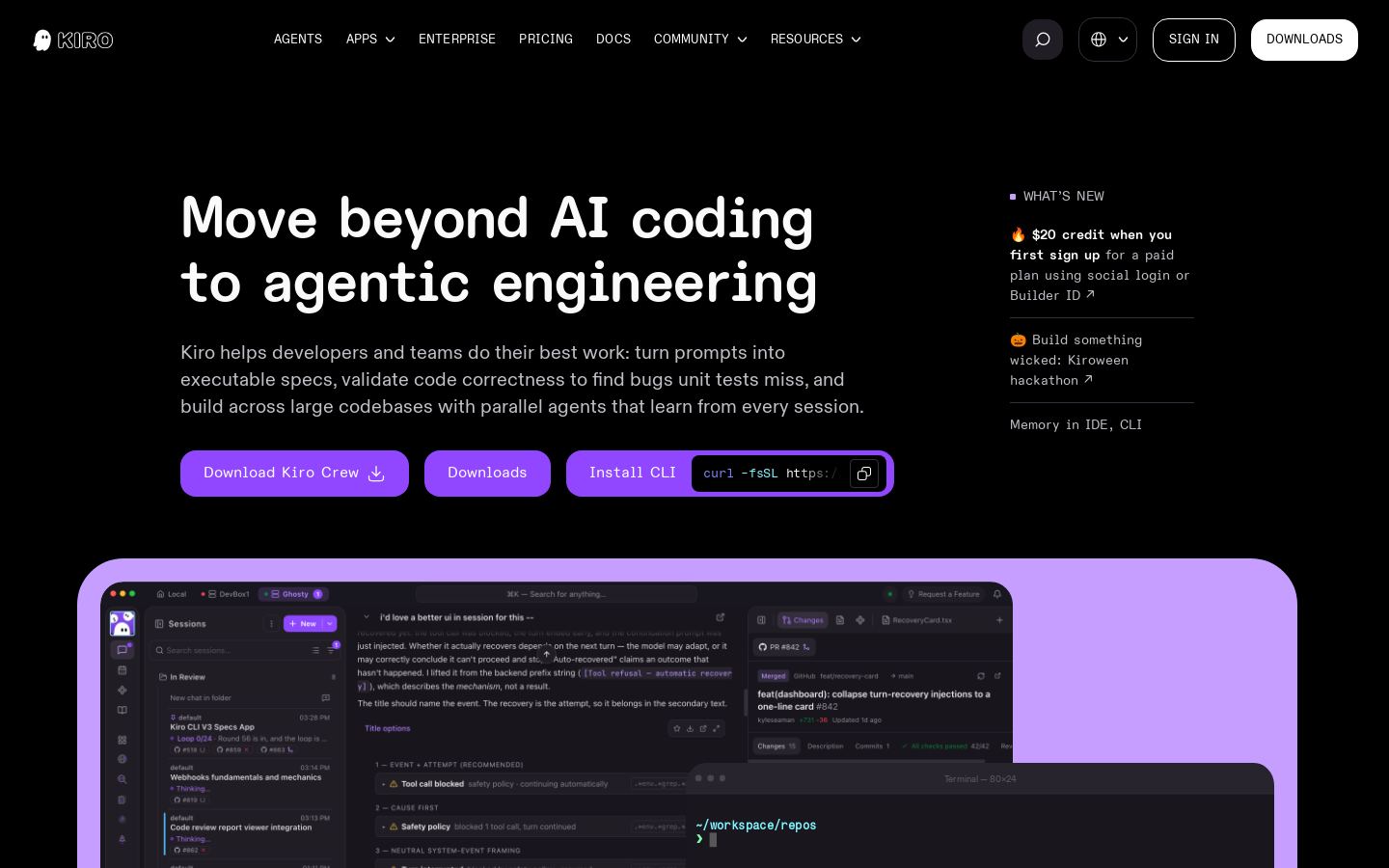
Spec-driven agentic coding IDE and CLI for developers and engineering teams

KOpen-source AI coding agent for VS Code, JetBrains, CLI and cloud with 500+ models


Open-source AI coding agent for VS Code, JetBrains, CLI and cloud with 500+ models
Built from each vendor's public website; we haven't tested them hands-on. Editorial policy