CDevin vs GitHub Copilot
Pricing, features, platforms and who each one suits — side by side.
Choose Devin if…
- you work on Windows, Linux, Slack
- you're in its core audience: software engineers, engineering teams
Choose GitHub Copilot if…
- you want the lower entry price ($10/mo vs $20/mo)
- you work on VS Code, JetBrains, iOS
- you're in its core audience: software developers, students and open source maintainers
Side by side
Key features
D Devin
- Autonomous coding through to merge-ready pull requests
- Codebase mapping with updated architecture diagrams
- Browser testing of its own builds with session recordings
- Parallel cloud agents for large tasks
- Code review for bugs and vulnerabilities
- Scheduled and trigger-based automations for CI failures and alerts
- Slack, Microsoft Teams, GitHub, Jira and Linear integrations
- Cloud, desktop and CLI with per-session VMs
G GitHub Copilot
- Inline code completion and next edit suggestions
- Chat assistance in the IDE and on GitHub.com
- Agent mode for proposing and validating edits
- Cloud agents that work on issues in the background
- Third-party agents including Claude Code and Codex
- Choice of multiple LLMs
- AI code review on pull requests
- MCP server allow lists and audit logs
Plans and prices
From each vendor's site. Prices change — confirm before buying.
Devin
GitHub Copilot
Strengths and limitations
Devin
- Free plan with unlimited inline edits and Tab completions
- Pro plan at $20/month includes frontier models and Devin Cloud
- SOC 2, ISO 27001 and FedRAMP certifications
- Works from Slack, Teams, Jira and Linear
- Free plan has a light quota and limited models
- Usage beyond quotas is billed at API pricing
- Teams plan adds an $80 team fee on top of seats
GitHub Copilot
- Free plan with 2,000 completions a month, no credit card required
- Works in many editors plus the CLI, a desktop app and GitHub
- Supports third-party agents such as Claude Code and Codex
- Business plans include IP indemnity and governance controls
- Chat is only available in VS Code, JetBrains and Visual Studio, per the FAQ
- Free, Pro and Pro+ interactions may be used for model training unless you opt out
- Premium models such as Opus require the $39 Pro+ plan or higher
More comparisons
Other options to consider
C
OOpenAI's coding agent for the desktop, CLI, IDE, web and iOS, included in ChatGPT plans

OpenAI's coding agent for the desktop, CLI, IDE, web and iOS, included in ChatGPT plans

W

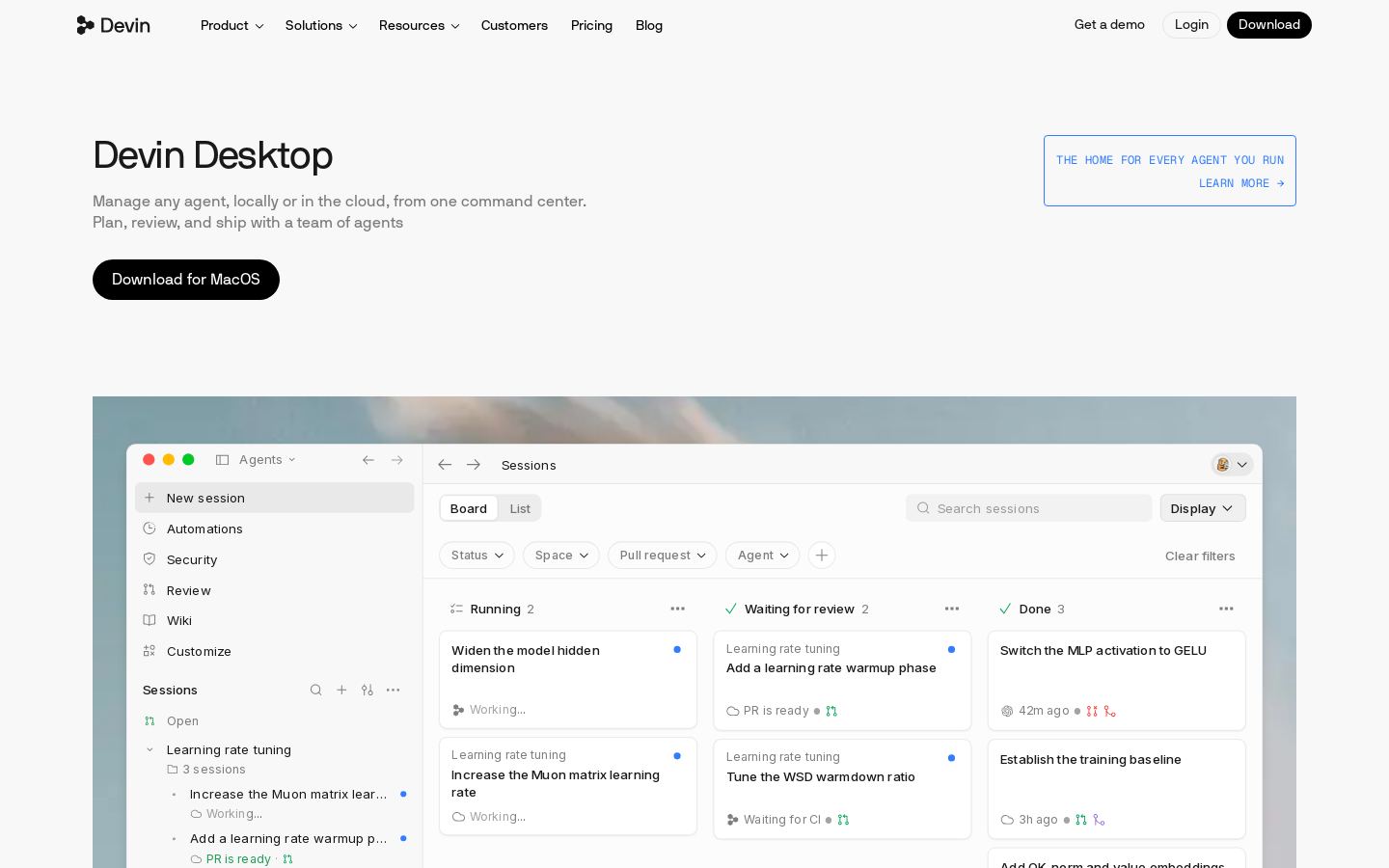
AI coding IDE and command center for running local and cloud coding agents

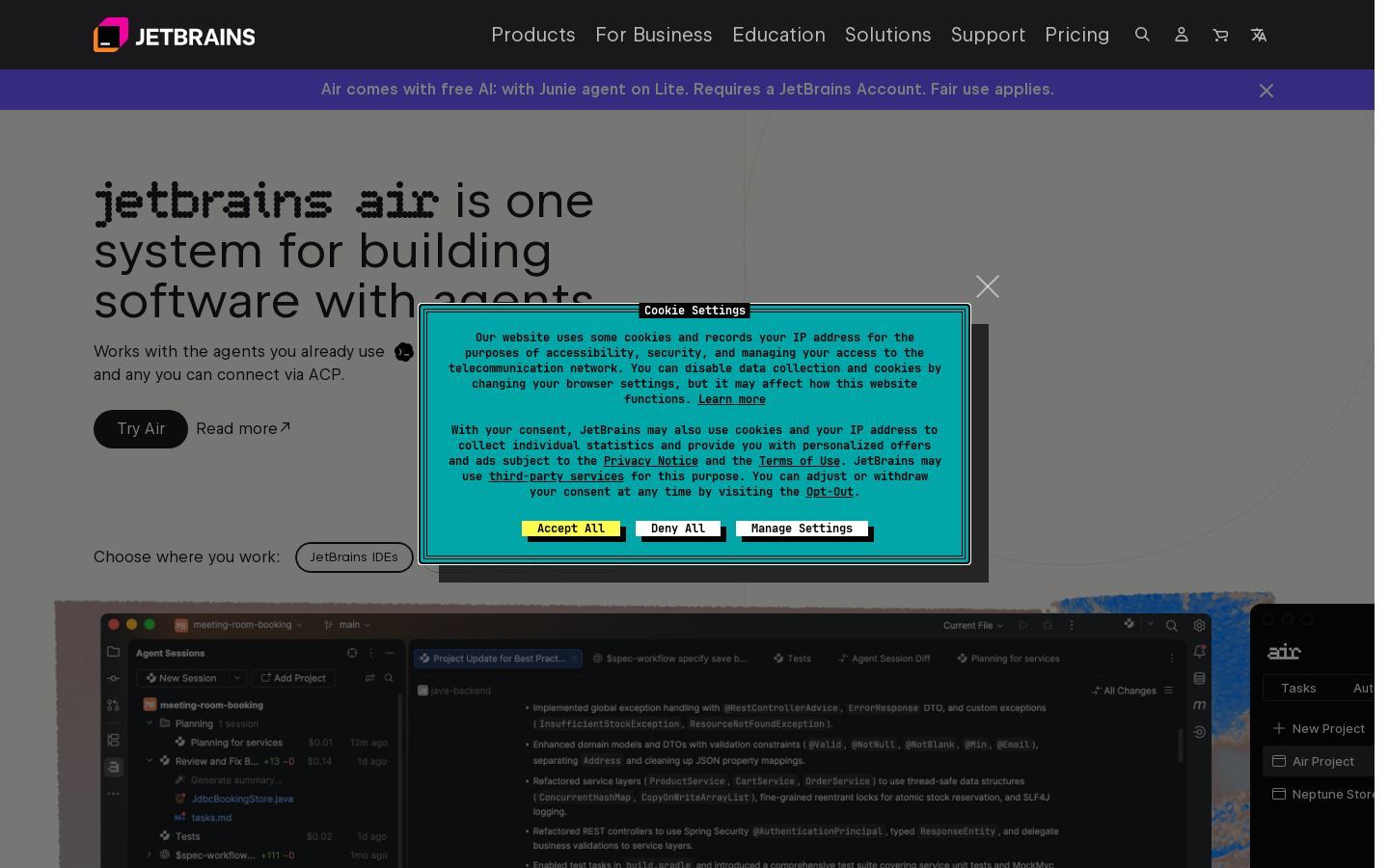
JRun and review AI coding agents across projects in JetBrains IDEs, web and CLI


Run and review AI coding agents across projects in JetBrains IDEs, web and CLI

K

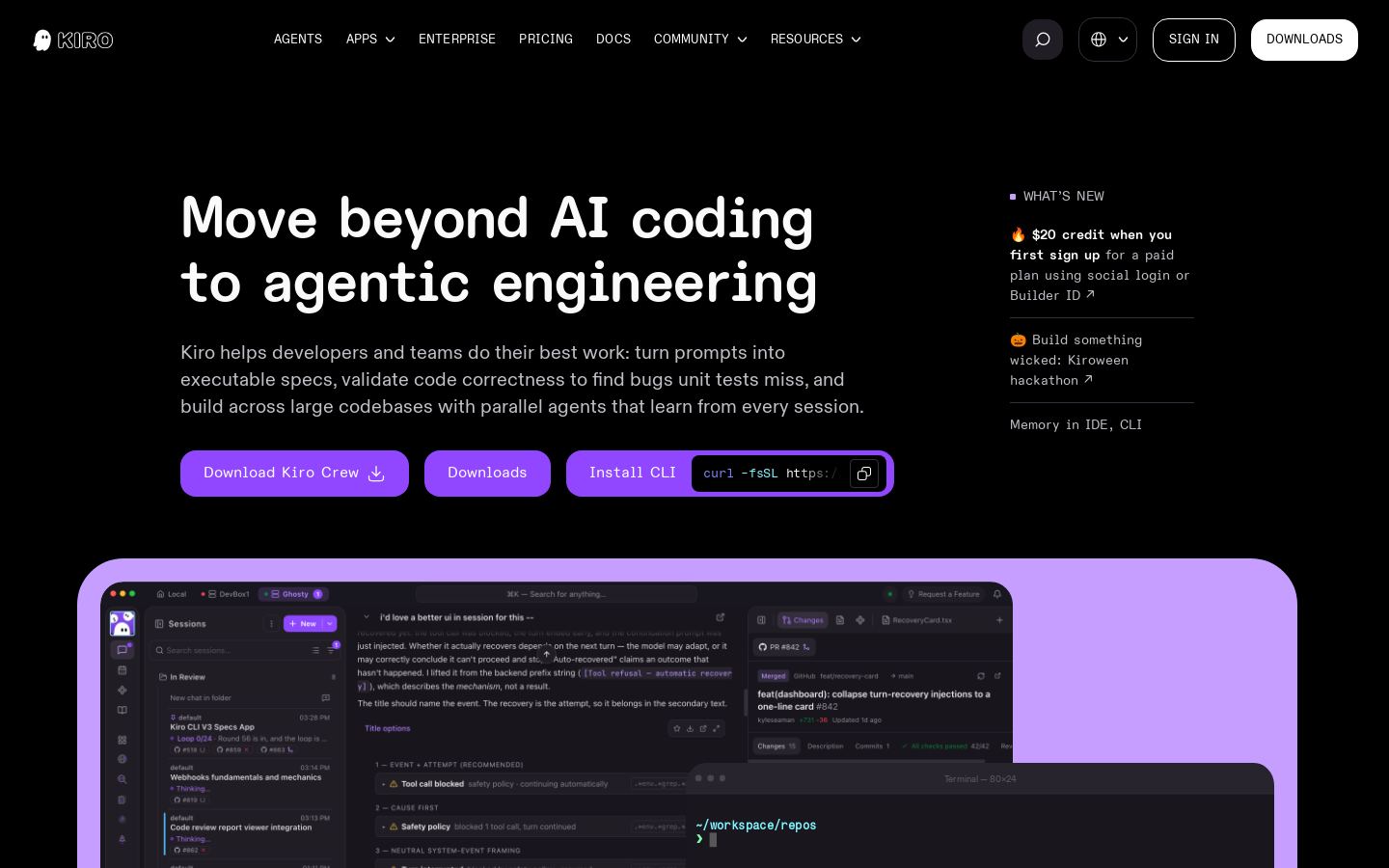
Spec-driven agentic coding IDE and CLI for developers and engineering teams

KOpen-source AI coding agent for VS Code, JetBrains, CLI and cloud with 500+ models


Open-source AI coding agent for VS Code, JetBrains, CLI and cloud with 500+ models
Built from each vendor's public website; we haven't tested them hands-on. Editorial policy