C
 CC

 G
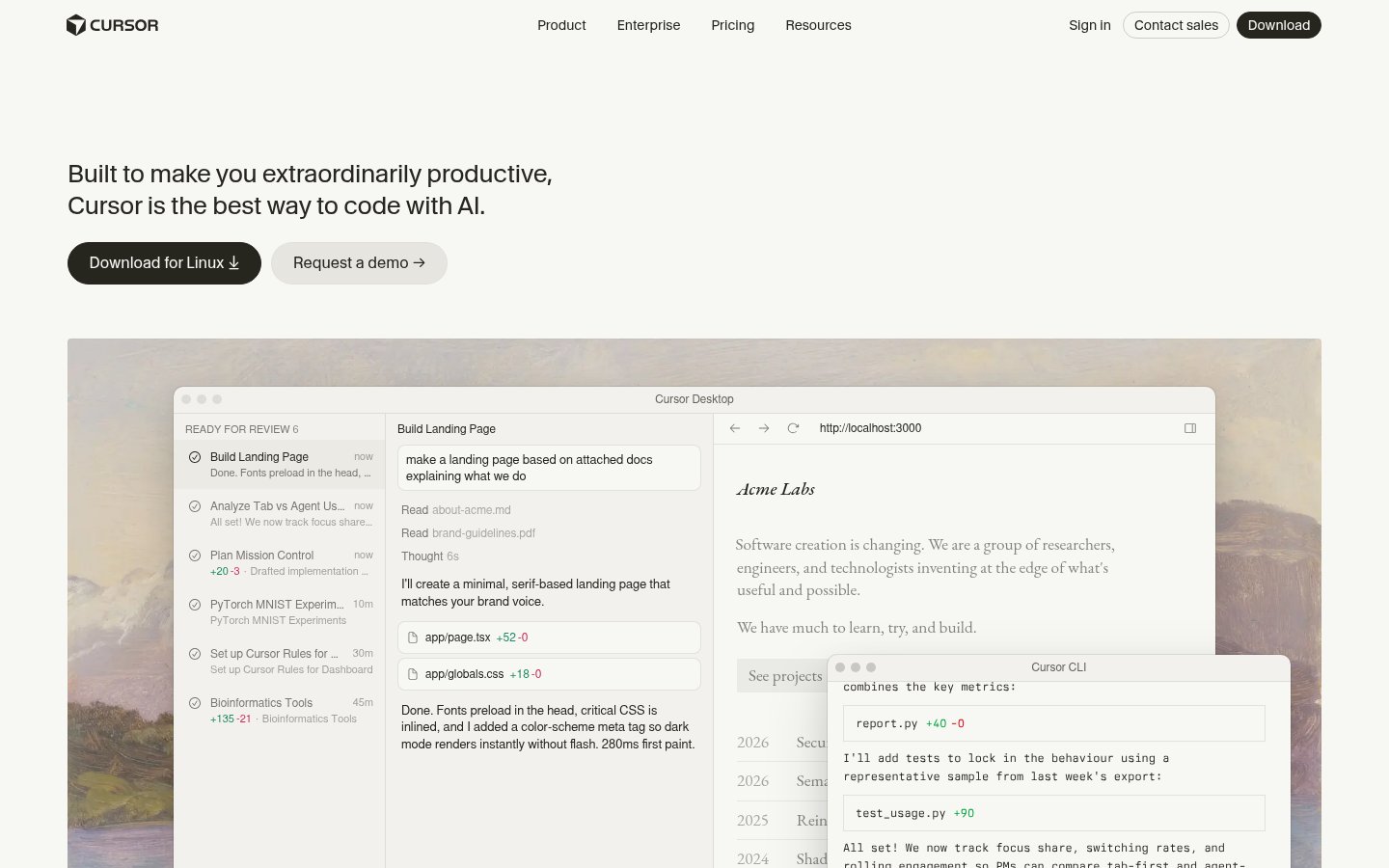
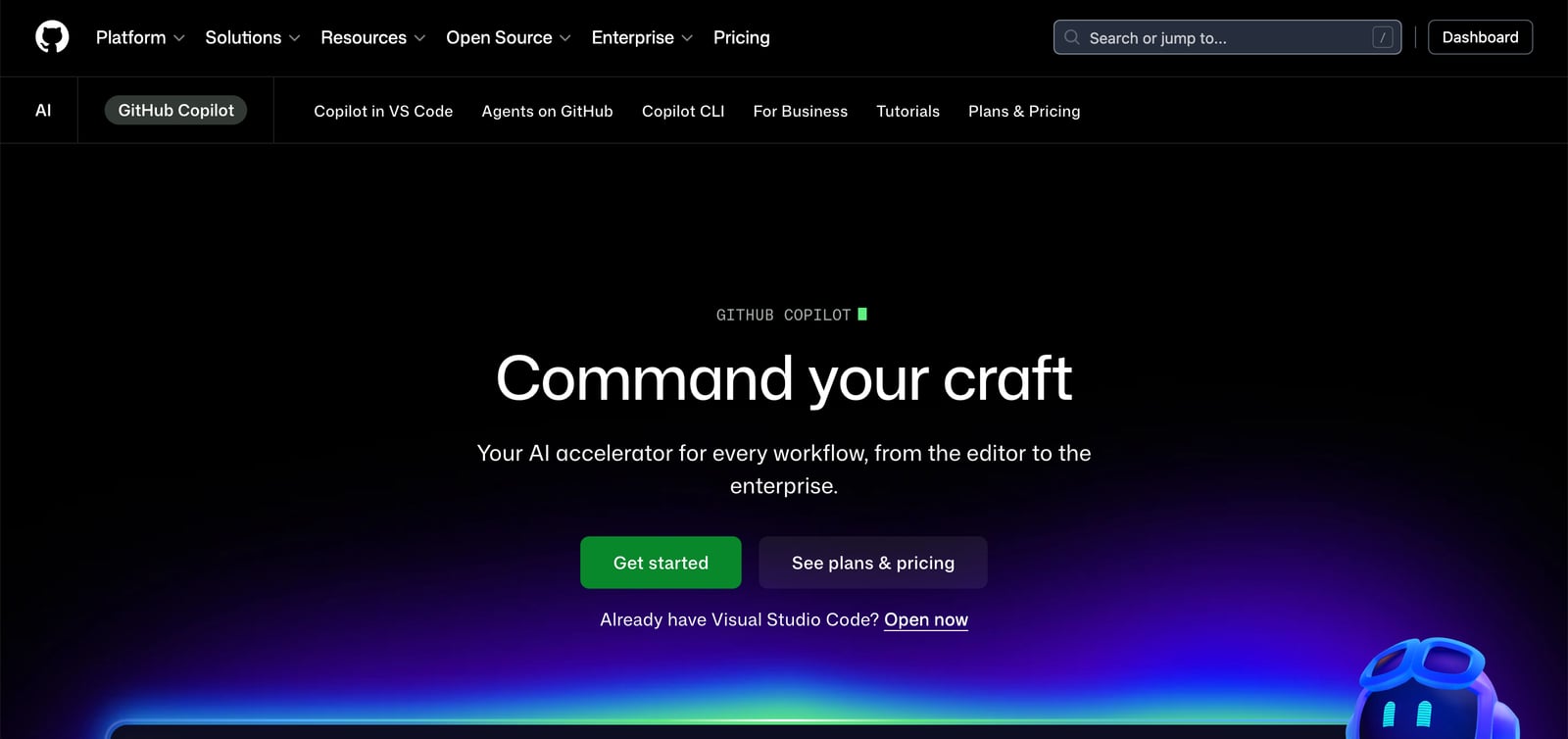
AI coding assistant and agents for editors, terminal, desktop and GitHub
AI coding assistant and agents for editors, terminal, desktop and GitHub

 O
OpenAI's coding agent for the desktop, CLI, IDE, web and iOS, included in ChatGPT plans
OpenAI's coding agent for the desktop, CLI, IDE, web and iOS, included in ChatGPT plans

 D
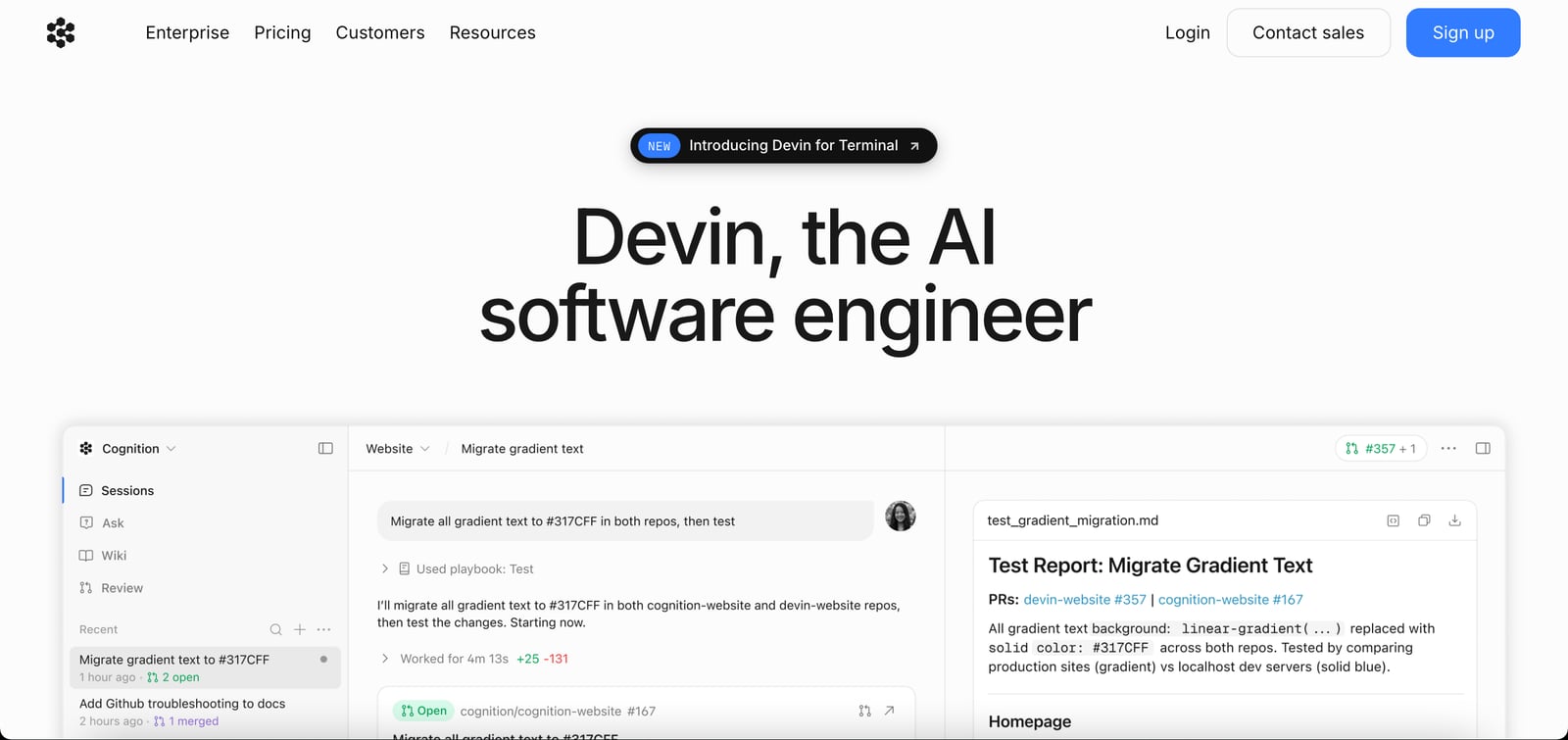
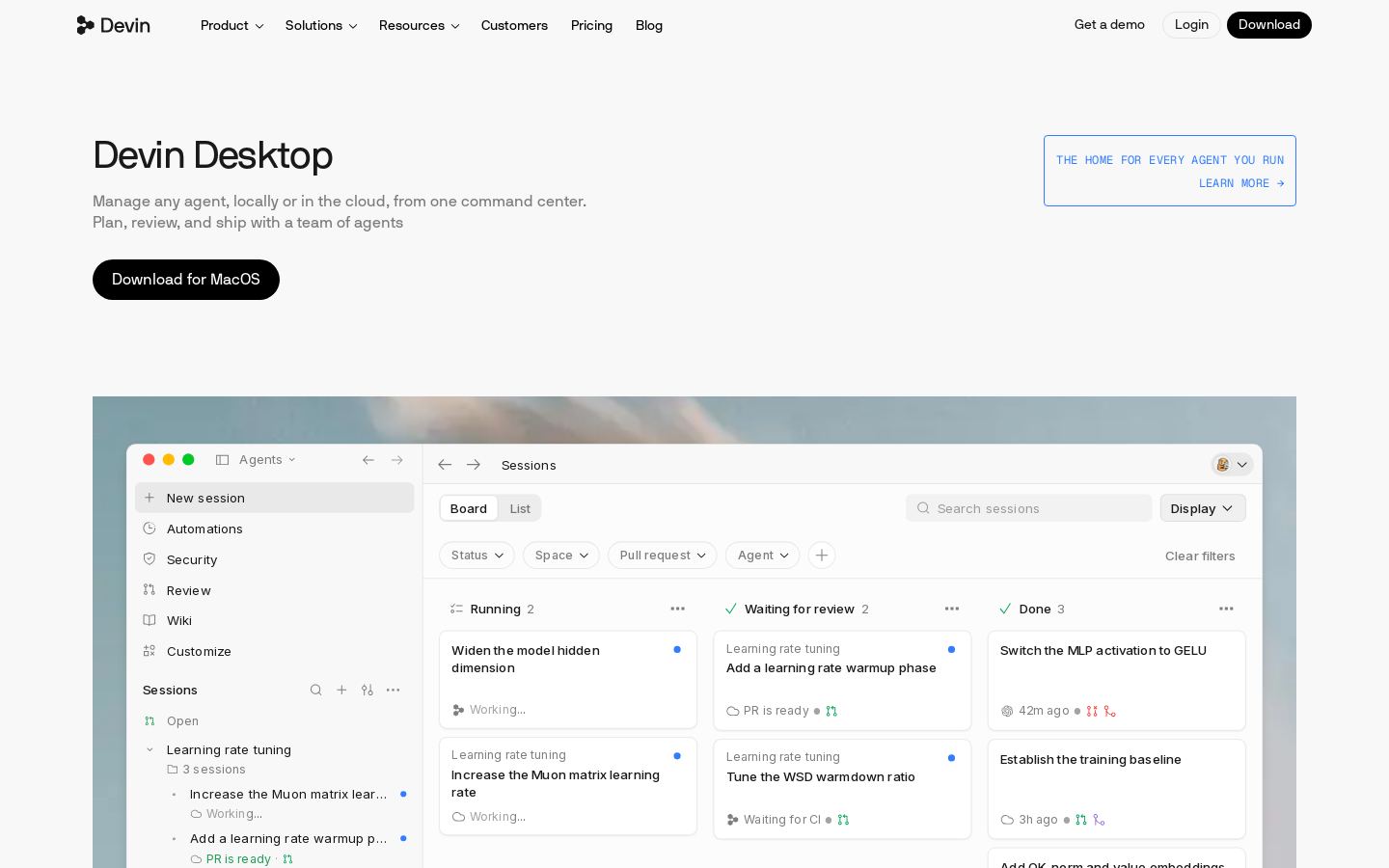
Autonomous AI software engineer that writes, tests and reviews code to merge-ready PRs
Autonomous AI software engineer that writes, tests and reviews code to merge-ready PRs

 W
AI coding IDE and command center for running local and cloud coding agents

 J
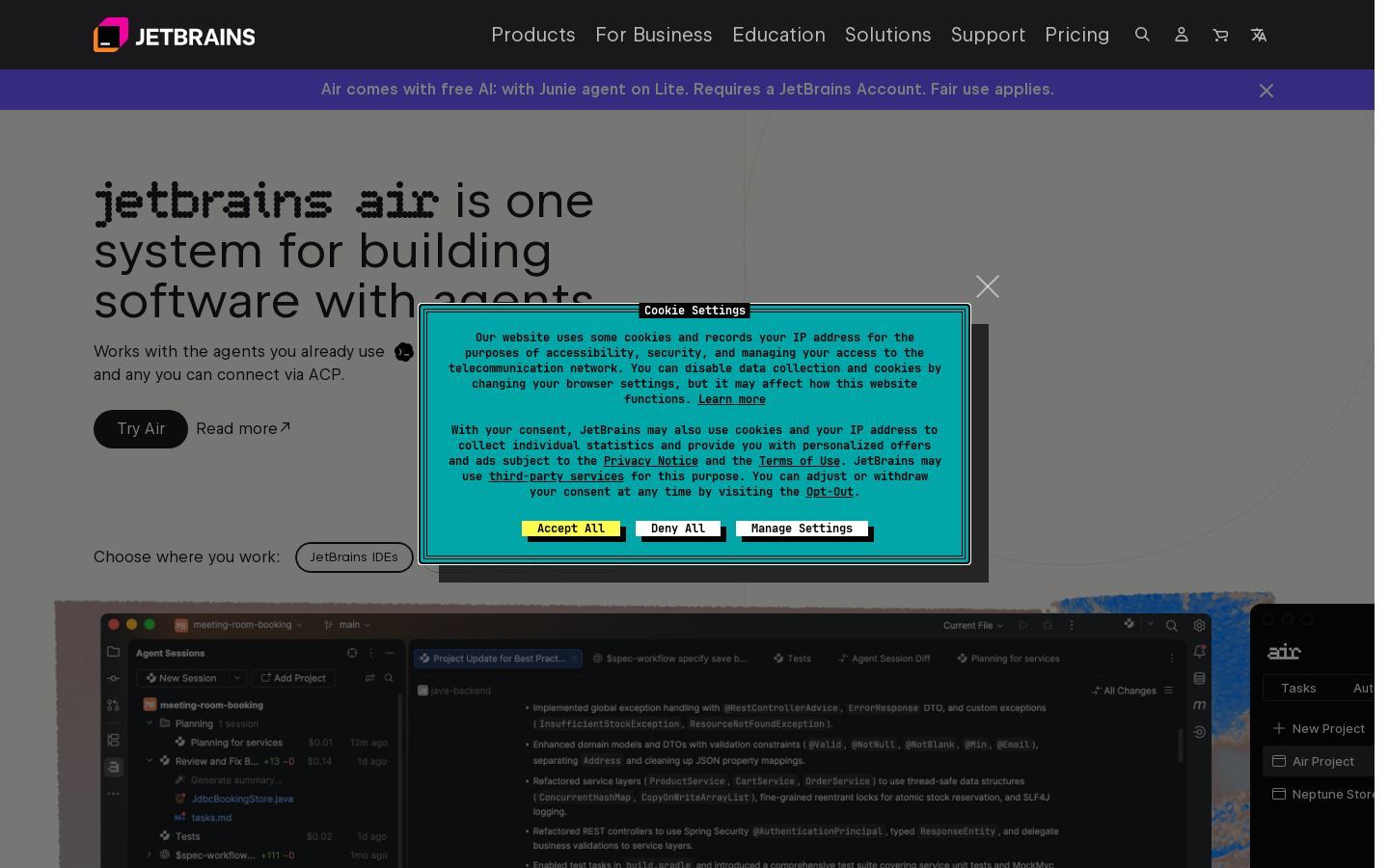
Run and review AI coding agents across projects in JetBrains IDEs, web and CLI
Run and review AI coding agents across projects in JetBrains IDEs, web and CLI

 K
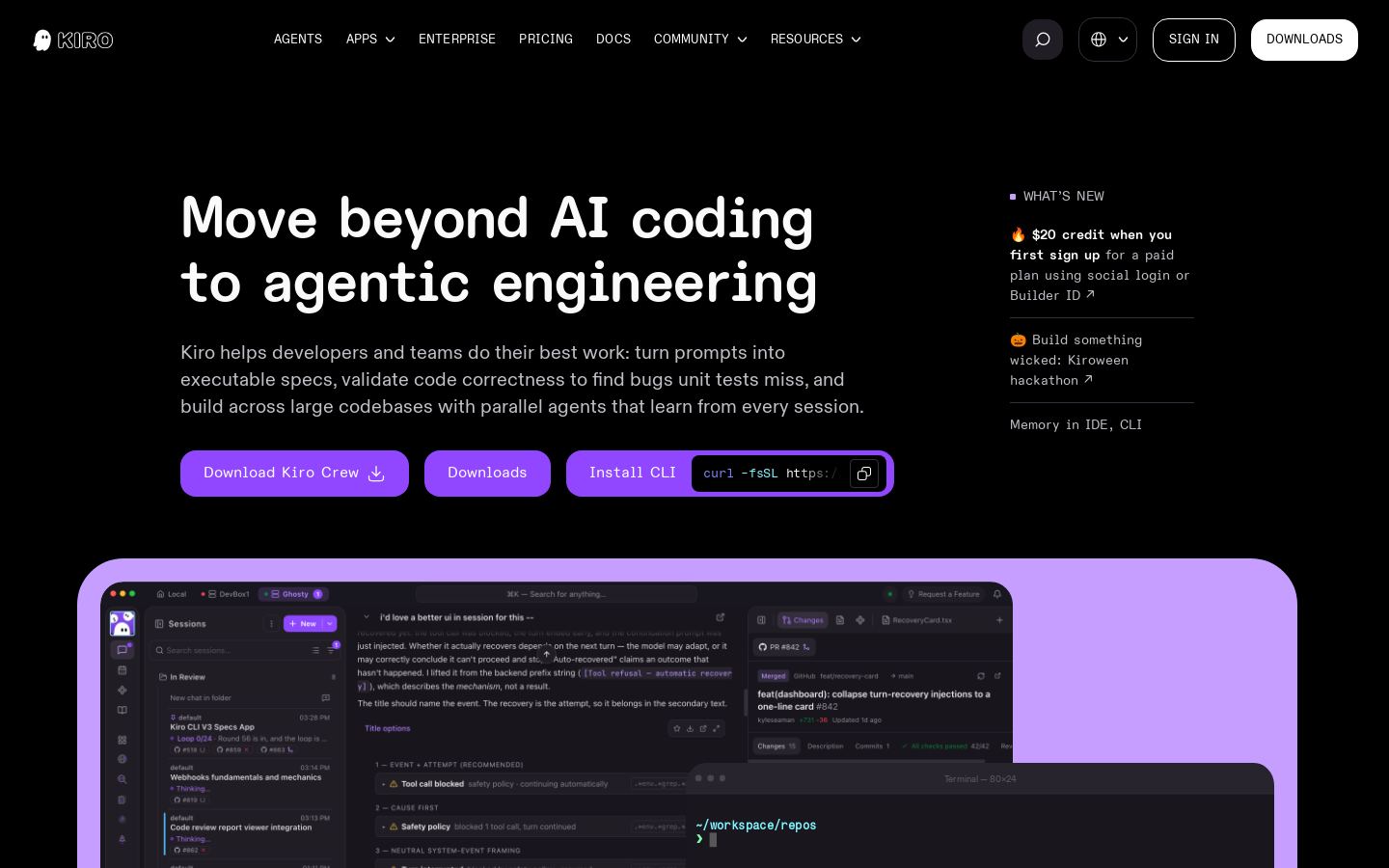
Spec-driven agentic coding IDE and CLI for developers and engineering teams

 A
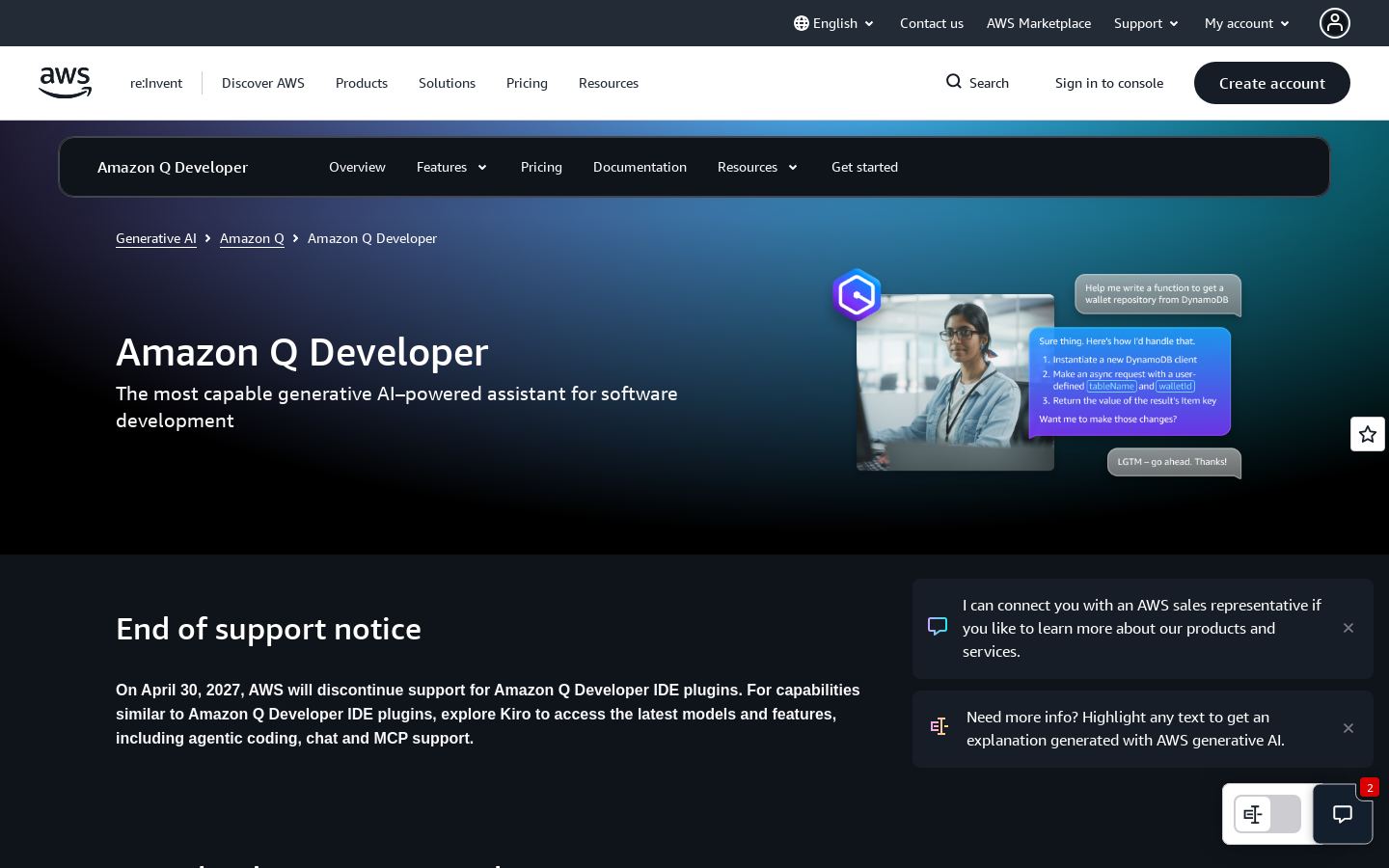
AI coding assistant for AWS developers in the IDE, CLI and AWS Console
AI coding assistant for AWS developers in the IDE, CLI and AWS Console

 K
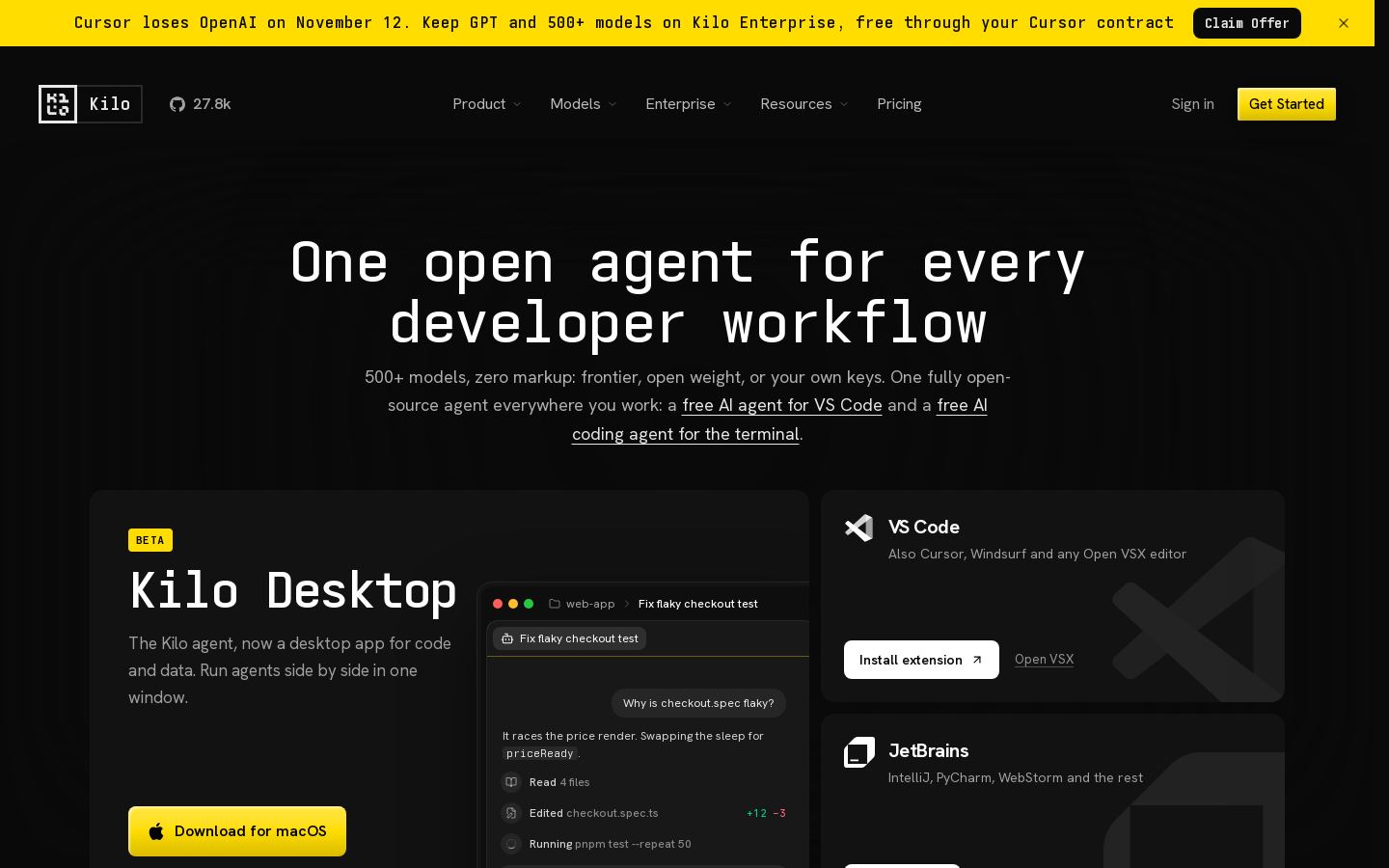
Open-source AI coding agent for VS Code, JetBrains, CLI and cloud with 500+ models
Open-source AI coding agent for VS Code, JetBrains, CLI and cloud with 500+ models
From each vendor's own pages, re-checked every two months. Of 9 tools we checked, 0 of 1 that state a policy don't train AI on your content, and 2 hold SOC 2 or ISO 27001.
All nine tools listed here are freemium, so having a free entry point won't narrow the list. These four differences will:
We haven't tested these tools, so try them on your own code before committing.
All nine tools listed here are freemium, including GitHub Copilot, Cursor and Kilo Code. Free plan limits aren't covered in our list, so check each tool's pricing page. Kilo Code is also the only open-source option listed.
Paid plans start between $8/mo and $20/mo. OpenAI Codex and Cursor start at $8/mo, GitHub Copilot and JetBrains AI at $10/mo, Kilo Code at $15/mo, Amazon Q Developer at $19/mo, and Windsurf, Kiro and Devin at $20/mo.
Look at how much work you want the tool to handle on its own, whether it fits your editor and platforms, what the paid plan costs, and whether you need an API or open-source code. For example, Devin is described as working through to merge-ready PRs, while Kilo Code is open source and lists self-hosting.
Cursor starts lower at $8/mo, compared with $10/mo for Copilot. JetBrains AI also starts at $10/mo and is built around running and reviewing agents. Kilo Code is an open-source alternative for VS Code and JetBrains, and Amazon Q Developer is aimed at AWS developers.