F
 F
Meeting notes or dictation-first
The short answer
I'd pick Otter.ai if your work happens in meetings. It has a 300-minute free plan, CRM sync to Salesforce and HubSpot, and recording on web, mobile and Chrome. I'd pick Wispr Flow if you mostly write. It dictates clean text into any app in 100+ languages, includes a bot-free Notetaker on Mac and Windows, and has SOC 2 Type II, ISO 27001 and HIPAA compliance.
 Stanislav Vovchyk · updated Nov 5, 2026 · prices checked Oct 26, 2026
Choose Otter.ai if…

Choose Wispr Flow if…
Typical jobs costed on each tool's cheapest plan that covers them, from the plan limits each vendor publishes.
| Job | Otter.ai | Wispr Flow |
|---|---|---|
| One person transcribing about 20 hours of meetings a month | $8.33/moPro1,200 minutes a user covers 20 hours; billed annually | $26/moGrowth with unlimited NotetakerCheapest tier with unlimited Notetaker listed; billed annually |
| A 5-person team that needs SSO | QuoteEnterpriseSSO is Enterprise-only and needs at least 100 users; custom quote | $90/moGrowthSAML SSO included; $18 x 5 seats, billed annually |
O Otter.ai
W Wispr Flow
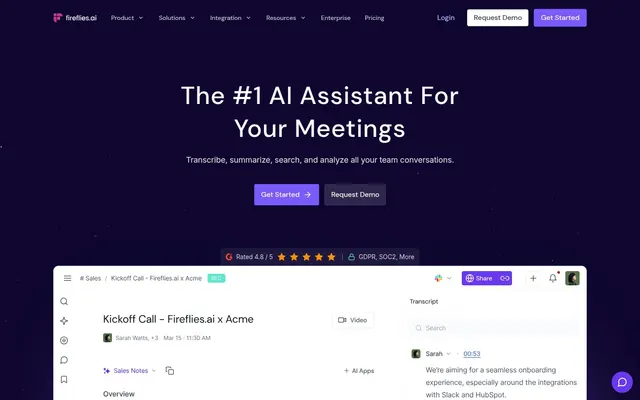
What each vendor shows first: the pitch, the plans and the sign-up.
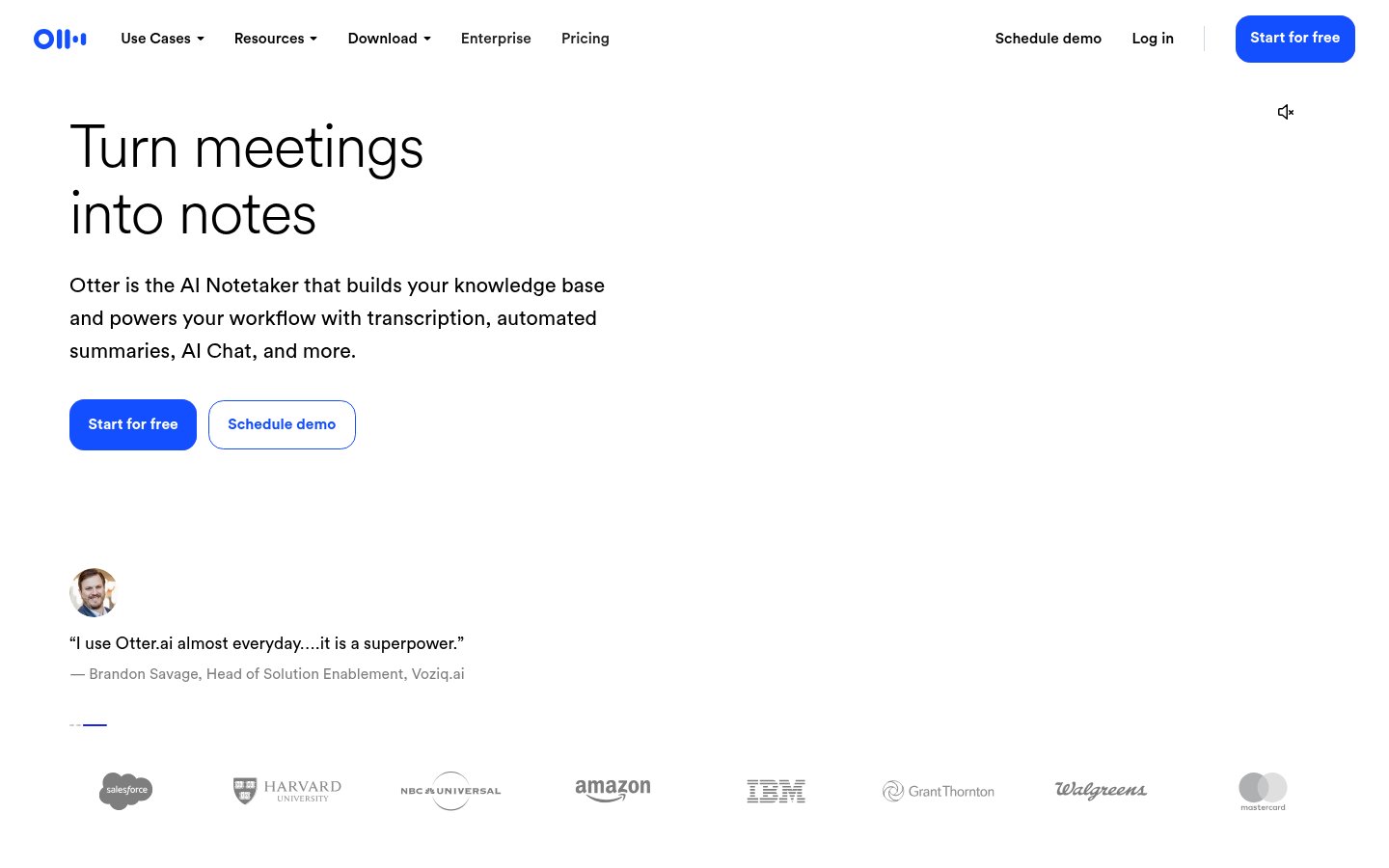 Otter.ai · otter.ai
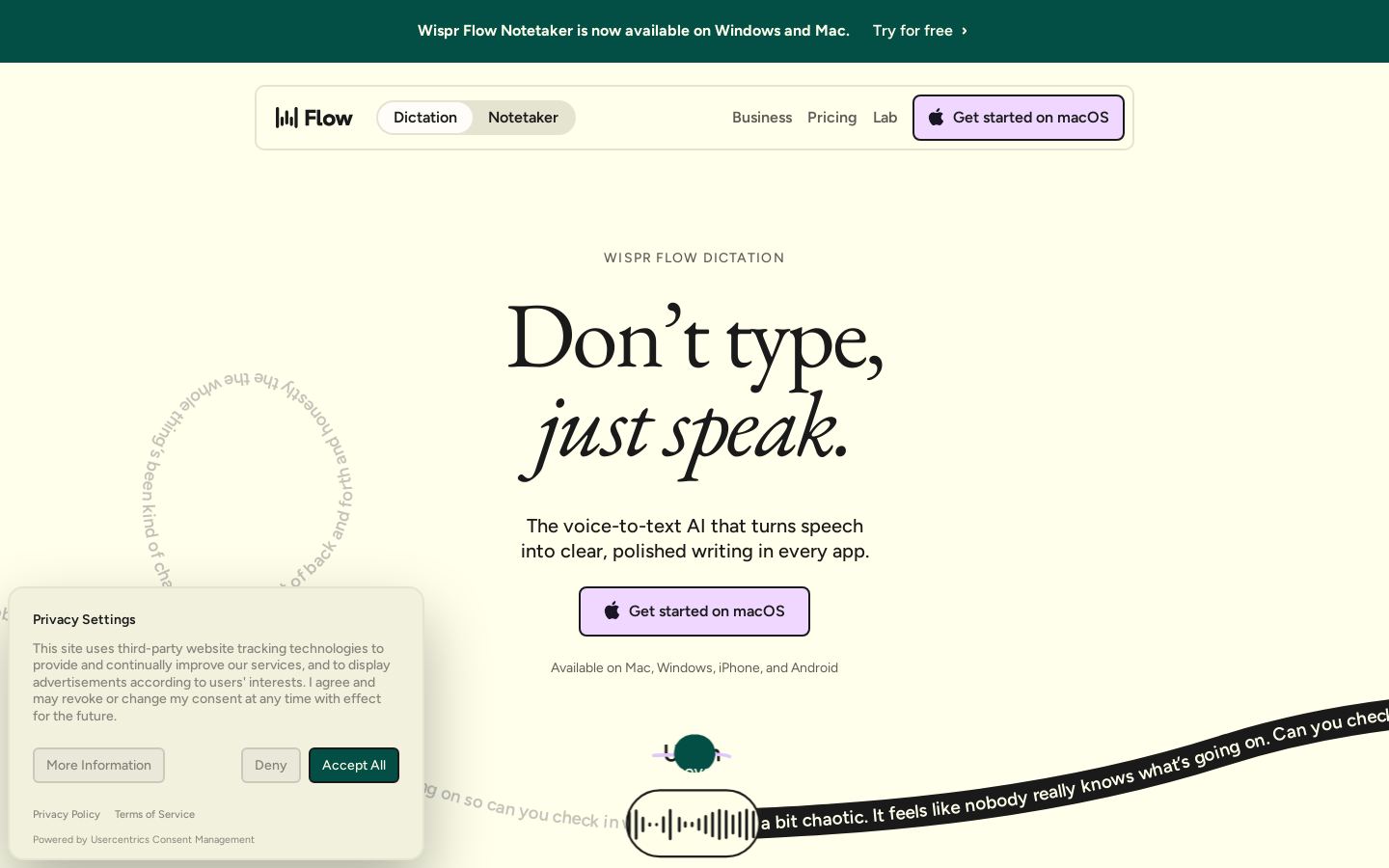 Wispr Flow · wisprflow.ai
The cheapest plan that fits, per month, billed yearly where the plan offers it.
| Team size | Otter.ai | Wispr Flow |
|---|---|---|
| 1 person | $8.33 Pro | $12 Pro |
| 5 people | $99.95 Business | $60 Pro |
| 20 people | $399.80 Business | $240 Pro |
Work it out for your team
The cheapest paid plan with a published price that fits. Custom and sales-quoted plans aren't included.
What the free plans include
Otter.ai
Wispr Flow
Otter.ai
Wispr Flow
Partly. Every Wispr Flow subscription includes Wispr Notetaker. It records on Mac or Windows without a bot and produces speaker-labeled transcripts, summaries and next steps. It has no mobile meeting recording and no listed CRM sync, and Otter has both.
Yes, with both tools. Otter records bot-free from its Mac and Windows desktop app and can also send a bot to Zoom, Teams and Meet. Wispr Notetaker is bot-free only and runs on Mac and Windows.
Yes. Both offer MCP access, so ChatGPT, Claude and similar assistants can read your meeting data or notes. Otter also has its own AI Chat for questions across past meetings, with 20 queries per user on the free plan.
Yes. Otter lists a free trial, and its Basic plan is free forever with 300 minutes a month. Wispr Flow lists no trial, but its free plan needs no credit card and allows 2,000 words a week on desktop.
FAI notetaker that records, transcribes and summarizes team meetings

 F
AI notetaker that records, transcribes and summarizes Zoom, Meet and Teams calls
AI notetaker that records, transcribes and summarizes Zoom, Meet and Teams calls

 N
AI meeting notetaker that transcribes, summarizes and builds slides from calls
AI meeting notetaker that transcribes, summarizes and builds slides from calls

 T
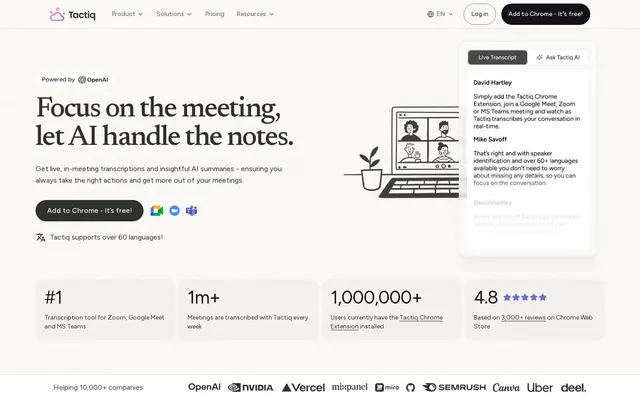
Bot-free AI transcripts and summaries for Google Meet, Zoom and Teams meetings
Bot-free AI transcripts and summaries for Google Meet, Zoom and Teams meetings

 J
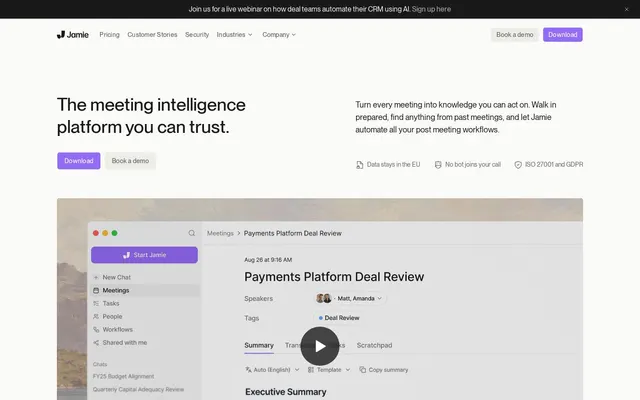
Bot-free AI meeting notes for online and in-person meetings, hosted in the EU

 G
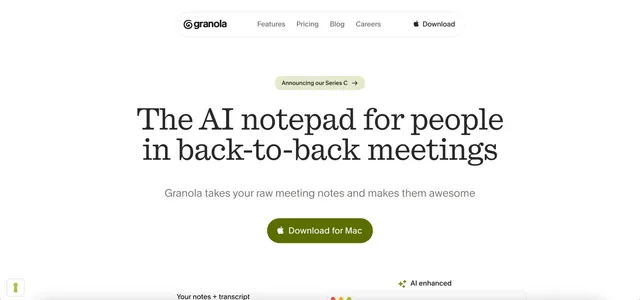
Bot-free AI notepad that turns your meeting notes into summaries and actions
Bot-free AI notepad that turns your meeting notes into summaries and actions
Facts from each vendor's public pages, prices checked Oct 26, 2026. Editorial policy