SSaneBox vs Screenpipe
Pricing, features, platforms and who each one suits — side by side.

Choose SaneBox if…

- you want the lower entry price ($7/mo vs $21/mo)
- you want to trial it before paying
- you work on Web, iOS, Android
- you're in its core audience: professionals with high email volume, individuals with multiple email accounts
Choose Screenpipe if…
- you want a free plan to start with
- you need an API to build on
- you want open source you can self-host or audit
- you work on macOS, Windows, Linux
- you're in its core audience: knowledge workers, developers building ai agents
Side by side
Key features
S
SaneBox
- Automatic sorting of unimportant email out of the inbox
- BlackHole to banish unwanted senders
- Daily Digest of unread, less important email
- Reply-tracking reminders and reminders to yourself
- Snooze emails until later
- One-click unsubscribe
- Works with Gmail, Microsoft 365, iCloud, Yahoo, Fastmail, IMAP, Exchange
S
Screenpipe
- Screen capture via accessibility data with OCR fallback
- Audio and meeting transcription
- Search and recall through past screen history
- Local database, REST API and MCP server
- Exclude apps, windows or URLs from capture
- On-device redaction of sensitive fields
- Workflow discovery across apps
- Integrations with Slack, Notion and GitHub
Plans and prices
From each vendor's site. Prices change — confirm before buying.
SaneBox
Screenpipe
Strengths and limitations
SaneBox
- 7-day free trial, no credit card required
- Works with existing providers, no download needed
- 25% discount for education, non-profit and government
- Says it does not sell user data or show ads
- No free plan
- Snack plan covers only one account and two features
- Lunch and Dinner prices not stated on the help pages
Screenpipe
- Free plan for one device with local capture
- Raw history stays local by default
- Source-available code on GitHub
- Runs on macOS, Windows and Linux
- Free plan limited to one device
- Shared team context only on Enterprise
- No mobile apps listed
More comparisons
Other options to consider
S
S
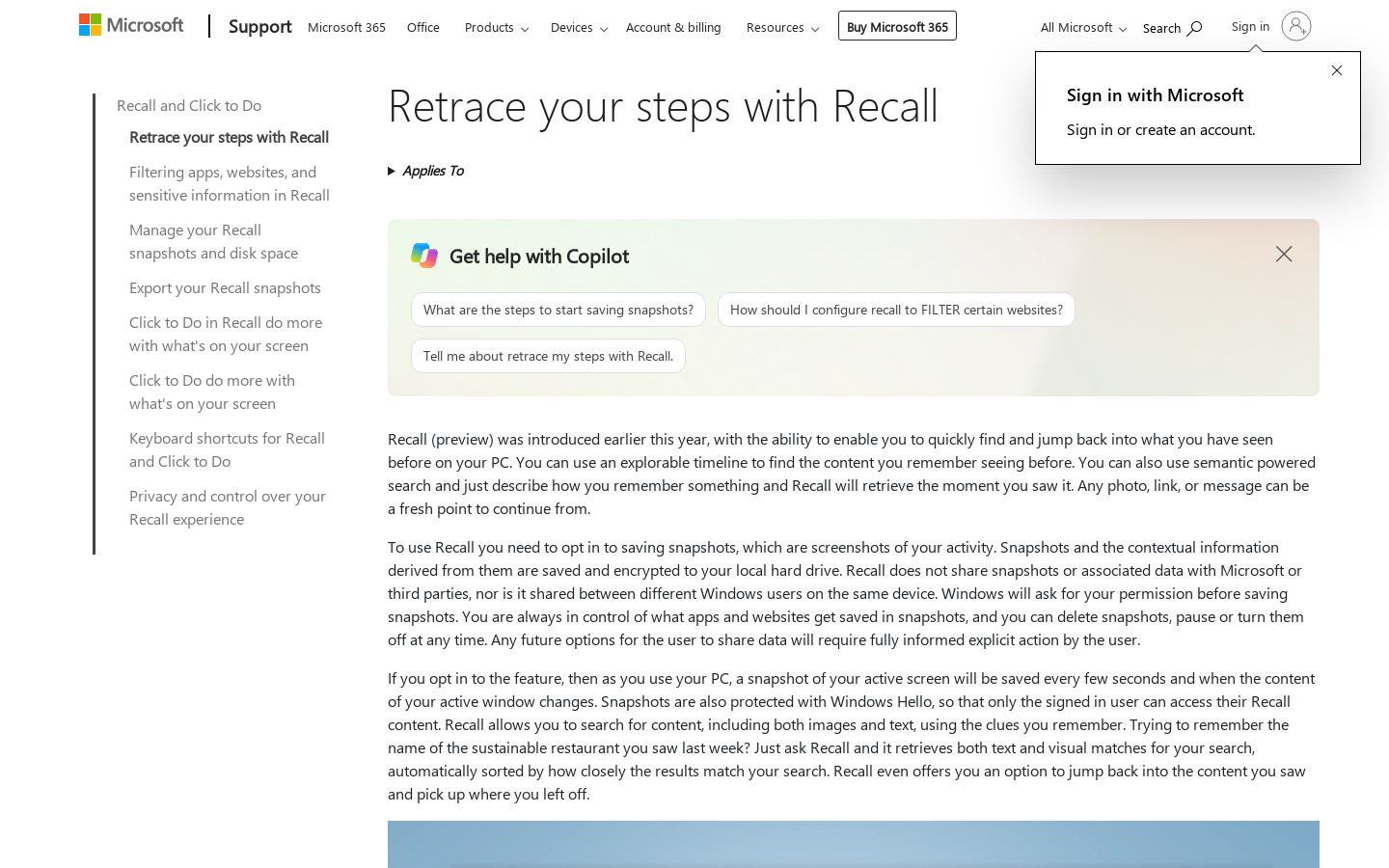
MSearchable local snapshots of your screen history on Windows 11 Copilot+ PCs


Searchable local snapshots of your screen history on Windows 11 Copilot+ PCs

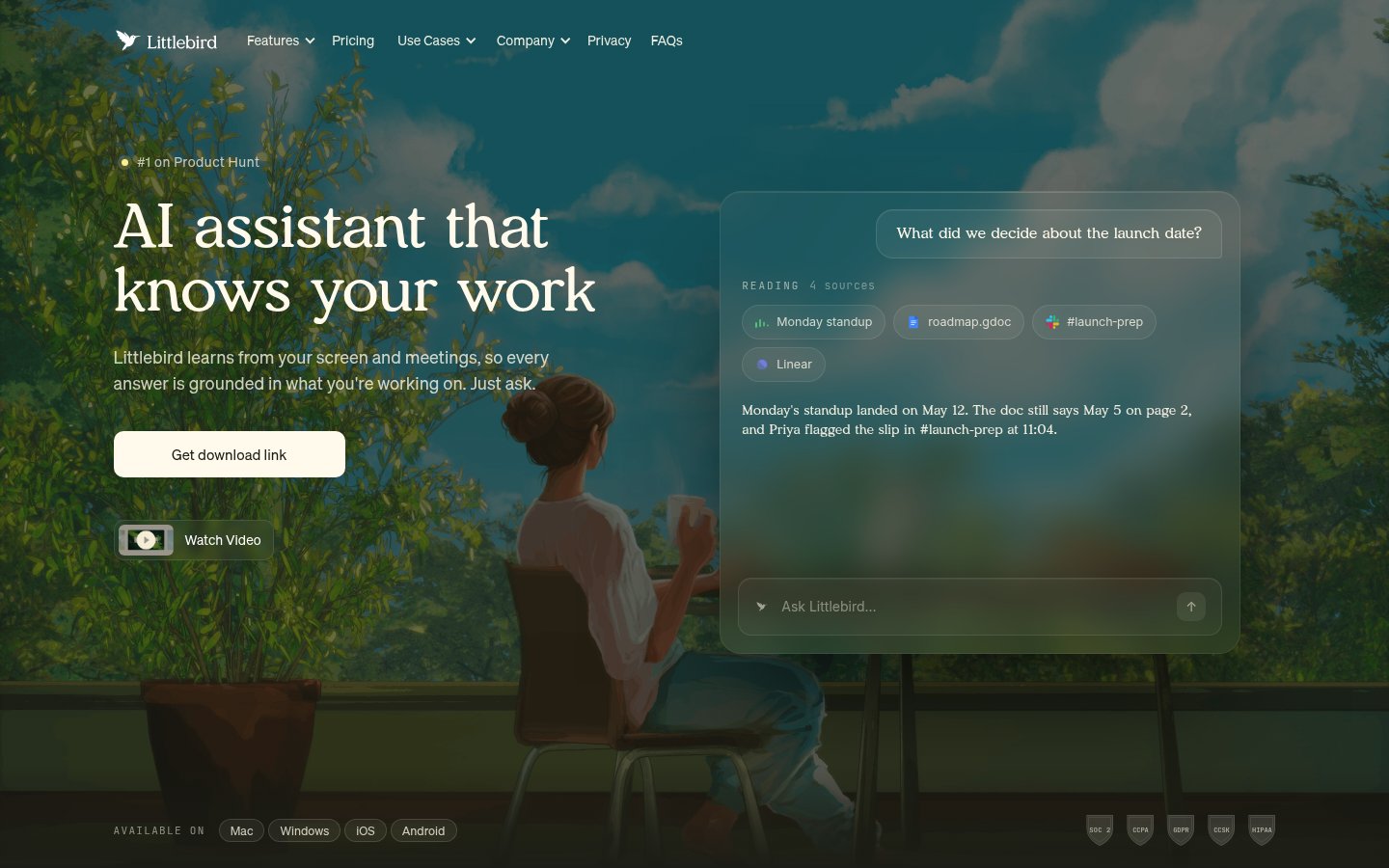
LAI assistant that remembers your screen, meetings and apps and acts on them


AI assistant that remembers your screen, meetings and apps and acts on them

F

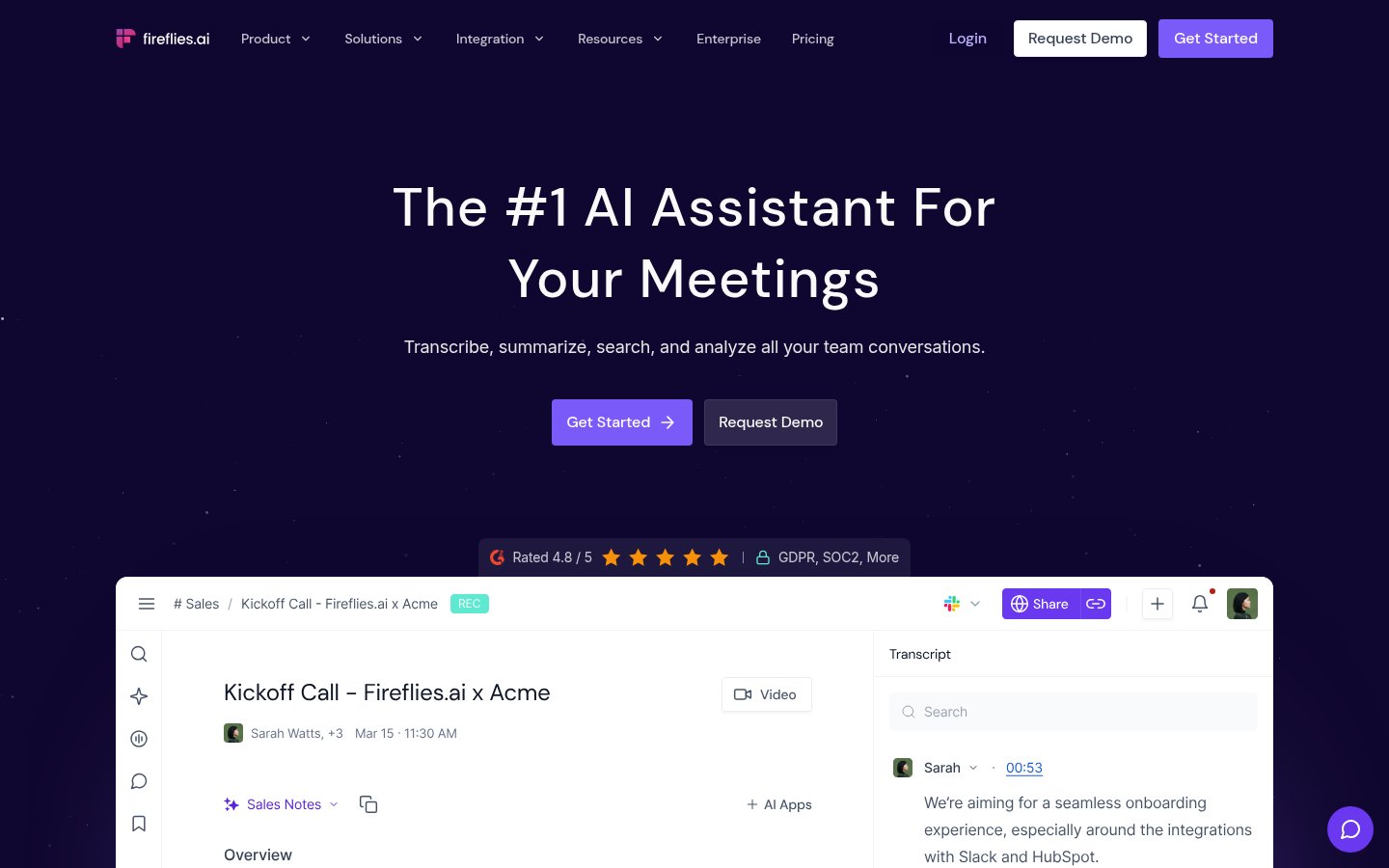
AI notetaker that records, transcribes and summarizes team meetings

OAI meeting notetaker with live transcription, summaries and CRM follow-ups


AI meeting notetaker with live transcription, summaries and CRM follow-ups
Built from each vendor's public website; we haven't tested them hands-on. Editorial policy