



B
 B
Local SEO platform for rank tracking, listings and reviews for businesses and agencies
From $31/mo
BLocal SEO platform for rank tracking, listings and reviews for businesses and agencies
Local SEO platform for rank tracking, listings and reviews for businesses and agencies

 P
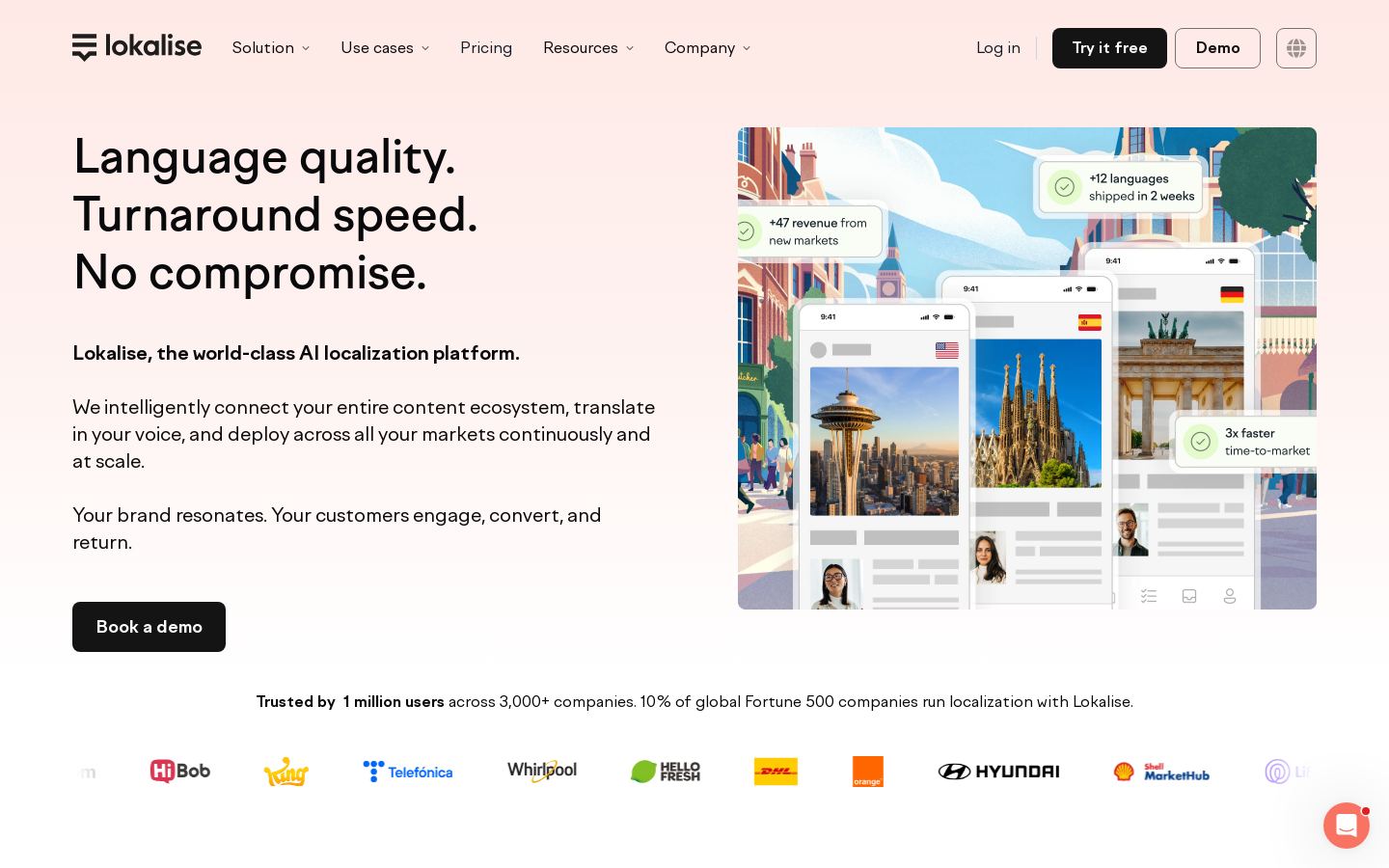
Translation management and localization platform for teams, developers and LSPs

 P

 P
Turns prompts, documents and URLs into branded, editable PowerPoint decks
Turns prompts, documents and URLs into branded, editable PowerPoint decks

 R
AI background remover for single images, bulk uploads and API workflows
AI background remover for single images, bulk uploads and API workflows

 R
Voice cloning, speech-to-speech and TTS for film, games, ads and creators

 S

 T
Open-source, self-hosted AI coding assistant for developers and teams

 T
Enterprise iPaaS for integrations, automations, AI agents and governed MCP

 U
AI UI design tool that turns text prompts and screenshots into app mockups
 L
 S
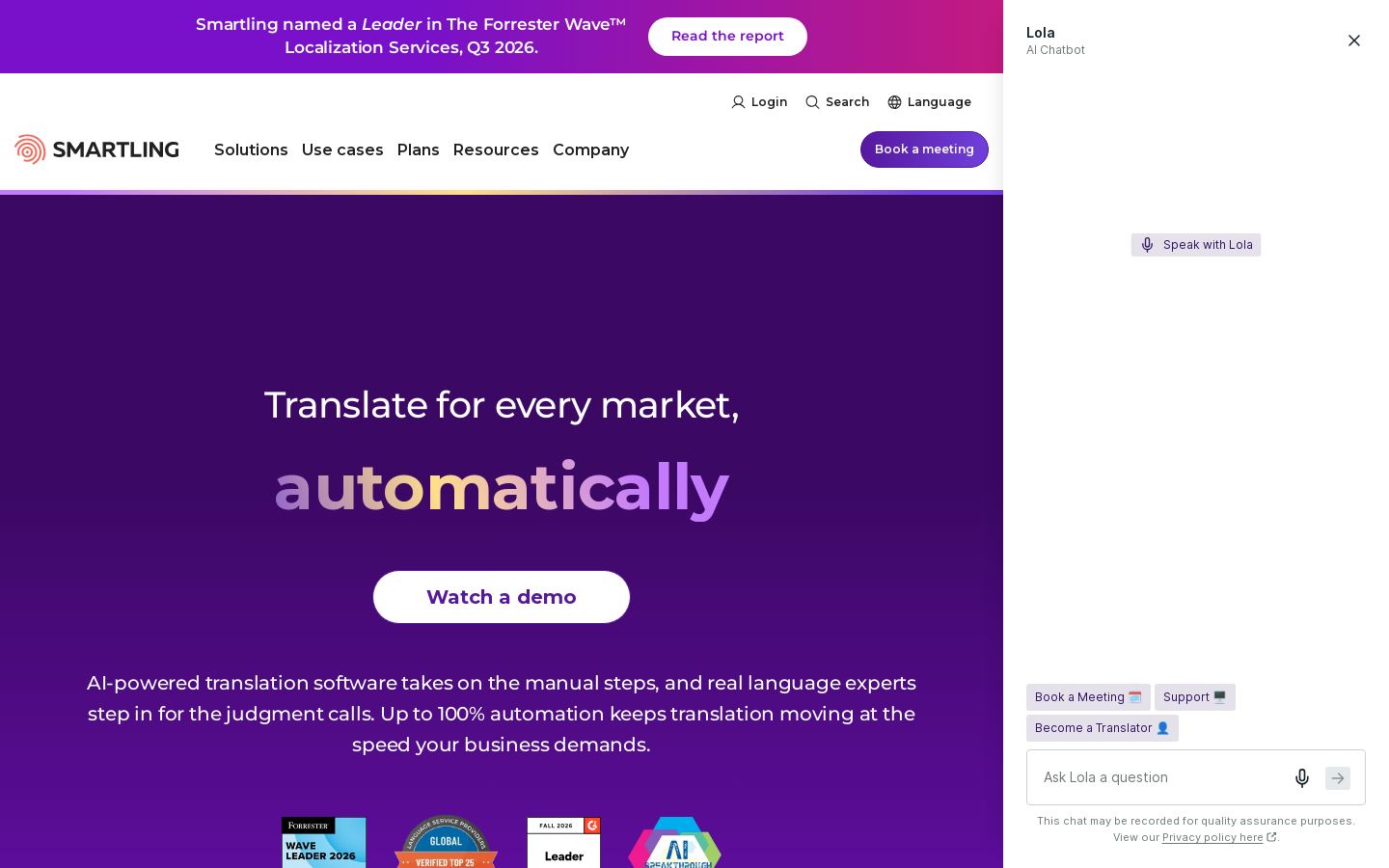
Translation management platform with AI, machine and human translation

 S
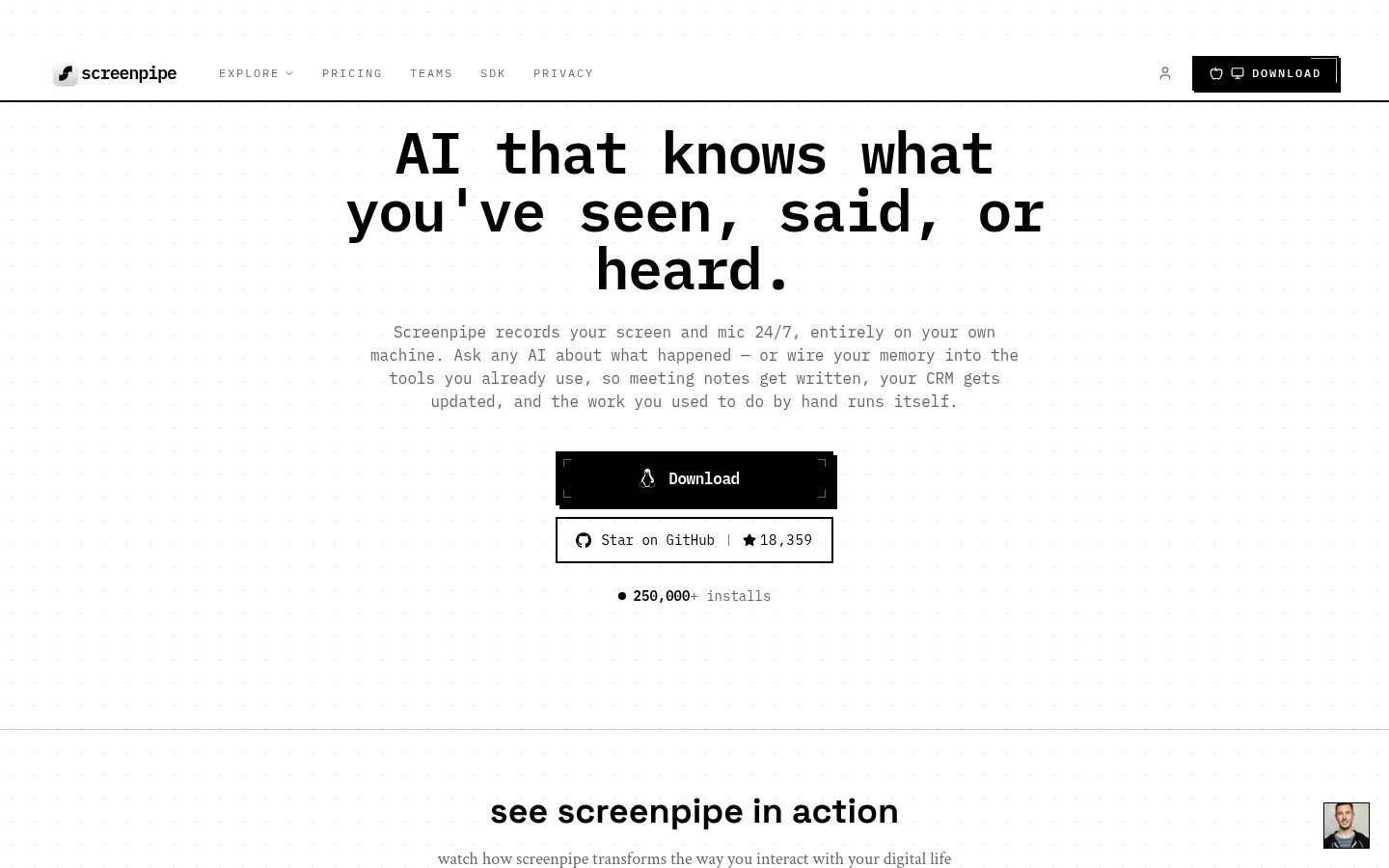
Local screen and audio recording that gives AI tools searchable context

 V
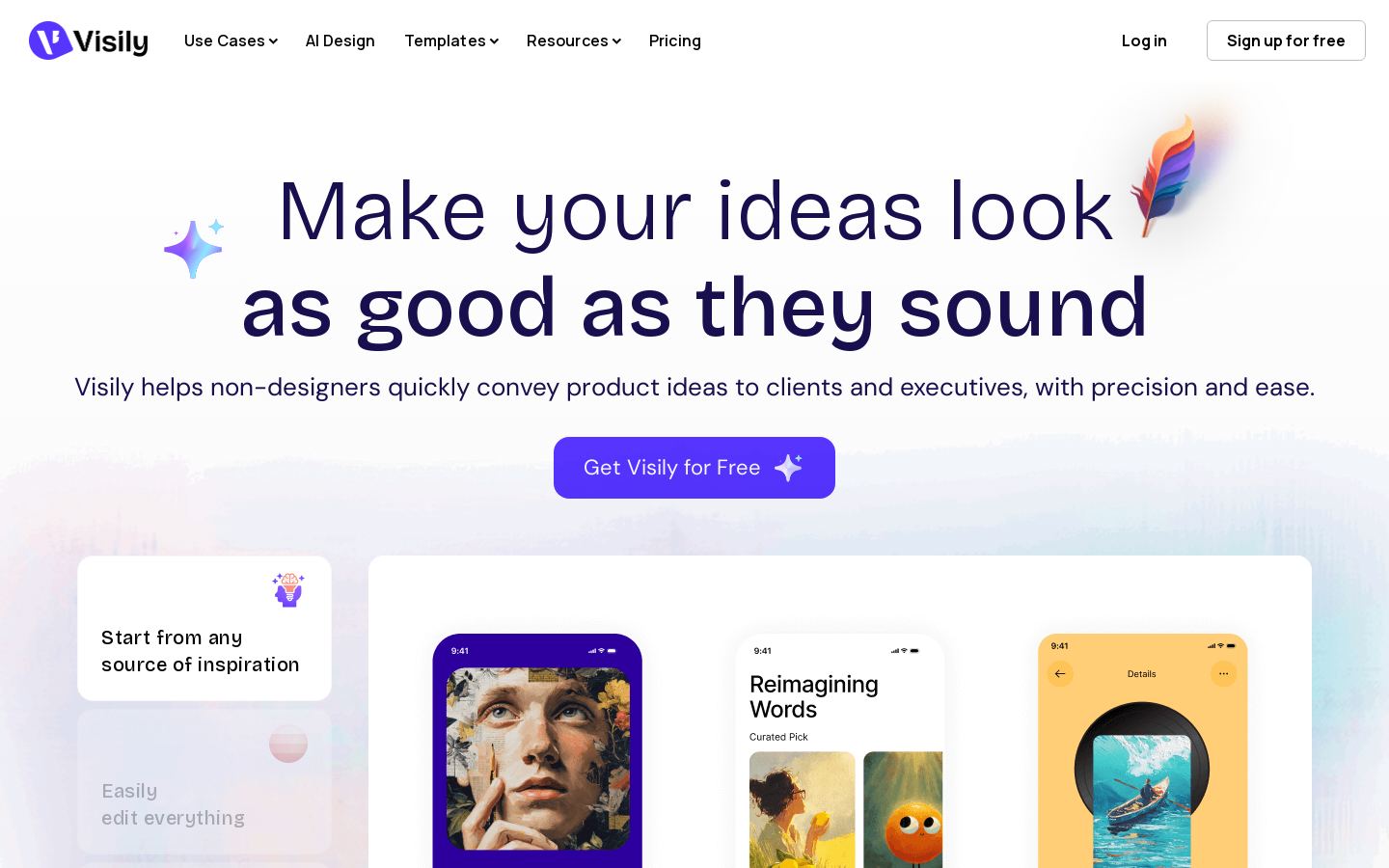
AI wireframes, mockups and prototypes for non-designers and product teams
 V
Open-source offline speech recognition toolkit for developers in 20+ languages
 M
AI stock research terminal and financial data API for investors

 V
Continuously updated company data on 693M businesses for risk and sourcing teams
Most coding tools in this category fall into one of a few types. Matching the type to how you work matters more than any single feature.
Yes. Cursor, GitHub Copilot, Windsurf, Replit, Lovable, Ollama, LM Studio and Mistral are listed as freemium, so each has a free tier. What the free tiers include varies, and we haven't tested their limits.
Listed starting prices are Cursor from $8/mo, GitHub Copilot from $10/mo, Mistral from $14.99/mo, Ollama from $16.67/mo, Replit from $18/mo, and Windsurf and LM Studio from $20/mo. OpenAI Codex is paid only. We don't have pricing for Aider, Devin or JetBrains AI.
First, check whether it works where you already code: your editor (VS Code or JetBrains), the terminal (Aider) or the browser (Replit, Lovable). Next, decide how much you want an agent to do without you, like Devin or OpenAI Codex, versus assisting while you work. Finally, check whether you need local or self-hosted models (Ollama, LM Studio, Mistral) and whether you need API access.
For an AI-first editor, there's Cursor or Windsurf. JetBrains AI covers JetBrains users, and Aider is a terminal-based option. For more autonomous agents, there's Devin or OpenAI Codex. To run models locally, there's Ollama or LM Studio.