




P
 PP
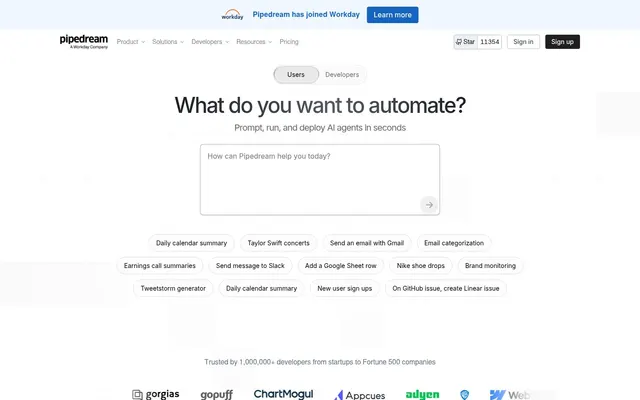
Managed auth and 10,000+ API tools for developers building AI agents

 G
Fast LLM inference cloud and OpenAI-compatible API built on custom LPU chips

 R
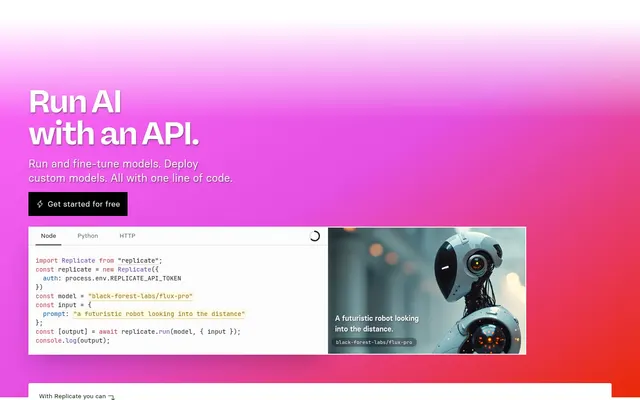
Run, fine-tune and deploy open-source ML models through a cloud API

 B
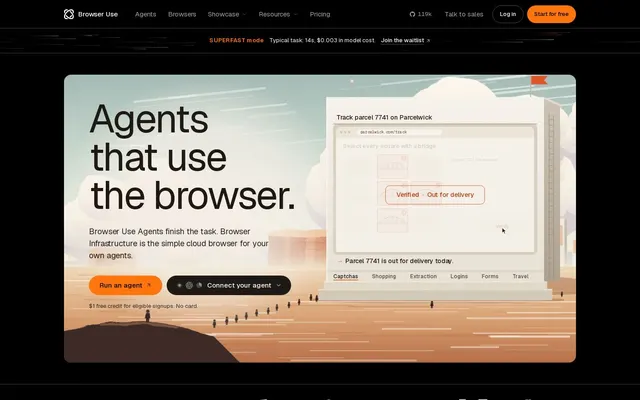
AI agents and cloud browsers that automate web tasks for developers

 B
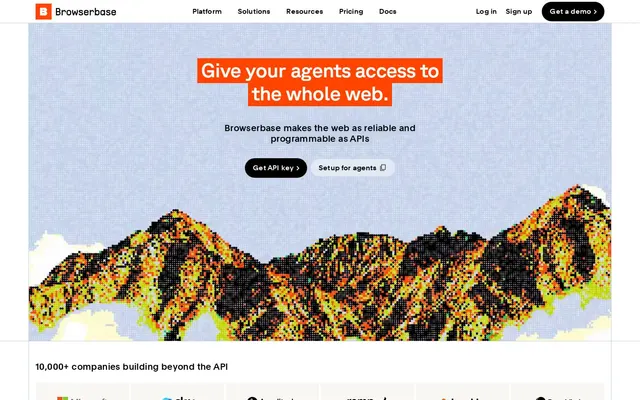
Cloud headless browsers and web APIs for developers building AI agents

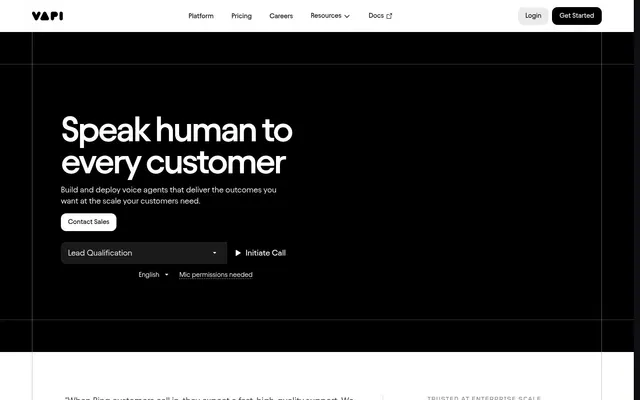 V
Developer platform to build, test and deploy voice AI agents for phone calls

 T
Form an LLC and build your brand, website and logo from one small-business account
Form an LLC and build your brand, website and logo from one small-business account

 T
Cloud for running, fine-tuning and scaling open-source AI models on GPUs

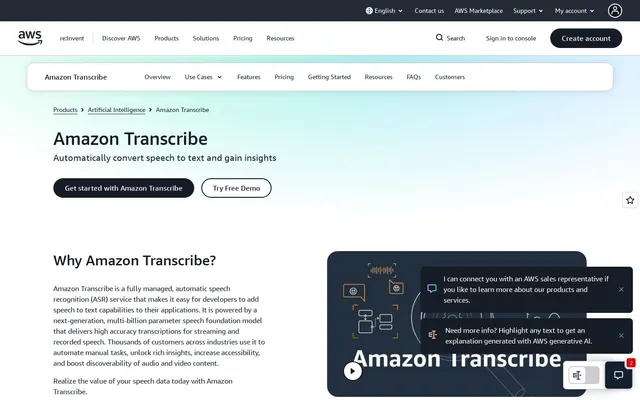 A
Managed speech-to-text service on AWS for batch and streaming audio

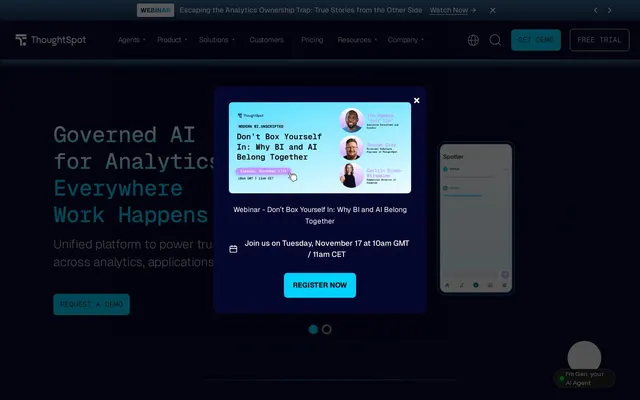 T
Agentic analytics platform with natural-language search and AI dashboards
Agentic analytics platform with natural-language search and AI dashboards

 R
AI website builder that turns notes or docs into sitemaps, wireframes and pages
AI website builder that turns notes or docs into sitemaps, wireframes and pages
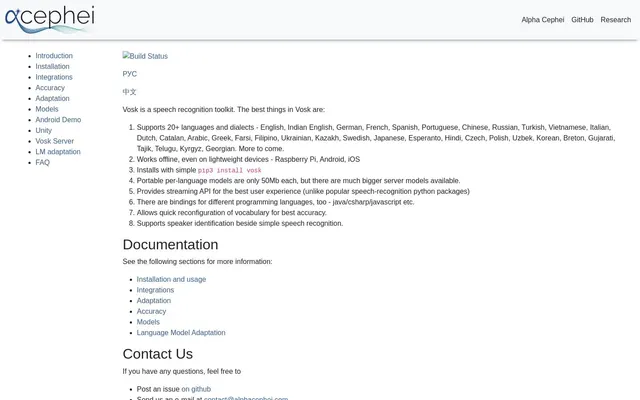 V
Open-source offline speech recognition toolkit for developers in 20+ languages

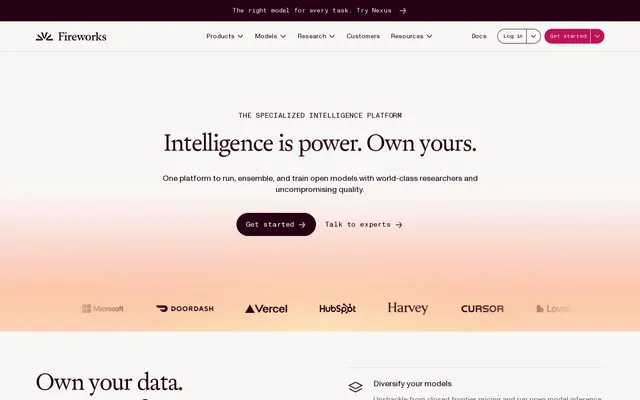 F
Inference and fine-tuning platform for open AI models, for developers and teams
Inference and fine-tuning platform for open AI models, for developers and teams

 G

Build, deploy and monitor AI voice agents that answer and place phone calls

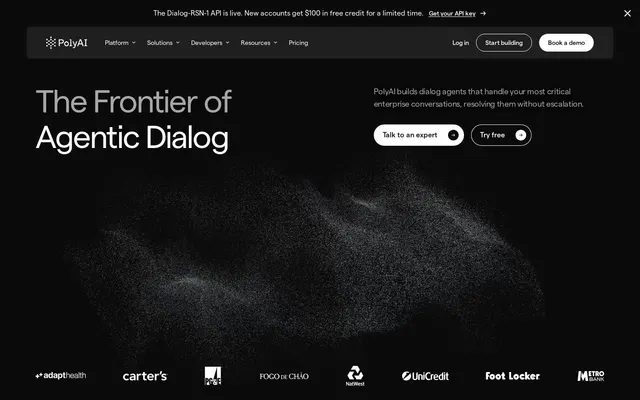 P
Voice and chat AI agents for enterprise customer service, plus a voice model API

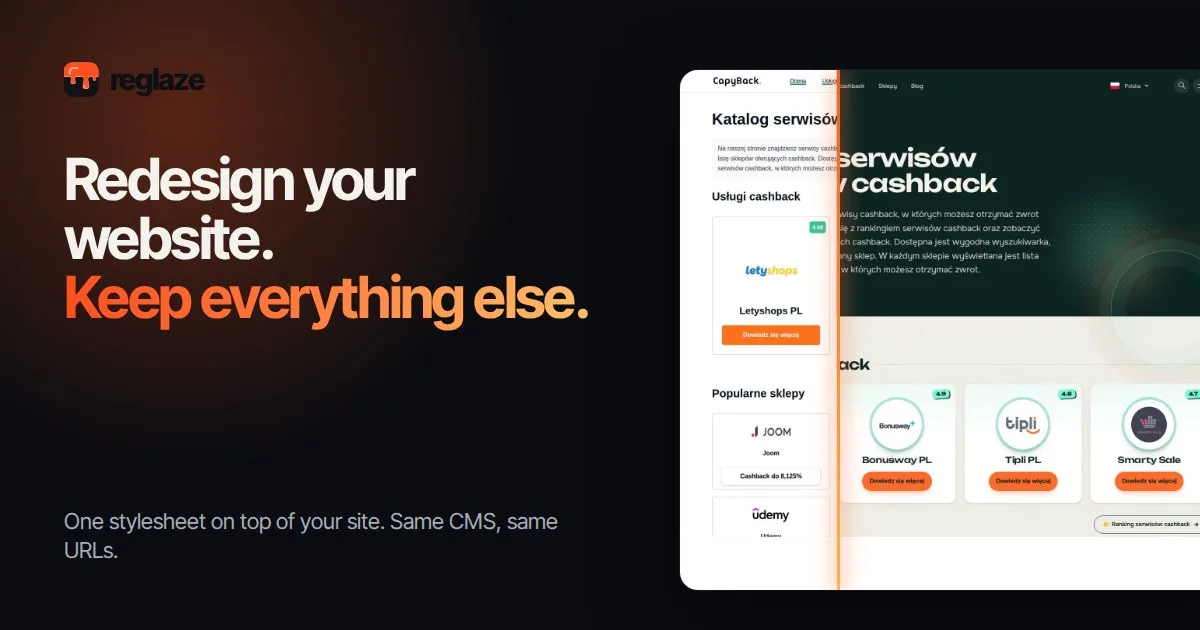 R
Reglaze scans every page type of your site, designs a unified new look and deliv
Most coding tools in this category fall into one of a few types. Matching the type to how you work matters more than any single feature.
Yes. Cursor, GitHub Copilot, Windsurf, Replit, Lovable, Ollama, LM Studio and Mistral are listed as freemium, so each has a free tier. What the free tiers include varies, and we haven't tested their limits.
Listed starting prices are Cursor from $8/mo, GitHub Copilot from $10/mo, Mistral from $14.99/mo, Ollama from $16.67/mo, Replit from $18/mo, and Windsurf and LM Studio from $20/mo. OpenAI Codex is paid only. We don't have pricing for Aider, Devin or JetBrains AI.
First, check whether it works where you already code: your editor (VS Code or JetBrains), the terminal (Aider) or the browser (Replit, Lovable). Next, decide how much you want an agent to do without you, like Devin or OpenAI Codex, versus assisting while you work. Finally, check whether you need local or self-hosted models (Ollama, LM Studio, Mistral) and whether you need API access.
For an AI-first editor, there's Cursor or Windsurf. JetBrains AI covers JetBrains users, and Aider is a terminal-based option. For more autonomous agents, there's Devin or OpenAI Codex. To run models locally, there's Ollama or LM Studio.